Page 212 of 532

212 2-4. Using other driving systems
CAUTION
■Cautions regarding the use of the system
The driver is solely responsible for safe driving. Always drive safely, taking
care to observe your surroundings.
The Blind Spot Monitor is a supplementary system which alerts the driver
that a vehicle is present in the blind spot. Do not overly rely on the Blind Spot
Monitor. The system cannot judge if it is safe to change lanes, therefore over
reliance could cause an accident resulting in death or serious injury. Accord-
ing to conditions, the system may not function correctly. Therefore the
driver’s own visual confirmation of safety is necessary.
■ Handling the radar sensor
One Blind Spot Monitor is installed inside the left and right side of the vehicle
rear bumper respectively. Observe the following to ensure the Blind Spot
Monitor can function correctly.
●Do not subject the sensor or surrounding area on the bumper to a strong
impact. If the sensor moves even slightly off position, the system may mal-
function and vehicles that enter the detection area may not be detected. If
the sensor or surrounding area is subject to a strong impact, always have
the area inspected by your Toyota dealer.
● Do not disassemble the sensor.
● Do not attach accessories or stickers to the sensor or surrounding area on
the bumper.
● Do not modify the sensor or surrounding area on the bumper.
● Do not paint the sensor or surrounding area on the bumper.
●Keep the sensor and its surrounding
area on the bumper clean at all times.
Page 234 of 532

234 3-1. Using the air conditioning system and defogger
Using the automatic air conditioning system
Press .
The air conditioning system beg ins to operate. Air outlets and
fan speed are automatically adjus ted according to the temper-
ature setting.
Turn clockwise to increase the temperature and turn
counterclockwise to decrease the temperature.
When is pressed (the indicator is on) or the passen-
ger’s side temperature control dial is turned, the temperature for the
driver and passenger seats can be adjusted separately.
Adjusting the settings manually To adjust the fan speed, press “>” on to increase the
fan speed and “<” to decrease the fan speed.
Press to turn the fan off.
To adjust the temperature setting, turn clockwise to
increase the temperature and turn counterclockwise to
decrease the temperature.
When is pressed (the indicator is on) or the passen-
ger’s side temperature control dial is turned, the temperature for the
driver and passenger seats can be adjusted separately.
To change the air outlets, press “<” or “>” on .
The air outlets used are switched each time either side of the button
is pressed.
STEP1
STEP2
STEP1
STEP2
STEP3
Page 239 of 532

239
3-1. Using the air conditioning system
and defogger
3
Interior features
■Air conditioning odors
●During use, various odors from inside and outside the vehicle may enter
into and accumulate in the air conditioning system. This may then cause
odor to be emitted from the vents.
● To reduce potential odors from occurring:
• It is recommended that the air conditioning system be set to outside air
mode prior to turning the vehicle off.
• The start timing of the blower may be delayed for a short period of time immediately after the air conditioning system is started in automatic
mode.
■ Air conditioning filter
P. 382
■ Customization that can be co nfigured at Toyota dealer
Settings (e.g. air conditioning setting) can be changed.
(Customizable features P. 493)
CAUTION
■To prevent the windshield from fogging up
Do not use during cool air operation in extremely humid weather.
The difference between the temperature of the outside air and that of the
windshield can cause the outer surface of the windshield to fog up, blocking
your vision.
NOTICE
■To prevent battery discharge
Do not leave the air conditioning system on longer than necessary when the
engine is stopped.
Page 249 of 532
249
3-2. Using the audio system
3
Interior features
Scanning radio stations
■ Scanning the preset radio stations
Press and hold until you hear a beep.
Preset stations will be played for 5 seconds each.
When the desired station is reached, press once
again.
■ Scanning all radio stations within range
Press
.
All stations with reception will be played for 5 seconds each.
When the desired station is reached, press once
again.
Switching the display
Press .
Each time is pressed, the display changes in the following order:
Frequency Channel name Radio text.
STEP1
STEP2
STEP1
STEP2
Page 253 of 532
253
3-2. Using the audio system
3
Interior features
Random playback
Press (RDM).
Tracks are played in a random order until (RDM) is pressed again.
Playing and pausing tracks
Press ( ).
Switching the displayPress .
Each time is pressed, the display changes in the following order:
Track no./Elapsed time CD title Track title Artist name.
■Display
Up to 12 characters can be displayed at a time.
If there are 13 characters or more, pressing and holding for 1 sec-
ond or more will display the remaining characters.
A maximum of 24 characters can be displayed.
If is pressed for 1 second or more again or has not been pressed for
6 seconds or more, the display will return to the first 12 characters.
Depending on the contents recorded, the characters may not be displayed
properly or may not be displayed at all.
Page 259 of 532
259
3-2. Using the audio system
3
Interior features
Fast-forwarding and reversing files
Press and hold or .
Repeat playPressing (RPT) changes modes in the following order:
File repeat Folder repeat* Off.
*: Available except when RDM (random playback) is selected
Random playback
Pressing (RDM) changes modes in the following order:
Folder random Disc random Off.
Playing and pausing files
Press ( ).
Switching the displayPress .
Each time is pressed, the display changes in the following order:
Track no./Elapsed time Folder name File name Album title (MP3
only) Track title Artist name.
Page 268 of 532
268 3-2. Using the audio system
Shuffle playbackPressing (RDM) changes mode s in the following order:
Track shuffle Album shuffle Off.
Playing and pausing songs
Press ( ).
Switching the displayPress .
Each time is pressed, the display changes in the following order:
Track no./Elapsed time Album name Track title Artist name.
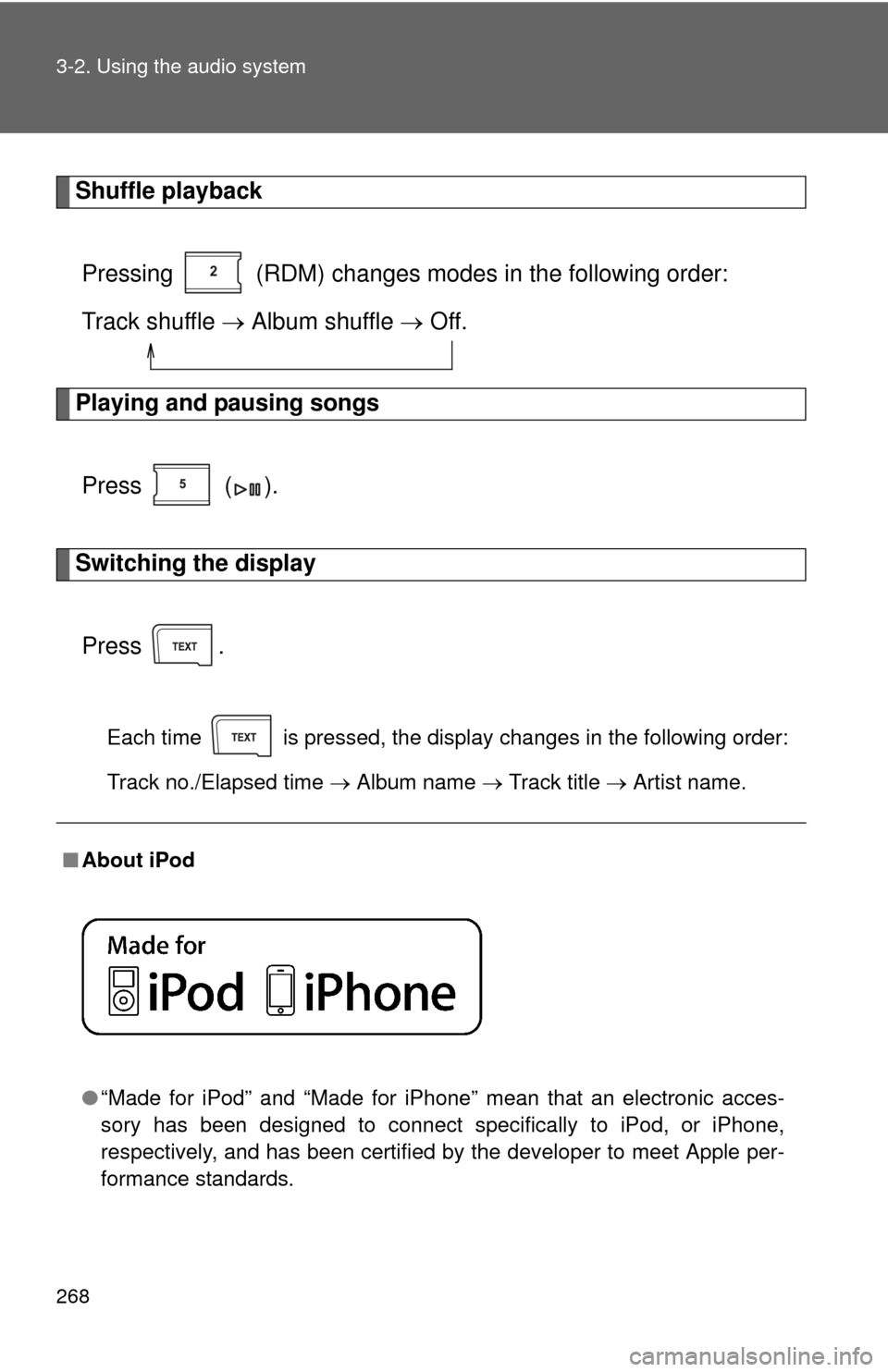
■About iPod
●“Made for iPod” and “Made for iPhone” mean that an electroni\
c acces-
sory has been designed to connect specifically to iPod, or iPhone,
respectively, and has been certified by the developer to meet Apple per-
formance standards.
Page 275 of 532
275
3-2. Using the audio system
3
Interior features
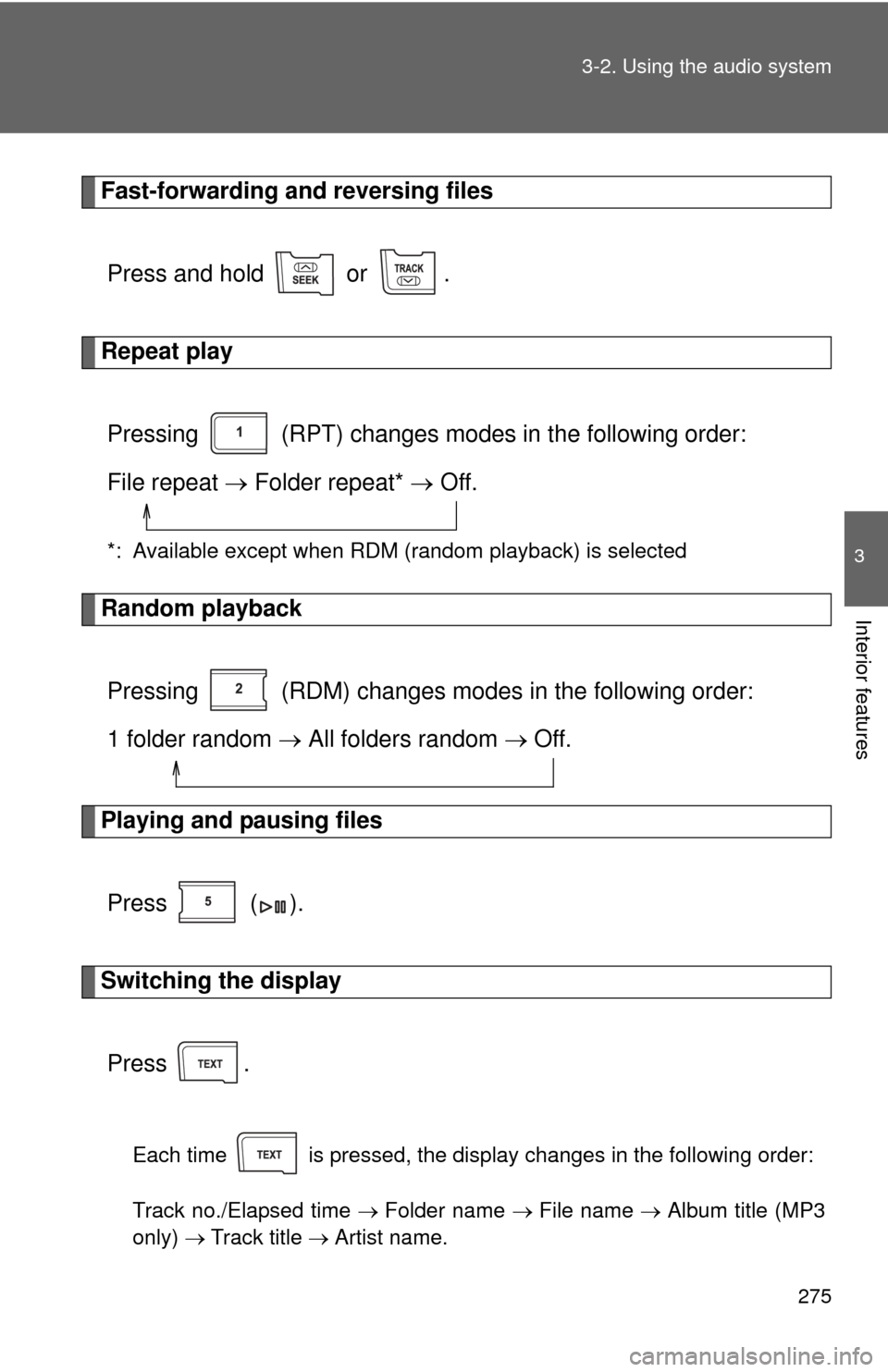
Fast-forwarding and reversing files
Press and hold or .
Repeat playPressing (RPT) changes modes in the following order:
File repeat Folder repeat* Off.
*: Available except when RDM (random playback) is selected
Random playback
Pressing (RDM) changes modes in the following order:
1 folder random All folders random Off.
Playing and pausing files
Press ( ).
Switching the displayPress .
Each time is pressed, the display changes in the following order:
Track no./Elapsed time Folder name File name Album title (MP3
only) Track title Artist name.