Page 253 of 454
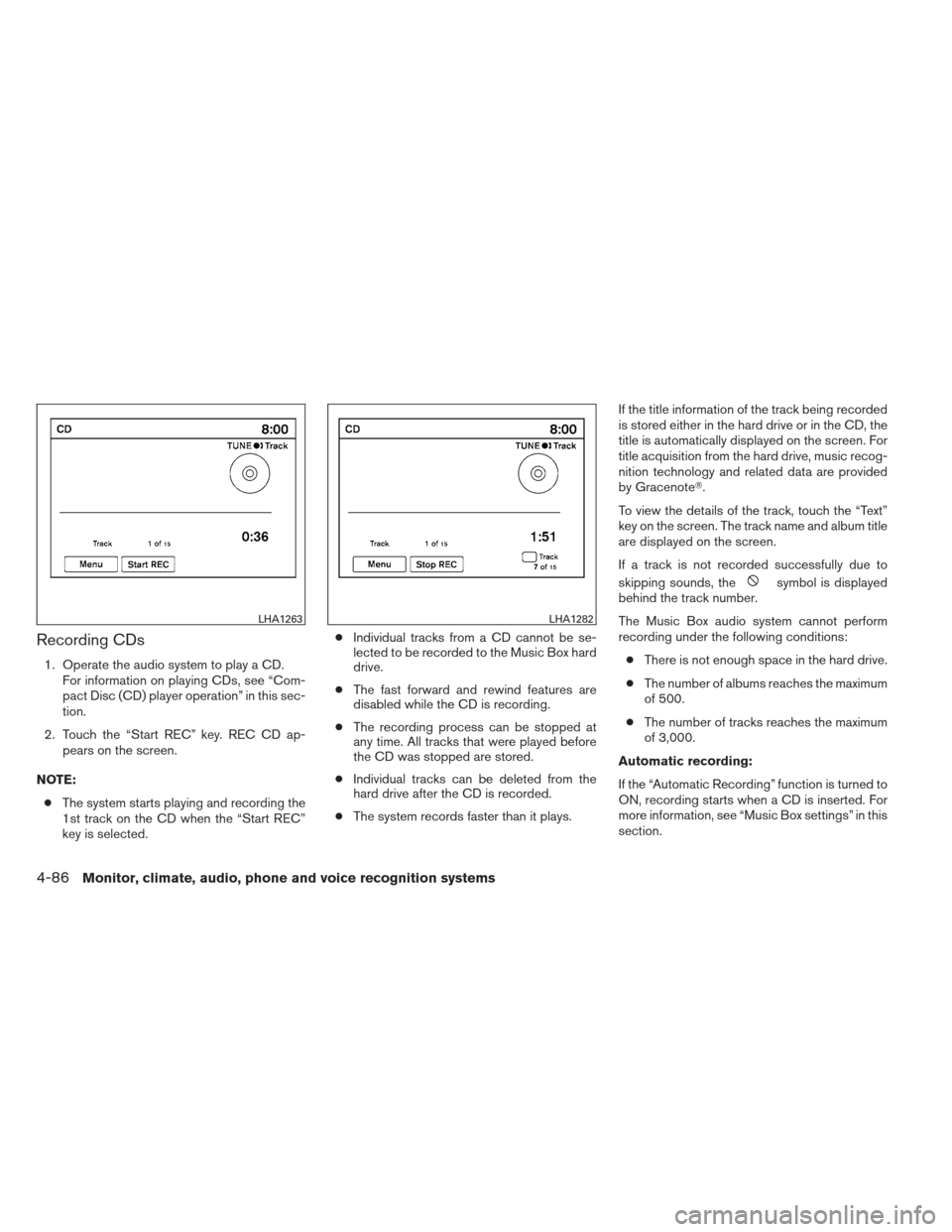
Recording CDs
1. Operate the audio system to play a CD.For information on playing CDs, see “Com-
pact Disc (CD) player operation” in this sec-
tion.
2. Touch the “Start REC” key. REC CD ap- pears on the screen.
NOTE: ● The system starts playing and recording the
1st track on the CD when the “Start REC”
key is selected. ●
Individual tracks from a CD cannot be se-
lected to be recorded to the Music Box hard
drive.
● The fast forward and rewind features are
disabled while the CD is recording.
● The recording process can be stopped at
any time. All tracks that were played before
the CD was stopped are stored.
● Individual tracks can be deleted from the
hard drive after the CD is recorded.
● The system records faster than it plays. If the title information of the track being recorded
is stored either in the hard drive or in the CD, the
title is automatically displayed on the screen. For
title acquisition from the hard drive, music recog-
nition technology and related data are provided
by Gracenote�.
To view the details of the track, touch the “Text”
key on the screen. The track name and album title
are displayed on the screen.
If a track is not recorded successfully due to
skipping sounds, the
symbol is displayed
behind the track number.
The Music Box audio system cannot perform
recording under the following conditions:
● There is not enough space in the hard drive.
● The number of albums reaches the maximum
of 500.
● The number of tracks reaches the maximum
of 3,000.
Automatic recording:
If the “Automatic Recording” function is turned to
ON, recording starts when a CD is inserted. For
more information, see “Music Box settings” in this
section.
LHA1263LHA1282
4-86Monitor, climate, audio, phone and voice recognition systems
Page 258 of 454
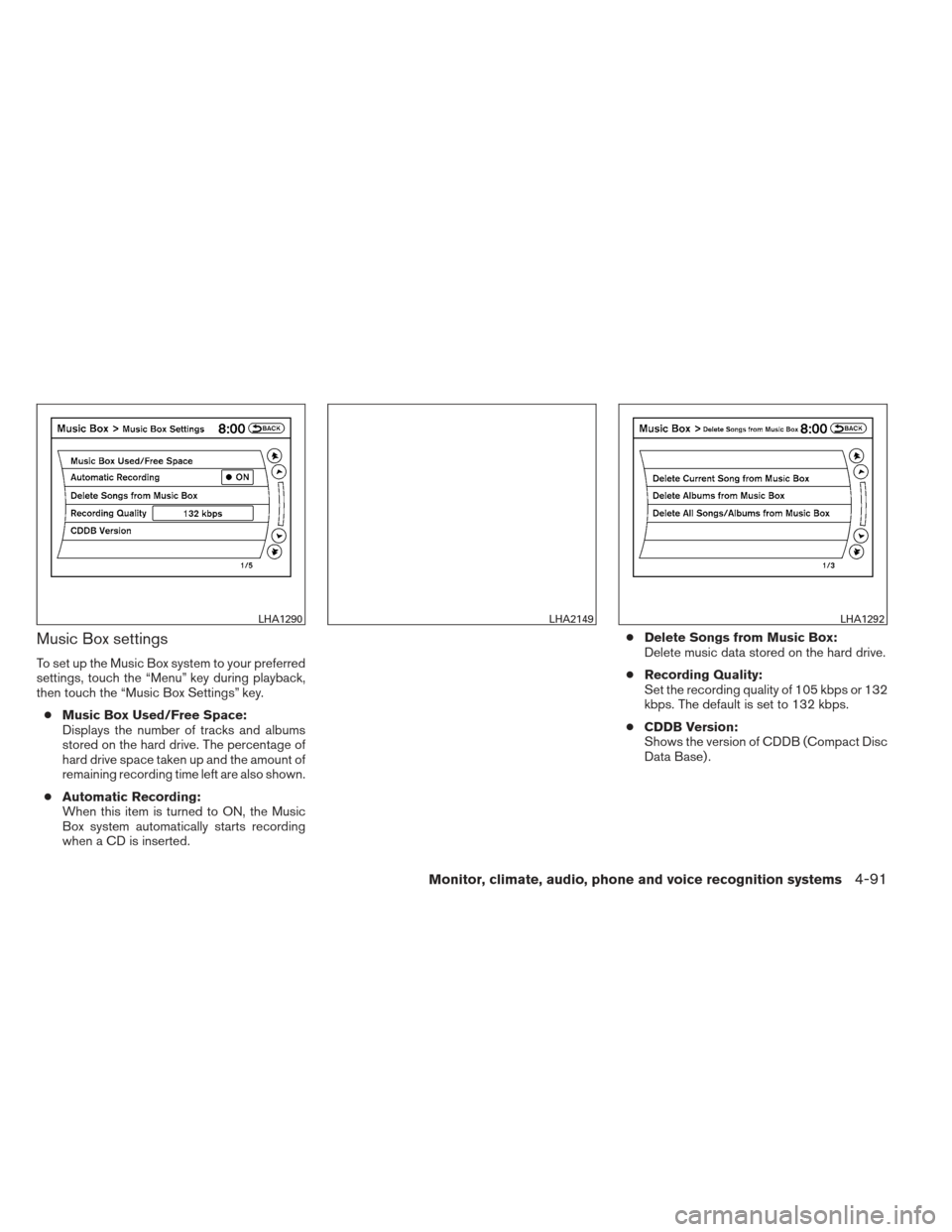
Music Box settings
To set up the Music Box system to your preferred
settings, touch the “Menu” key during playback,
then touch the “Music Box Settings” key.● Music Box Used/Free Space:
Displays the number of tracks and albums
stored on the hard drive. The percentage of
hard drive space taken up and the amount of
remaining recording time left are also shown.
● Automatic Recording:
When this item is turned to ON, the Music
Box system automatically starts recording
when a CD is inserted. ●
Delete Songs from Music Box:
Delete music data stored on the hard drive.
● Recording Quality:
Set the recording quality of 105 kbps or 132
kbps. The default is set to 132 kbps.
● CDDB Version:
Shows the version of CDDB (Compact Disc
Data Base) .
LHA1290LHA2149LHA1292
Monitor, climate, audio, phone and voice recognition systems4-91
Page 262 of 454
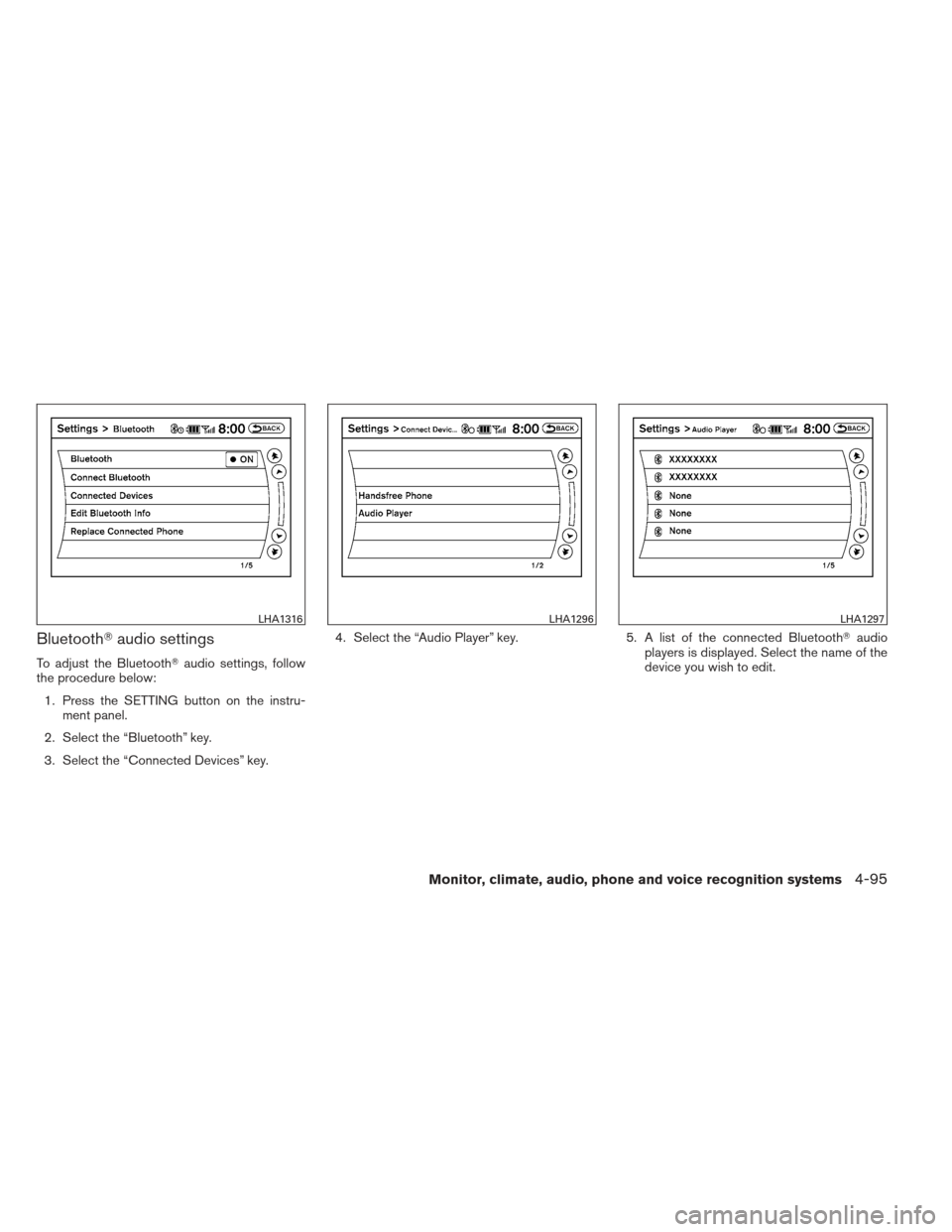
Bluetooth�audio settings
To adjust the Bluetooth� audio settings, follow
the procedure below:
1. Press the SETTING button on the instru- ment panel.
2. Select the “Bluetooth” key.
3. Select the “Connected Devices” key. 4. Select the “Audio Player” key.
5. A list of the connected Bluetooth�audio
players is displayed. Select the name of the
device you wish to edit.
LHA1316LHA1296LHA1297
Monitor, climate, audio, phone and voice recognition systems4-95
Page 284 of 454
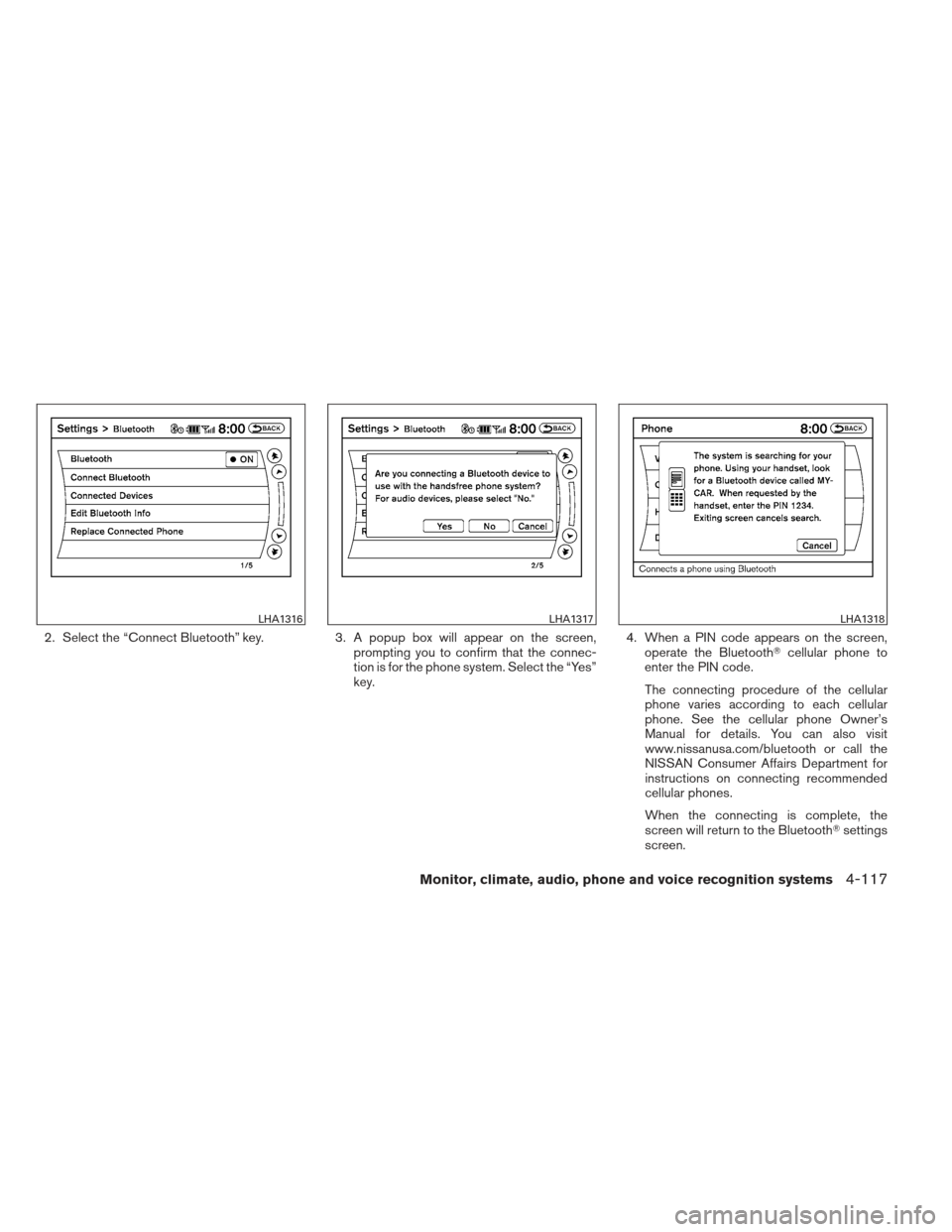
2. Select the “Connect Bluetooth” key.3. A popup box will appear on the screen,
prompting you to confirm that the connec-
tion is for the phone system. Select the “Yes”
key. 4. When a PIN code appears on the screen,
operate the Bluetooth� cellular phone to
enter the PIN code.
The connecting procedure of the cellular
phone varies according to each cellular
phone. See the cellular phone Owner’s
Manual for details. You can also visit
www.nissanusa.com/bluetooth or call the
NISSAN Consumer Affairs Department for
instructions on connecting recommended
cellular phones.
When the connecting is complete, the
screen will return to the Bluetooth� settings
screen.
LHA1316LHA1317LHA1318
Monitor, climate, audio, phone and voice recognition systems4-117
Page 290 of 454
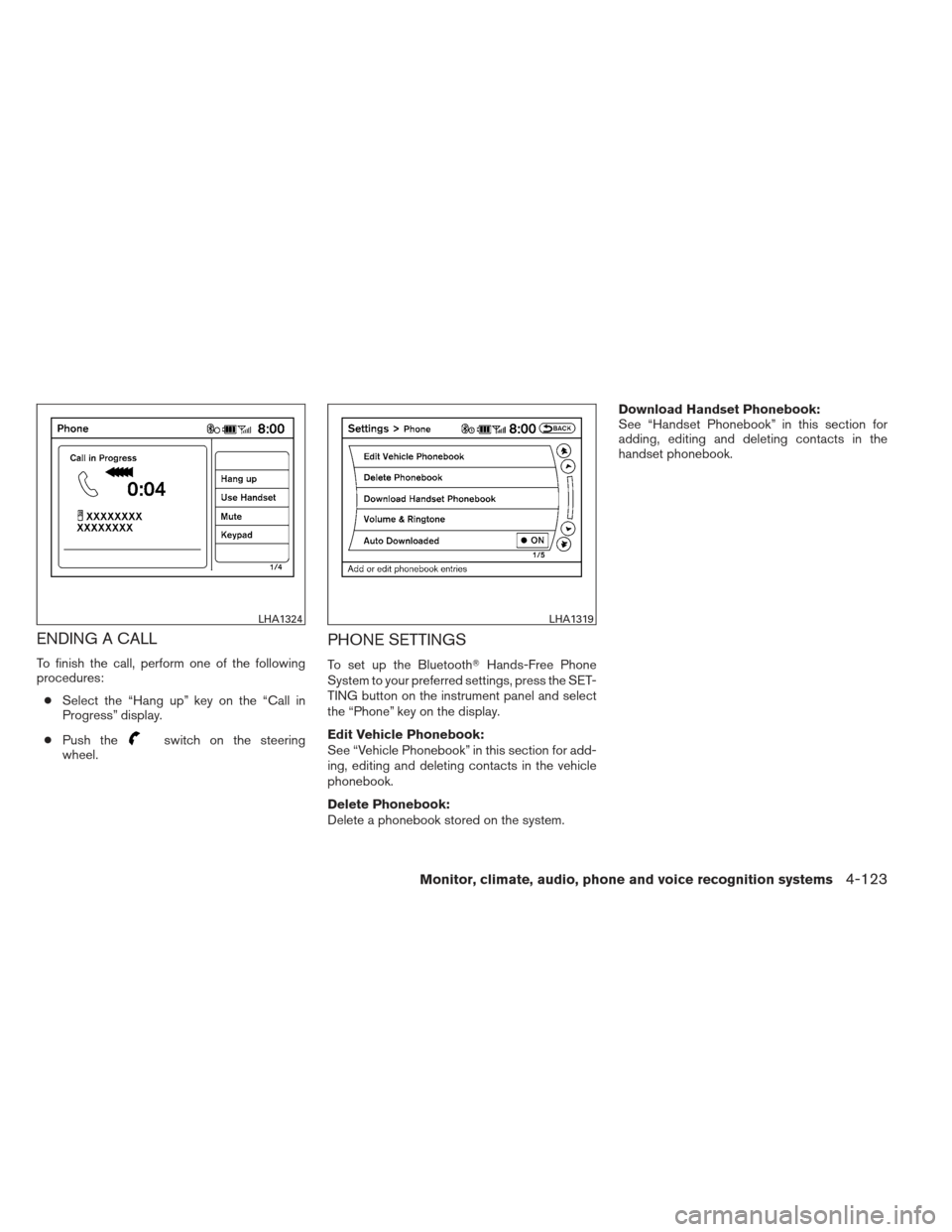
ENDING A CALL
To finish the call, perform one of the following
procedures:● Select the “Hang up” key on the “Call in
Progress” display.
● Push the
switch on the steering
wheel.
PHONE SETTINGS
To set up the Bluetooth� Hands-Free Phone
System to your preferred settings, press the SET-
TING button on the instrument panel and select
the “Phone” key on the display.
Edit Vehicle Phonebook:
See “Vehicle Phonebook” in this section for add-
ing, editing and deleting contacts in the vehicle
phonebook.
Delete Phonebook:
Delete a phonebook stored on the system. Download Handset Phonebook:
See “Handset Phonebook” in this section for
adding, editing and deleting contacts in the
handset phonebook.
LHA1324LHA1319
Monitor, climate, audio, phone and voice recognition systems4-123
Page 291 of 454
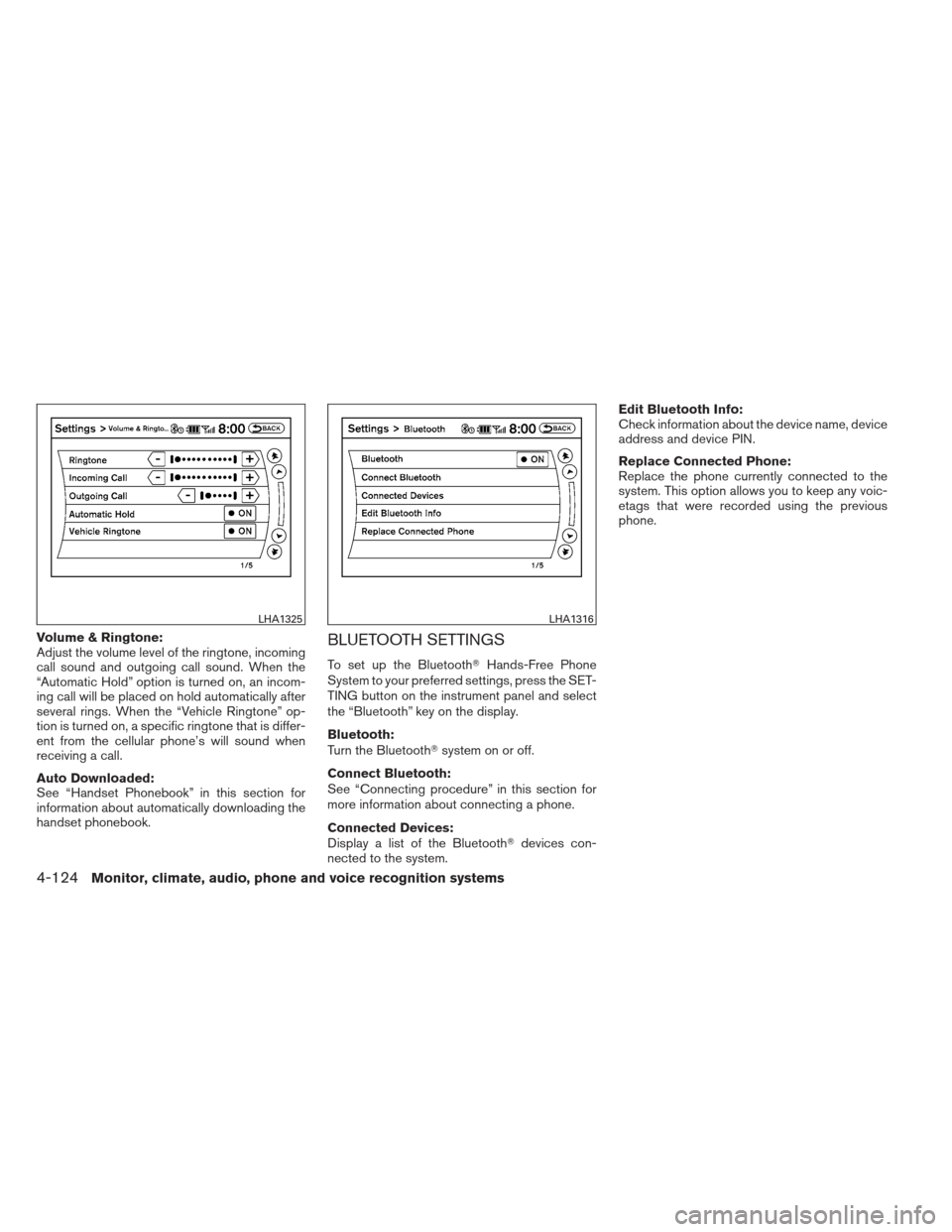
Volume & Ringtone:
Adjust the volume level of the ringtone, incoming
call sound and outgoing call sound. When the
“Automatic Hold” option is turned on, an incom-
ing call will be placed on hold automatically after
several rings. When the “Vehicle Ringtone” op-
tion is turned on, a specific ringtone that is differ-
ent from the cellular phone’s will sound when
receiving a call.
Auto Downloaded:
See “Handset Phonebook” in this section for
information about automatically downloading the
handset phonebook.BLUETOOTH SETTINGS
To set up the Bluetooth�Hands-Free Phone
System to your preferred settings, press the SET-
TING button on the instrument panel and select
the “Bluetooth” key on the display.
Bluetooth:
Turn the Bluetooth� system on or off.
Connect Bluetooth:
See “Connecting procedure” in this section for
more information about connecting a phone.
Connected Devices:
Display a list of the Bluetooth� devices con-
nected to the system. Edit Bluetooth Info:
Check information about the device name, device
address and device PIN.
Replace Connected Phone:
Replace the phone currently connected to the
system. This option allows you to keep any voic-
etags that were recorded using the previous
phone.
LHA1325LHA1316
4-124Monitor, climate, audio, phone and voice recognition systems
Page 292 of 454
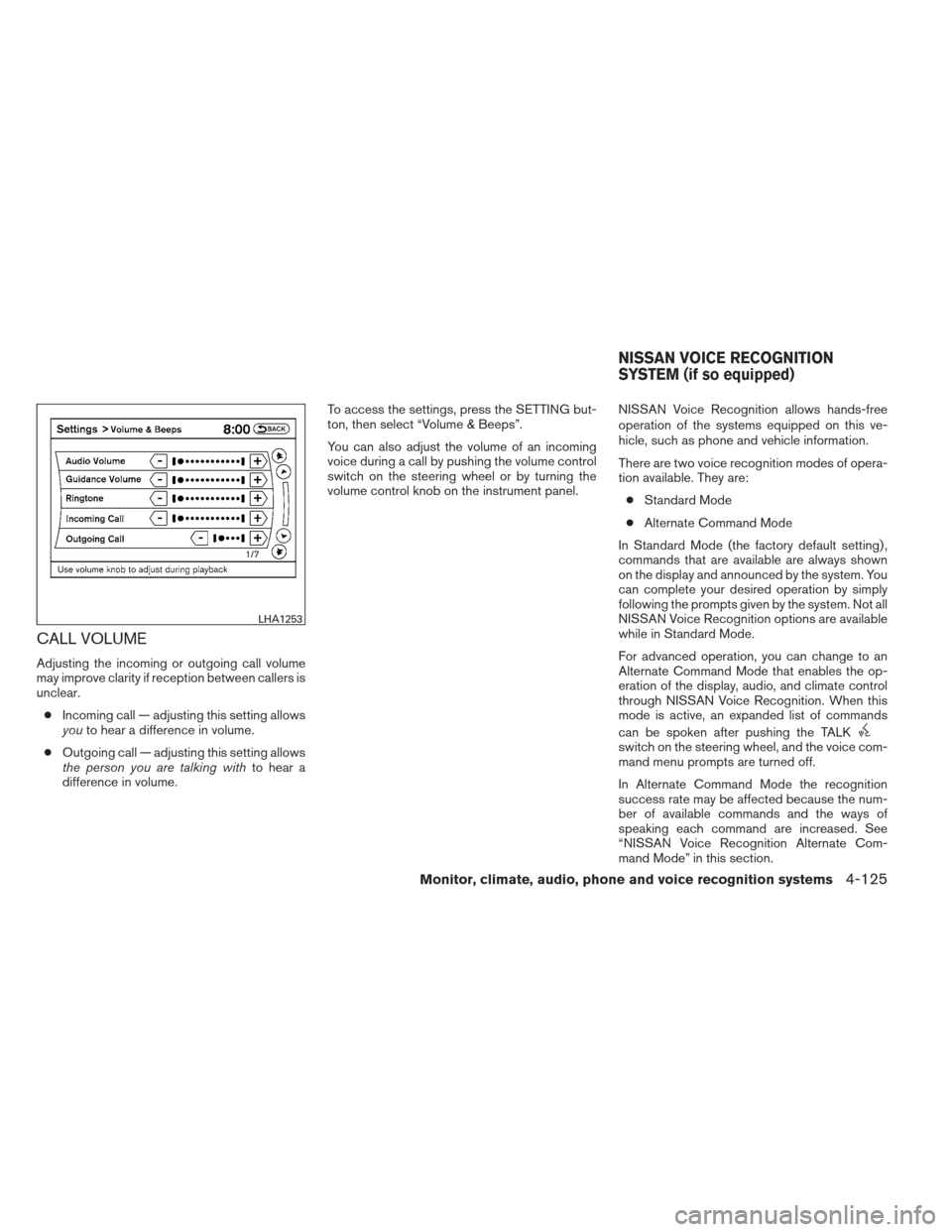
CALL VOLUME
Adjusting the incoming or outgoing call volume
may improve clarity if reception between callers is
unclear.● Incoming call — adjusting this setting allows
you to hear a difference in volume.
● Outgoing call — adjusting this setting allows
the person you are talking with to hear a
difference in volume. To access the settings, press the SETTING but-
ton, then select “Volume & Beeps”.
You can also adjust the volume of an incoming
voice during a call by pushing the volume control
switch on the steering wheel or by turning the
volume control knob on the instrument panel.
NISSAN Voice Recognition allows hands-free
operation of the systems equipped on this ve-
hicle, such as phone and vehicle information.
There are two voice recognition modes of opera-
tion available. They are:
● Standard Mode
● Alternate Command Mode
In Standard Mode (the factory default setting) ,
commands that are available are always shown
on the display and announced by the system. You
can complete your desired operation by simply
following the prompts given by the system. Not all
NISSAN Voice Recognition options are available
while in Standard Mode.
For advanced operation, you can change to an
Alternate Command Mode that enables the op-
eration of the display, audio, and climate control
through NISSAN Voice Recognition. When this
mode is active, an expanded list of commands
can be spoken after pushing the TALK
switch on the steering wheel, and the voice com-
mand menu prompts are turned off.
In Alternate Command Mode the recognition
success rate may be affected because the num-
ber of available commands and the ways of
speaking each command are increased. See
“NISSAN Voice Recognition Alternate Com-
mand Mode” in this section.
LHA1253
NISSAN VOICE RECOGNITION
SYSTEM (if so equipped)
Monitor, climate, audio, phone and voice recognition systems4-125
Page 296 of 454
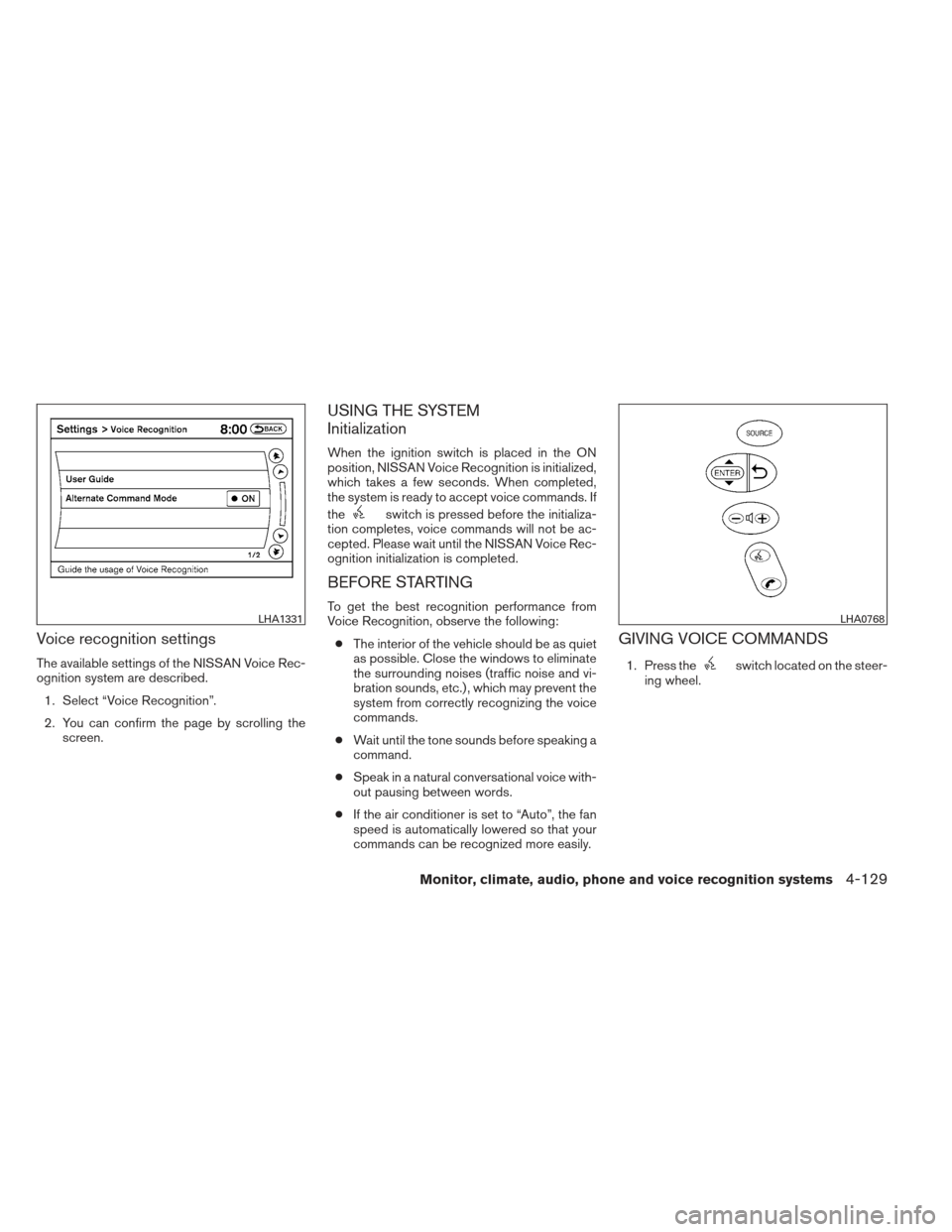
Voice recognition settings
The available settings of the NISSAN Voice Rec-
ognition system are described.1. Select “Voice Recognition”.
2. You can confirm the page by scrolling the screen.
USING THE SYSTEM
Initialization
When the ignition switch is placed in the ON
position, NISSAN Voice Recognition is initialized,
which takes a few seconds. When completed,
the system is ready to accept voice commands. If
the
switch is pressed before the initializa-
tion completes, voice commands will not be ac-
cepted. Please wait until the NISSAN Voice Rec-
ognition initialization is completed.
BEFORE STARTING
To get the best recognition performance from
Voice Recognition, observe the following:
● The interior of the vehicle should be as quiet
as possible. Close the windows to eliminate
the surrounding noises (traffic noise and vi-
bration sounds, etc.) , which may prevent the
system from correctly recognizing the voice
commands.
● Wait until the tone sounds before speaking a
command.
● Speak in a natural conversational voice with-
out pausing between words.
● If the air conditioner is set to “Auto”, the fan
speed is automatically lowered so that your
commands can be recognized more easily.
GIVING VOICE COMMANDS
1. Press theswitch located on the steer-
ing wheel.
LHA1331LHA0768
Monitor, climate, audio, phone and voice recognition systems4-129