the
0001 symbol as long as the HOLD
function is not activated (Y page 168).
Vehicles with Parking Guidance: if
PARKTRONIC is activated and you are driving
at a speed under 22 mph (35km/h) the 0013
symbol for Parking Guidanc eis displayed
instead of the 0001symbol.
Activating/deactivating ATTENTION
ASSIST X
Press the 0002or0005 button on the
steering wheel to select the DriveAssistmenu.
X Press the 0003or0004 button to select
Attention Asst. .
X Press 000C.
The current selection is displayed.
X To activate/deactivate: press000C
again.
When ATTENTION ASSIST (Y page 176) is
activated, the 0001symbol appears in the
multifunction display when the ignition is on. Service menu
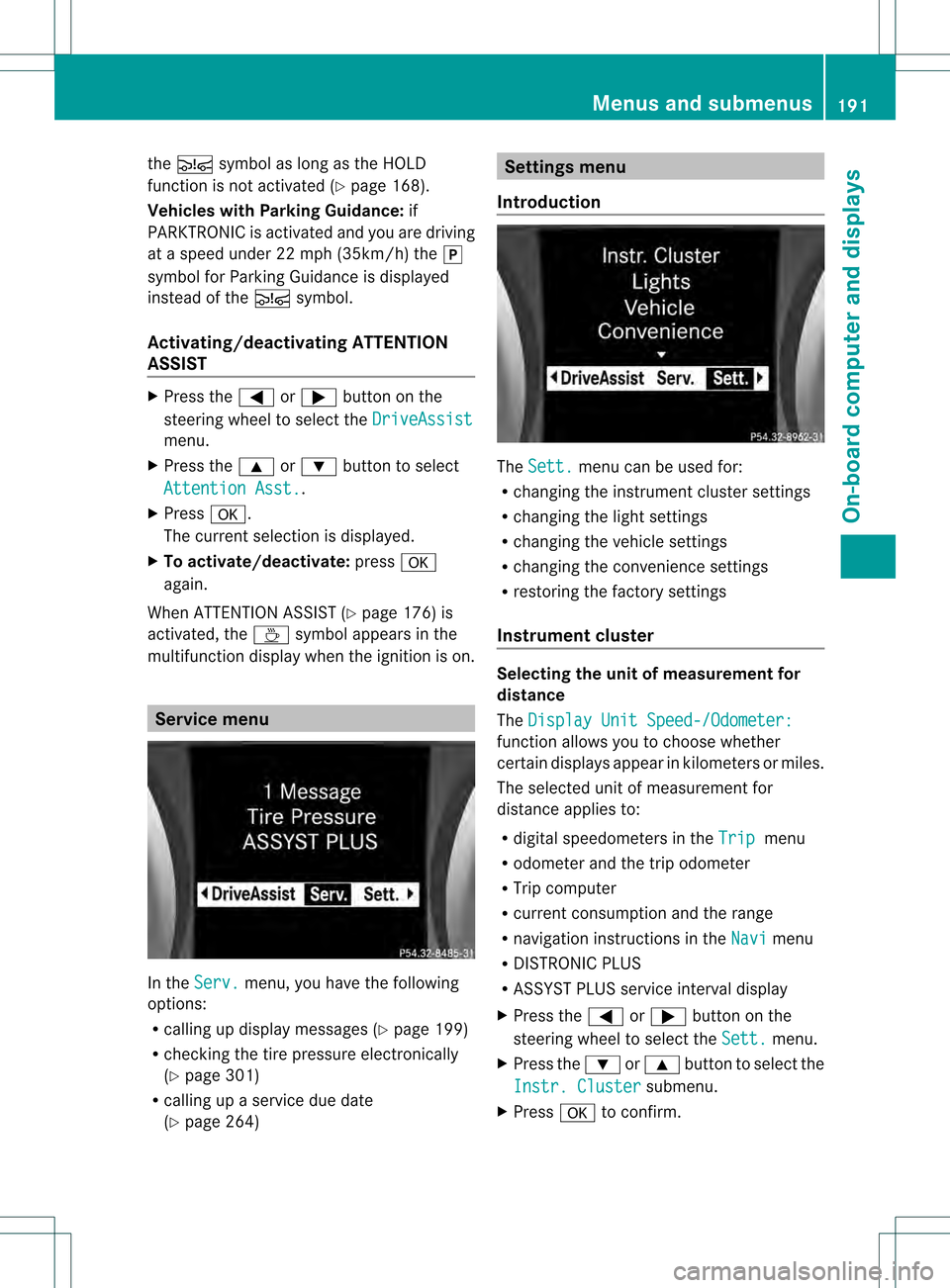
In the
Serv. menu, you have the following
options:
R calling up display messages (Y page 199)
R checking the tire pressure electronically
(Y page 301)
R calling up a service due date
(Y page 264) Settings menu
Introduction The
Sett. menu can be used for:
R changing the instrument cluster settings
R changing the light settings
R changing the vehicle settings
R changing the convenience settings
R restoring the factory settings
Instrument cluster Selecting the unit of measurement for
distance
The
Display Unit Speed-/Odometer: function allows you to choose whether
certain displays appearink
ilometers or miles.
The selected unit of measuremen tfor
distance applies to:
R digital speedometers in the Trip menu
R odometer and the trip odometer
R Trip computer
R current consumption and the range
R navigation instructions in the Navi menu
R DISTRONIC PLUS
R ASSYST PLUS service interval display
X Press the 0002or0005 button on the
steering wheel to select the Sett. menu.
X Press the 0004or0003 button to select the
Instr. Cluster submenu.
X Press 000Cto confirm. Menus and submenus
191On-board computer and displays Z
immediately for leaks. Also chec
kthe
thickness of the brake linings. Visit a
qualified specialist workshop immediately.
Do not add brake fluid. This does not
correct the malfunction.
Only check the brake fluid level when the
vehicle is stationary and on a level surface. If the brake fluid level is between MIN
marking
0003and MAX marking 0002on the brake
fluid reservoir, it is correct. Maintenance
Service interval display
Service messages Information on the type of service and service
intervals (see separate Maintenance
Booklet).
You can obtain further information from an
authorized Mercedes-Ben
zCenter or at
http://www.mbusa.com (USA only).
The service interval display informs you of the
nexts ervice due date.
If a service due date has been exceeded, you
also hear an acoustic signal.
The multifunction display shows a service
message for a few seconds, e.g.
Next service A due in .. days Service A due
Service A overdue by ... days
The letter indicates which service is due.
Astands for a minor service and
B for a majorservice. A number or another letter may be
displayed after the letter. This figure indicates
any necessary additional maintenance work
to be performed.
You can obtain further information from an
authorized Mercedes-BenzC
enter.
The service interval display does not take into
accoun tany periods of time during which the
battery is disconnected.
Maintaining the time-dependent service
schedule:
X Note down the service due date displayed
in the multifunctio ndisplay before
disconnecting the battery.
or
X Subtract the battery disconnection periods
fro mt he service date shown on the display
after reconnecting the battery.
Hiding aservice message X
Press the 0001or000C button on the
steering wheel.
Displaying service messages X
Switch on the ignition.
X Press 0002or0005 on the steering wheel
to selec tthe Serv. menu.
X Press 0003or0004 to select the ASSYST PLUS submenu and press
000Cto confirm.
The service due date appears in the
multifunction display.
Please bear the following in mind Resetting service interval display
If the qualified specialist workshop, e.g. a
Mercedes-Ben
zCenter, carried out the
maintenance work, the service interval
display will be reset.
Further information, on maintenance for
example, can be obtained at an authorized
Mercedes-Benz Center or directly from
Mercedes-Benz. 264
MaintenanceMaintenance and care