Opera
tingvideo DVD X
Switc hon COMAND (Ypage 33).
X Switc hon DVD-Vid eo (Y
page 187).
X In the multifunc tiondisplay, selectthe
audio menu withthe= or; button .
X To select thenext/pr eviousscene:
briefly pressthe: or9 button . Telephone
menu G
WARN
ING
A driver's attentiontothe road must alway s
be his/her primary focuswhendriving. For
your safety andthesafety ofother s,we
recom mendthatyoupull over toasafe
location andstop before placing ortakin ga
telephon ecall. Ifyou choose touse themobile
phone whiledriving, pleaseusethehandsfr ee
device andonly usethemobile phonewhen
weather, road,andtrafficcon ditions permit.
Some jurisdict ionsprohibit thedriver from
using acellular mobilephonewhiledriving a
vehicle.
Bear inmind thatataspeed ofjust 30mph
(approximat ely50km/ h),your vehicle is
cover ingadistanc eof 44 feet (approximat ely
14 m)every second.
Opera tingthetelephone X
Switc hon COMAND (Ypage 33).
X Call upthe telephon ebasic menu
(Y page 119).
If the telephon ehas notyetbeen authorized,
the Bluetoo thReady message
appearsin
the multifunc tiondisplay.
If the telephon eis switched onand
authorized, thePhone Ready message
appears inthe multifunc tiondisplay.
Acce pting acall X
Press the6 button. Mul
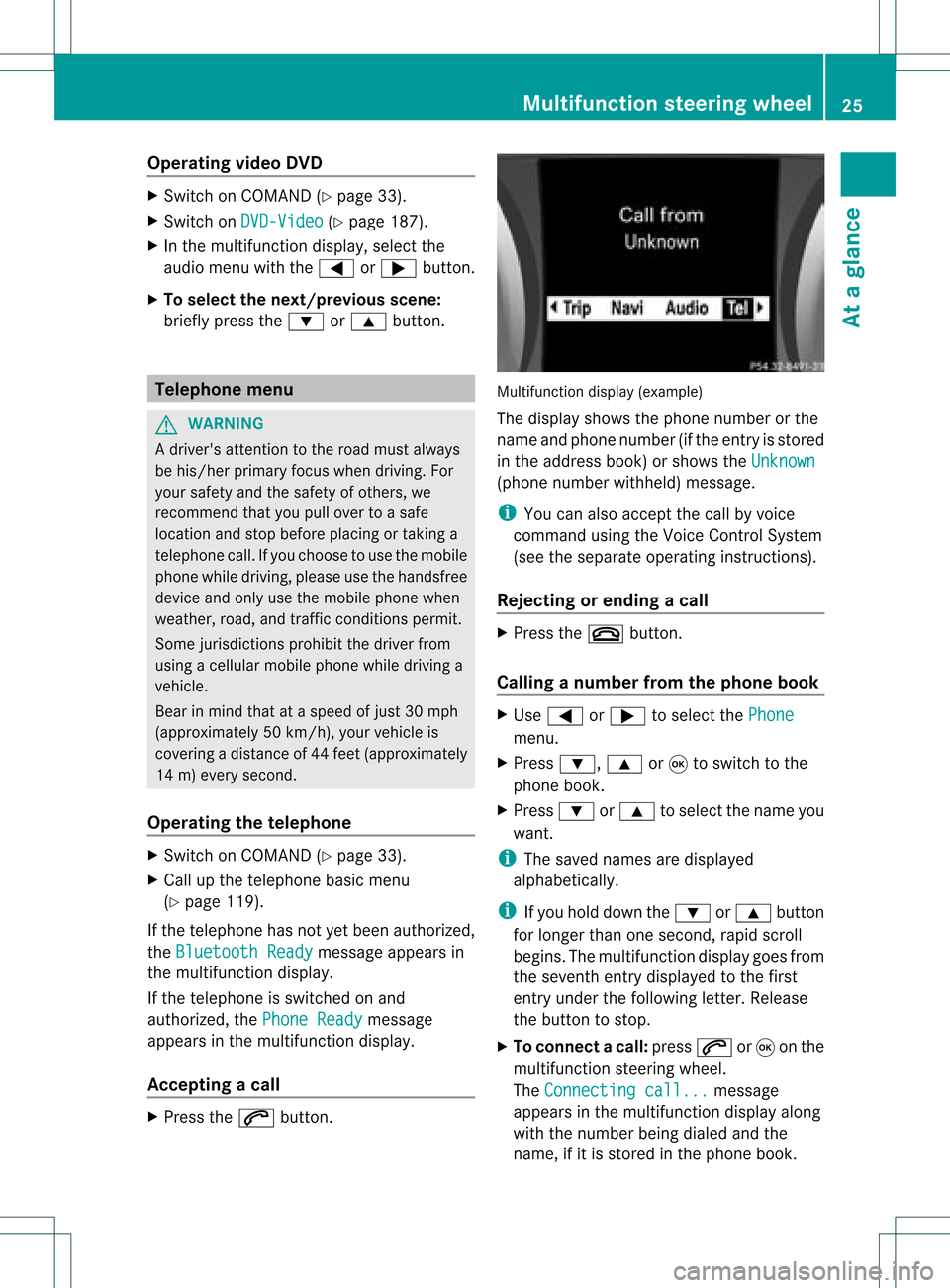
tifunctio ndisplay (example)
The display showsthephon enumbe rorthe
name andphone number (ifthe entr yis stored
in the address book)orshows theUnknown (phone
number withheld) message.
i You canalso accept thecall byvoice
command usingtheVoice Control System
(see theseparate operating instructions).
Rejecting orending acall X
Press the~ button.
Cal linganumbe rfrom thephone book X
Use = or; tosel ect the Phone menu.
X Press :, 9or9 toswi tch tothe
phone book.
X Press :or9 tosel ect the name you
wa nt.
i The save dnames aredispla yed
al pha betica lly.
i Ifyou holddow nthe : or9 button
for longer thanonesecond, rapidscroll
begins. Themultifunction displaygoes from
the seventh entrydispla yedtothe first
entr yunder thefollowing letter.Release
the button tostop.
X To conne ctac all: press 6or9 onthe
mul tifunctio nstee ring wheel.
Th eCon nectingcal l... mes
sage
ap pe arsin the multifu nctio ndisplay along
with thenumb erbeing dialed andthe
name ,if it is stored inthe phon ebook . Mult
ifunction steeringwheel
25Ataglance Z
X
To reje ct:select Reject by
turning cVd
the COMAND controller and pressW to
confi rm.
or
X Pre ssthe ~ button onCOMAND oron
the multifu nctio nstee ring wheel.
X To acce pt: conf irm Acc ept by
pre ssing
W.
or
X Pre ssthe 6 button onCOMAND oron
the multifu nctio nstee ring wheel. Mu
ltifu ncti ondisp lay(e xam ple)
i Youcan also acc eptthe call byvoice
command usingtheVoice Control System
(see theseparate operating instructions).
Once youhave accepted thecall, youcan use
hands-free mode.Thecallvolume canbe
adjusted (Ypage 34).Formore information ,
see the"Function sduring asingle call
conn ection" section (Ypage 122).
The displa yshows thephone number orthe
name andphone number (ifthe entr yis stored in
the address book)orshows theUnknown (phone
number withheld) message.
i You canalso accept acall asdescribed
above whenanother mainfunctionis
switched oninCOMAND. Onceyouhave
accepted thecall, thedispla yswitches to
telephone mode.Afterthe call isfinished,
you seethedispla yof the previous main
appli cation again.
The displa ydoes notswitch totelephone
mode ifyou:
R hide thewindow withthe% button
next tothe COMAND controller andthen
R accept thecall with the; button on
the multifunction steeringwheel Making
acall
Entering ateleph onenum berusin gth e
num berkeyp ad X
Call upthete lepho nebasic menu
(Y page 119).
X En tert he digits usingthenumber keypad.
X To conne ctac all: press the6 button
on COM AND oron the multifunctio n
steeri ngwhe el.
Ente ring ateleph onenum berusin gth e
telep hone basicmen u X
Call upthete lepho nebasic menu
(Y page 119).
X Sele ctthedigit son eby oneby turnin g
cVd andslidin gZVÆ theCOMA ND
con troller andpres sW tocon firm.
X To connect acall: select °inthe
chara cterbarand press Wtoconfirm.
or
X Press the6 button onCOM AND oron
the multifunctio nstee ring wheel. Tel
eph oneope ratio n
121Tel eph one Z