Page 131 of 437

WARNING:Do not use ACC when towing a trailer with brake
controls. Aftermarket trailer brakes will not function properly
when ACC is activated because the brakes are electronically controlled.
Failing to do so may result in loss of vehicle control, which could result
in serious injury.
WARNING:Do not use tires sizes other than those
recommended because this can affect the normal operation of
ACC. Failing to do so may result in a loss of vehicle control, which
could result in serious injury.
STEERING WHEEL CONTROLS
Radio control features
– VOL + (Volume):Press to
decrease or increase the volume.
(Seek):Press to select
the previous/next radio station
preset, CD track or satellite radio
station preset depending on which
media mode you are in.
MEDIA:Press repeatedly to scroll
through available audio modes.
SYNC�system hands free
control feature
Press
briefly to use the voice
command feature. You will hear a
tone and LISTENING will appear in
the radio display. Press and
hold
to exit voice command.
Press
to activate phone mode or
answer a phone call. Press and
hold
to end call or exit phone
mode.
For further information on the SYNC�system, refer to theSYNC�
supplement.
Driver Controls
131
2012 MKT(mkt)
Owners Guide, 1st Printing
USA(fus)
Page 134 of 437
UNIVERSAL GARAGE DOOR OPENER
The universal garage door opener can be used to replace the common
hand-held transmitter.
HomeLink�Wireless Control System
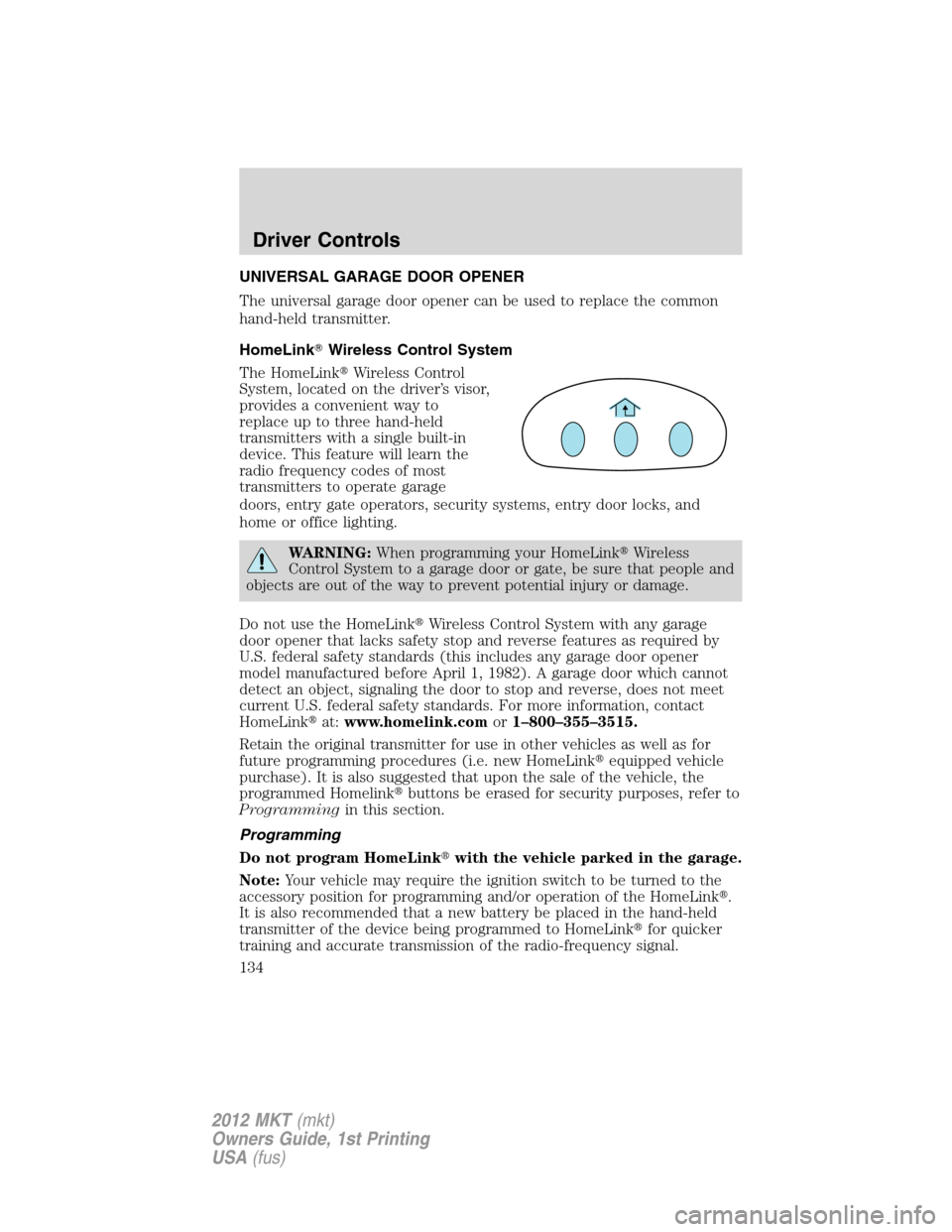
The HomeLink�Wireless Control
System, located on the driver’s visor,
provides a convenient way to
replace up to three hand-held
transmitters with a single built-in
device. This feature will learn the
radio frequency codes of most
transmitters to operate garage
doors, entry gate operators, security systems, entry door locks, and
home or office lighting.
WARNING:When programming your HomeLink�Wireless
Control System to a garage door or gate, be sure that people and
objects are out of the way to prevent potential injury or damage.
Do not use the HomeLink�Wireless Control System with any garage
door opener that lacks safety stop and reverse features as required by
U.S. federal safety standards (this includes any garage door opener
model manufactured before April 1, 1982). A garage door which cannot
detect an object, signaling the door to stop and reverse, does not meet
current U.S. federal safety standards. For more information, contact
HomeLink�at:www.homelink.comor1–800–355–3515.
Retain the original transmitter for use in other vehicles as well as for
future programming procedures (i.e. new HomeLink�equipped vehicle
purchase). It is also suggested that upon the sale of the vehicle, the
programmed Homelink�buttons be erased for security purposes, refer to
Programmingin this section.
Programming
Do not program HomeLink�with the vehicle parked in the garage.
Note:Your vehicle may require the ignition switch to be turned to the
accessory position for programming and/or operation of the HomeLink�.
It is also recommended that a new battery be placed in the hand-held
transmitter of the device being programmed to HomeLink�for quicker
training and accurate transmission of the radio-frequency signal.
Driver Controls
134
2012 MKT(mkt)
Owners Guide, 1st Printing
USA(fus)
Page 136 of 437
Gate Operator & Canadian Programming
During programming, your
hand-held transmitter may
automatically stop transmitting —
not allowing enough time for
HomeLink�to accept the signal
from the hand-held transmitter.
After completing Step 1 outlined in
theProgrammingsection, replace
Step 2 with the following:
Note:If programming a garage door opener or gate operator, it is
advised to unplug the device during the “cycling” process to prevent
overheating.
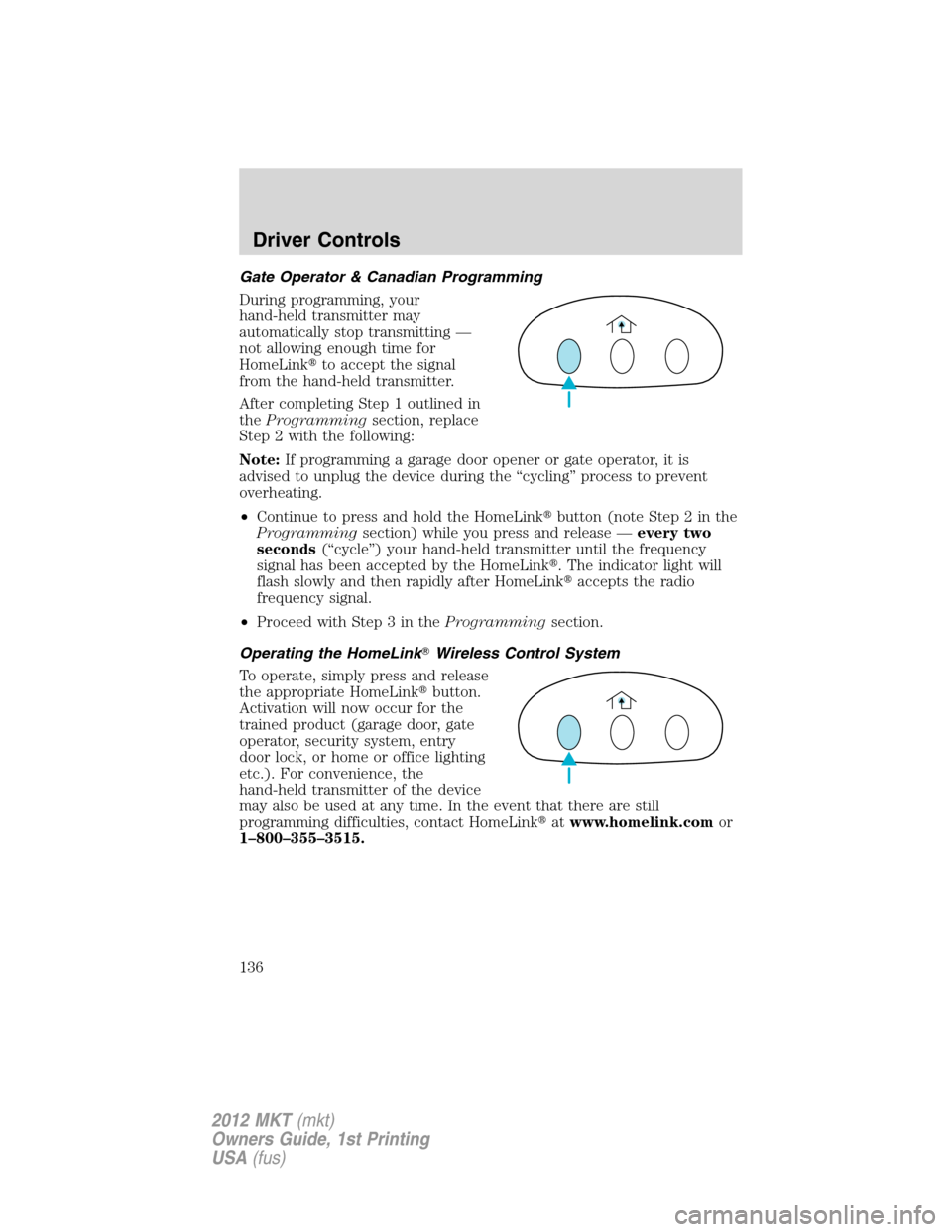
•Continue to press and hold the HomeLink�button (note Step 2 in the
Programmingsection) while you press and release —every two
seconds(“cycle”) your hand-held transmitter until the frequency
signal has been accepted by the HomeLink�. The indicator light will
flash slowly and then rapidly after HomeLink�accepts the radio
frequency signal.
•Proceed with Step 3 in theProgrammingsection.
Operating the HomeLink�Wireless Control System
To operate, simply press and release
the appropriate HomeLink�button.
Activation will now occur for the
trained product (garage door, gate
operator, security system, entry
door lock, or home or office lighting
etc.). For convenience, the
hand-held transmitter of the device
may also be used at any time. In the event that there are still
programming difficulties, contact HomeLink�atwww.homelink.comor
1–800–355–3515.
Driver Controls
136
2012 MKT(mkt)
Owners Guide, 1st Printing
USA(fus)
Page 436 of 437

Roadside assistance ..................315
S
Safety belts (see Safety
restraints) ..........191–192, 194–196
Safety Canopy ...........................213
Safety defects, reporting ..........346
Safety restraints 191–192, 194–196
Belt-Minder�...........................197
extension assembly ................196
for adults .................192, 194–195
for children .............................217
Occupant Classification
Sensor ......................................189
warning light and chime ........197
Safety restraints - LATCH
anchors ......................................225
Safety seats for children ..........221
Safety Compliance
Certification Label ....................403
Satellite Radio .............................65
Scheduled Maintenance Guide
Normal Scheduled
Maintenance and Log .............418
Seats ..........................................169
child safety seats ....................221
climate control ..........88, 175, 185
easy access/easyout feature ..177
front seats .......................174, 185
heated ......................................184
memory seat ...................158, 176
second row seats ............179, 183
third row seats ........................183
Second-row power fold seat ....182
SecuriCode keyless entry
system ........................................162SecuriLock passive anti-theft
system ........................................164
Servicing your vehicle ..............355
Setting the clock .........................40
SOS Post Crash Alert ...............216
Sound features ............................54
Spare tire
(see Changing the Tire) ...........328
Spark plugs,
specifications .....................397, 402
Specification chart,
lubricants ...................................398
Speed control ............................121
Starting your vehicle ........269–271
jump starting ..........................333
push button start system .......271
Steering wheel
controls ....................................131
tilting .......................................110
SYNC�..........................................87
System limitations ......................58
T
Third-row power fold seat .......185
Tilt steering wheel ....................110
Tire Pressure Monitoring
System (TPMS)
Tires, Wheels and Loading ....252
Tires ...........................237–238, 325
alignment ................................245
care ..........................................241
changing ..................325, 328–329
checking the pressure ............241
inflating ...................................239
label .........................................251
replacing ..................................243
Index
436
2012 MKT(mkt)
Owners Guide, 1st Printing
USA(fus)