Page 79 of 437

Radio interaction:If your vehicle is equipped with a non-touchscreen
audio system, you can press AUX on the radio repeatedly until DVD
appears in the display. Then, press MENU to access HEADPHONES
ON/OFF, REAR ZONE CONTROL ON/OFF and other options. Turn the
TUNE control to select ON/OFF for HEADPHONES (ON will activate
Dual Play and OFF will activate Single Play). For the REAR ZONE
CONTROL, selecting ON will give the rear seat passengers control over
the DVD system and selecting OFF will turn off control for the rear seat
passengers.
Press the MEDIA button to access radio or satellite radio media sources
while in dual play mode. Once the desired media source selection
appears on the screen, press MENU/SEL on the DVD headrest A system
when and then press
/to step forward or back through any
saved presets.
When accessing SYNC�in dual
play mode,press MENU/SEL on
DVD headrest monitor A when
SYNC appears on the screen then
press
/to scroll through
SYNC�media options of: USB,
Bluetooth, Line in (auxiliary audio
mode) and Exit.
Supported USB devices:To help ensure compatibility, the DVD system
has been tested with most brands of flash/thumb devices and most
common personal audio players.
Setup menu options
To access the set up menu, first select the desired headrest/monitor
system by pressing MON A or MON B. Then press SETUP on the remote
control.
Note:This is the only way to gain access to the Setup menu options.
You cannot access from the monitor headrest controls.
Note:On any of the following screens, press
/to access the
previous/next menu level.
Entertainment Systems
79
2012 MKT(mkt)
Owners Guide, 1st Printing
USA(fus)
Page 111 of 437
OVERHEAD CONSOLE
The appearance of your vehicle’s overhead console will vary according to
your option package.
Storage compartment
The storage compartment may be
used to store a pair of sunglasses.
Press the release area on the rear
edge of the bin door to open the
storage compartment. The door will
open to the full open position.
ELECTRONIC COMPASS
The compass heading is displayed in the touchscreen.
CENTER CONSOLE
Your vehicle may be equipped with a variety of console features. These
include:
1. Cupholders
2. Utility compartment with coin
holder, audio input jack, USB port
and power point
3. Rear climate controls, rear power
point outlet and 110 Volt power
point outlet (if equipped).
WARNING:Use only soft cups in the cupholder. Hard objects
can injure you in a collision.
Driver Controls
111
2012 MKT(mkt)
Owners Guide, 1st Printing
USA(fus)
Page 437 of 437
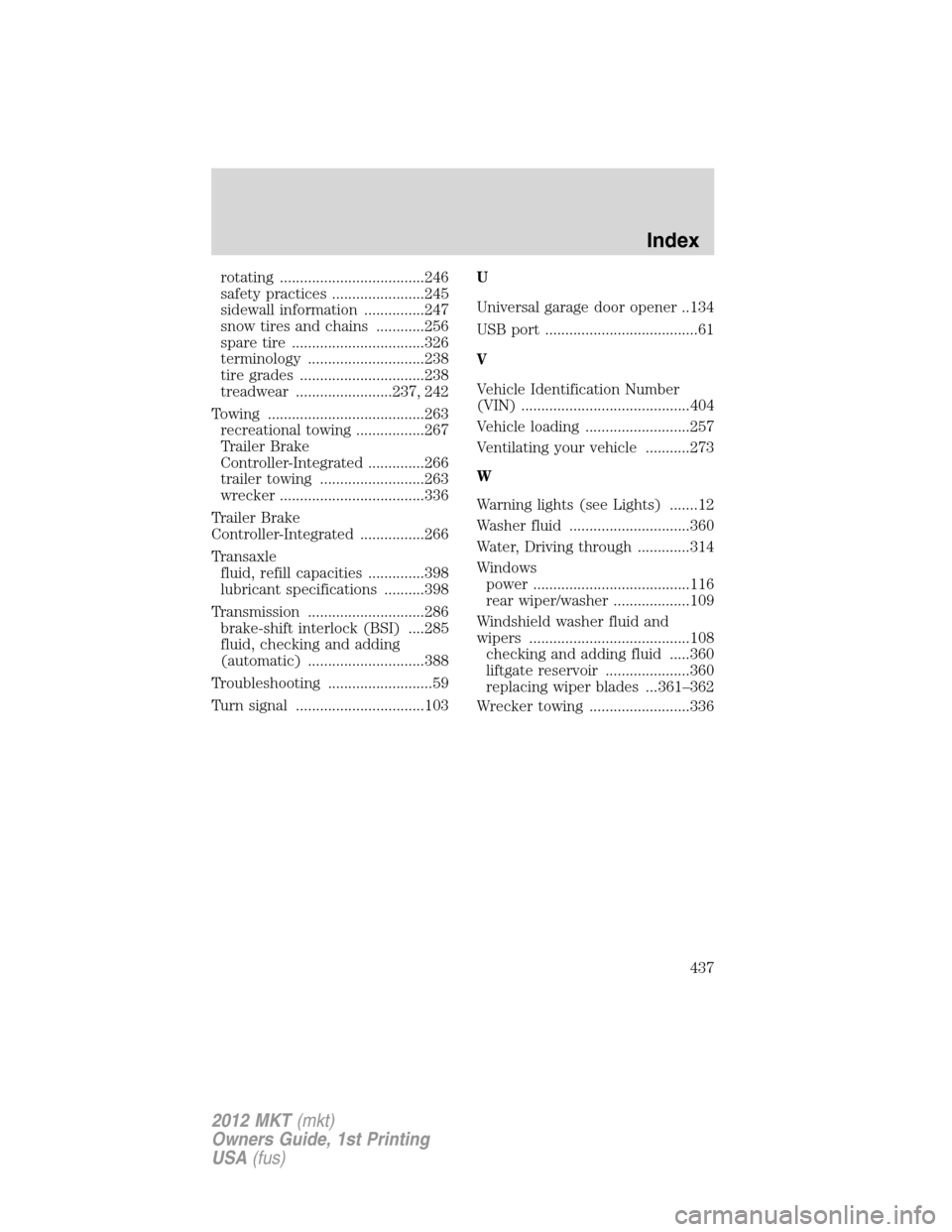
rotating ....................................246
safety practices .......................245
sidewall information ...............247
snow tires and chains ............256
spare tire .................................326
terminology .............................238
tire grades ...............................238
treadwear ........................237, 242
Towing .......................................263
recreational towing .................267
Trailer Brake
Controller-Integrated ..............266
trailer towing ..........................263
wrecker ....................................336
Trailer Brake
Controller-Integrated ................266
Transaxle
fluid, refill capacities ..............398
lubricant specifications ..........398
Transmission .............................286
brake-shift interlock (BSI) ....285
fluid, checking and adding
(automatic) .............................388
Troubleshooting ..........................59
Turn signal ................................103U
Universal garage door opener ..134
USB port ......................................61
V
Vehicle Identification Number
(VIN) ..........................................404
Vehicle loading ..........................257
Ventilating your vehicle ...........273
W
Warning lights (see Lights) .......12
Washer fluid ..............................360
Water, Driving through .............314
Windows
power .......................................116
rear wiper/washer ...................109
Windshield washer fluid and
wipers ........................................108
checking and adding fluid .....360
liftgate reservoir .....................360
replacing wiper blades ...361–362
Wrecker towing .........................336
Index
437
2012 MKT(mkt)
Owners Guide, 1st Printing
USA(fus)
