2012 Lexus HS250h ECU
[x] Cancel search: ECUPage 5 of 630
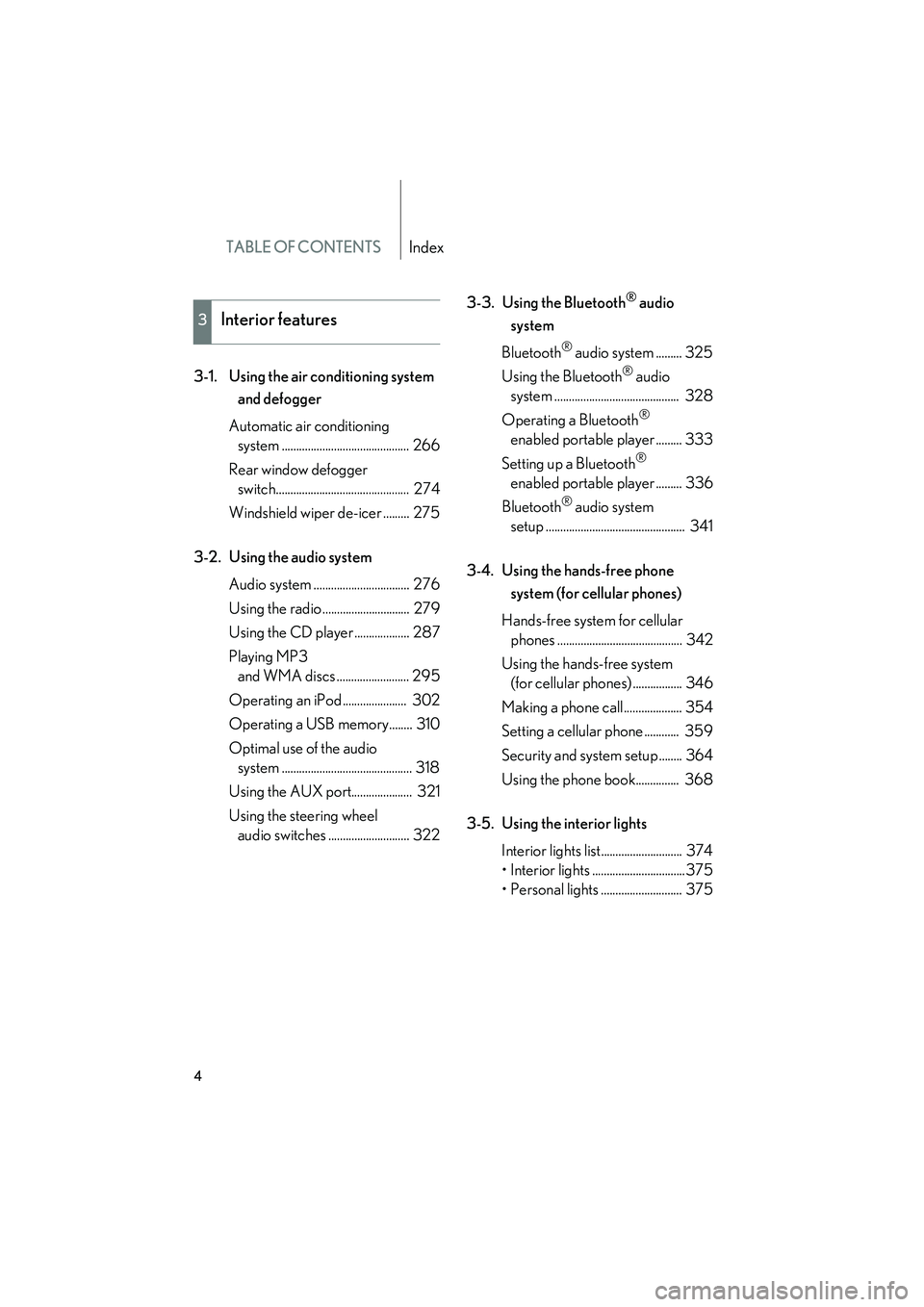
TABLE OF CONTENTSIndex
HS250h_U_75050U
4
3-1. Using the air conditioning system and defogger
Automatic air conditioning system ............................................ 266
Rear window defogger switch.............................................. 274
Windshield wiper de-icer ......... 275
3-2. Using the audio system Audio system ................................. 276
Using the radio .............................. 279
Using the CD player ................... 287
Playing MP3 and WMA discs ......................... 295
Operating an iPod ...................... 302
Operating a USB memory........ 310
Optimal use of the audio system ............................................. 318
Using the AUX port..................... 321
Using the steering wheel audio switches ............................ 322 3-3. Using the Bluetooth
® audio
system
Bluetooth
® audio system ......... 325
Using the Bluetooth
® audio
system ........................................... 328
Operating a Bluetooth
®
enabled portable player ......... 333
Setting up a Bluetooth
®
enabled portable player ......... 336
Bluetooth
® audio system
setup ................................................ 341
3-4. Using the hands-free phone system (for cellular phones)
Hands-free system for cellular phones ........................................... 342
Using the hands-free system (for cellular phones) ................. 346
Making a phone call.................... 354
Setting a cellular phone ............ 359
Security and system setup ........ 364
Using the phone book............... 368
3-5. Using the interior lights Interior lights list............................ 374
• Interior lights ................................375
• Personal lights ............................ 375
3Interior features
Page 16 of 630

HS250h_U_75050U
15
Without navigation system
∗: If equipped*1: Refer to “Navigation System Owner's Manual”.*2: For vehicles with a navigation system, refer to the “Navigation System Owner’s Manual”.
Rear window and
outside rear view
mirror defogger
switch
P. 274Emergency flasher
switch
P. 494
Security indicator
P. 101, 103
Clock P. 387
Air
conditioning
system
P. 266
With navigation systemNavigation system
*1
Air conditioning
system
*1
Emergency flasher
switch
P. 494Clock*1
Security indicator
P. 101, 103
Rear window and out-
side rear view mirror
defogger switch
*1
Page 45 of 630

44
1-2. Key information
HS250h_U_75050U
●The card key is not waterproof.
■When required to leave the vehicle’s key with a parking attendant
Turn the luggage security system on as circumstances demand. (→P. 3 7 8 )
Remove the mechanical key for your own use and provide the attendant with the
electronic key only.
■Key number plate
Keep the plate in a safe place such as your wallet, not in the vehicle. In the event that
a mechanical key is lost, a new key can be made at your Lexus dealer using the key
number plate. ( →P. 5 4 3 )
■When riding in an aircraft
When bringing an electronic key onto an aircraft, make sure you do not press any
buttons on the electronic key while inside the aircraft cabin. If you are carrying an
electronic key in your bag etc., ensure that the buttons are not likely to be pressed
accidentally. Pressing a button may cause the electronic key to emit radio waves
that could interfere with the operation of the aircraft.
●If the battery cover is not installed and
the battery falls out or if the battery was
removed because the key got wet, rein-
stall the battery with the positive termi-
nal facing the Lexus emblem.
Page 52 of 630

51
1-3. Opening, closing and locking the doors
1
Before driving
HS250h_U_75050U
■Alarms and warning indicators
A combination of exterior and interior alarms as well as warning messages shown
on the multi-information display is used to prevent theft of the vehicle and accidents
resulting from erroneous operation. Take appropriate measures in response to any
warning message on the multi-information display. ( →P. 5 1 2 )
The following table describes circumstances and correction procedures when only
alarms are sounded.
■Security feature
If a door is not opened within approximately 60 seconds after the vehicle is
unlocked, the security feature automatically locks the vehicle again.
■Battery-saving function
The battery-saving function will be activated in order to prevent the electronic key
battery and the 12-volt battery from being discharged while the vehicle is not in
operation for a long time.
●In the following situations, the smart access system with push-button start may
take some time to unlock the doors.
• The electronic key has been left in an area of approximately 6 ft. (2 m) of the outside of the vehicle for 10 minutes or longer.
• The smart access system with push-button start has not been used for 5 days or longer.
AlarmSituationCorrection procedure
Exterior alarm
sounds once for 10
seconds.An attempt was made to lock
the vehicle while a door was
open.Close all of the doors
and lock the doors
again.
Interior alarm pings
repeatedly
The “POWER” switch was
turned to ACCESSORY
mode while the driver’s door
is open (The driver’s door
was opened when the
“POWER” switch is in
ACCESSORY mode.)
Turn the “POWER”
switch off and close the
driver’s door.
Page 55 of 630

54
1-3. Opening, closing and locking the doors
HS250h_U_75050U
■Notes for locking the doors
●Touching the door lock sensor while wearing gloves may delay or prevent lock
operation. Remove the gloves and touch the lock sensor again.
●When the lock operation is performed using the lock sensor, recognition signals
will be shown up to two consecutive times. After this, no recognition signals will
be given.
●If the door handle becomes wet while the electronic key is within the effective
range, the door may lock and unlock repeatedly. Place the key in a position 6 ft.
(2 m) or more separate from the vehicle while the vehicle is being washed. (Take
care to ensure that the key is not stolen.)
●If the electronic key is inside the vehicle and a door handle becomes wet during
a car wash, a message may be shown on the multi-information display and a
buzzer will sound outside the vehicle. To turn off the alarm, lock all the doors.
●The lock sensor may not work properly if it comes into contact with ice, snow,
mud, etc. Clean the lock sensor and attempt to operate it again, or use the lock
sensor on the lower part of the door handle.
●Fingernails may scrape against the door during operation of the door handle.
Be careful not to injure fingernails or damage the surface of the door.
■Notes for the unlocking function
●A sudden approach to the effective range or door handle may prevent the
doors from being unlocked. In this case, return the door handle to the original
position and check that the doors unlock before pulling the door handle again.
●Gripping the door handle when wearing a glove may not unlock the door.
Remove the gloves and touch the sensor on the back of the handle again.
●If the door handle becomes wet while the electronic key is within the effective
range, the door may lock and unlock repeatedly. Place the key in a position 6 ft.
(2 m) or more separate from the vehicle while the vehicle is being washed. (Take
care to ensure that the key is not stolen.)
●If there is another electronic key in the detection area, it may take slightly longer
to unlock the doors after the door handle is gripped.
●Fingernails may scrape against the door during operation of the door handle.
Be careful not to injure fingernails or damage the surface of the door.
Page 60 of 630

59
1-3. Opening, closing and locking the doors
1
Before driving
HS250h_U_75050U
■Pa n i c m o d e
■Security feature
→P. 5 1
■Alarm
Using the wireless remote control to lock the doors will set the alarm system.
(→ P. 1 0 3 )
■Conditions affecting operation
→P. 5 2
■If the wireless remote control does not operate properly
Locking and unlocking the doors, unlocking the trunk: Use the mechanical key.
(→ P. 5 4 4 )
■Electric key battery depletion
→P. 5 5
■When the electric key battery is fully depleted
→P. 4 6 7
■Customization
Settings (e.g. door unlocking function) can be changed.
(Customizable features →P. 5 8 4 ) When is pressed for longer than about
one second, an alarm will sound intermit-
tently and the vehicle lights will flash to deter
any person from trying to break into or dam-
age your vehicle.
To stop the alarm, press any button on the
electronic key.
Page 65 of 630

64
1-3. Opening, closing and locking the doors
HS250h_U_75050U
Tr u n k
Luggage security systemTo protect luggage stored in the trunk against theft, do the following: On
Off
Turn the main switch in the glove
box off to disable the trunk
opener.
The trunk lid cannot be opened
even with the wireless remote con-
trol or the entry function.
The trunk can be opened using the trunk opener, entry function or wireless
remote control.
■Opening the trunk from inside the vehicle
Press the opener switch to
release the trunk lid.
■ Opening the trunk from outside the vehicle
Entry function
→P. 4 7
Wireless remote control
→P. 58
Page 68 of 630

67
1-3. Opening, closing and locking the doors
1
Before driving
HS250h_U_75050U
CAUTION
■Using the trunk
Observe the following precautions.
Failure to do so may cause parts of the body to be caught, resulting in serious injury.
●Remove any heavy loads, such as snow and ice, from the trunk lid before opening
it. Failure to do so may cause the trunk lid to fall closed again after it is opened.
●When opening or closing the trunk lid, thoroughly check to make sure the sur-
rounding area is safe.
●If anyone is in the vicinity, make sure they are safe and let them know that the
trunk is about to open or close.
●Use caution when opening or closing the trunk lid in windy weather as it may
move abruptly in strong wind.
●Do not attach any accessories other than genuine Lexus parts to the trunk lid.
Such additional weight on the trunk lid may cause the lid to fall closed again after
it is opened.
●The trunk lid may fall if it is not opened
fully. It is more difficult to open or close
the trunk lid on an incline than on a level
surface, so beware of the trunk lid unex-
pectedly opening or closing by itself.
Make sure that the trunk lid is fully open
and secure before using the trunk.
●When closing the trunk lid, take extra
care to prevent your fingers etc. from
being caught.
●When closing the trunk lid, make sure to
press it lightly on its outer surface. If the
trunk handle is used to fully close the
trunk lid, it may result in hands or arms
being caught.