Page 499 of 839
497
3-4. Using the hands-free system (for cellular phone)
3
Interior features
GX460_U.S.A. (OM60J00U)
Making a phone call
■Making a phone call
● Dialing by inputting a number
“Dial by number”
● Dialing by inputting a name
“Dial by name”
● Speed dialing
● Dialing a number stored in the outgoing history memory
“Redial”
● Dialing a number stored in the incoming history memory
“Call back”
■ Receiving a phone call
● Answering the phone
● Refusing the call
■ Transferring a call
■ Call waiting
■ Using the call history memory
● Dialing
● Storing data in the phone book
● Deleting
Page 500 of 839
498
3-4. Using the hands-free system (for cellular phone)
GX460_U.S.A. (OM60J00U)
Dialing by inputting a number
Press the talk switch and say “Dial by number”.
Press the talk switch and say the phone number.
Dial by one of the following methods:
a. Press the off-hook switch.
b. Press the talk switch and say “Dial”.
c. Select “Dial” using the “TUNE/SEL” knob.
Dialing by inputting a namePress the talk switch and say “Dial by name”.
Select a registered name to be input by either of the following
methods:
a. Press the talk switch and say a registered name.
b. Press the talk switch and say “List Names”. Press the talk switchwhen the desired name is read aloud.
Dial by one of the following methods:
a. Press the off-hook switch.
b. Press the talk switch and say “Dial”.
c. Select “Dial” using the “TUNE/SEL” knob.
STEP1
STEP2
STEP3
STEP1
STEP2
STEP3
Page 501 of 839
499
3-4. Using the hands-free system (for cellular phone)
3
Interior features
GX460_U.S.A. (OM60J00U)
Speed dialingPress the off-hook switch.
Press the preset button in which the desired number is registered.
Press the off-hook switch.
When receiving a phone call■ Answering the phone
Press the off-hook switch.
■ Refusing the call
Press the on-hook switch.
Transferring a call
A call can be transferred between the cellular phone and system while
dialing, receiving a call, or during a call. Use one of the following meth-
ods: a. Operate the cellular phone.
Refer to the manual that comes with the cellular phone for the opera-
tion of the phone.
b. Press the off-hook switch*1.
c. Press the talk switch and say “Call Transfer”
*2.
*1: This operation can be performed only when transferring a call from the cellular phone to the system during a call.
*2: While the vehicle is in motion, calls cannot be transferred fromthe system to the cellular phone.
STEP1
STEP2
STEP3
Page 502 of 839

500
3-4. Using the hands-free system (for cellular phone)
GX460_U.S.A. (OM60J00U)
Call waiting
When a call is interrupted by an incoming call from a third party, the fol-
lowing options will become available:
● Answer the incoming call: Press the off-hook switch. (Press the off-
hook switch again as necessary to switch back and forth between
calls.)
● Refuse the incoming call: Press the on-hook switch.
Using the call history memory
Follow the procedure below to use a number stored in the call history
memory: Press the talk switch and say “Redial” (when using a number
stored in the outgoing call history memory) or “Call back” (when
using a number stored in the incoming call history memory).
Select the number by either of the following methods:
a. Say “Previous” or “Go back” until the desired number is dis-played.
b. Select the desired number using the “TUNE/SEL” knob.
The following operations can be performed:
Dialing: Press the off-hook switch or select “Dial” using a voice com-
mand or the “TUNE/SEL” knob.
Storing the number in the phone book: Select “Store” and then
“Confirm” using a voice command or the “TUNE/SEL” knob.
Deleting: Select “Delete” and then “Confirm” using a voice command
or the “TUNE/SEL” knob.
STEP1
STEP2
STEP3
Page 503 of 839
501
3-4. Using the hands-free system (for cellular phone)
3
Interior features
GX460_U.S.A. (OM60J00U)
■Call waiting
●If your phone does not support HFP Ver. 1.5, this function cannot be used.
●Call waiting operation may differ depending on your cellular phone and service
provider.
■Call history
Up to 5 numbers can be stored in each of the outgoing and incoming call history
memories.
■When talking on the phone
●Do not talk simultaneously with the other party.
●Keep the volume of the received voice down. Otherwise, voice echo will
increase.
Page 504 of 839
502
3-4. Using the hands-free system (for cellular phone)
GX460_U.S.A. (OM60J00U)
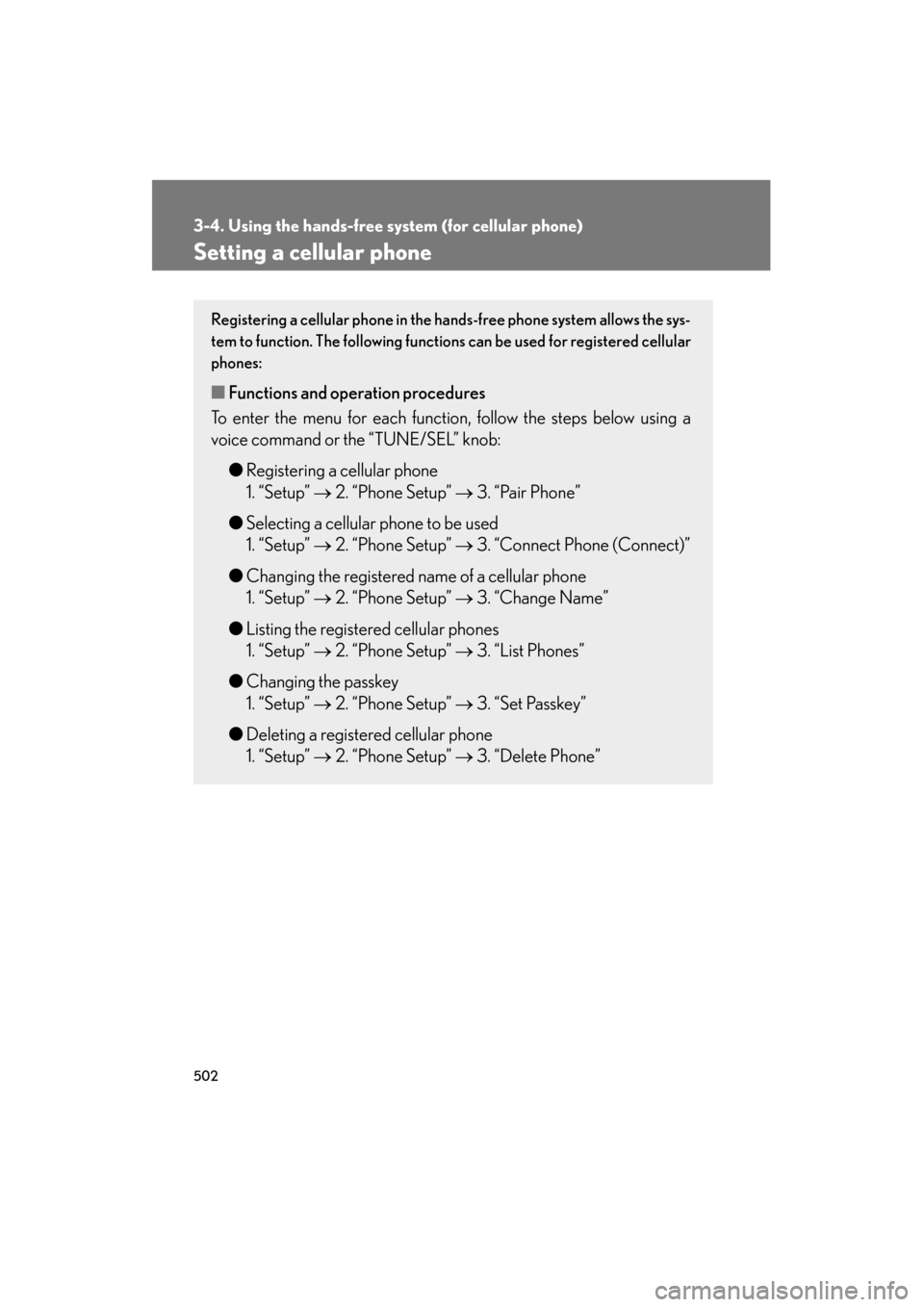
Setting a cellular phone
Registering a cellular phone in the hands-free phone system allows the sys-
tem to function. The following functions can be used for registered cellular
phones:
■Functions and operation procedures
To enter the menu for each function, follow the steps below using a
voice command or the “TUNE/SEL” knob:
●Registering a cellular phone
1. “Setup” → 2. “Phone Setup” → 3. “Pair Phone”
● Selecting a cellular phone to be used
1. “Setup” → 2. “Phone Setup” → 3. “Connect Phone (Connect)”
● Changing the registered name of a cellular phone
1. “Setup” → 2. “Phone Setup” → 3. “Change Name”
● Listing the registered cellular phones
1. “Setup” → 2. “Phone Setup” → 3. “List Phones”
● Changing the passkey
1. “Setup” → 2. “Phone Setup” → 3. “Set Passkey”
● Deleting a registered cellular phone
1. “Setup” → 2. “Phone Setup” → 3. “Delete Phone”
Page 505 of 839
503
3-4. Using the hands-free system (for cellular phone)
3
Interior features
GX460_U.S.A. (OM60J00U)
Registering a cellular phoneSelect “Pair Phone” using a voice command or the “TUNE/SEL” knob,
and perform the procedure for registering a cellular phone. ( →P. 4 9 1 )
Selecting a cellular phone to be used
Select “Connect Phone (Connect)” using a voice command or
the “TUNE/SEL” knob.
Pattern A Select the cellular phone to be used by either of the following
methods, and select “Confirm” by using a voice command or the
“TUNE/SEL” knob:
a. Press the talk switch and say the name of the desired cellularphone.
b. Press the talk switch and say “List Phones”. When the name of the desired cellular phone is read aloud, press the talk switch.
Pattern B Select the cellular phone to be used using the “TUNE/SEL” knob.
STEP1
STEP2
STEP2
Page 506 of 839
504
3-4. Using the hands-free system (for cellular phone)
GX460_U.S.A. (OM60J00U)
Changing the registered name of a cellular phone
Select “Change Name” using a voice command or the “TUNE/
SEL” knob.
Pattern A Select the name of the cellular phone to be changed by either of
the following methods, and select “Confirm” using a voice com-
mand or the “TUNE/SEL” knob:
a. Press the talk switch and say the name of the desired cellular phone.
b. Press the talk switch and say “List Phones”. When the name of the desired cellular phone is read aloud, press the talk switch.
Pattern B Select the desired cellular phone name to be changed using the
“TUNE/SEL” knob.
Press the talk switch or select “Record Name” using the “TUNE/
SEL” knob, and say the new name.
Select “Confirm” using a voice command or the “TUNE/SEL”
knob.
STEP1
STEP2
STEP2
STEP3
STEP4