Page 300 of 554

299
3-4. Using the hands-free system (for mobile phone)
3
Interior features
ES350_U
Listing the registered mobile phonesSelecting “List Names” by using a voice command or begins read-
ing aloud the list of the registered mobile phones.
When listing is complete, the system returns to “Phone Setup”.
Pressing the talk switch while the name of a mobile phone is being read
aloud selects the mobile phone, and the following functions will become
available:
● Selecting a mobile phone: “Connect Phone (Connect)”
● Changing a registered name: “Change Name”
● Deleting a mobile phone: “Delete Phone”
Changing the passkey
Select “Set Passkey” by using a voice command or .
Pattern A Press the talk switch, say a 4 to 8-digit number, and select “Con-
firm” using a voice command or .
Pattern B
Select a 4 to 8-digit number by using .
The number should be input 1 digit at a time.
When the entire number to be registered as a passkey has been
input, press once again.
If the number to be registered has 8 digits, pressing of the knob is not
necessary.
STEP1
STEP2
STEP2
STEP3
Page 308 of 554
307
3-4. Using the hands-free system (for mobile phone)
3
Interior features
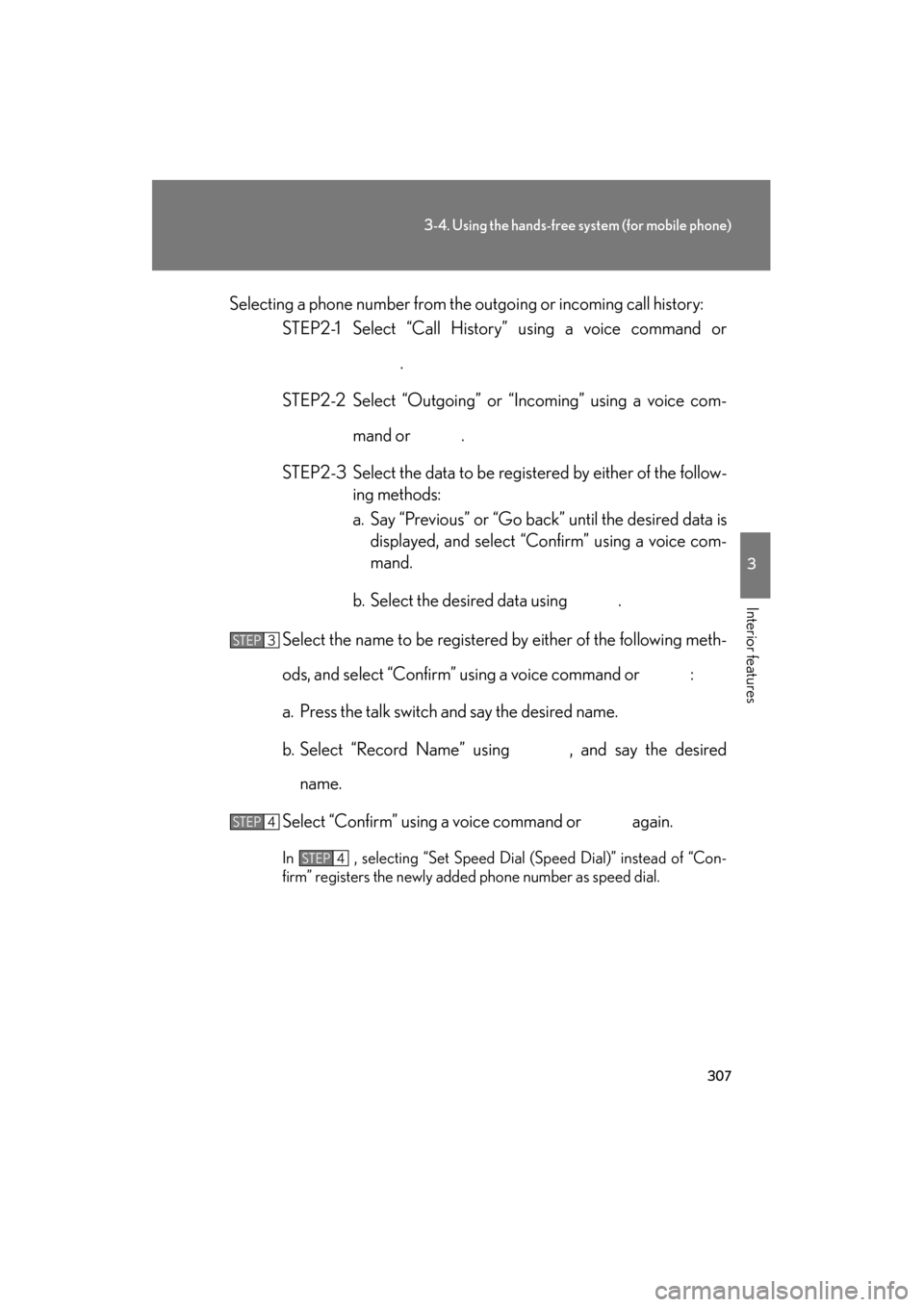
ES350_USelecting a phone number from the outgoing or incoming call history:
STEP2-1 Select “Call History” using a voice command or
.
STEP2-2 Select “Outgoing” or “Incoming” using a voice com- mand or .
STEP2-3 Select the data to be registered by either of the follow- ing methods:
a. Say “Previous” or “Go back” until the desired data isdisplayed, and select “Confirm” using a voice com-
mand.
b. Select the desired data using .
Select the name to be registered by either of the following meth-
ods, and select “Confirm” using a voice command or :
a. Press the talk switch and say the desired name.
b. Select “Record Name” using , and say the desired name.
Select “Confirm” using a voice command or again.
In , selecting “Set Speed Dial (Speed Dial)” instead of “Con-
firm” registers the newly added phone number as speed dial.
STEP3
STEP4
STEP4
Page 309 of 554
308
3-4. Using the hands-free system (for mobile phone)
ES350_U
Changing a registered name in the phone book
Select “Change Name” using a voice command or .
Pattern A Select the name to be changed by either of the following meth-
ods, and select “Confirm” using a voice command or :
a. Press the talk switch, say the desired name.
b. Press the talk switch, and say “List Names”. When the desiredname is read aloud, press the talk switch.
Pattern B
Select the desired name to be changed using .
Press the talk switch or select “Record Name” using , and
say the new name.
Select “Confirm” using a voice command or .
STEP1
STEP2
STEP2
STEP3
STEP4
Page 316 of 554
315
3
Interior features
ES350_U
3-6. Using the storage features
List of storage features
CAUTION
■Items that should not be left in the storage spaces
Do not leave glasses, lighters or spray cans in the storage spaces, as this may cause
the following when cabin temperature becomes high:
●Glasses may be deformed by heat or cracked if they come into contact with
other stored items.
●Lighters or spray cans may explode. If they come into contact with other stored
items, the lighter may catch fire or the spray can may release gas, causing a fire
hazard.
Glove box
Overhead console
Cup holders
Console box
Auxiliary box
Page 329 of 554
328
3-7. Other interior features
ES350_U
Seat heaters∗
■The seat heaters and ventilators can be used when
The “ENGINE START STOP” switch is in IGNITION ON mode.
■When not in use
Set the dial to 0. The indicator light turns off.
CAUTION
■Burns
●Use caution when seating the following persons in a seat with the seat heater on
to avoid the possibility of burns:
• Babies, small children, the elderly, the sick and the disabled
• Persons with sensitive skin
• Persons who are fatigued
• Persons who have taken alcohol or drugs that induce sleep (sleeping drugs,cold remedies, etc.)
●Do not cover the seat with anything when using the seat heater.
Using the seat heater with a blanket or cushion increases the temperature of the
seat and may lead to overheating.
Heats the seats
The indicator light comes on.
The higher the number, the
warmer the seats become.Left front seat Right front seat
∗: If equipped
Page 331 of 554
330
3-7. Other interior features
ES350_U
Seat heaters and ventilators∗
■The seat heaters and ventilators can be used when
The “ENGINE START STOP” switch is in IGNITION ON mode.
■When not in use
Set the dial to 0. The indicator light turns off.
The seat heaters and ventilators heat the seats and maintain good airflow
by blowing air from the seats.
Heats the seats
The indicator light (orange)
comes on.
The higher the number, the
warmer the seats become.
Blows air from the seats
The indicator light (green)
comes on.
The higher the number, the
stronger the airflow becomes.
Left front seat Right front seat
∗: If equipped
Page 337 of 554
336
3-7. Other interior features
ES350_U
Coat hooks
CAUTION
■Items that must not be hung on the hook
Do not hang a coat hanger or other hard or sharp object on the hook. If the SRS
curtain shield airbags deploy, these items may become projectiles that cause death
or serious injury.
To use the coat hook, push it in.
Page 338 of 554

337
3-7. Other interior features
3
Interior features
ES350_U
Floor mat
CAUTION
Observe the following precautions.
Failure to do so may cause the driver's floor mat to slip, possibly interfering with the
pedals while driving. An unexpectedly high speed may result or it may become diffi-
cult to stop the vehicle, leading to a serious accident.
■When installing the driver's floor mat
●Do not use floor mats designed for other models or different model year vehicles,
even if they are Lexus Genuine floor mats.
●Only use floor mats designed for the driver's seat.
●Always install the floor mat securely using the retaining hooks (clips) provided.
●Do not use two or more floor mats on top of each other.
●Do not place the floor mat bottom-side up or upside-down.
■Before driving
Use only floor mats designed specifically for vehicles of the same model
and model year as your vehicle. Fix them securely in place onto the carpet.
Fix the floor mat in place using the
retaining hooks (clips) provided.
The shape of the retaining hooks
(clips) and the fixing procedure
of the floor mat for your vehicle
may differ from those shown in
the illustration. For details, refer
to the floor mat retention clip
installation instructions supplied
with the clips.
●Check that the floor mat is securely fixed in
the correct place with all the provided
retaining hooks (clips). Be especially care-
ful to perform this check after cleaning the
floor.
●With the engine stopped and the shift lever
in P, fully depress each pedal to the floor to
make sure it does not interfere with the
floor mat.