Page 105 of 406
POSITIVE RETENTION FLOOR MAT
WARNING:Always use
floor mats that are designed
to fit the foot well of your vehicle.
Only use floor mats that leave the
pedal area unobstructed. Only use
floor mats that are firmly secured
to retention posts so that they
cannot slip out of position and
interfere with the pedals or impair
safe operation of your vehicle in
other ways.
•Pedals that cannot move freely can cause loss of vehicle control and
increase the risk of serious personal injury.
•Always make sure that the floor mats are properly attached to the
retention posts in the carpet that are supplied with your vehicle.
Floor mats must be properly secured to both retention posts to
ensure mats do not shift out of position.
•Never place floor mats or any other covering in the vehicle foot well
that cannot be properly secured to prevent them from moving and
interfering with the pedals or the ability to control the vehicle.
•Never place floor mats or any other covering on top of already
installed floor mats. Floor mats should always rest on top of vehicle
carpeting surface and not another floor mat or other covering.
Additional floor mats or any other covering will reduce the pedal
clearance and potentially interfere with pedal operation.
•Check attachment of floor mats on a regular basis. Always properly
reinstall and secure floor mats that have been removed for cleaning
or replacement.
•Always make sure that objects cannot fall into the driver foot well
while the vehicle is moving. Objects that are loose can become
trapped under the pedals causing a loss of vehicle control.
•Failure to properly follow floor mat installation or attachment
instructions can potentially cause interference with pedal operation
causing loss of control of vehicle.
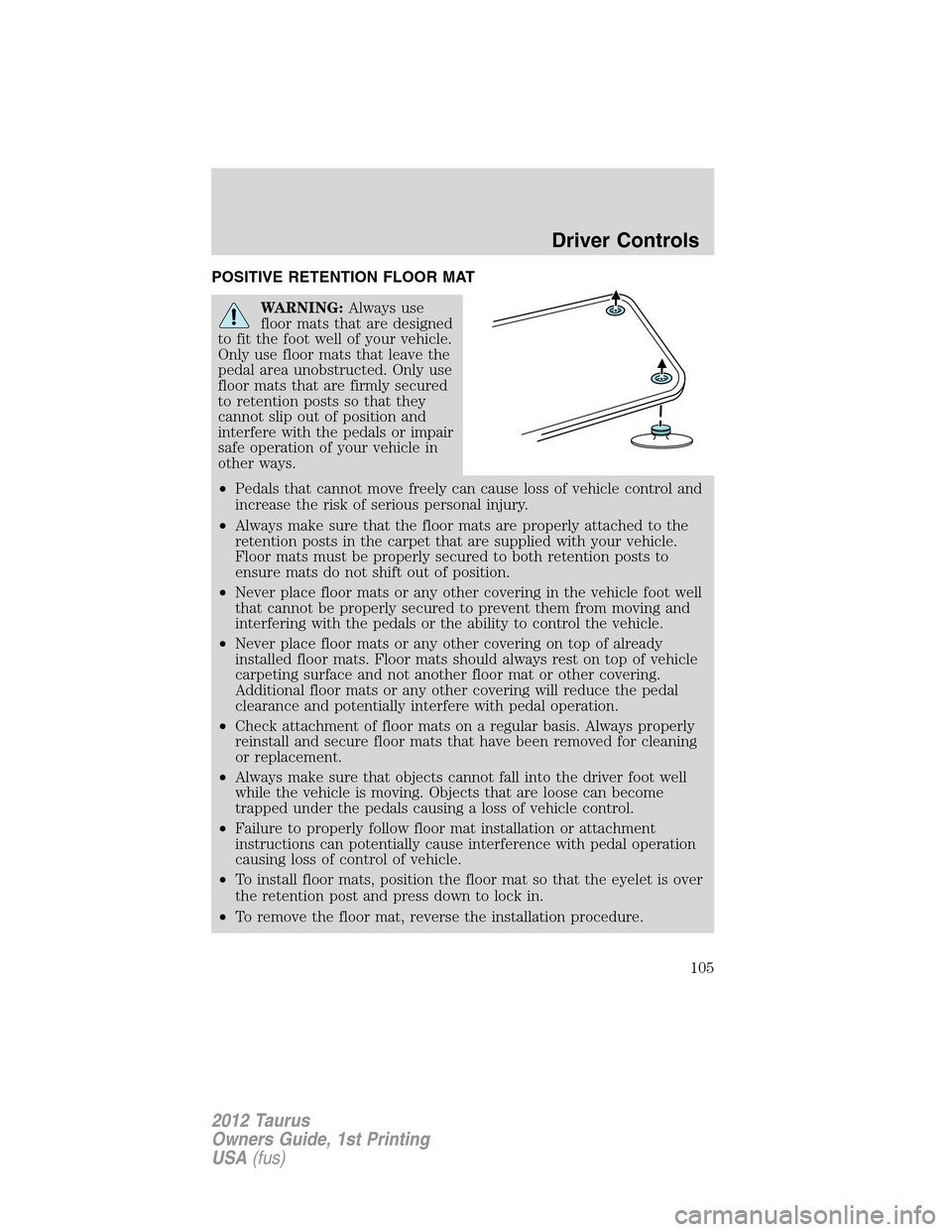
•To install floor mats, position the floor mat so that the eyelet is over
the retention post and press down to lock in.
•To remove the floor mat, reverse the installation procedure.
Driver Controls
105
2012 Taurus
Owners Guide, 1st Printing
USA(fus)
Page 106 of 406
TRUNK RELEASE
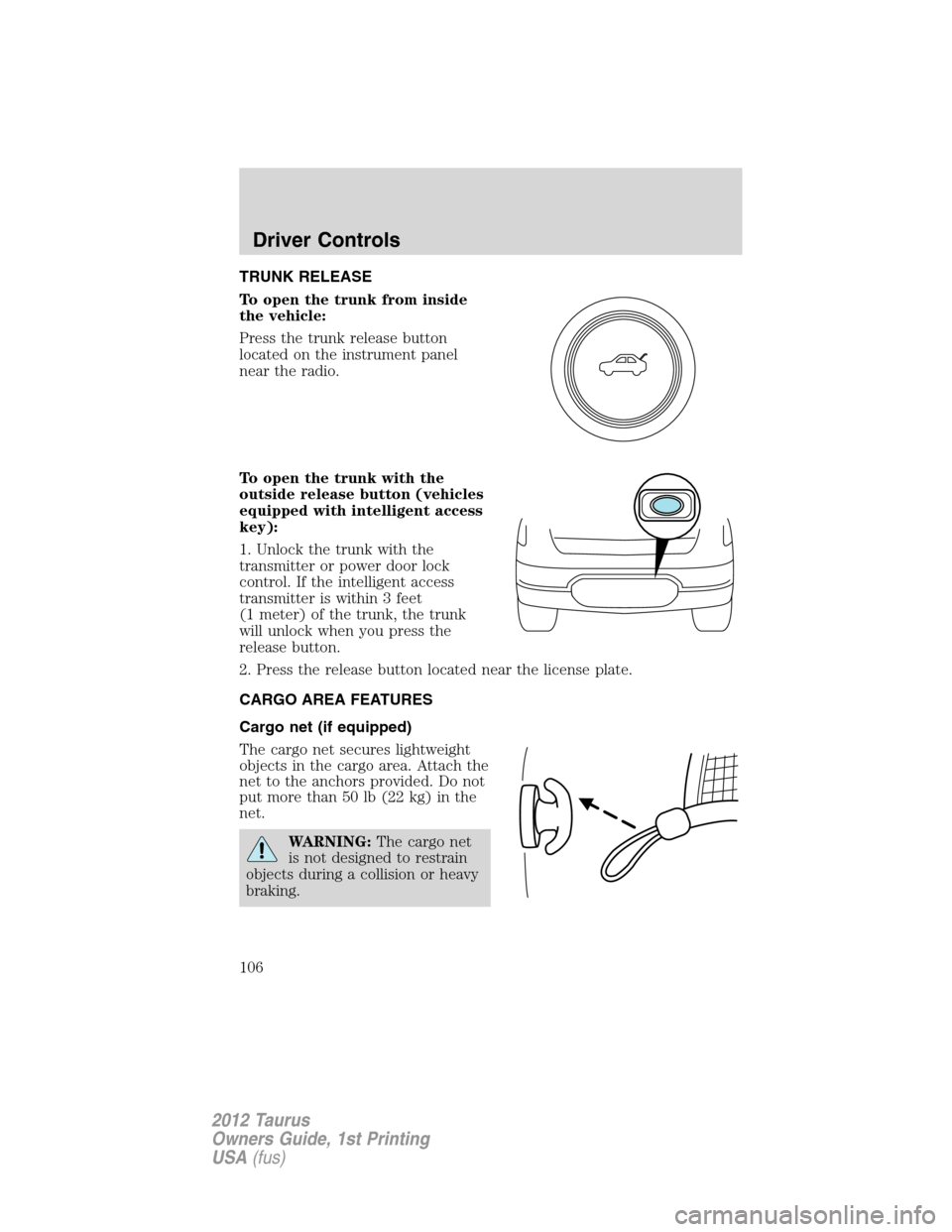
To open the trunk from inside
the vehicle:
Press the trunk release button
located on the instrument panel
near the radio.
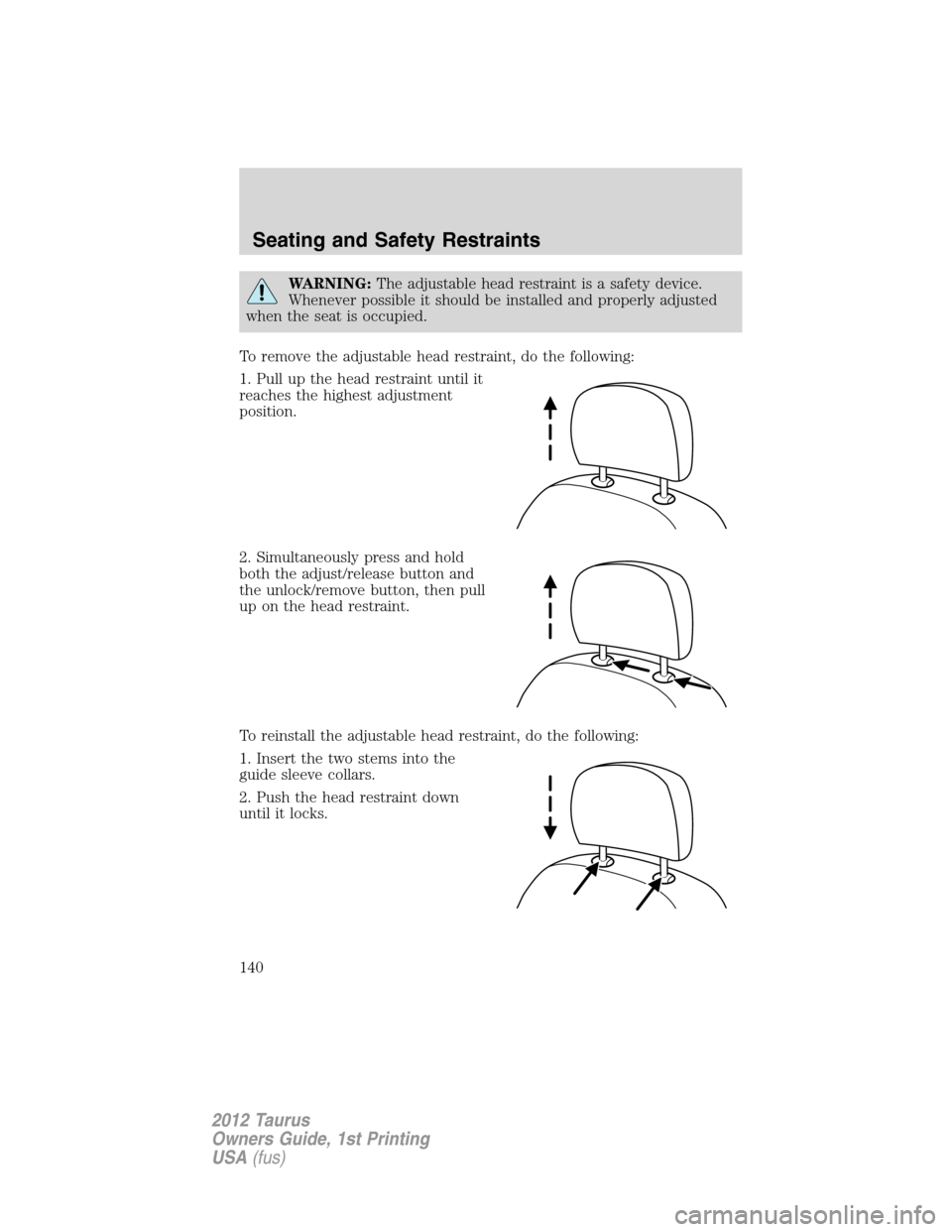
To open the trunk with the
outside release button (vehicles
equipped with intelligent access
key):
1. Unlock the trunk with the
transmitter or power door lock
control. If the intelligent access
transmitter is within 3 feet
(1 meter) of the trunk, the trunk
will unlock when you press the
release button.
2. Press the release button located near the license plate.
CARGO AREA FEATURES
Cargo net (if equipped)
The cargo net secures lightweight
objects in the cargo area. Attach the
net to the anchors provided. Do not
put more than 50 lb (22 kg) in the
net.
WARNING:The cargo net
is not designed to restrain
objects during a collision or heavy
braking.
Driver Controls
106
2012 Taurus
Owners Guide, 1st Printing
USA(fus)
Page 109 of 406
MYKEY�
The MyKey�feature allows you to program a restricted driving mode to
promote good driving habits. All but one of the keys programmed to the
vehicle can be activated as a MyKey�. The key will remain restricted
until MyKey�is cleared. Any remaining keys are referred to as an
“administrator key” or admin key. The admin key can be used to create a
MyKey�, program optional MyKey�settings, and clear the MyKey�
feature. When the MyKey�feature is enabled the user can use system
check in the message center to see how many MyKeys�and admin keys
are programmed to the vehicle, and see the total distance the vehicle has
been driven with the MyKey�active.
MyKey�restricted features
Standard settings – these settings cannot be changed
•Belt-Minder cannot be disabled. The audio system will be muted
whenever Belt-Minder�is activated until the safety belts are buckled.
Refer to theSeating and Safety Restraintschapter for a detailed
description of Belt-Minder�operation.
•Low fuel warnings are displayed in the message center followed by a
chime when the distance to empty value reaches 75 miles (120 km).
•The following systems, if equipped, cannot be turned off: reverse
sensing system, blind spot information system (BLIS�) with cross
traffic alert and collision warning system.
Optional settings – these settings can be changed
•Vehicle speed is limited to 80 mph (130 km/h). Visual warnings are
displayed followed by a chime when the vehicle speed has reached
80 mph (130 km/h).
•Visual warnings are displayed followed by a chime when a preselected
vehicle speed of 45, 55 or 65 mph (75, 90, or 105 km/h) is exceeded.
•The maximum volume of the audio system is limited to 45%. MYKEY
VOLUME LIMITED will be displayed in the audio system display when
attempting to exceed the limited volume.
•The AdvanceTrac�system cannot be turned off. When this optional
setting is on, the MyKey�user will not be able to deactivate the
system.Note:It may be beneficial to deactivate the AdvanceTrac�
system if the vehicle is stuck in snow, mud or sand.
Locks and Security
109
2012 Taurus
Owners Guide, 1st Printing
USA(fus)
Page 111 of 406
5. Press SETUP to enter your choice. The next optional setting will be
displayed.
6. Repeat Steps 4 and 5 until you are done changing the optional
settings.
Clear MyKey�
To reset all MyKeys�as admin keys, do the following:
1. Turn the vehicle on using the admin key.
2. Press SETUP until PRESS RESET TO CLEAR MYKEY is displayed.
3. Press and release the RESET button. HOLD RESET TO CONFIRM
CLEAR is displayed.
4. Press and hold the RESET button for two seconds until ALL MYKEYS
CLEARED is displayed.
Check MyKey�system status
The vehicle system check will provide the status of the following MyKey�
parameters:
•MYKEY MILES — This odometer only tracks mileage when a MyKey�
is used. If mileage does not accumulate as expected, then the MyKey�
is not being used by the intended user. The only way to reset this
odometer to zero is by clearing MyKey�. If this odometer is lower than
the last time you checked, then the MyKey�system has been recently
cleared.
•# MYKEY(S) PROGRAMMED — Indicates how many MyKeys�are
programmed to the vehicle. Can be used to detect deletion of a
MyKey�.
•# ADMIN KEYS PROGRAMMED — Indicates how many admin keys
are programmed to the vehicle. Can be used to detect if an additional
spare key has been programmed to the vehicle.
Refer toMessage centerin theInstrument Clusterchapter for MyKey�
system warnings displays.
Using MyKey�with remote start systems
MyKey�is not compatible with non-Ford approved aftermarket remote
start systems. If you choose to install a remote start system please see
your authorized dealer for a Ford approved remote start system.
Locks and Security
111
2012 Taurus
Owners Guide, 1st Printing
USA(fus)
Page 120 of 406
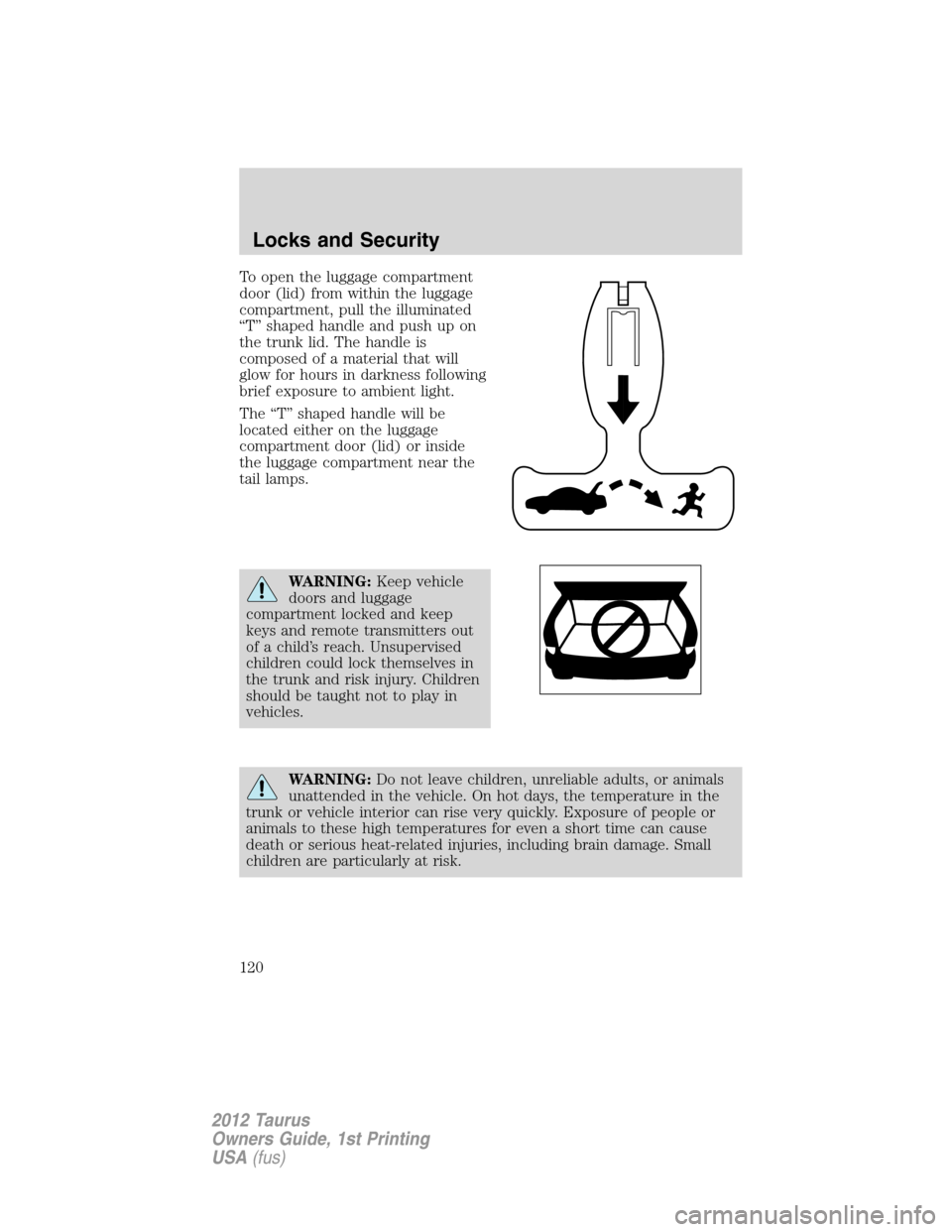
To open the luggage compartment
door (lid) from within the luggage
compartment, pull the illuminated
“T” shaped handle and push up on
the trunk lid. The handle is
composed of a material that will
glow for hours in darkness following
brief exposure to ambient light.
The “T” shaped handle will be
located either on the luggage
compartment door (lid) or inside
the luggage compartment near the
tail lamps.
WARNING:Keep vehicle
doors and luggage
compartment locked and keep
keys and remote transmitters out
of a child’s reach. Unsupervised
children could lock themselves in
the trunk and risk injury. Children
should be taught not to play in
vehicles.
WARNING:Do not leave children, unreliable adults, or animals
unattended in the vehicle. On hot days, the temperature in the
trunk or vehicle interior can rise very quickly. Exposure of people or
animals to these high temperatures for even a short time can cause
death or serious heat-related injuries, including brain damage. Small
children are particularly at risk.
Locks and Security
120
2012 Taurus
Owners Guide, 1st Printing
USA(fus)
Page 138 of 406
FRONT SEATS
WARNING:Reclining the seatback can cause an occupant to
slide under the seat’s safety belt, resulting in severe personal
injuries in the event of a collision.
WARNING:Do not pile cargo higher than the seatbacks to
reduce the risk of injury in a collision or sudden stop.
WARNING:Before returning the seatback to its original
position, make sure that cargo or any objects are not trapped
behind the seatback. After returning the seatback to its original
position, pull on the seatback to ensure that it has fully latched. An
unlatched seat may become dangerous in the event of a sudden stop or
collision.
WARNING:Never adjust the driver’s seat or seatback when the
vehicle is moving.
WARNING:Always drive and ride with your seatback upright
and the lap belt snug and low across the hips.
Adjustable head restraints
Your vehicle is equipped with front row outboard head restraints that are
vertically adjustable.
WARNING:To minimize the risk of neck injury in the event of a
crash, the driver and passenger occupants should not sit in
and/or operate the vehicle, until the head restraint is placed in its
proper position. The driver should never adjust the head restraint
while the vehicle is in motion.
Seating and Safety Restraints
138
2012 Taurus
Owners Guide, 1st Printing
USA(fus)
Page 140 of 406
WARNING:The adjustable head restraint is a safety device.
Whenever possible it should be installed and properly adjusted
when the seat is occupied.
To remove the adjustable head restraint, do the following:
1. Pull up the head restraint until it
reaches the highest adjustment
position.
2. Simultaneously press and hold
both the adjust/release button and
the unlock/remove button, then pull
up on the head restraint.
To reinstall the adjustable head restraint, do the following:
1. Insert the two stems into the
guide sleeve collars.
2. Push the head restraint down
until it locks.
Seating and Safety Restraints
140
2012 Taurus
Owners Guide, 1st Printing
USA(fus)
Page 141 of 406
Properly adjust the head restraint so that the top of the head restraint is
even with the top of your head and positioned as close as possible to the
back of your head. For occupants of extremely tall stature, adjust the
head restraint to its full up position.
WARNING:To minimize the risk of neck injury in the event of a
crash, head restraints must be installed properly.
Tilting head restraints (if equipped)
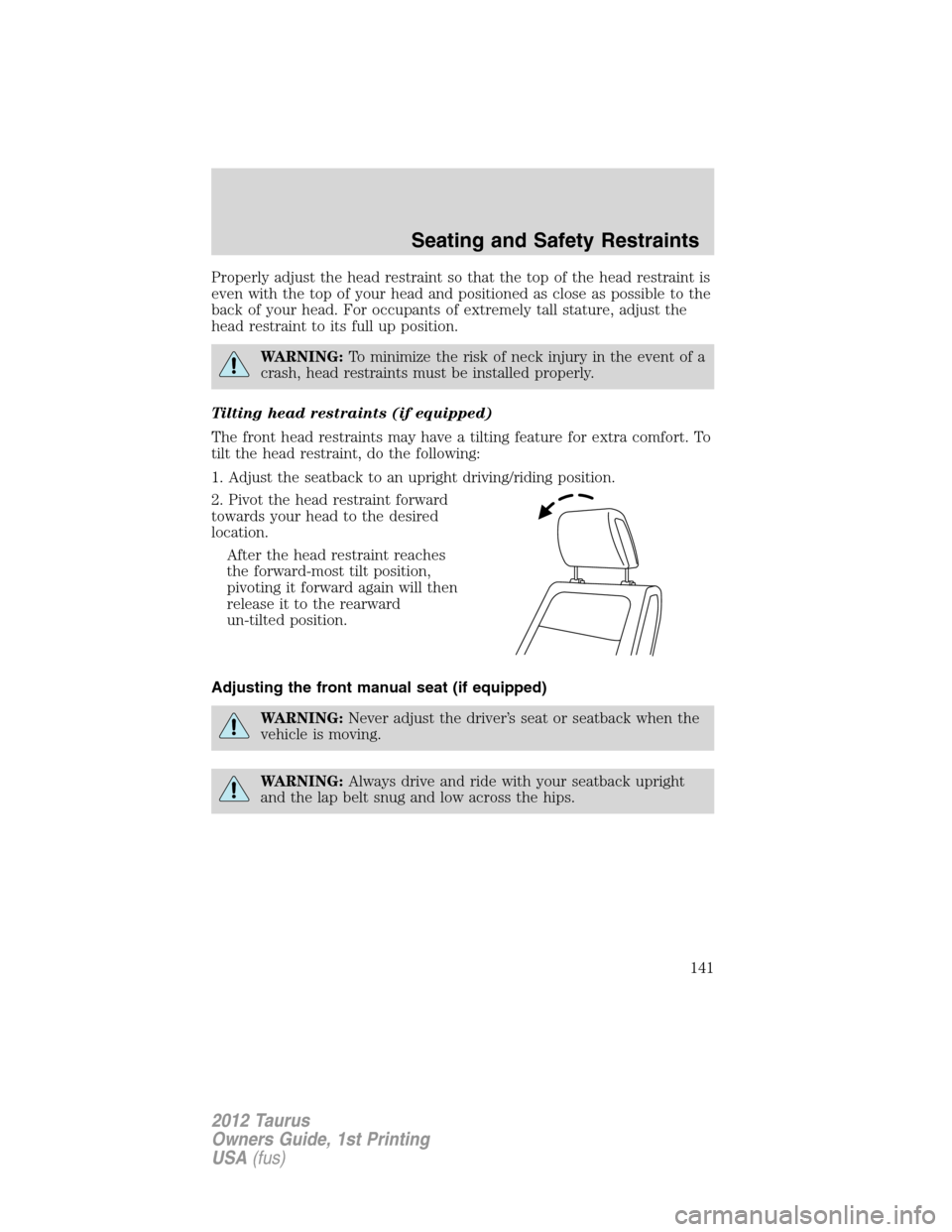
The front head restraints may have a tilting feature for extra comfort. To
tilt the head restraint, do the following:
1. Adjust the seatback to an upright driving/riding position.
2. Pivot the head restraint forward
towards your head to the desired
location.
After the head restraint reaches
the forward-most tilt position,
pivoting it forward again will then
release it to the rearward
un-tilted position.
Adjusting the front manual seat (if equipped)
WARNING:Never adjust the driver’s seat or seatback when the
vehicle is moving.
WARNING:Always drive and ride with your seatback upright
and the lap belt snug and low across the hips.
Seating and Safety Restraints
141
2012 Taurus
Owners Guide, 1st Printing
USA(fus)