Page 114 of 406
Digital media player / USB Device:This is a generic term used to
signify any of the following media devices: iPod�, Zune™, “Plays from
device” players, and most USB drives (thumb drives, flash drives, PEN
drives, etc.)
Discoverable mode:A mode which allows otherBluetoothenabled
devices to find yourBluetoothenabled device.
Discovery mode:A mode which allows yourBluetoothenabled device
to search for other ‘discoverable’Bluetoothenabled devices.
In-band ringing:This is a phone dependent feature. If yourBluetooth
enabled cellular phone supports this feature, SYNC�can play your ring
tone during incoming calls.
Indexing:A process in which SYNC�builds a voice recognition grammar
for the media content of your digital media player. While indexing,
SYNC�will play already indexed media if Autoplay is on. However, voice
recognition is not available for the media until the indexing process is
complete.
Metadata:Descriptive tags embedded in your digital media which
provide SYNC�with information such as ARTIST, ALBUM, GENRE and
TRACK.
Pairing:To use yourBluetoothenabled cellular phone with SYNC�, you
must go through a pairing (bonding) process. “Pairing” is a special
process used when two devices connect for the first time. The pairing
process is used to generate a link key that is used for authentication
purposes during subsequentBluetoothconnections between the two
devices.
PIN (Personal Identification number):This six digit number
(sometimes referred to as a passkey) will be shown in the radio display
during the pairing process with yourBluetoothenabled device. You do
not need to write down this number as it will only be used for that
specific pairing procedure.
Entertainment Systems
114
2012 Focus(foc)
Owners Guide, 1st Printing
USA(fus)
Page 136 of 406
WARNING:Never adjust the steering wheel when the vehicle is
moving.
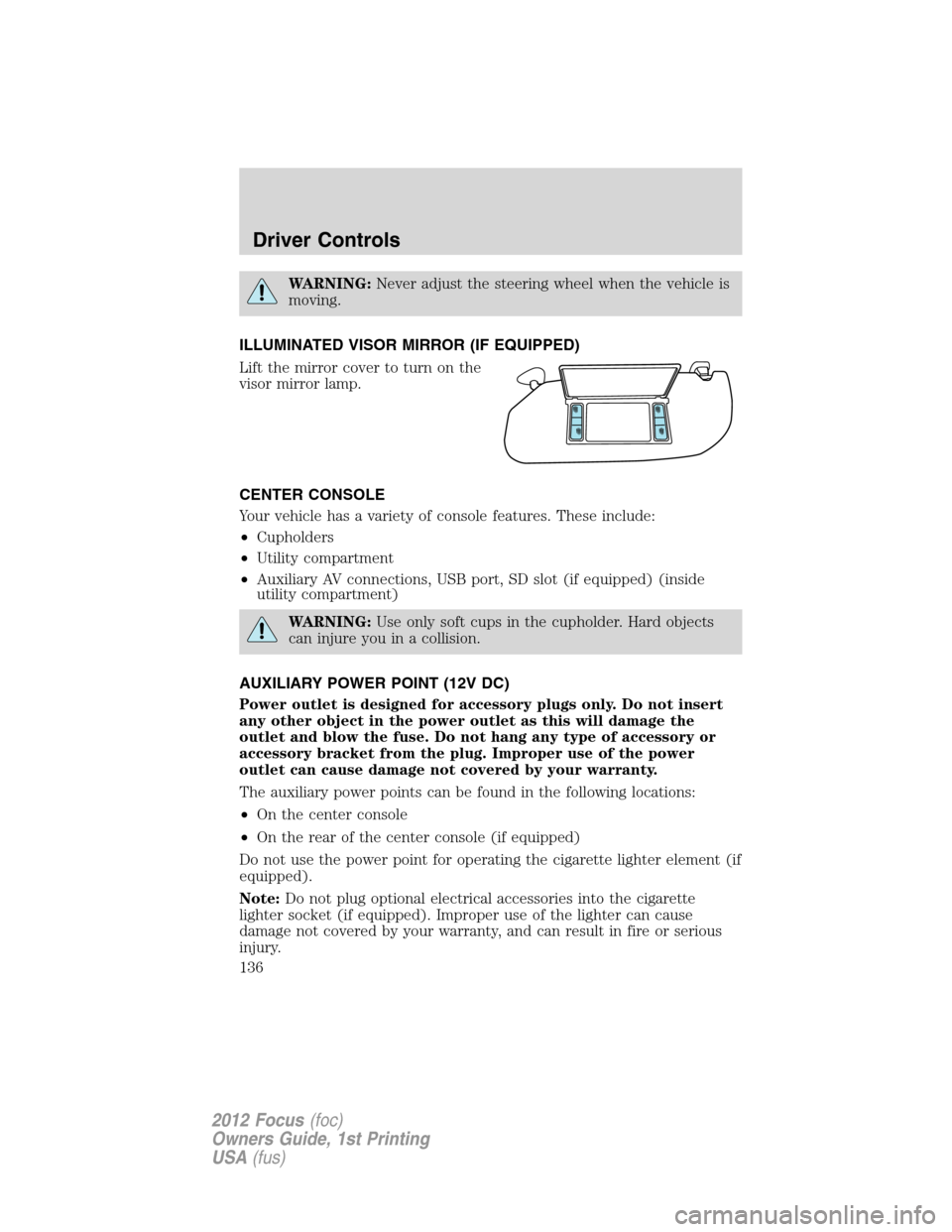
ILLUMINATED VISOR MIRROR (IF EQUIPPED)
Lift the mirror cover to turn on the
visor mirror lamp.
CENTER CONSOLE
Your vehicle has a variety of console features. These include:
•Cupholders
•Utility compartment
•Auxiliary AV connections, USB port, SD slot (if equipped) (inside
utility compartment)
WARNING:Use only soft cups in the cupholder. Hard objects
can injure you in a collision.
AUXILIARY POWER POINT (12V DC)
Power outlet is designed for accessory plugs only. Do not insert
any other object in the power outlet as this will damage the
outlet and blow the fuse. Do not hang any type of accessory or
accessory bracket from the plug. Improper use of the power
outlet can cause damage not covered by your warranty.
The auxiliary power points can be found in the following locations:
•On the center console
•On the rear of the center console (if equipped)
Do not use the power point for operating the cigarette lighter element (if
equipped).
Note:Do not plug optional electrical accessories into the cigarette
lighter socket (if equipped). Improper use of the lighter can cause
damage not covered by your warranty, and can result in fire or serious
injury.
Driver Controls
136
2012 Focus(foc)
Owners Guide, 1st Printing
USA(fus)
Page 405 of 406

S
Safety belts (see Safety
restraints) ..........185–186, 188, 190
Safety Canopy ...........................204
Safety defects, reporting ..........327
Safety information ......................60
Safety restraints ........185–188, 190
Belt-Minder�...........................191
extension assembly ................189
for adults .........................186, 188
for children .............................210
Occupant Classification
Sensor ......................................183
warning light and chime ........190
Safety restraints - LATCH
anchors ......................................218
Safety seats for children ..........214
Safety Compliance
Certification Label ....................373
Satellite Radio Information ........54
Scheduled Maintenance Guide
Normal Scheduled
Maintenance and Log .............387
Seats ..........................................173
child safety seats ....................214
heated ......................................178
SecuriLock passive anti-theft
system ........................................168
Selecting your media source
(USB, Line in, BT audio) ...........93
Servicing your vehicle ..............335
Setting the clock .............37, 42, 45
Side air curtain .........................206
SOS Post Crash Alert ...............209Spark plugs,
specifications .............368, 372–373
Specification chart,
lubricants ...................................369
Speed control ............................141
Starting your
vehicle ........................258–259, 261
jump starting ..........................314
push button start system .......261
Steering wheel
controls ....................................143
tilting .......................................135
SYNC�customer support .........107
SYNC�..........................................58
SYNC�Services ...........................81
T
Text messaging ...........................73
Text messaging (sending,
downloading, deleting) .........73, 75
Tilt steering wheel ....................135
Tire Pressure Monitoring
System (TPMS)
Tires, Wheels and Loading ....243
Tires ...........................228–229, 308
alignment ................................237
care ..........................................233
changing ..........................308, 311
checking the pressure ............233
inflating ...................................230
label .........................................242
replacing ..................................234
rotating ....................................237
safety practices .......................236
sidewall information ...............238
snow tires and chains ............248
spare tire .................................308
Index
405
2012 Focus(foc)
Owners Guide, 1st Printing
USA(fus)
Page 406 of 406
terminology .............................230
tire grades ...............................229
treadwear ........................229, 233
Towing .......................................255
recreational towing .................255
trailer towing ..........................255
wrecker ....................................318
Traffic, Directions and
Information ..................................81
Transmission
automatic operation ...............274
brake-shift interlock (BSI) ....272
fluid, checking and adding
(automatic) .............................364
fluid, checking and adding
(manual) .................................365
fluid, refill capacities ..............369
lubricant specifications ..........369
manual operation ....................278
Trunk
remote release ........................165
Turn signal ................................126
U
Universal garage door opener ..146
USB port ......................................51
Using privacy mode ....................68V
Vehicle health report ..................86
Vehicle Identification Number
(VIN) ..........................................374
Vehicle loading ..........................249
Ventilating your vehicle ...........264
Voice commands in media
mode ............................................90
Voice commands in phone
mode ............................................65
W
Warning lights (see Lights) .......12
Washer fluid ..............................338
Water, Driving through .............295
Windows
power .......................................137
rear wiper/washer ...................135
Windshield washer fluid and
wipers
checking and adding fluid .....338
operation .................................134
replacing wiper blades ...339–340
Wrecker towing .........................318
Index
406
2012 Focus(foc)
Owners Guide, 1st Printing
USA(fus)
Page:
< prev 1-8 9-16 17-24