Page 1 of 356
Introduction 4
Instrument Cluster 12
Warning lights and chimes 12
Gauges 17
Trip computer 17
Message center 18
Multifunction display 19
Entertainment Systems 23
AM/FM stereo with CD 23
Auxiliary input jack (Line in) 33
USB port 34
Satellite radio information 38
SYNC�41
Privacy Information 43
Pairing your phone for the first time 47
Connecting a digital media player to SYNC�75
Climate Controls 100
Manual heating and air conditioning 100
Rear window defroster 102
Lights 104
Headlamps 104
Turn signal control 107
Bulb replacement 109
Driver Controls 119
Windshield wiper/washer control 119
Steering wheel adjustment 120
Power windows 121
Mirrors 123
Speed control 125
Table of Contents
1
2012 Fiesta(fie)
Owners Guide, 1st Printing
USA(fus)
Page 27 of 356
13.CD:Press to enter CD mode (if equipped). While in CD mode,
press
/to navigate to other tracks/folders or Radio bands/stations.
When your desired selection is chosen, press OK to select or press CD to
return to the current track.
Note:If CD DRIVE HIGH TEMP appears in the display, the ambient
temperature is too hot and the CD unit will not operate until it has
cooled down.
While in CD mode, press INFO to display the following information (if
available):
Track name
Album
Artist
File name
Information not available
14.
(Eject):Press to eject a CD (if equipped.)
15.Cursor controls:Use to cycle through various menu selections.
Note:You can either press the arrows or move the OK knob in the
desired direction.
Entertainment Systems
27
2012 Fiesta(fie)
Owners Guide, 1st Printing
USA(fus)
Page 127 of 356
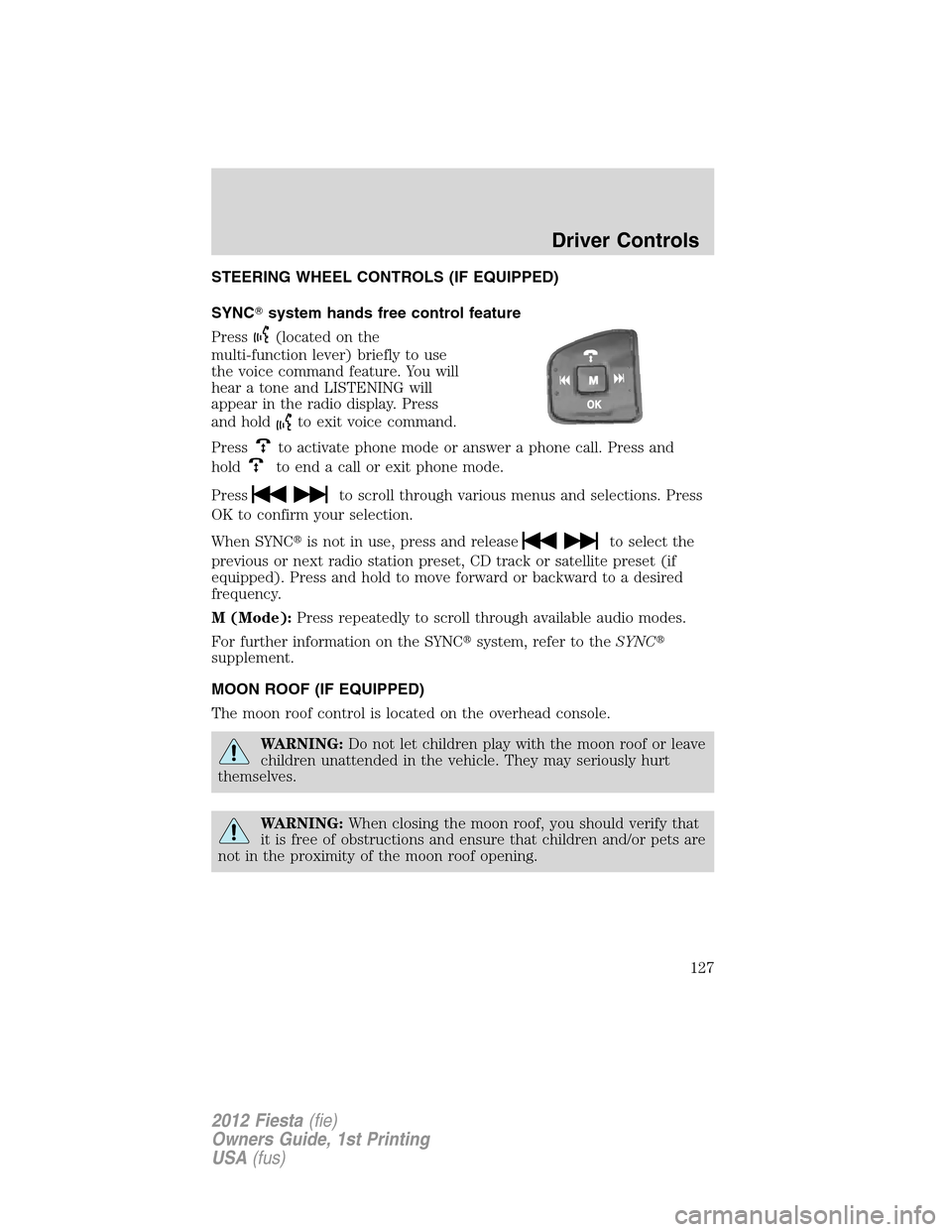
STEERING WHEEL CONTROLS (IF EQUIPPED)
SYNC�system hands free control feature
Press
(located on the
multi-function lever) briefly to use
the voice command feature. You will
hear a tone and LISTENING will
appear in the radio display. Press
and hold
to exit voice command.
Press
to activate phone mode or answer a phone call. Press and
hold
to end a call or exit phone mode.
Press
to scroll through various menus and selections. Press
OK to confirm your selection.
When SYNC�is not in use, press and release
to select the
previous or next radio station preset, CD track or satellite preset (if
equipped). Press and hold to move forward or backward to a desired
frequency.
M (Mode):Press repeatedly to scroll through available audio modes.
For further information on the SYNC�system, refer to theSYNC�
supplement.
MOON ROOF (IF EQUIPPED)
The moon roof control is located on the overhead console.
WARNING:Do not let children play with the moon roof or leave
children unattended in the vehicle. They may seriously hurt
themselves.
WARNING:When closing the moon roof, you should verify that
it is free of obstructions and ensure that children and/or pets are
not in the proximity of the moon roof opening.
Driver Controls
127
2012 Fiesta(fie)
Owners Guide, 1st Printing
USA(fus)