Page 35 of 306
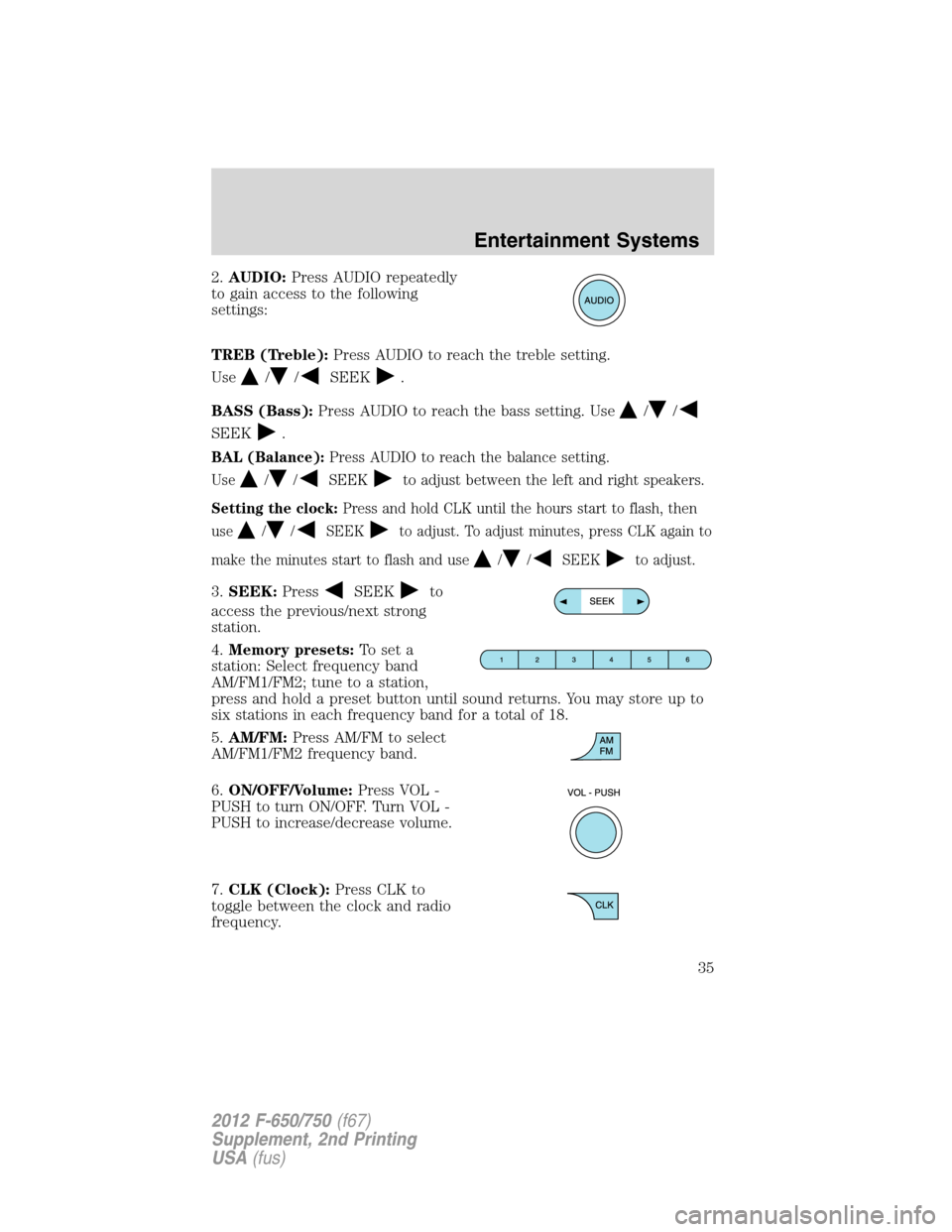
2.AUDIO:Press AUDIO repeatedly
to gain access to the following
settings:
TREB (Treble):Press AUDIO to reach the treble setting.
Use
//SEEK.
BASS (Bass):Press AUDIO to reach the bass setting. Use
//
SEEK.
BAL (Balance):Press AUDIO to reach the balance setting.
Use
//SEEKto adjust between the left and right speakers.
Setting the clock:Press and hold CLK until the hours start to flash, then
use
//SEEKto adjust. To adjust minutes, press CLK again to
make the minutes start to flash and use
//SEEKto adjust.
3.SEEK:PressSEEKto
access the previous/next strong
station.
4.Memory presets:To set a
station: Select frequency band
AM/FM1/FM2; tune to a station,
press and hold a preset button until sound returns. You may store up to
six stations in each frequency band for a total of 18.
5.AM/FM:Press AM/FM to select
AM/FM1/FM2 frequency band.
6.ON/OFF/Volume:Press VOL -
PUSH to turn ON/OFF. Turn VOL -
PUSH to increase/decrease volume.
7.CLK (Clock):Press CLK to
toggle between the clock and radio
frequency.
Entertainment Systems
35
2012 F-650/750(f67)
Supplement, 2nd Printing
USA(fus)
Page 37 of 306

2.(Phone):If your vehicle is
equipped with SYNC�, press to
access SYNC PHONE features. For
further information, please refer to yourSYNC�supplement.
If your vehicle is not equipped with SYNC�, the display reads NO
PHONE.
3.MENU:Press MENU repeatedly
to access to the following settings:
Setting the clock:Press MENU until SET HOUR or SET MINUTES is
displayed. Use
//SEEK, SEEKto adjust the
hours/minutes.
SATELLITE RADIO MENU (if equipped):Press MENU when satellite
radio mode is active to access. Press OK to enter into the satellite radio
menu. Press
/to cycle through the following options:
•CATEGORY:Press OK to enter category mode. Press
/to
scroll through the list of available SIRIUS�channel Categories (Pop,
Rock, News, etc.) Press OK when the desired category appears in the
display. After a category is selected, press SEEK to search for that
specific category of channels only (i.e. ROCK). You may also select
CATEGORY ALL to seek all available SIRIUS�categories and channels.
Press OK to close and return to the main menu.
•SAVE SONG:Press OK to save the currently playing song title in the
system’s memory. (If you try to save something other than a song,
CANT SAVE appears in the display.) When the chosen song is playing
on any satellite radio channel, the system alerts you with an audible
prompt. Press OK while SONG ALERT is in the display and the
system takes you to the channel playing the desired song. You can
save up to 20 song titles. If you attempt to save a song when the
system is full, the display reads REPLACE SONG? Press OK to access
the saved songs and press
/to cycle through the saved songs.
When the song appears in the display that you want to replace, press
OK. SONG REPLACED appears in the display.
Entertainment Systems
37
2012 F-650/750(f67)
Supplement, 2nd Printing
USA(fus)
Page 50 of 306
HEADLAMP CONTROL
Rotate the headlamp control
clockwise to the first position
to
turn on the parking lamps.
Rotate clockwise to the second
position
to also turn on the
headlamps.
High beams/Flash-to-pass
High beams:
Push the lever toward the
instrument panel to activate. Pull
the lever toward you to deactivate.
Flash-to-pass:
Pull toward you slightly to activate
and release to deactivate.
Daytime Running Lamps (DRL) (if equipped)
Turns the headlamps on with a reduced output.
To activate:
•the ignition must be turned to the on position and
•the headlamp control is in the
position, parking lamp or autolamp
position.
O
F
F
Lights
50
2012 F-650/750(f67)
Supplement, 2nd Printing
USA(fus)
Page 56 of 306
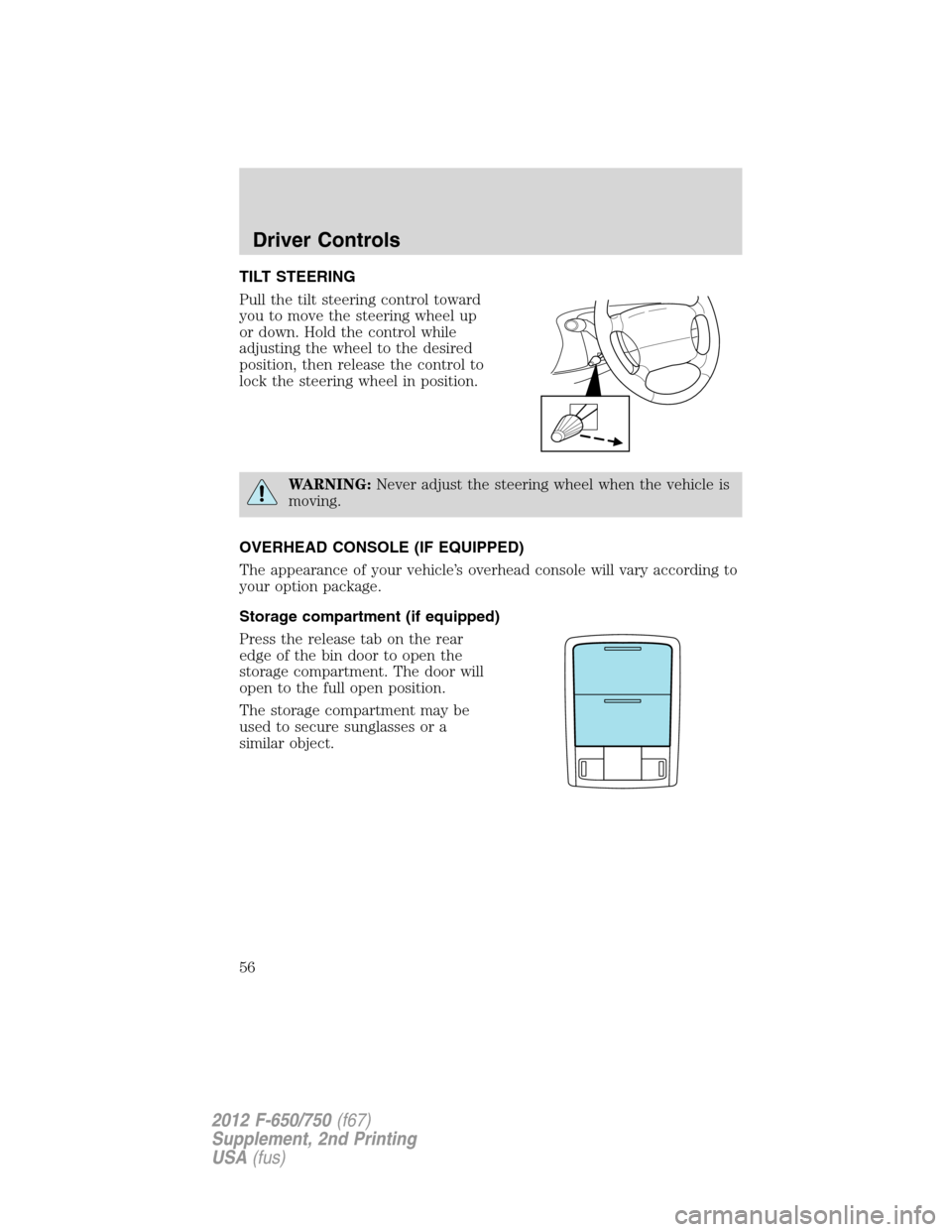
TILT STEERING
Pull the tilt steering control toward
you to move the steering wheel up
or down. Hold the control while
adjusting the wheel to the desired
position, then release the control to
lock the steering wheel in position.
WARNING:Never adjust the steering wheel when the vehicle is
moving.
OVERHEAD CONSOLE (IF EQUIPPED)
The appearance of your vehicle’s overhead console will vary according to
your option package.
Storage compartment (if equipped)
Press the release tab on the rear
edge of the bin door to open the
storage compartment. The door will
open to the full open position.
The storage compartment may be
used to secure sunglasses or a
similar object.
Driver Controls
56
2012 F-650/750(f67)
Supplement, 2nd Printing
USA(fus)
Page 58 of 306
POWER WINDOWS (IF EQUIPPED)
WARNING:Do not leave children unattended in the vehicle and
do not let children play with the power windows. They may
seriously injure themselves.
WARNING:When closing the power windows, you should verify
they are free of obstructions and ensure that children and/or
pets are not in the proximity of the window openings.
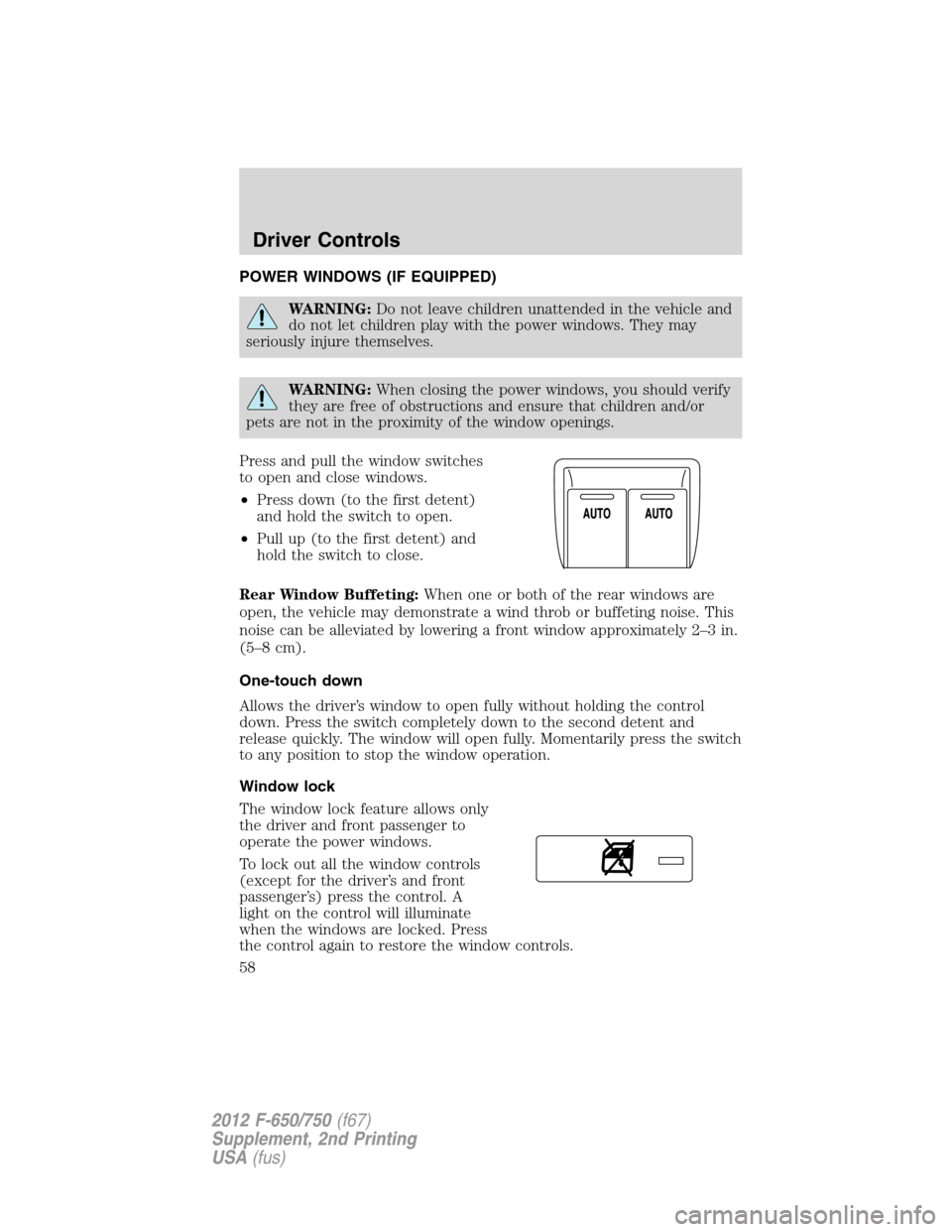
Press and pull the window switches
to open and close windows.
•Press down (to the first detent)
and hold the switch to open.
•Pull up (to the first detent) and
hold the switch to close.
Rear Window Buffeting:When one or both of the rear windows are
open, the vehicle may demonstrate a wind throb or buffeting noise. This
noise can be alleviated by lowering a front window approximately 2–3 in.
(5–8 cm).
One-touch down
Allows the driver’s window to open fully without holding the control
down. Press the switch completely down to the second detent and
release quickly. The window will open fully. Momentarily press the switch
to any position to stop the window operation.
Window lock
The window lock feature allows only
the driver and front passenger to
operate the power windows.
To lock out all the window controls
(except for the driver’s and front
passenger’s) press the control. A
light on the control will illuminate
when the windows are locked. Press
the control again to restore the window controls.
Driver Controls
58
2012 F-650/750(f67)
Supplement, 2nd Printing
USA(fus)
Page 59 of 306
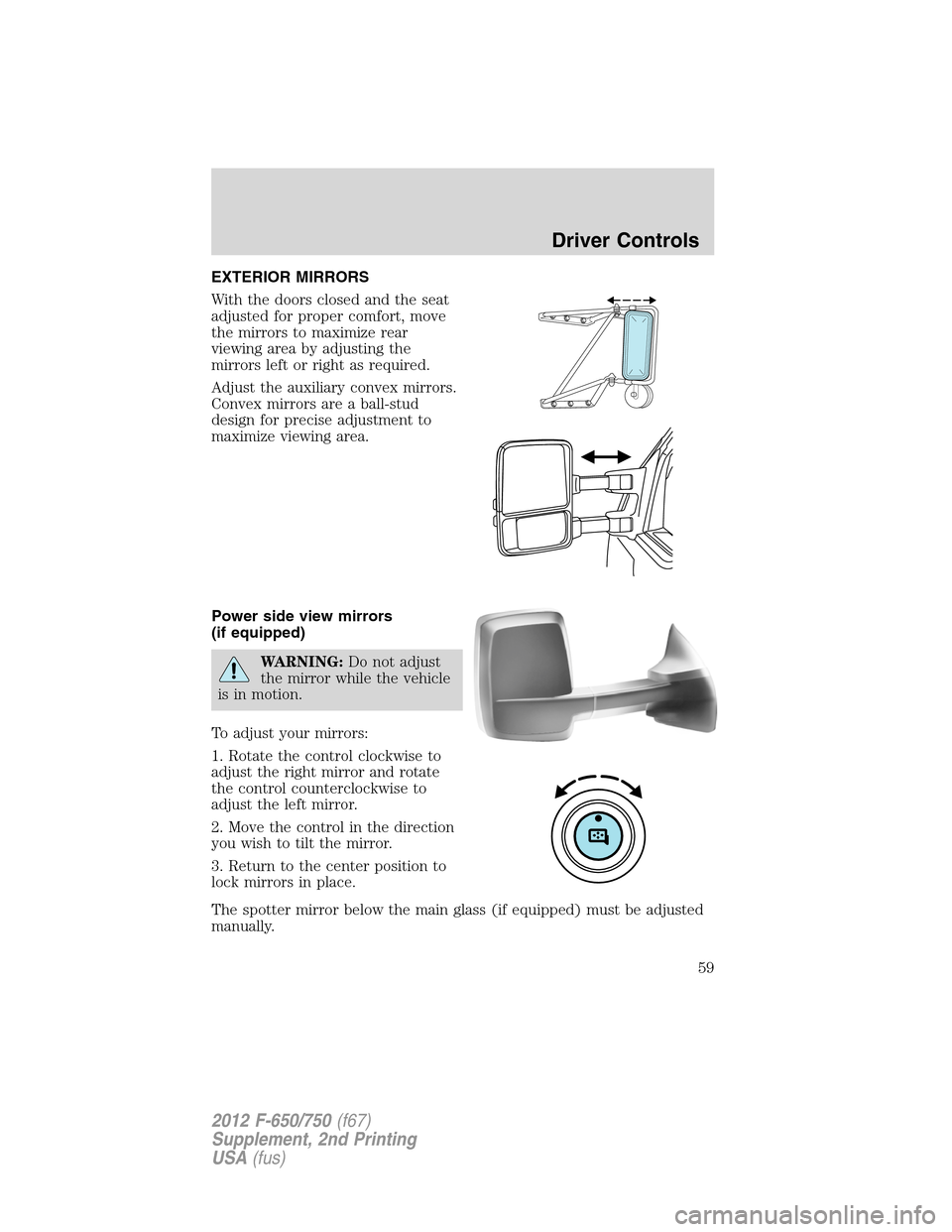
EXTERIOR MIRRORS
With the doors closed and the seat
adjusted for proper comfort, move
the mirrors to maximize rear
viewing area by adjusting the
mirrors left or right as required.
Adjust the auxiliary convex mirrors.
Convex mirrors are a ball-stud
design for precise adjustment to
maximize viewing area.
Power side view mirrors
(if equipped)
WARNING:Do not adjust
the mirror while the vehicle
is in motion.
To adjust your mirrors:
1. Rotate the control clockwise to
adjust the right mirror and rotate
the control counterclockwise to
adjust the left mirror.
2. Move the control in the direction
you wish to tilt the mirror.
3. Return to the center position to
lock mirrors in place.
The spotter mirror below the main glass (if equipped) must be adjusted
manually.
Driver Controls
59
2012 F-650/750(f67)
Supplement, 2nd Printing
USA(fus)
Page 67 of 306
KEYS
The key operates all locks on your vehicle. In case of loss, replacement
keys are available from your dealer.
You should always carry a second key with you in a safe place in case
you require it in an emergency.
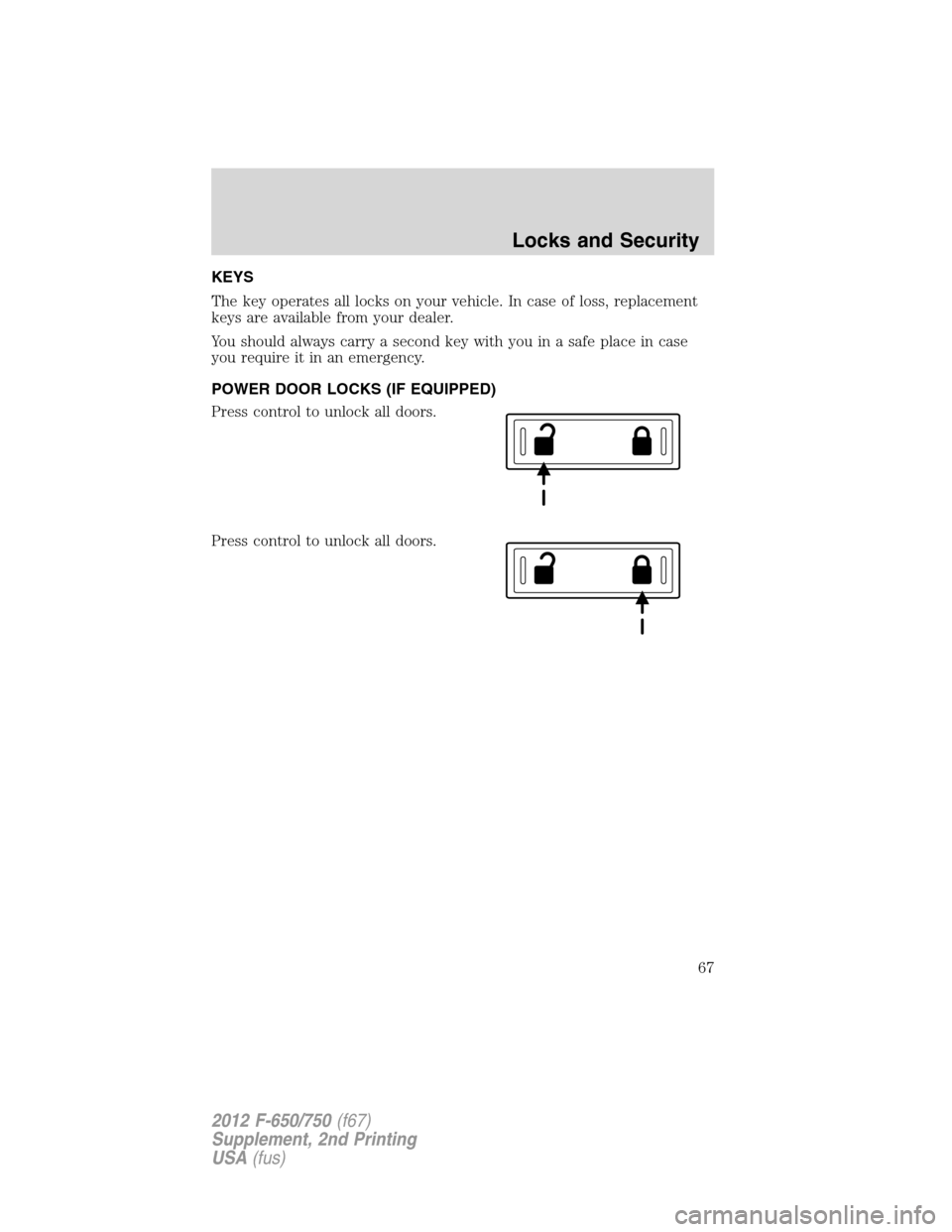
POWER DOOR LOCKS (IF EQUIPPED)
Press control to unlock all doors.
Press control to unlock all doors.
Locks and Security
67
2012 F-650/750(f67)
Supplement, 2nd Printing
USA(fus)
Page 68 of 306
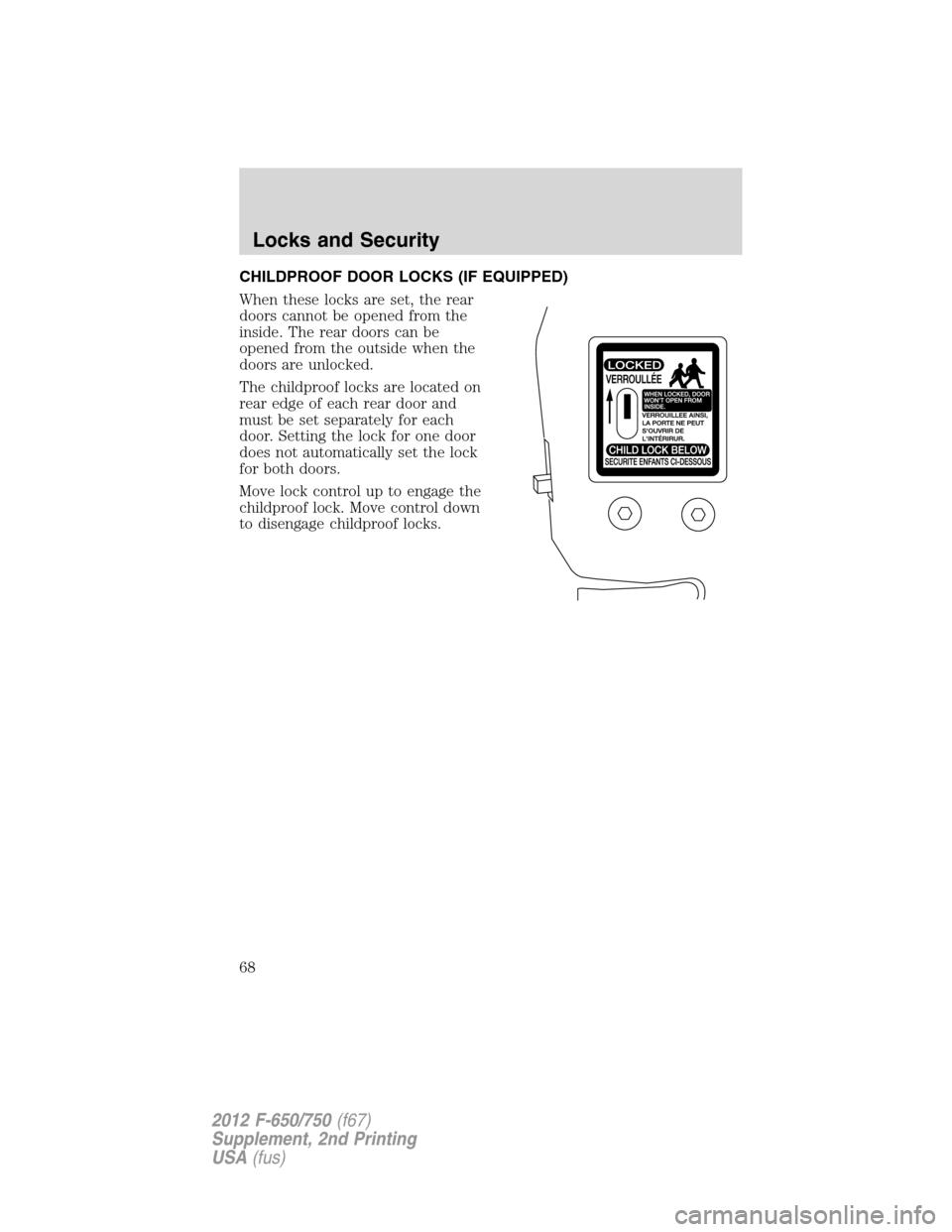
CHILDPROOF DOOR LOCKS (IF EQUIPPED)
When these locks are set, the rear
doors cannot be opened from the
inside. The rear doors can be
opened from the outside when the
doors are unlocked.
The childproof locks are located on
rear edge of each rear door and
must be set separately for each
door. Setting the lock for one door
does not automatically set the lock
for both doors.
Move lock control up to engage the
childproof lock. Move control down
to disengage childproof locks.
Locks and Security
68
2012 F-650/750(f67)
Supplement, 2nd Printing
USA(fus)