Page 139 of 358
The setup menu can be activated by pressing theMENU
ESC button. Single presses on buttons +or –will scroll
through the setup menu options. The menu includes the
following functions:
•Speed Beep
•Trip B Data
•Set Time
•Set Date
•See Radio
•Speed Display
•Autoclose
•Units
•Language
•Buzzer Volume
•Button Volume
•Hill Start
•GSI Shift Up
•Daylights (D.R.L.)
•Exit Menu
Selecting An Option Of The Main Menu Without
Submenu
1. Briefly press the MENU ESCbutton to select the main
menu option to set.
2. Press the +or –button (by single presses) to select the
new setting.
3. Briefly press the MENU ESCbutton to store the new
setting and go back to the main menu option previously
selected.
4
UNDERSTANDING YOUR INSTRUMENT PANEL 137
Page 153 of 358
4. Briefly press theMENU ESCbutton to go back to the
menu screen, or press and hold the button (approxi-
mately one second) to go back to the main screen without
storing the settings.
Exit Menu
This function closes the initial menu screen.
Briefly press the MENU ESCbutton to go back to the
main screen.
Press the –button to return to the first menu option
(Speed Beep).
Press the +button to return to the last menu option
(Daylights).
SALES CODE (RAB) RADIO
Introduction
The radio has been designed according to the specifica-
tions of the passenger compartment, with a personalized
design to match the style of the dashboard.
If the radio has BLUE&ME™, refer to the appropriate
“BLUE&ME™ User ’s Manual” for further information.
4
UNDERSTANDING YOUR INSTRUMENT PANEL 151
Page 165 of 358
Preset/User*/Classic/Rock/Jazz Functions — If
Equipped
The built-in equalizer can be activated/deactivated.
When the equalizer function is off, the audio settings can
only be changed by adjusting the “Bass” and “Treble”
settings, whereas when the function is on, the acoustic
curves can be adjusted. To deactivate the equalizer, select
the “EQ Preset” function in the audio menu.
To activate the equalizer, use the AUDIO button or to
select one of the adjustments:
•“EQ User” (adjustment of 7 equalizer bands that can
be changed by the user)
•“Classic” (equalizer preset for optimal classic music
sound)
•“Rock” (equalizer preset for optimal rock and pop
music sound)
•“Jazz” (equalizer preset for optimal jazz music sound)When one of the equalizer adjustments is activated the
wording “EQ” lights up.
*User EQ Settings Function — If Equipped
To set a personalized equalizer adjustment:
1. Press AUDIO button.
2. Use the
orbuttons to set EQ function.
3. Use
orbuttons to select �EQ User.�
4. Press MENU button to start adjusting equalizer.
5. On the display a 7 bar graph will appears, in which
each bar represents a frequency. Select the bar to be
adjusted by using the
orbuttons. The selected
bar will start to flash and it can be adjusted using
or
buttons.
6. To store the setting, press the MENU or AUDIO
buttons.
4
UNDERSTANDING YOUR INSTRUMENT PANEL 163
Page 306 of 358
Stubborn soils can be removed easily with a soft cloth
and MOPAR�Total Clean or equivalent. Care should be
taken to avoid soaking your leather upholstery with any
liquid. Please do not use polishes, oils, cleaning fluids,
solvents, detergents, or ammonia-based cleaners to clean
your leather upholstery. Application of a leather condi-
tioner is not required to maintain the original condition.
WARNING!
Do not use volatile solvents for cleaning purposes.
Many are potentially flammable, and if used in
closed areas, they may cause respiratory harm.
Cleaning Headlights
Your vehicle has plastic headlights that are lighter and
less susceptible to stone breakage than glass headlights.
Plastic is not as scratch resistant as glass and, therefore,
different lens cleaning procedures must be followed. To minimize the possibility of scratching the lenses and
reducing light output, avoid wiping with a dry cloth. To
remove road dirt, wash with a mild soap solution fol-
lowed by rinsing.
Do not use abrasive cleaning components, solvents, steel
wool or other aggressive material to clean the lenses.
Glass Surfaces
All glass surfaces should be cleaned on a regular basis
with MOPAR�
Glass Cleaner or any commercial
household-type glass cleaner. Never use an abrasive type
cleaner. Use caution when cleaning the inside rear win-
dow equipped with electric defrosters or the right rear
quarter window equipped with the radio antenna. Do
not use scrapers or other sharp instruments which may
scratch the elements. When cleaning the rearview mirror,
spray cleaner on the towel or rag that you are using. Do
not spray cleaner directly on the mirror.
304 MAINTAINING YOUR VEHICLE
Page 308 of 358
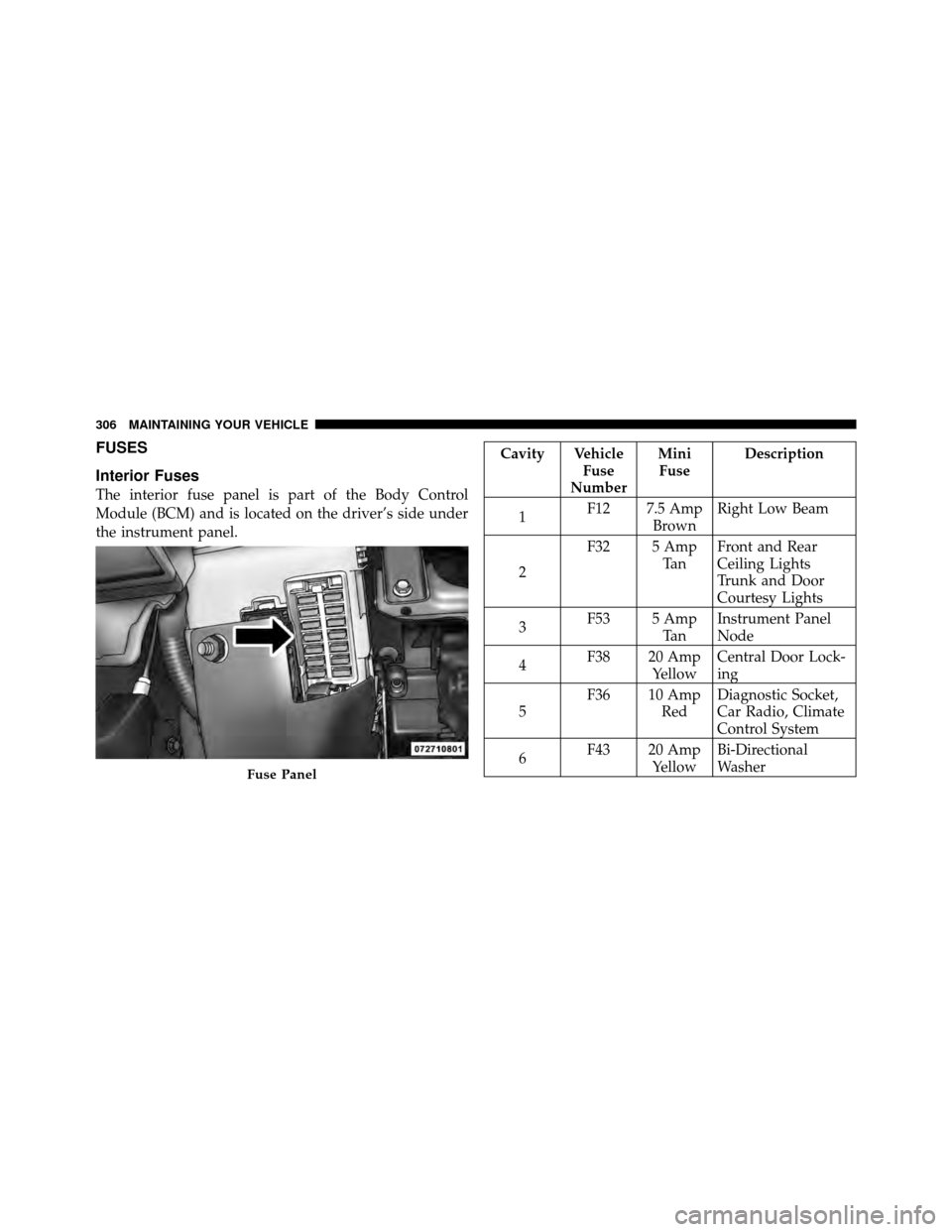
FUSES
Interior Fuses
The interior fuse panel is part of the Body Control
Module (BCM) and is located on the driver’s side under
the instrument panel.
Cavity VehicleFuse
Number Mini
Fuse Description
1 F12 7.5 Amp
BrownRight Low Beam
2 F32 5 Amp
Ta nFront and Rear
Ceiling Lights
Trunk and Door
Courtesy Lights
3 F53 5 Amp
Ta nInstrument Panel
Node
4 F38 20 Amp
YellowCentral Door Lock-
ing
5 F36 10 Amp
RedDiagnostic Socket,
Car Radio, Climate
Control System
6 F43 20 Amp
YellowBi-Directional
Washer
Fuse Panel
306 MAINTAINING YOUR VEHICLE
Page 312 of 358
Cavity Maxi Fuse Mini Fuse DescriptionF24 7.5 Amp
Brown Stability Control
System
F30 15 Amp
Blue Fog Lamps
F82 30 Amp Green Sunroof/
Convertible Top
F84 10 Amp
Red Transmission
F85 15 Amp
Blue Rear Defroster,
Heated Mirrors
F87 5 Amp Tan Lights
F90 5 Amp Tan Heated Mirrors
VEHICLE STORAGE
If you are leaving your vehicle dormant for more than
21 days, you may want to take these steps to protect your
battery.
•Disconnect the negative cable from the battery.
•Anytime you store your vehicle, or keep it out of
service (i.e., vacation) for two weeks or more, run the
air conditioning system at idle for about five minutes
in the fresh air and high blower setting. This will
ensure adequate system lubrication to minimize the
possibility of compressor damage when the system is
started again.
REPLACEMENT BULBS
Interior Lights Bulb Type
Overhead Lamp ........................ C5W
Courtesy Lamp ........................ W5W
310 MAINTAINING YOUR VEHICLE
Page 313 of 358
Exterior LightsBulb Type
Front Low and High Beam Headlamp .........HIR2
Front Parking/Daytime Running Lamps .....W21/5W
Front Fog Lamps ........................ H11
Front Side Marker Lamps ................. W3W
Front Turn Signal Lamps ................WY21W
Side Direction Lamps .................... W5W
Rear Turn Signal Lamps .................PY21W
Rear Side Marker Lamps .................. W3W
Rear Tail and Stop Lamps ..............P21W/5W
Rear Backup Lamps .................... W16W
Center High Mounted Stop Lamp ........... W5W
License Plate Lamps ...................... LED
(See Authorized Dealer)
NOTE: Numbers refer to commercial bulb types that
can be purchased from your authorized dealer.
If a bulb needs to be replaced, visit your authorized
dealer or refer to the applicable Service Manual.BULB REPLACEMENT
Headlamps
1. Remove the plastic cap from the back of the headlamp
housing.
2. Rotate the bulb counter-clockwise.
3. Remove the bulb and replace as needed.
4. Install the bulb and rotate clockwise to lock in place.
5. Reinstall the plastic cap.
7
MAINTAINING YOUR VEHICLE 311
Page 314 of 358
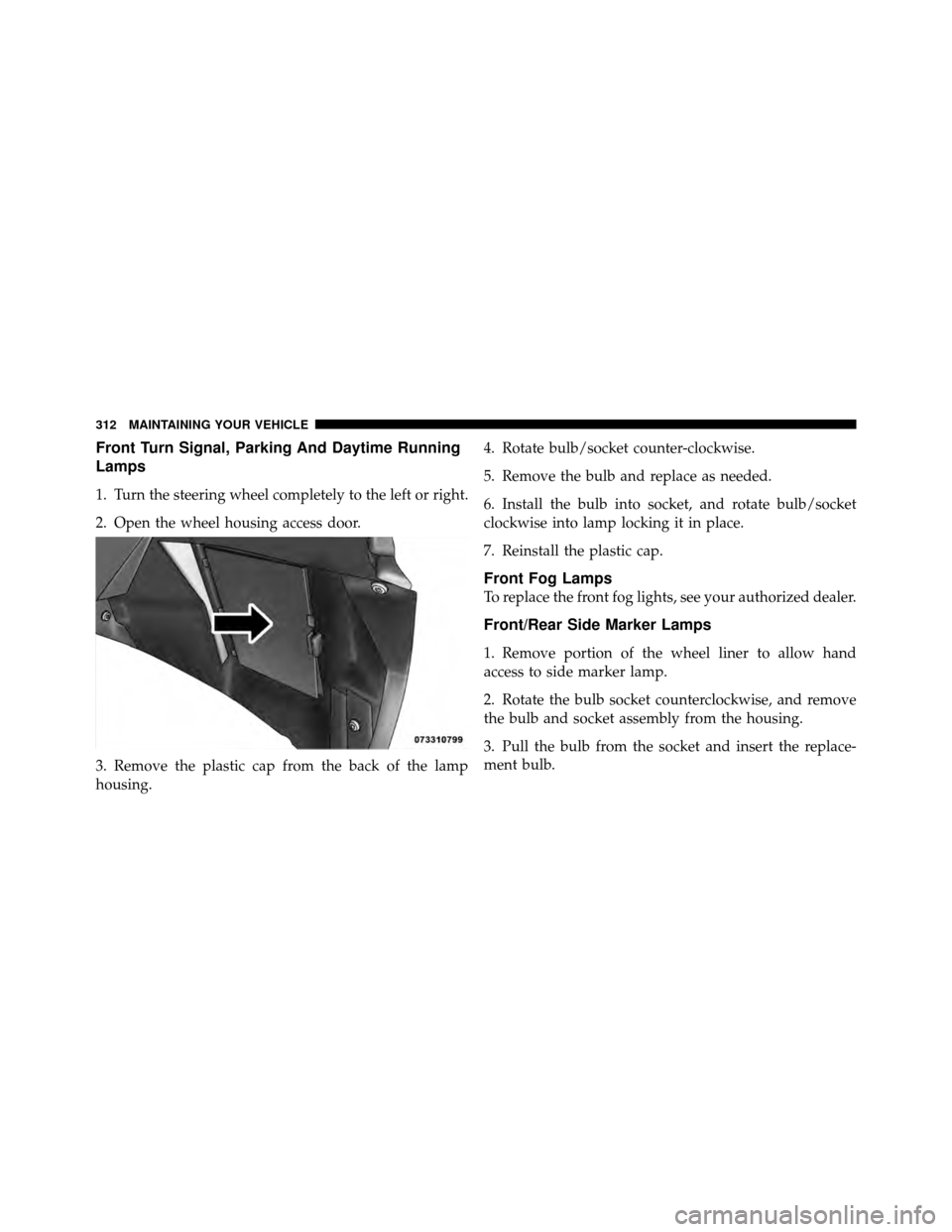
Front Turn Signal, Parking And Daytime Running
Lamps
1. Turn the steering wheel completely to the left or right.
2. Open the wheel housing access door.
3. Remove the plastic cap from the back of the lamp
housing.4. Rotate bulb/socket counter-clockwise.
5. Remove the bulb and replace as needed.
6. Install the bulb into socket, and rotate bulb/socket
clockwise into lamp locking it in place.
7. Reinstall the plastic cap.
Front Fog Lamps
To replace the front fog lights, see your authorized dealer.
Front/Rear Side Marker Lamps
1. Remove portion of the wheel liner to allow hand
access to side marker lamp.
2. Rotate the bulb socket counterclockwise, and remove
the bulb and socket assembly from the housing.
3. Pull the bulb from the socket and insert the replace-
ment bulb.
312 MAINTAINING YOUR VEHICLE