Page 150 of 603
NOTE:
•The towing assistance call may also be initiated by
touch.
•The towing assistance number dialed is based on the
country where the vehicle is purchased (1-800-528-
2069 for the U.S., 1-877-213-4525 for Canada, 55-14-
3454 for Mexico City and 1-800-712-3040 for outside
Mexico City in Mexico). Please refer to the Chrysler
Group LLC 24-Hour “Towing Assistance” coverage
details in the Warranty Information Booklet and on the
24–Hour Towing Assistance Card.
Voice Mail Calling
To learn how to access your voice mail, refer to “Working
with Automated Systems”.
Working With Automated Systems
This method is used in instances where one generally has
to press numbers on the mobile phone keypad while
navigating through an automated telephone system.You can use your Uconnect™ Phone to access a voice
mail system or an automated service, such as a paging
service or automated customer service line. Some ser-
vices require immediate response selection. In some
instances, that may be too quick for use of the
Uconnect™ Phone.
When calling a number with your Uconnect™ Phone that
normally requires you to enter in a touch-tone sequence
on your mobile phone keypad, you can utilize the
touch-screen or press the
button and say the word
“Send” then the sequence you wish to enter. For example,
if required to enter your PIN followed with a pound, (3 7
4 6 #), you can press the
button and say, “Send 3 7
4 6 #”. Saying “Send” followed by a number, or sequence
of numbers, is also to be used for navigating through an
automated customer service center menu structure, and
to leave a number on a pager.
148 UNDERSTANDING THE FEATURES OF YOUR VEHICLE
Page 177 of 603
NOTE:
1. You can also say “Find City”, “Find Favorite”, “Find
Play by Category”, “Find Play by Name”, “Find Recently
Found”, “Where to?” or “Go Home”.2. You can say “Find Nearest” then “Restaurant”, “Fuel”,
“Transit”, “Lodging”, “Shopping”, “Bank”, “Entertain-
ment”, “Recreation”, “Attractions”, “Community”,
“Auto Services”, “Hospitals”, “Parking”, “Airport”, “Po-
lice Stations”, “Fire Stations”, or “Auto Dealers”.
3
UNDERSTANDING THE FEATURES OF YOUR VEHICLE 175
Page 190 of 603
NOTE:
•The head restraints should only be removed by quali-
fied technicians, for service purposes only. If either of
the head restraints require removal, see your autho-
rized dealer.
•In the event of deployment of an Active Head Re-
straint, refer to “Occupant Restraints/Supplemental
Active Head Restraints (AHR)/Resetting Active Head
Restraints (AHR)” in “Things To Know Before Starting
Your Vehicle” for further information.
WARNING!
•Do not place items over the top of the Active Head
Restraint, such as coats, seat covers or portable
DVD players. These items may interfere with the
operation of the Active Head Restraint in the event
of a collision and could result in serious injury or
death.(Continued)
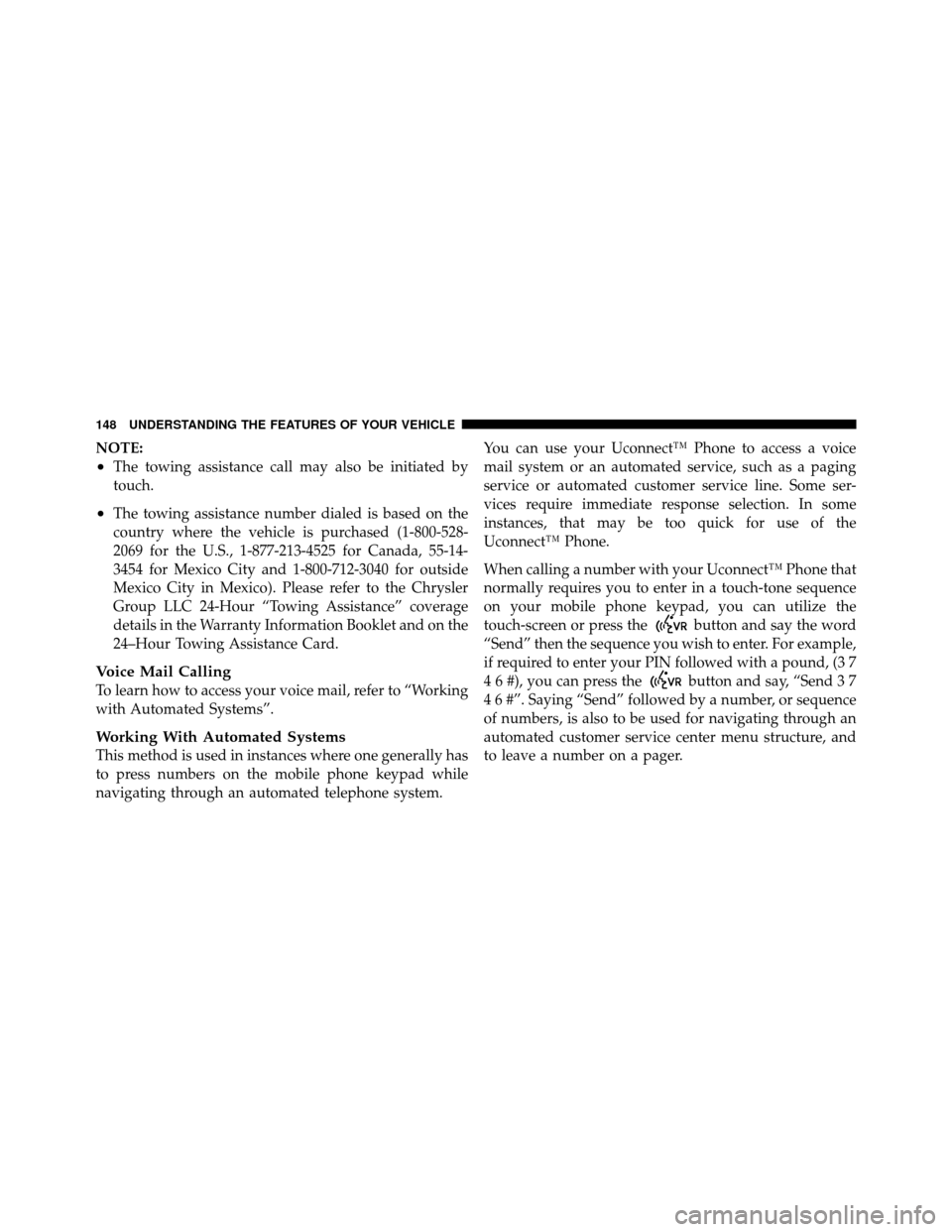
Active Head Restraint (Tilted)
188 UNDERSTANDING THE FEATURES OF YOUR VEHICLE
Page 191 of 603
WARNING! (Continued)
•Active Head Restraints may be deployed if they
are struck by an object such as a hand, foot or loose
cargo. To avoid accidental deployment of the Ac-
tive Head Restraint ensure that all cargo is se-
cured, as loose cargo could contact the Active Head
Restraint during sudden stops. Failure to follow
this warning could cause personal injury if the
Active Head Restraint is deployed.
Head Restraints — Second Row Seats
The rear seats are equipped with adjustable head re-
straints. To raise the head restraint, pull upward on the
head restraint. To lower the head restraint, press the
adjustment button, located on the base of the head
restraint, and push downward on the head restraint.NOTE:
•The head restraints should only be removed by quali-
fied technicians, for service purposes only. If any of the
head restraints require removal, see your authorized
dealer.
Adjustment Button
3
UNDERSTANDING THE FEATURES OF YOUR VEHICLE 189
Page 224 of 603

Service The ParkSense�Rear Park Assist System
When the ParkSense�Rear Park Assist system is mal-
functioning, the Electronic Vehicle Information Center
(EVIC) will actuate a single chime, once per ignition
cycle, and it will display the “CLEAN PARK ASSIST”,
“SERVICE PARK ASSIST”, or “SERVICE PARK ASSIST
SYSTEM” message. Refer to “Electronic Vehicle Informa-
tion Center (EVIC)” in “Understanding Your Instrument
Panel” for further information. When the shift lever is
moved to REVERSE and the system has detected a fault
condition, the EVIC will display the “CLEAN PARK
ASSIST ”, “SERVICE PARK ASSIST”, or the “SERVICE
PARK ASSIST SYSTEM” message for as long as the
vehicle is in REVERSE. Under this condition, ParkSense�
will not operate.
If “CLEAN PARK ASSIST” appears in the EVIC make
sure the rear fascia/bumper is clean and clear of snow, ice, mud, dirt or other obstruction and then cycle the
ignition. If the message appears again, see an authorized
dealer.
If “SERVICE PARK ASSIST” or “SERVICE PARK ASSIST
SYSTEM” appears in the EVIC, see an authorized dealer.
Cleaning The ParkSense�
System
Clean the ParkSense�sensors with water, car wash soap
and a soft cloth. Do not use rough or hard cloths. Do not
scratch or poke the sensors. Otherwise, you could dam-
age the sensors.
ParkSense� System Usage Precautions
NOTE:
•Ensure that the rear bumper is free of snow, ice, mud,
dirt and debris to keep the ParkSense� system operat-
ing properly.
•Jackhammers, large trucks, and other vibrations could
affect the performance of ParkSense�.
222 UNDERSTANDING THE FEATURES OF YOUR VEHICLE
Page 225 of 603

•When you turn ParkSense�off, the EVIC will display
“PARK ASSIST SYSTEM OFF.” Furthermore, once you
turn ParkSense� off, it remains off until you turn it on
again, even if you cycle the ignition key.
•When you move the shift lever to the REVERSE
position and ParkSense� is turned off, the EVIC will
display the “PARK ASSIST SYSTEM OFF” message for
as long as the vehicle is in REVERSE.
•Clean the ParkSense� sensors regularly, taking care
not to scratch or damage them. The sensors must not
be covered with ice, snow, slush, mud, dirt or debris.
Failure to do so can result in the system not working
properly. The ParkSense� system might not detect an
obstacle behind the fascia/bumper, or it could provide
a false indication that an obstacle is behind the fascia/
bumper.
•Objects such as bicycle carriers, trailer hitches, etc.,
must not be placed within 12 in (30 cm) from the rear fascia/bumper while driving the vehicle. Failure to do
so can result in the system misinterpreting a close
object as a sensor problem, causing the “SERVICE
PARK ASSIST” message to be displayed in the EVIC.
CAUTION!
•ParkSense�
is only a parking aid and it is unable
to recognize every obstacle, including small ob-
stacles. Parking curbs might be temporarily de-
tected or not detected at all. Obstacles located
above or below the sensors will not be detected
when they are in close proximity.
•The vehicle must be driven slowly when using
ParkSense� in order to be able to stop in time
when an obstacle is detected. It is recommended
that the driver looks over his/her shoulder when
using ParkSense�.
3
UNDERSTANDING THE FEATURES OF YOUR VEHICLE 223
Page 276 of 603

INSTRUMENT CLUSTER DESCRIPTIONS
1. Tachometer
The red segments indicate the maximum permissible
engine revolutions per minute (RPM x 1000) for each gear
range. Before reaching the red area, ease up on the
accelerator.
2. Air Bag Warning LightThis light will turn on for four to eight seconds
as a bulb check when the ignition switch is first
turned to ON/RUN. If the light is either not on
during starting, stays on, or turns on while
driving, have the system inspected at an authorized
dealer as soon as possible. Refer to “Occupant Restraints”
in “Things To Know Before Starting Your Vehicle” for
further information. 3. Malfunction Indicator Light (MIL)
The Malfunction Indicator Light (MIL) is part of
an onboard diagnostic system, called OBD, that
monitors engine and automatic transmission con-
trol systems. The light will illuminate when the key is in
the ON/RUN position, before engine start. If the bulb
does not come on when turning the key from OFF to
ON/RUN, have the condition checked promptly.
Certain conditions, such as a loose or missing gas cap,
poor fuel quality, etc., may illuminate the MIL after
engine start. The vehicle should be serviced if the light
stays on through several of your typical driving cycles. In
most situations, the vehicle will drive normally and will
not require towing.
274 UNDERSTANDING YOUR INSTRUMENT PANEL
Page 277 of 603

CAUTION!
Prolonged driving with the MIL on could cause
damage to the engine control system. It also could
affect fuel economy and drivability. If the MIL is
flashing, severe catalytic converter damage and
power loss will soon occur. Immediate service is
required.
WARNING!
A malfunctioning catalytic converter, as referenced
above, can reach higher temperatures than in normal
operating conditions. This can cause a fire if you
drive slowly or park over flammable substances such
as dry plants, wood, cardboard, etc. This could result
in death or serious injury to the driver, occupants or
others.4. Electronic Stability Control (ESC) Activation/
Malfunction Indicator Light — If Equipped
If the “ESC Activation/Malfunction Indicator
Light” comes on continuously with the engine
running, a malfunction has been detected in
the ESC system. If this light remains on after
several ignition cycles, and the vehicle has been driven
several miles (kilometers) at speeds greater than 30 mph
(48 km/h), see your authorized dealer as soon as possible
to have the problem diagnosed and corrected.
NOTE:•Each time the ignition is turned to ON/RUN, the ESC
system will be ON, even if it was turned off previously.
•The ESC system will make buzzing or clicking sounds
when it is active. This is normal; the sounds will stop
when ESC becomes inactive following the maneuver
that caused the ESC activation.
4
UNDERSTANDING YOUR INSTRUMENT PANEL 275