Page 390 of 686
with a DVD player, follow the radio’s instructions to
turn Video Lock on. The radio and the video screen(s)
indicate when Video Lock is active.
•Pressing the Video Lock again or turning the ignition
OFF turns Video Lock OFF and allows remote control
operation of the VES™.
Replacing The Batteries
The remote control requires two AAA batteries for op-
eration. To replace the batteries:
•Locate the battery compartment on the back of the
remote, then slide the battery cover downward.
•Replace the batteries, making sure to orient them
according to the polarity diagram shown.
•Replace the battery compartment cover.
Headphones Operation
The headphones receive two separate channels of audio
using an infrared transmitter from the video screen.
Front seat occupants receive some headphone audio
coverage to allow them to adjust the headphone volume
for the young rear seat occupants that may not be able to
do so for themselves.
If no audio is heard after increasing the volume control,
verify that the screen is turned on and in the down
position and that the channel is not muted and the
headphone channel selector switch is on the desired
channel. If audio is still not heard, check that fully
charged batteries are installed in the headphones.
388 UNDERSTANDING YOUR INSTRUMENT PANEL
Page 395 of 686
The VES™ can even control radio modes or video modes
while the radio is turned off. The VES™ can access the
radio modes or disc modes by navigating to those modes
on the VES™ and activating a radio mode or disc mode.
Information Mode Display
1. Channel 1 Mode
2. Channel 1 Shared Status
3. Channel 1 Audio Only/Mute
4. Channel 2 Mode
5. Channel 2 Shared Status
6. Channel 2 Audio Only/Mute
7. Channel 1 ENTER Button Action
8. Channel 2 ENTER Button Action
9. Clock
10. Video Lock
11. Not Available / Error
12. Disc Changer Status
Information Mode Video Screen Display
4
UNDERSTANDING YOUR INSTRUMENT PANEL 393
Page 414 of 686

Manual Operation
This system offers a full complement of manual override
features.
NOTE:Each of these features operate independently
from each other. If any one feature is controlled manually,
temperature control will continue to operate automati-
cally.
There are seven fixed blower speeds.
Use the outer dial control to regulate
the amount of air forced through the
system in any mode you select. The
blower speed increases as you move
the control clockwise and decreases
when you move the control counter-
clockwise.
The blower fan speed can be set to any fixed speed by
adjusting the blower control outer dial. The fan will now
operate at a fixed speed until additional speeds are selected. This allows the front occupants to control the
volume of air circulated in the vehicle and cancel the
Auto mode.
The operator can also select the direction of the airflow
by selecting one of the following positions.
Panel Mode
Air comes from the outlets in the instrument panel.
Each of these outlets can be individually adjusted to
direct the flow of air. The air vanes of the center outlets
and outboard outlets can be moved up and down or side
to side to regulate airflow direction. There is a shut off
wheel located below the air vanes to shut off or adjust the
amount of airflow from these outlets.
Bi-Level Mode Air comes from the instrument panel outlets, floor
outlets and defrost outlets.
Blower Control
412 UNDERSTANDING YOUR INSTRUMENT PANEL
Page 417 of 686
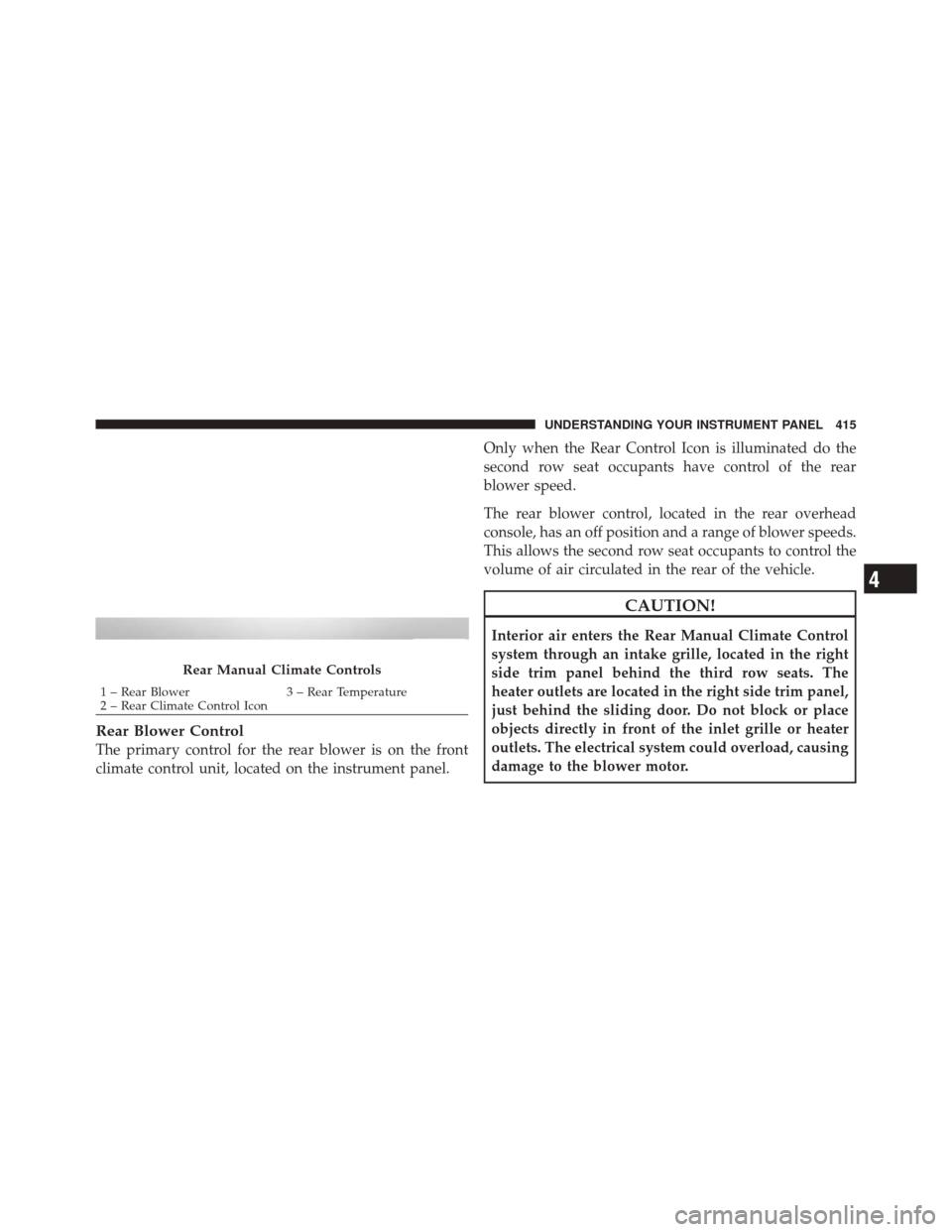
Rear Blower Control
The primary control for the rear blower is on the front
climate control unit, located on the instrument panel.Only when the Rear Control Icon is illuminated do the
second row seat occupants have control of the rear
blower speed.
The rear blower control, located in the rear overhead
console, has an off position and a range of blower speeds.
This allows the second row seat occupants to control the
volume of air circulated in the rear of the vehicle.
CAUTION!
Interior air enters the Rear Manual Climate Control
system through an intake grille, located in the right
side trim panel behind the third row seats. The
heater outlets are located in the right side trim panel,
just behind the sliding door. Do not block or place
objects directly in front of the inlet grille or heater
outlets. The electrical system could overload, causing
damage to the blower motor.
Rear Manual Climate Controls
1 – Rear Blower
3 – Rear Temperature
2 – Rear Climate Control Icon
4
UNDERSTANDING YOUR INSTRUMENT PANEL 415
Page 418 of 686

Rear Temperature Control
Only when the Rear Control Icon is illuminated do the
second row seat occupants have control of the rear mode
control knob.
To change the temperature in the rear of the vehicle,
rotate the temperature control knob counterclockwise for
cold air, and clockwise for heated air.
Rear Mode Control
Headliner ModeAir comes from the outlets in the headliner. Each of
these outlets can be individually adjusted to direct
the flow of air. Moving the air vanes of the outlets to one
side will shut off the airflow.
Bi-Level Mode Air comes from both the headliner outlets and the
floor outlets. NOTE:
In many temperature positions, the BI-LEVEL
mode is designed to provide cooler air out of the head-
liner outlets and warmer air from the floor outlets.
Floor Mode Air comes from the floor outlets.
Operating Tips
Window Fogging
Windows will fog on the inside when the humidity inside
the vehicle is high. This often occurs in mild or cool
temperatures when it’s rainy or humid. In most cases,
turning the air conditioning (pressing the A/C button) on
will clear the fog. Adjust the temperature control, air
direction, and blower speed to maintain comfort.
As the temperature gets colder, it may be necessary to
direct air onto the windshield. Adjust the temperature
control and blower speed to maintain comfort. Higher
416 UNDERSTANDING YOUR INSTRUMENT PANEL
Page 421 of 686
STARTING AND OPERATING
CONTENTS
�Starting Procedures .................... 424
▫ Automatic Transmission ............... 424
▫ Keyless Enter-N-Go – If Equipped ........ 425
▫ Normal Starting ..................... 426
▫ Extreme Cold Weather
(Below –20°F Or �29°C)............... 428
▫ If Engine Fails To Start ................ 428
▫ After Starting ....................... 429
� Engine Block Heater — If Equipped ........ 429�
Automatic Transmission ................. 430
▫ Key Ignition Park Interlock ............. 432
▫ Brake/Transmission Shift Interlock System . . 432
▫ Five-Speed Automatic Transmission
(3.6L Engine) — If Equipped ............ 432
▫ Gear Ranges ........................ 433
▫ Six-Speed Automatic Transmission
(5.7L Engine) — If Equipped ............ 440
▫ Gear Ranges ........................ 441
5
Page 422 of 686

�All-Wheel Drive Operation ............... 450
▫ Single-Speed Operating Instructions/
Precautions (3.6L Engine) – If Equipped .... 450
▫ Electronically Shifted Transfer Case
(Three-Position Switch) (5.7L Engine) – If
Equipped .......................... 450
▫ Shifting Procedure ................... 454
� On-Road Driving Tips .................. 457
� Off-Road Driving Tips .................. 457
▫ When To Use Low Range – If Equipped .... 457
▫ Driving Through Water ................ 457
▫ Driving In Snow, Mud And Sand ......... 459
▫ Hill Climbing ....................... 459
▫ Traction Downhill .................... 460 ▫
After Driving Off-Road ................ 460
� Power Steering ....................... 461
▫ 3.6L Engine ........................ 461
▫ 5.7L Engine ........................ 463
▫ Power Steering Fluid Check ............. 464
� Multi-Displacement System (MDS)
(If Equipped) — 5.7L Engine Only .......... 465
� Parking Brake ........................ 465
� Electronic Brake Control System ........... 467
▫ Anti-Lock Brake System (ABS) ........... 468
▫ Traction Control System (TCS) ........... 468
▫ Brake Assist System (BAS) .............. 469
▫ Electronic Roll Mitigation (ERM) ......... 470
420 STARTING AND OPERATING
Page 426 of 686

STARTING PROCEDURES
Before starting your vehicle, adjust your seat, adjust the
inside and outside mirrors, fasten your seat belt, and if
present, instruct all other occupants to buckle their seat
belts.
WARNING!
•When leaving the vehicle, always remove the key
fob from the ignition and lock your vehicle.
•Never leave children alone in a vehicle, or with
access to an unlocked vehicle. Allowing children
to be in a vehicle unattended is dangerous for a
number of reasons. A child or others could be
seriously or fatally injured. Children should be
warned not to touch the parking brake, brake
pedal or the shift lever.(Continued)
WARNING! (Continued)
•Do not leave the key fob in or near the vehicle, and
do not leave Keyless Enter-N-Go in the ACC or
ON/RUN mode. A child could operate power win-
dows, other controls, or move the vehicle.
Automatic Transmission
The shift lever must be in the NEUTRAL or PARK
position before you can start the engine. Apply the brakes
before shifting into any driving gear.
CAUTION!
Damage to the transmission may occur if the follow-
ing precautions are not observed:
•Shift into PARK only after the vehicle has come to
a complete stop.(Continued)
424 STARTING AND OPERATING

