Page 152 of 471
WARNING!
•Persons who are unable to feel pain to the skin
because of advanced age, chronic illness, diabetes,
spinal cord injury, medication, alcohol use, ex-
haustion, or other physical conditions must exer-
cise care when using the steering wheel heater. It
may cause burns even at low temperatures, espe-
cially if used for long periods.
•Do not place anything on the steering wheel that
insulates against heat, such as a blanket or steering
wheel covers of any type and material.. This may
cause the steering wheel heater to overheat.
ELECTRONIC SPEED CONTROL — IF EQUIPPED
When engaged, the Electronic Speed Control takes over
accelerator operations at speeds greater than 25 mph
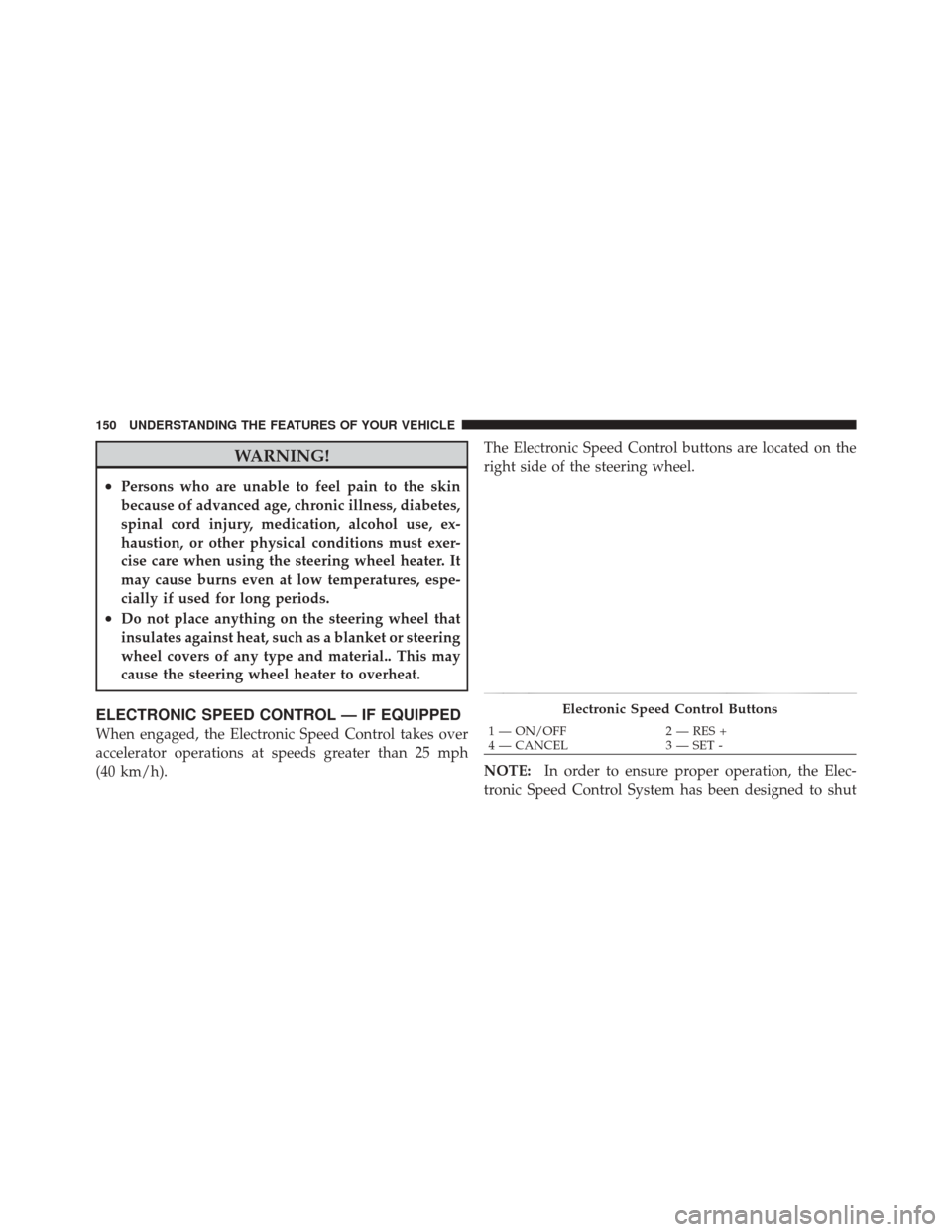
(40 km/h).The Electronic Speed Control buttons are located on the
right side of the steering wheel.
NOTE:
In order to ensure proper operation, the Elec-
tronic Speed Control System has been designed to shut
Electronic Speed Control Buttons
1 — ON/OFF 2 — RES +
4 — CANCEL 3 — SET -
150 UNDERSTANDING THE FEATURES OF YOUR VEHICLE
Page 177 of 471
▫Controlling The iPod� Or External USB
Device Using Radio Buttons ............. 233
▫ Play Mode ......................... 233
▫ List Or Browse Mode ................. 235
▫ Bluetooth Streaming Audio (BTSA) ........ 237
� Harman Kardon� Logic7�High Performance
Multichannel Surround Sound System With
Driver-Selectable Surround (DSS) — If
Equipped ............................ 238
� Steering Wheel Audio Controls ............ 239
▫ Radio Operation ..................... 240 ▫
CD Player ......................... 240
� CD/DVD Disc Maintenance .............. 241
� Radio Operation And Mobile Phones ....... 241
� Climate Controls ...................... 242
▫ Automatic Temperature Control (ATC) ..... 242
▫ Automatic Operation .................. 242
▫ Blower Control ...................... 243
▫ Manual Operation .................... 243
▫ Operating Tips ...................... 247
4
UNDERSTANDING YOUR INSTRUMENT PANEL 175
Page 178 of 471
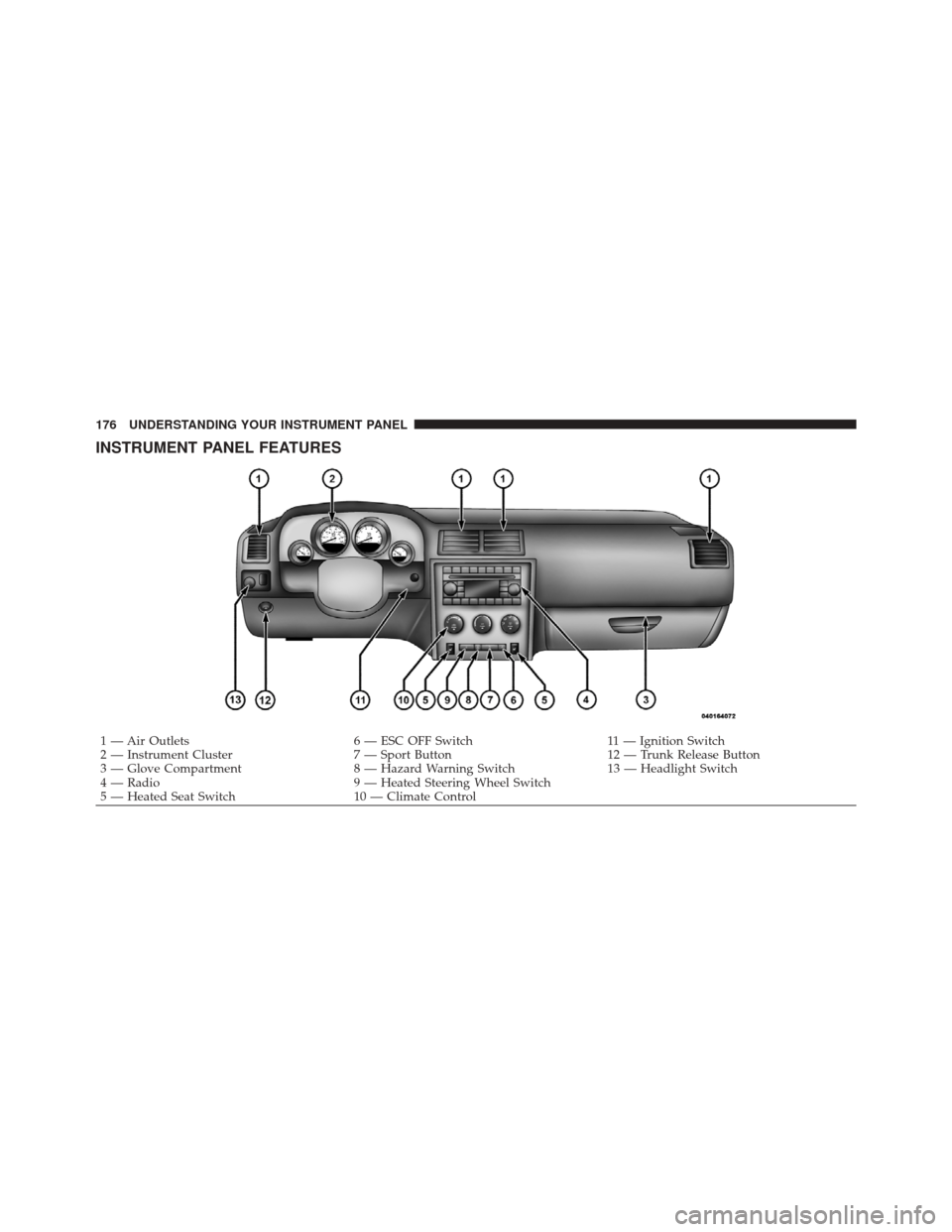
INSTRUMENT PANEL FEATURES
1 — Air Outlets6 — ESC OFF Switch11 — Ignition Switch
2 — Instrument Cluster 7 — Sport Button12 — Trunk Release Button
3 — Glove Compartment 8 — Hazard Warning Switch13 — Headlight Switch
4 — Radio 9 — Heated Steering Wheel Switch
5 — Heated Seat Switch 10 — Climate Control
176 UNDERSTANDING YOUR INSTRUMENT PANEL
Page 184 of 471

Do not operate the vehicle until the cause is corrected.
This light does not indicate how much oil is in the engine.
The engine oil level must be checked under the hood.
15. High Beam IndicatorThis indicator will turn on when the high beam
headlights are on. Push the multifunction lever
away from the steering wheel to switch the headlights to
high beam.
16. Seat Belt Reminder Light This light will turn on for four to eight seconds as
a bulb check when the ignition switch is first
placed in ON/RUN. A chime will sound if the
driver’s seat belt is unbuckled during the bulb check. The
Seat Belt Reminder Light will flash or remain on continu-
ously if the driver’s seat belt remains unbuckled after the
bulb check or when driving. Refer to “Occupant Re-
straints” in “Things To Know Before Starting Your Ve-
hicle” for further information. 17. Shift Lever Indicator — Automatic Transmission
Only
The Shift Lever Indicator is self-contained within the
instrument cluster. It displays the gear position of the
automatic transmission.
18. Front Fog Light Indicator — If Equipped
This indicator will illuminate when the front fog
lights are on.
19. Odometer / Electronic Vehicle Information Center
(EVIC) Display
The odometer display shows the total distance the ve-
hicle has been driven. The trip odometer shows indi-
vidual trip mileage. Refer to “Trip Odometer Button” for
additional information.
NOTE: U.S. Federal regulations require that upon trans-
fer of vehicle ownership, the seller certify to the pur-
chaser the correct mileage that the vehicle has been
driven. If your odometer needs to be repaired or serviced,
182 UNDERSTANDING YOUR INSTRUMENT PANEL
Page 190 of 471
WARNING!
A malfunctioning catalytic converter, as referenced
above, can reach higher temperatures than in normal
operating conditions. This can cause a fire if you
drive slowly or park over flammable substances such
as dry plants, wood, cardboard, etc. This could result
in death or serious injury to the driver, occupants or
others.
ELECTRONIC VEHICLE INFORMATION CENTER
(EVIC)
The Electronic Vehicle Information Center (EVIC) fea-
tures a driver-interactive display that is located in the
instrument cluster.This system conveniently allows the driver to select a
variety of useful information by pressing the switches
mounted on the steering wheel. The EVIC consists of the
following:
•System Status
Electronic Vehicle Information Center
188 UNDERSTANDING YOUR INSTRUMENT PANEL
Page 191 of 471
•Vehicle Information Warning Message Displays
•Tire Pressure Monitor System
•Personal Settings (Customer-Programmable Features)
•Compass Display
•Outside Temperature Display
•Trip Computer Functions
•Uconnect™ phone Displays (If Equipped)
•Uconnect™ gps Screens (If Equipped)
•Audio Mode Display
•Surround Sound Modes (if equipped with Driver-
Selectable Surround [DSS])
•Performance FeaturesThe system allows the driver to select information by
pressing the following buttons mounted on the steering
wheel:
EVIC Steering Wheel Buttons
4
UNDERSTANDING YOUR INSTRUMENT PANEL 189
Page 205 of 471

NOTE:The EVIC will not change the Uconnect™ lan-
guage selection. Refer to “Uconnect™ phone” in “Under-
standing The Features Of Your Vehicle” for further
information.
Unlock Doors Automatically on Exit
When ON is selected, both doors will unlock when the
vehicle is stopped and the transmission is in the PARK or
NEUTRAL position and the driver’s door is opened. To
make your selection, press and release the SELECT
button until “ON” or “OFF” appears.
Remote Key Unlock
When Driver Door 1st Press is selected, only the driver’s
door will unlock on the first press of the Remote Keyless
Entry (RKE) transmitter UNLOCK button. When Driver
Door 1st Press is selected, you must press the RKE
transmitter UNLOCK button twice to unlock the passen-
ger door. When All Doors 1st Press is selected, both of the doors will unlock on the first press of the RKE
transmitter UNLOCK button. To make your selection,
press and release the SELECT button until “Driver Door
1st Press” or “All Doors 1st Press” appears.
Remote Start Comfort Sys. — If Equipped
When this feature is selected and the remote start is
activated, the heated steering wheel and driver heated
seat features will automatically turn on in cold weather.
In warm weather, the driver vented seat feature will
automatically turn on when the remote start is activated.
These features will stay on through the duration of
remote start or until the key is turned to RUN. To make
your selection, press and release the SELECT button until
a check-mark appears next to the feature showing the
system has been activated or the check-mark is removed
showing the system has been deactivated.
4
UNDERSTANDING YOUR INSTRUMENT PANEL 203
Page 241 of 471
Vehicle Information Center (EVIC). Refer to “Driver-
Selectable Surround Sound (DSS)” under “Electronic
Vehicle Information Center (EVIC)” in “Understanding
Your Instrument Panel”.
Selecting “Surround Sound” through the DSS modes
activates the Harman Kardon�Logic7�multichannel
surround-sound technology in your vehicle. Some audio
will sound better in DSS modes, others in Stereo mode.
When in “Surround Sound” mode, balance is set auto-
matically. Fader control is available in surround mode
but should be set to the center position for optimal
surround performance.
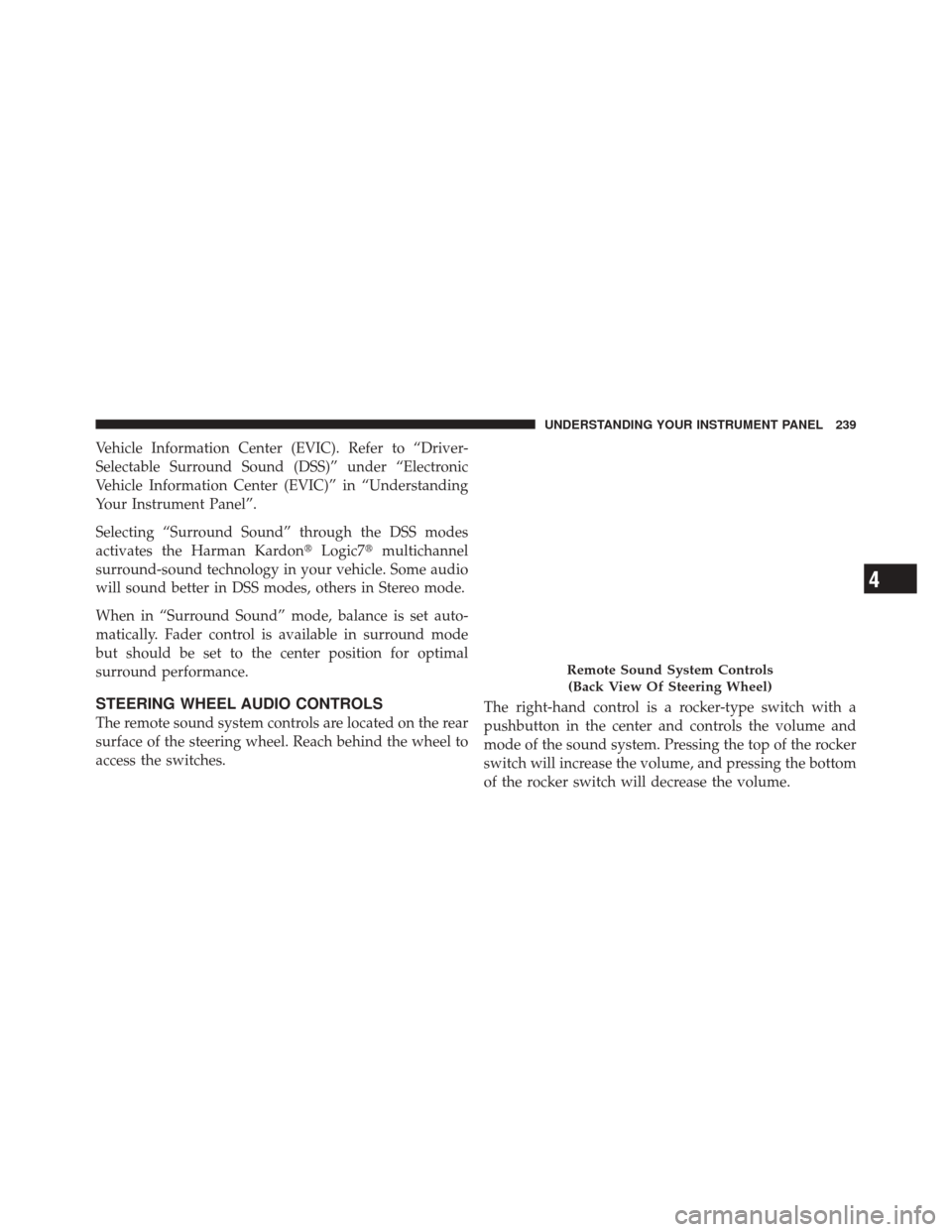
STEERING WHEEL AUDIO CONTROLS
The remote sound system controls are located on the rear
surface of the steering wheel. Reach behind the wheel to
access the switches. The right-hand control is a rocker-type switch with a
pushbutton in the center and controls the volume and
mode of the sound system. Pressing the top of the rocker
switch will increase the volume, and pressing the bottom
of the rocker switch will decrease the volume.
Remote Sound System Controls
(Back View Of Steering Wheel)
4
UNDERSTANDING YOUR INSTRUMENT PANEL 239