2012 CHEVROLET CORVETTE service
[x] Cancel search: servicePage 134 of 434
Black plate (24,1)Chevrolet Corvette Owner Manual - 2012
5-24 Instruments and Controls
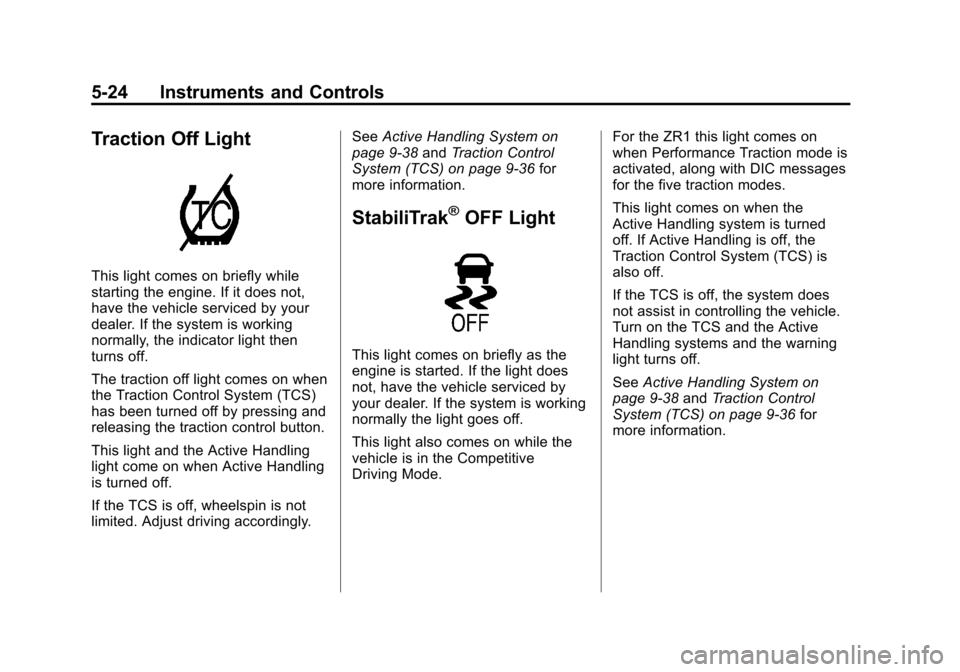
Traction Off Light
This light comes on briefly while
starting the engine. If it does not,
have the vehicle serviced by your
dealer. If the system is working
normally, the indicator light then
turns off.
The traction off light comes on when
the Traction Control System (TCS)
has been turned off by pressing and
releasing the traction control button.
This light and the Active Handling
light come on when Active Handling
is turned off.
If the TCS is off, wheelspin is not
limited. Adjust driving accordingly.See
Active Handling System on
page 9‑38 andTraction Control
System (TCS) on page 9‑36 for
more information.
StabiliTrak®OFF Light
This light comes on briefly as the
engine is started. If the light does
not, have the vehicle serviced by
your dealer. If the system is working
normally the light goes off.
This light also comes on while the
vehicle is in the Competitive
Driving Mode. For the ZR1 this light comes on
when Performance Traction mode is
activated, along with DIC messages
for the five traction modes.
This light comes on when the
Active Handling system is turned
off. If Active Handling is off, the
Traction Control System (TCS) is
also off.
If the TCS is off, the system does
not assist in controlling the vehicle.
Turn on the TCS and the Active
Handling systems and the warning
light turns off.
See
Active Handling System on
page 9‑38 andTraction Control
System (TCS) on page 9‑36 for
more information.
Page 135 of 434
Black plate (25,1)Chevrolet Corvette Owner Manual - 2012
Instruments and Controls 5-25
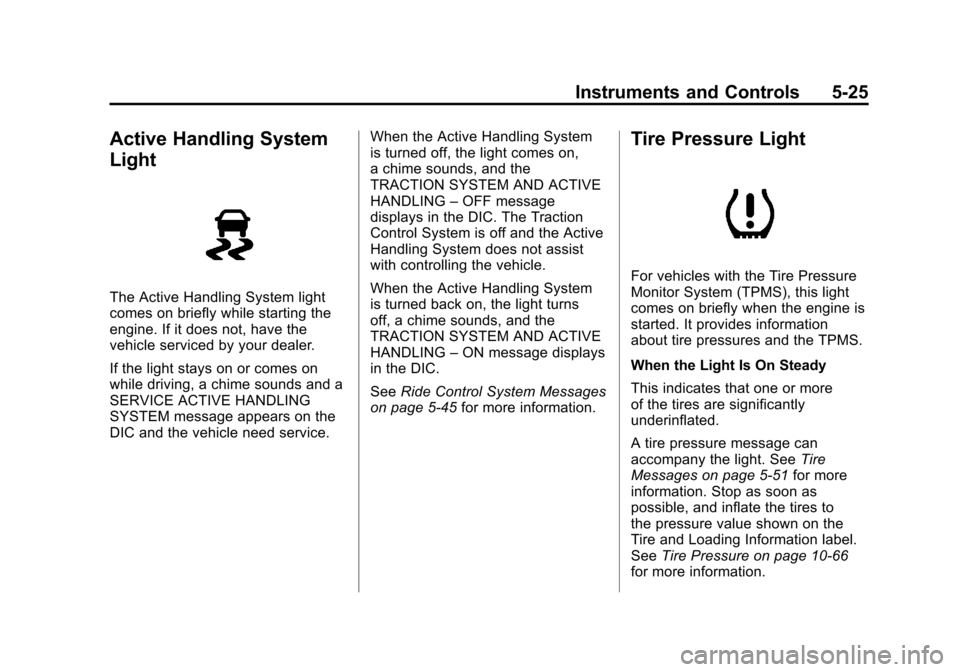
Active Handling System
Light
The Active Handling System light
comes on briefly while starting the
engine. If it does not, have the
vehicle serviced by your dealer.
If the light stays on or comes on
while driving, a chime sounds and a
SERVICE ACTIVE HANDLING
SYSTEM message appears on the
DIC and the vehicle need service.When the Active Handling System
is turned off, the light comes on,
a chime sounds, and the
TRACTION SYSTEM AND ACTIVE
HANDLING
–OFF message
displays in the DIC. The Traction
Control System is off and the Active
Handling System does not assist
with controlling the vehicle.
When the Active Handling System
is turned back on, the light turns
off, a chime sounds, and the
TRACTION SYSTEM AND ACTIVE
HANDLING –ON message displays
in the DIC.
See Ride Control System Messages
on page 5‑45 for more information.
Tire Pressure Light
For vehicles with the Tire Pressure
Monitor System (TPMS), this light
comes on briefly when the engine is
started. It provides information
about tire pressures and the TPMS.
When the Light Is On Steady
This indicates that one or more
of the tires are significantly
underinflated.
A tire pressure message can
accompany the light. See Tire
Messages on page 5‑51 for more
information. Stop as soon as
possible, and inflate the tires to
the pressure value shown on the
Tire and Loading Information label.
See Tire Pressure on page 10‑66
for more information.
Page 136 of 434
Black plate (26,1)Chevrolet Corvette Owner Manual - 2012
5-26 Instruments and Controls
When the Light Flashes First and
Then Is On Steady
This indicates that there may be a
problem with the TPMS. The light
flashes for about a minute and stays
on steady for the remainder of the
ignition cycle. This sequence
repeats with every ignition cycle.
SeeTire Pressure Monitor
Operation on page 10‑70 for
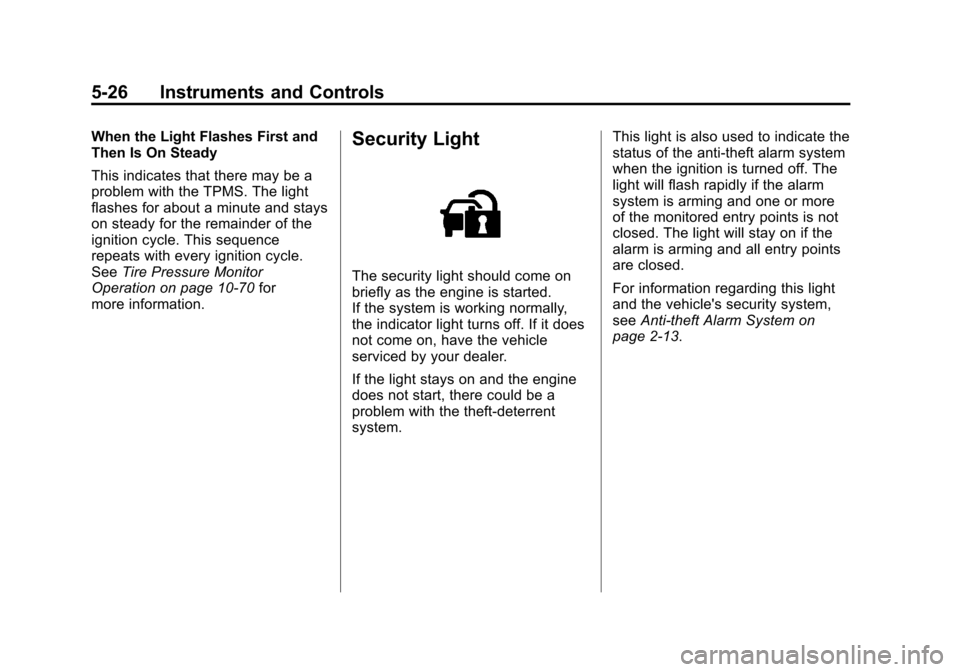
more information.Security Light
The security light should come on
briefly as the engine is started.
If the system is working normally,
the indicator light turns off. If it does
not come on, have the vehicle
serviced by your dealer.
If the light stays on and the engine
does not start, there could be a
problem with the theft-deterrent
system. This light is also used to indicate the
status of the anti-theft alarm system
when the ignition is turned off. The
light will flash rapidly if the alarm
system is arming and one or more
of the monitored entry points is not
closed. The light will stay on if the
alarm is arming and all entry points
are closed.
For information regarding this light
and the vehicle's security system,
see
Anti-theft Alarm System on
page 2‑13.
Page 147 of 434

Black plate (37,1)Chevrolet Corvette Owner Manual - 2012
Instruments and Controls 5-37
Battery Voltage and
Charging Messages
BATTERY SAVER ACTIVE
This message displays when the
vehicle has detected that the battery
voltage is dropping beyond a
reasonable point. The battery saver
system starts reducing certain
features of the vehicle that you may
be able to notice. At the point that
features are disabled, this message
is displayed. It means that the
vehicle is trying to save the charge
in the battery. Turn off unnecessary
accessories to allow the battery to
recharge.
BATTERY VOLTAGE HIGH
SeeVoltmeter Gauge on page 5‑17.
BATTERY VOLTAGE LOW
SeeVoltmeter Gauge on page 5‑17.
SERVICE CHARGING SYSTEM
If this message displays while you
are driving, there may be a problem
with the electrical charging system. It could mean that there is a loose
or broken drive belt or that there is
another electrical problem. Have the
vehicle checked right away by your
dealer. Driving while this message is
on could drain the battery.
If you must drive a short distance
with the message on, be certain to
turn off the vehicle's accessories,
such as the radio and air
conditioner.
Multiple chimes sound when this
message is displayed.
To acknowledge the message, press
the RESET button. The message
reappears every 10 minutes until
this condition changes.
Brake System Messages
ABS (Antilock Brake System)
ACTIVE
This message displays when the
Antilock Brake System (ABS) is
adjusting brake pressure to help
avoid a braking skid.
Slippery road conditions may exist if
this message is displayed, so adjust
your driving accordingly. The
message stays on for a few
seconds after the system stops
adjusting brake pressure. See
Antilock Brake System (ABS) on
page 9‑35
for more information.
CHANGE BRAKE PADS
On vehicles with electronic brake
pad wear sensors, this message will
be displayed when the pads are
worn. See your dealer for service.
CHECK BRAKE FLUID
This message displays, a sound will
be heard, and the brake system
warning light on the instrument
panel cluster turns on if the ignition
is on to inform the driver that the
brake fluid level is low. See Brake
System Warning Light on
page 5‑22. Have the brake system
serviced by your dealer as soon as
possible. See Brakes on
page 10‑38.
Page 148 of 434

Black plate (38,1)Chevrolet Corvette Owner Manual - 2012
5-38 Instruments and Controls
SERVICE ANTILOCK BRAKES
If this message displays while you
are driving, stop as soon as
possible and turn the ignition off.
Then start the engine again to reset
the system. If the message stays
on, or comes back on again while
you are driving, the vehicle is in
need of service. See your dealer.
If the antilock brake system (ABS)
warning light is on and the regular
brake system warning light is not
on, you still have brakes, but do not
have ABS. If the regular brake
system warning light is also on, you
do not have ABS and there is a
problem with the brakes. See
Antilock Brake System (ABS)
Warning Light on page 5‑22and
Brake System Warning Light on
page 5‑22. If this message is displayed, the
Traction Control System (TCS) and
the Active Handling System will also
be disabled. The DIC will scroll
three messages: SERVICE
ANTILOCK BRAKES, SERVICE
TRACTION SYSTEM, and
SERVICE ACTIVE HANDLING, and
the instrument panel cluster lights
will come on along with a sound.
When the service message is
displayed, the computer controlled
systems will not assist the driver.
Have the system repaired by
your dealer as soon as possible.
Adjust your driving accordingly.
To acknowledge these messages,
press the RESET button.
Convertible Top
Messages
ATTACH TRUNK PARTITION
If the vehicle has a power
convertible top, this message
displays and a sound will be heard
if the trunk partition is not in place.
Open the hatch/trunk and make
sure the trunk partition is secure
and no objects are on the trunk
partition. See
Rear Storage on
page 4‑2 for more information.
CLOSE TRUNK TO MOVE TOP
This message displays and a sound
will be heard if the trunk is open
while you are trying to operate the
convertible top. Make sure the
trunk is closed before operating the
convertible top. See Convertible Top
on page 2‑24.
Page 150 of 434

Black plate (40,1)Chevrolet Corvette Owner Manual - 2012
5-40 Instruments and Controls
CRUISE SET TO XXX MPH
(XXX km/h)
SeeCruise Control on page 9‑45.
Door Ajar Messages
DRIVER DOOR AJAR
This message displays if the driver
door is not closed properly. Make
sure that the door is closed
completely.
HATCH AJAR (Coupe)
This message displays when the
hatch is not closed completely.
Make sure that the hatch is closed
completely. See Hatch on page 2‑11
for more information.
PASSENGER DOOR AJAR
This message displays if the
passenger door is not closed
properly. Make sure that the door is
closed completely.
TONNEAU AJAR (Convertible)
This message displays when the
convertible top is not closed
completely. Make sure that the
top is closed completely. See
Convertible Top on page 2‑24 for
more information.
TRUNK AJAR (Convertible)
This message displays when the
trunk is not closed completely. Make
sure that the trunk is closed
completely. See Hatch on page 2‑11
for more information.
Engine Cooling System
Messages
CHECK COOLANT LEVEL
This message displays when the
engine coolant level is low. Have
the cooling system serviced by your
dealer as soon as possible. See
Engine Coolant on page 10‑30.
COOLANT OVER
TEMPERATURE
This message displays and a sound
will be heard if the engine coolant
exceeds 124°C (255°F). If you have
been operating the vehicle under
normal driving conditions, pull off
the road, stop the vehicle, and turn
off the engine as soon as possible.
You can monitor the coolant
temperature with the gauges button
on the DIC or the engine coolant
temperature gauge on the
instrument panel cluster. See
Engine Overheating on page 10‑34,
Driver Information Center (DIC) on
page 5‑28, and Engine Coolant
Temperature Gauge on page 5‑16.
To acknowledge the message, press
the RESET button. The message
and sound will come back on until
this condition changes. If you do not
press the RESET button, the
message remains on until the
condition changes.
Page 151 of 434

Black plate (41,1)Chevrolet Corvette Owner Manual - 2012
Instruments and Controls 5-41
ENGINE OVERHEATED–
STOP ENGINE
This message displays and a sound
will be heard when the engine has
overheated. Stop and turn the
engine off immediately to avoid
severe engine damage. See Engine
Overheating on page 10‑34.
ENGINE PROTECTION
REDUCE ENGINE RPM
This message displays if the engine
oil temperature exceeds 160°C
(320°F). Check the engine coolant
temperature and engine oil level.
If the engine is too hot, see Engine
Overheating on page 10‑34. The
vehicle may need service, so see
your dealer.
You can monitor the oil temperature
with the gauges button on the DIC.
See Driver Information Center (DIC)
on page 5‑28. Multiple chimes sound when this
message is displayed. This
message remains displayed and
active until the issue is resolved.
HOT ENGINE AIR
CONDITIONING OFF
This message displays when the
engine coolant becomes hotter than
the normal operating temperature.
To avoid added strain on a hot
engine, the air conditioning
compressor is automatically turned
off. When the coolant temperature
returns to normal, the A/C operation
automatically resumes. You can
continue to drive the vehicle. If this
message continues to appear, have
the system repaired by your dealer
as soon as possible to avoid
compressor damage.
Engine Oil Messages
CHANGE ENGINE OIL
This message displays when the
life of the engine oil has expired.
See
Maintenance Schedule on
page 11‑3. After an oil change, the
engine oil life system must be reset.
See “Engine Oil Life” underDriver
Information Center (DIC) on
page 5‑28. Also, see Engine Oil on
page 10‑16 andEngine Oil Life
System on page 10‑22 for more
information.
Page 153 of 434
Black plate (43,1)Chevrolet Corvette Owner Manual - 2012
Instruments and Controls 5-43
Fuel System Messages
CHECK GAS CAP
This message displays if the fuel
cap has not been fully tightened.
Check the fuel cap to make sure
that it is on properly. Once
tightened, it takes at least one
overnight park to reset or clear this
message. If both the CHECK GAS
CAP message and the malfunction
indicator lamp in the instrument
panel cluster are on, you may
need to see your dealer for service.
SeeMalfunction Indicator Lamp on
page 5‑19 for more information.
LOW FUEL
This message displays when the
fuel tank is less than 10 percent full
and the display is turned off.
A sound will be heard when this
message is displayed. Refill the fuel
tank as soon as possible. See Fuel
Gauge on page 5‑13.
SERVICE FUEL SYSTEM
This message displays if the
Powertrain Control Module (PCM)
has detected a problem within the
fuel system. Have the vehicle
serviced by your dealer. This
message also displays when the
cluster is not getting fuel information
from the PCM.
Key and Lock Messages
FOB AUTOLEARN WAIT
XX MINUTES
See “Matching Transmitter(s) to
Your Vehicle” underRemote
Keyless Entry (RKE) System
Operation on page 2‑3.
FOB BATTERY LOW
See “Battery Replacement” under
Remote Keyless Entry (RKE)
System Operation on page 2‑3.
KNOWN FOB
See “Matching Transmitter(s) to
Your Vehicle” underRemote
Keyless Entry (RKE) System
Operation on page 2‑3.
MAXIMUM NUMBER OF FOBS
LEARNED
See “Matching Transmitter(s) to
Your Vehicle” underRemote
Keyless Entry (RKE) System
Operation on page 2‑3.
NO FOBS DETECTED
This message displays if the vehicle
does not detect the presence of a
Remote Keyless Entry (RKE)
transmitter when you have
attempted to start the vehicle or a
vehicle door has just closed.