2012 CHEVROLET COLORADO display
[x] Cancel search: displayPage 198 of 394

Black plate (24,1)Chevrolet Colorado Owner Manual - 2012
9-24 Driving and Operating
2. Shift the vehicle to neutral. Thiscan be done while the vehicle is
moving. After shifting to neutral,
firmly apply the brakes and steer
the vehicle to a safe location.
3. Come to a complete stop. Shift to P (Park) with an automatic
transmission, or neutral with a
manual transmission. Turn the
ignition to LOCK/OFF.
4. Set the parking brake. See Parking Brake on page 9‑41.
{WARNING
Turning off the vehicle while
moving may cause loss of power
assist in the brake and steering
systems and disable the airbags.
While driving, only shut the
vehicle off in an emergency.
If the vehicle cannot be pulled
over, and must be shut off while
driving, turn the ignition to ACC/
ACCESSORY. On vehicles with an automatic
transmission, the shift lever must be
in P (Park) to turn the ignition switch
to LOCK/OFF.
The steering can bind with the
wheels turned off center. If this
happens, move the steering wheel
from right to left while turning the
key to ACC/ACCESSORY. If this
doesn't work, then the vehicle needs
service.
B (ACC/ACCESSORY):
This
is the position in which you can
operate the electrical accessories or
items plugged into the accessory
power outlets. On automatic
transmission vehicles, this position
unlocks the ignition. On manual
transmission vehicles, it unlocks
the ignition and steering wheel. Use
this position if the vehicle must be
pushed or towed.
C (ON/RUN): This position can
be used to operate the electrical
accessories and to display some
instrument panel cluster warning
and indicator lights. This position can also be used for service and
diagnostics, and to verify the
proper operation of the malfunction
indicator lamp as may be required
for emission inspection purposes.
The switch stays in this position
when the engine is running. The
transmission is also unlocked in this
position on automatic transmission
vehicles.
If you leave the key in the ACC/
ACCESSORY or ON/RUN position
with the engine off, the battery could
be drained. You may not be able to
start your vehicle if the battery is
allowed to drain for an extended
period of time.
D (START):
This is the position that
starts the engine. When the engine
starts, release the key. The ignition
switch returns to ON/RUN for
driving.
A warning tone will sound when the
driver door is opened, the ignition is
in ACC/ACCESSORY or LOCK/OFF
and the key is in the ignition.
Page 205 of 394
Black plate (31,1)Chevrolet Colorado Owner Manual - 2012
Driving and Operating 9-31
{WARNING
It can be dangerous to get out
of the vehicle if the automatic
transmission shift lever is not fully
in P (Park) with the parking brake
firmly set. The vehicle can roll. Do
not leave the vehicle when the
engine is running unless you
have to. If you have left the
engine running, the vehicle can
move suddenly. You or others
could be injured. To be sure the
vehicle will not move, even when
it is on fairly level ground, always
set the parking brake and move
the automatic transmission shift
lever to P (Park), or the manual
transmission shift lever to Neutral.
{WARNING
Four-wheel drive vehicles with the
transfer case in N (Neutral) will
allow the vehicle to roll, even if
the automatic transmission shift
lever is in P (Park). So, be sure
the transfer case is in a drive
gear—not in N (Neutral). Always
set the parking brake.
Follow the proper steps to be sure
the vehicle will not move. See
Shifting Into Park (Automatic
Transmission) on page 9‑27.
If pulling a trailer, see Driving
Characteristics and Towing Tips on
page 9‑53.
Automatic
Transmission
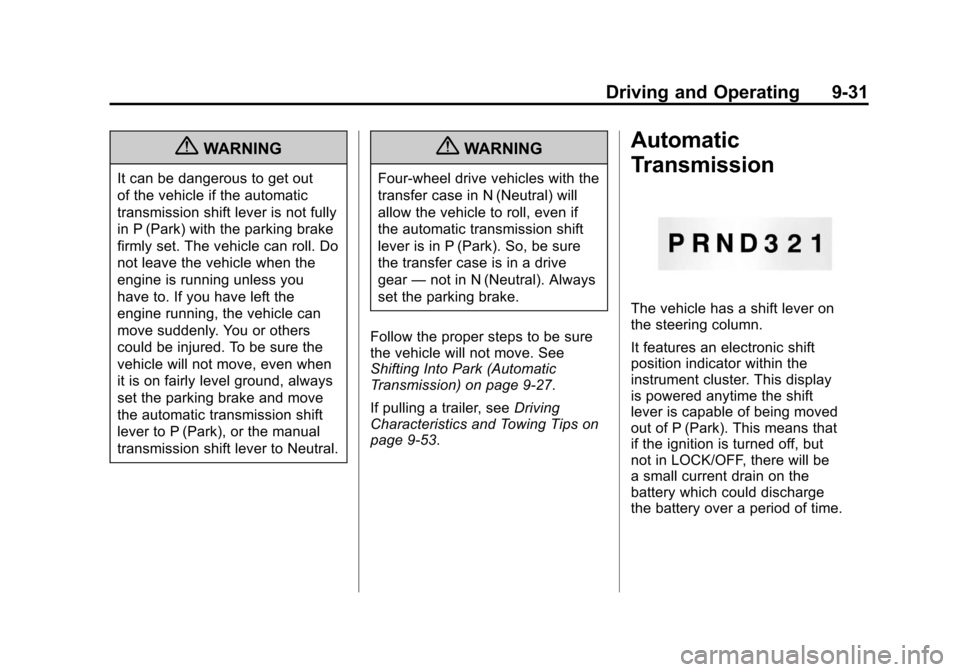
The vehicle has a shift lever on
the steering column.
It features an electronic shift
position indicator within the
instrument cluster. This display
is powered anytime the shift
lever is capable of being moved
out of P (Park). This means that
if the ignition is turned off, but
not in LOCK/OFF, there will be
a small current drain on the
battery which could discharge
the battery over a period of time.
Page 217 of 394
Black plate (43,1)Chevrolet Colorado Owner Manual - 2012
Driving and Operating 9-43
Notice:If the wheel(s) of one axle
is allowed to spin excessively
while the StabiliTrak
®, ABS, brake
warning lights, and any relevant
DIC messages are displayed, the
transfer case could be damaged.
The repairs would not be covered
by the vehicle warranty. Reduce
engine power and do not spin
the wheel(s) excessively while
these lights and messages are
displayed.
TCS can operate on dry roads
under some conditions. When
this happens, the system may be
heard working or a reduction in
acceleration may be noticed. This
is normal and does not mean there
is a problem with the vehicle.
Examples of these conditions
include hard acceleration in a turn,
an abrupt upshift or downshift of the
transmission or driving on rough
roads. If cruise control is being used when
TCS begins to limit wheel spin,
the cruise control automatically
disengages. The cruise control
can be re-engaged when road
conditions allow. See
Cruise Control
on page 9‑46.
The message TRACTION FAULT
appears in the Driver Information
Center (DIC) when a TCS or
Antilock Brake System (ABS)
problem has been detected and the
vehicle needs service. When this
message is on, the system will not
limit wheel spin. Adjust your driving
accordingly. See Ride Control
System Messages on page 5‑25.
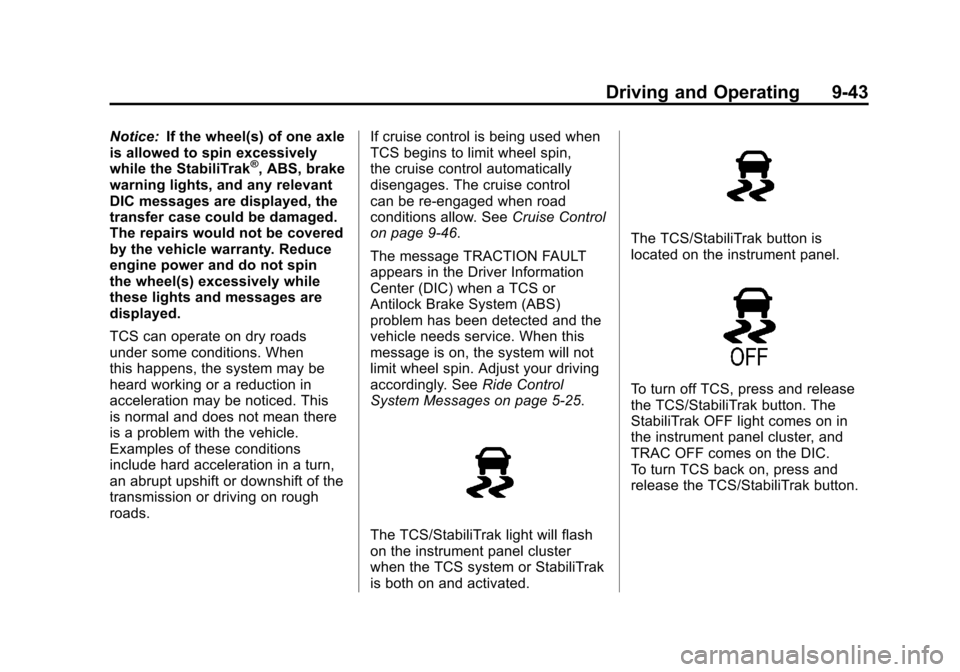
The TCS/StabiliTrak light will flash
on the instrument panel cluster
when the TCS system or StabiliTrak
is both on and activated.
The TCS/StabiliTrak button is
located on the instrument panel.
To turn off TCS, press and release
the TCS/StabiliTrak button. The
StabiliTrak OFF light comes on in
the instrument panel cluster, and
TRAC OFF comes on the DIC.
To turn TCS back on, press and
release the TCS/StabiliTrak button.
Page 218 of 394

Black plate (44,1)Chevrolet Colorado Owner Manual - 2012
9-44 Driving and Operating
Adding non-dealer/non-retailer
accessories can affect the vehicle's
performance. SeeAccessories and
Modifications on page 10‑3.
StabiliTrak®System
The vehicle has an electronic
stability control system called
StabiliTrak. It is an advanced
computer controlled system that
assists the driver with directional
control of the vehicle in difficult
driving conditions.
StabiliTrak activates when the
computer senses a discrepancy
between the intended path and the
direction the vehicle is actually
traveling. StabiliTrak selectively
applies braking pressure at any one
of the vehicle's brakes to assist the
driver with keeping the vehicle on
the intended path.
When the vehicle is started and
begins to move, the system
performs several diagnostic checks
to insure there are no problems. The system may be heard or felt
while it is working. This is normal
and does not mean there is a
problem with the vehicle. The
system should initialize before the
vehicle reaches 32 km/h (20 mph).
In some cases, it may take
approximately two miles of driving
before the system initializes.
If cruise control is being used
when StabiliTrak activates, the
cruise control automatically
disengages. The cruise control
can be re-engaged when road
conditions allow. See
Cruise Control
on page 9‑46.
If there is a problem detected with
StabiliTrak, a SERVICE STAB SYS
message displays on the Driver
Information Center (DIC). See Ride
Control System Messages on
page 5‑25 for more information.
When this message is displayed,
the system is not working. Adjust
your driving accordingly. StabiliTrak and Traction Control
(TCS) come on automatically
whenever the vehicle is started
and the systems are reset with
each ignition cycle. However,
when the transfer case is placed
in Four-Wheel-Low mode,
StabiliTrak is automatically
disabled. See
Four-Wheel Drive on
page 10‑29 for more information.
It is recommended to leave the
system on for normal driving
conditions, but it may be necessary
to turn the TCS portion of the
system off if the vehicle is stuck in
sand, mud, ice, or snow, and it is
necessary to “rock”the vehicle to
attempt to free it. If traction control
is turned off, only the brake-traction
control portion of traction control
will work. The engine speed
management will be disabled.
In this mode, engine power is not
reduced automatically and the
drive wheels can spin more freely.
Page 219 of 394
Black plate (45,1)Chevrolet Colorado Owner Manual - 2012
Driving and Operating 9-45
This can cause the brake-traction
control to activate constantly. SeeIf
the Vehicle Is Stuck on page 9‑15.
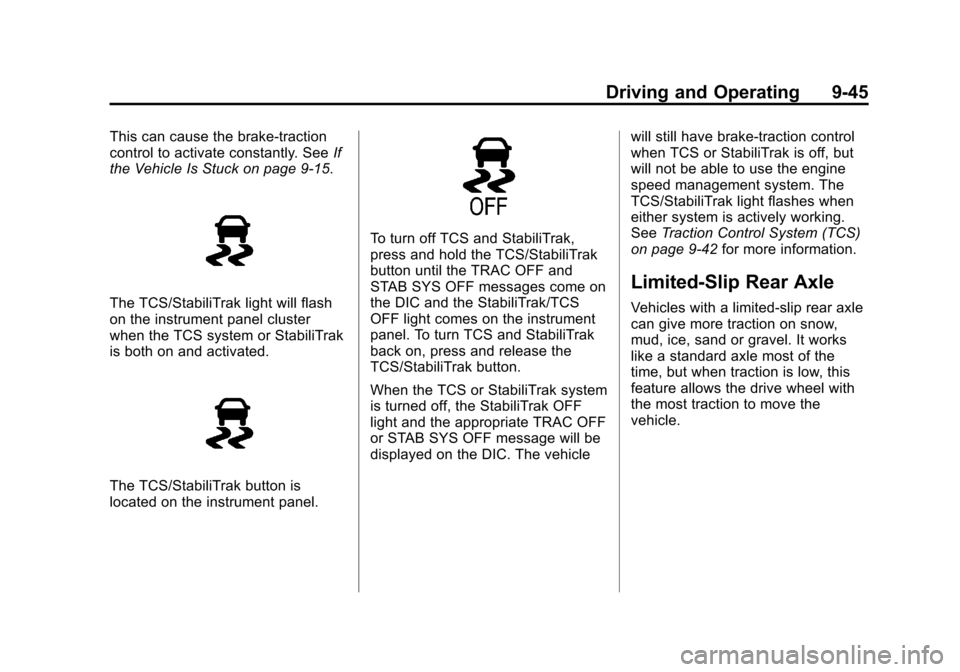
The TCS/StabiliTrak light will flash
on the instrument panel cluster
when the TCS system or StabiliTrak
is both on and activated.
The TCS/StabiliTrak button is
located on the instrument panel.
To turn off TCS and StabiliTrak,
press and hold the TCS/StabiliTrak
button until the TRAC OFF and
STAB SYS OFF messages come on
the DIC and the StabiliTrak/TCS
OFF light comes on the instrument
panel. To turn TCS and StabiliTrak
back on, press and release the
TCS/StabiliTrak button.
When the TCS or StabiliTrak system
is turned off, the StabiliTrak OFF
light and the appropriate TRAC OFF
or STAB SYS OFF message will be
displayed on the DIC. The vehicle will still have brake-traction control
when TCS or StabiliTrak is off, but
will not be able to use the engine
speed management system. The
TCS/StabiliTrak light flashes when
either system is actively working.
See
Traction Control System (TCS)
on page 9‑42 for more information.
Limited-Slip Rear Axle
Vehicles with a limited-slip rear axle
can give more traction on snow,
mud, ice, sand or gravel. It works
like a standard axle most of the
time, but when traction is low, this
feature allows the drive wheel with
the most traction to move the
vehicle.
Page 249 of 394

Black plate (11,1)Chevrolet Colorado Owner Manual - 2012
Vehicle Care 10-11
Selecting the Right Engine Oil
Selecting the right engine oil
depends on both the proper oil
specification and viscosity grade.
SeeRecommended Fluids and
Lubricants on page 11‑12.
Specification
Use and ask for licensed engine
oils with the dexos1™ approved
certification mark. Engine oils
meeting the requirements for the
vehicle should have the dexos1
approved certification mark. This
certification mark indicates that the
oil has been approved to the dexos1
specification.
Notice: Failure to use the
recommended engine oil or
equivalent can result in engine
damage not covered by the vehicle warranty. Check with
your dealer or service provider
on whether the oil is approved to
the dexos1 specification.
Viscosity Grade
SAE 5W‐30 is the best viscosity
grade for the vehicle. Do not use
other viscosity grade oils such as
SAE 10W‐30, 10W‐40, or 20W‐50.
If in an area of extreme cold, where
the temperature falls below
−20°F
(−29°C), an SAE 0W‐30 oil should
be used. An oil of this viscosity
grade will provide easier cold
starting for the engine at extremely
low temperatures. When selecting
an oil of the appropriate viscosity
grade, always select an oil that
meets the dexos1 specification or
equivalent. See “Specification”for
more information.
Engine Oil Additives/Engine
Oil Flushes
Do not add anything to the oil. The
recommended oils with the dexos
specification and displaying the
dexos certification mark are all that
is needed for good performance and
engine protection.
Engine oil system flushes are not
recommended and could cause
engine damage not covered by the
vehicle warranty.
What to Do with Used Oil
Used engine oil contains certain
elements that can be unhealthy for
your skin and could even cause
cancer. Do not let used oil stay on
your skin for very long. Clean your
skin and nails with soap and water,
or a good hand cleaner. Wash or
properly dispose of clothing or rags
containing used engine oil. See the
manufacturer's warnings about the
use and disposal of oil products.
Page 250 of 394

Black plate (12,1)Chevrolet Colorado Owner Manual - 2012
10-12 Vehicle Care
Used oil can be a threat to the
environment. If you change your
own oil, be sure to drain all the oil
from the filter before disposal. Never
dispose of oil by putting it in the
trash or pouring it on the ground,
into sewers, or into streams or
bodies of water. Recycle it by taking
it to a place that collects used oil.
Engine Oil Life System
When to Change Engine Oil
This vehicle has a computer system
that indicates when to change the
engine oil and filter. This is based
on a combination of factors which
include engine revolutions, engine
temperature, and miles driven.
Based on driving conditions, the
mileage at which an oil change is
indicated can vary considerably. For
the oil life system to work properly,
the system must be reset every time
the oil is changed.When the system has calculated
that oil life has been diminished,
it indicates that an oil change
is necessary. A CHANGE OIL
message comes on. See
Engine Oil
Messages on page 5‑24. Change
the oil as soon as possible within
the next 1 000 km (600 mi). It is
possible that, if driving under the
best conditions, the oil life system
might indicate that an oil change
is not necessary for up to a year.
The engine oil and filter must be
changed at least once a year and,
at this time, the system must be
reset. Your dealer has trained
people who will perform this work
and reset the system. It is also
important to check the oil regularly
over the course of an oil drain
interval and keep it at the proper
level.
If the system is ever reset
accidentally, the oil must be
changed at 5 000 km (3,000 mi)
since the last oil change.
Remember to reset the oil life
system whenever the oil is changed.
How to Reset the Engine Oil
Life System
Reset the system whenever the
engine oil is changed so that the
system can calculate the next
engine oil change. To reset the
system:
1. Turn the ignition to ON/RUN,
with the engine off .
2. Press and release the stem in the lower center of the
instrument cluster until the OIL
LIFE message is displayed.
3. Once the alternating OIL LIFE and RESET messages appear,
press and hold the stem until
several beeps sound. This
confirms that the oil life system
has been reset.
4. Turn the key to LOCK/OFF.
If the CHANGE OIL message
comes back on when the vehicle is
started, the engine oil life system
has not been reset. Repeat the
procedure.
Page 260 of 394

Black plate (22,1)Chevrolet Colorado Owner Manual - 2012
10-22 Vehicle Care
6. Start the engine and let it rununtil the upper radiator hose can
be felt getting hot. Watch out for
the engine cooling fan.
7. By this time, the coolant level inside the radiator filler neck
might be lower. If the level is
lower, add more of the proper
DEX‐COOL coolant mixture
through the filler neck until the
level reaches the base of the
filler neck.
8. Replace the pressure cap. At any time during this procedure
if coolant begins to flow out
of the filler neck, reinstall the
pressure cap.
Notice:
If the pressure cap is not
tightly installed, coolant loss and
possible engine damage may
occur. Be sure the cap is properly
and tightly secured.
Engine Overheating
The vehicle has a coolant
temperature gauge displayed on
the instrument panel to warn if the
engine is overheating. See Engine
Coolant Temperature Gauge on
page 5‑9. If the engine is too hot,
the air conditioning might stop
working. This is normal and helps
cool the engine.
If the decision is made not to lift the
hood when the warning appears, but
instead get service help right away.
See Roadside Assistance Program
(U.S. and Canada) on page 13‑7
or Roadside Assistance Program
(Mexico) on page 13‑9. If the decision is made to lift the
hood, make sure the vehicle is
parked on a level surface.
Then check to see if the engine
cooling fan is running. If the engine
is overheating, the fan should be
running. If it is not, do not continue
to run the engine and have the
vehicle serviced.
The engine cooling fan speed
should increase when idle speed is
doubled by pushing the accelerator
pedal down. If it does not, the
vehicle needs service. Turn off the
engine.
Notice:
Engine damage from
running the engine without
coolant is not covered by the
warranty.
Notice: If the engine catches fire
because of being driven with no
coolant, the vehicle can be badly
damaged. The costly repairs
would not be covered by the
vehicle warranty.