295
Short commands for the voice activation system
Reference
Split screen
settings
Destination guidance with intermediate destinations
Contacts
ConnectedDrive or BMW Assist
FunctionCommand
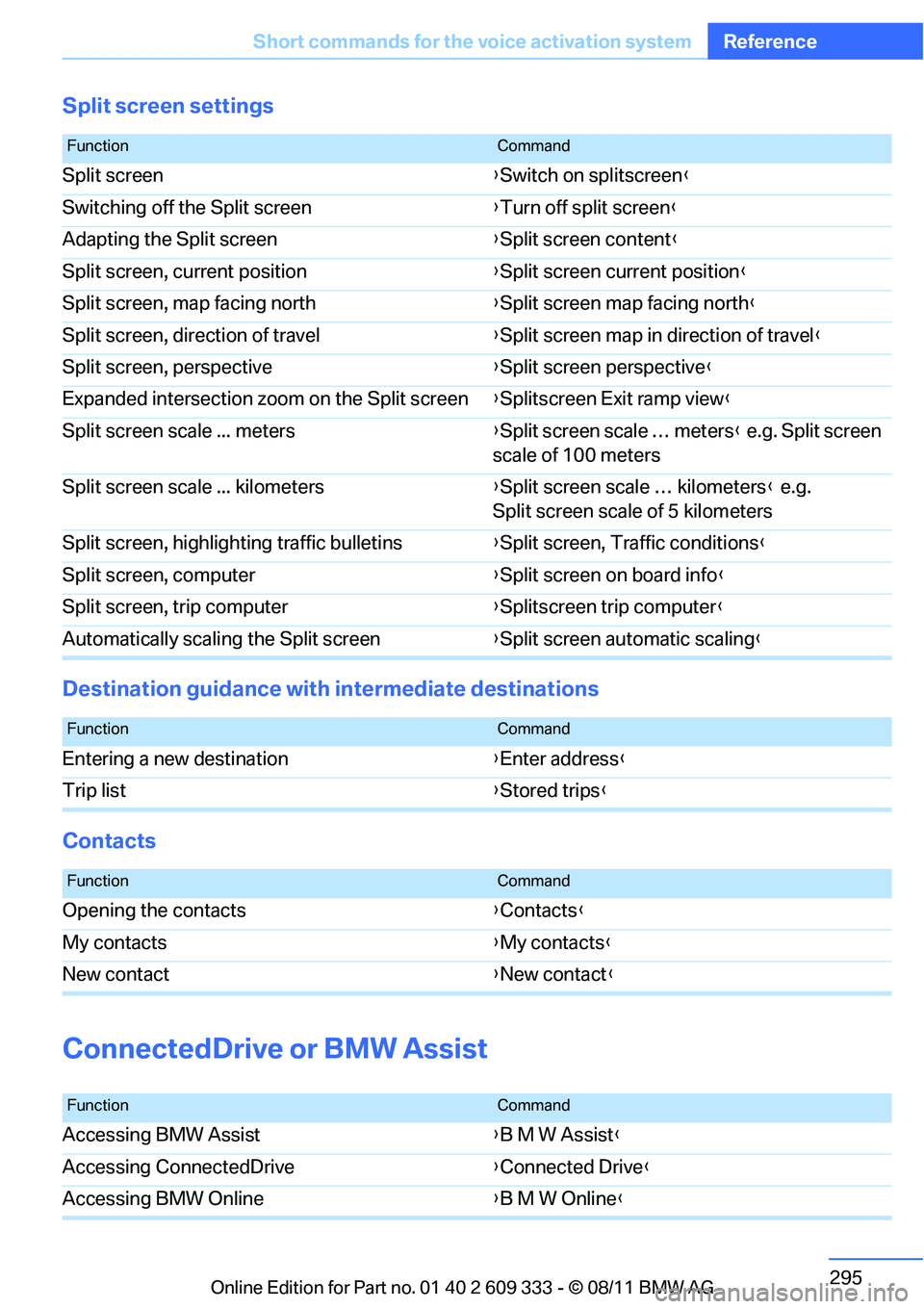
Split screen {Switch on splitscreen }
Switching off the Split screen {Turn off split screen }
Adapting the Split screen {Split screen content }
Split screen, current position {Split screen current position }
Split screen, map facing north {Split screen map facing north }
Split screen, direction of travel {Split screen map in direction of travel }
Split screen, perspective {Split screen perspective }
Expanded intersection zoom on the Split screen {Splitscreen Exit ramp view }
Split screen scale ... meters {Split screen scale … meters } e.g. Split screen
scale of 100 meters
Split screen scale ... kilometers {Split screen scale … kilometers } e.g.
Split screen scale of 5 kilometers
Split screen, highlighting traffic bulletins {Split screen, Traffic conditions }
Split screen, computer {Split screen on board info }
Split screen, trip computer {Splitscreen trip computer }
Automatically scalin g the Split screen {Split screen automatic scaling }
FunctionCommand
Entering a new destination {Enter address }
Trip list {Stored trips }
FunctionCommand
Opening the contacts {Contacts }
My contacts {My contacts }
New contact {New contact }
FunctionCommand
Accessing BMW Assist {B M W Assist }
Accessing ConnectedDrive {Connected Drive }
Accessing BMW Online {B M W Online }
Online Edition for Part no. 01 40 2 609 333 - \251 08/11 BMW AG