Page 197 of 406
185
3-2. Using the audio system
3
Interior features
Using the CD player
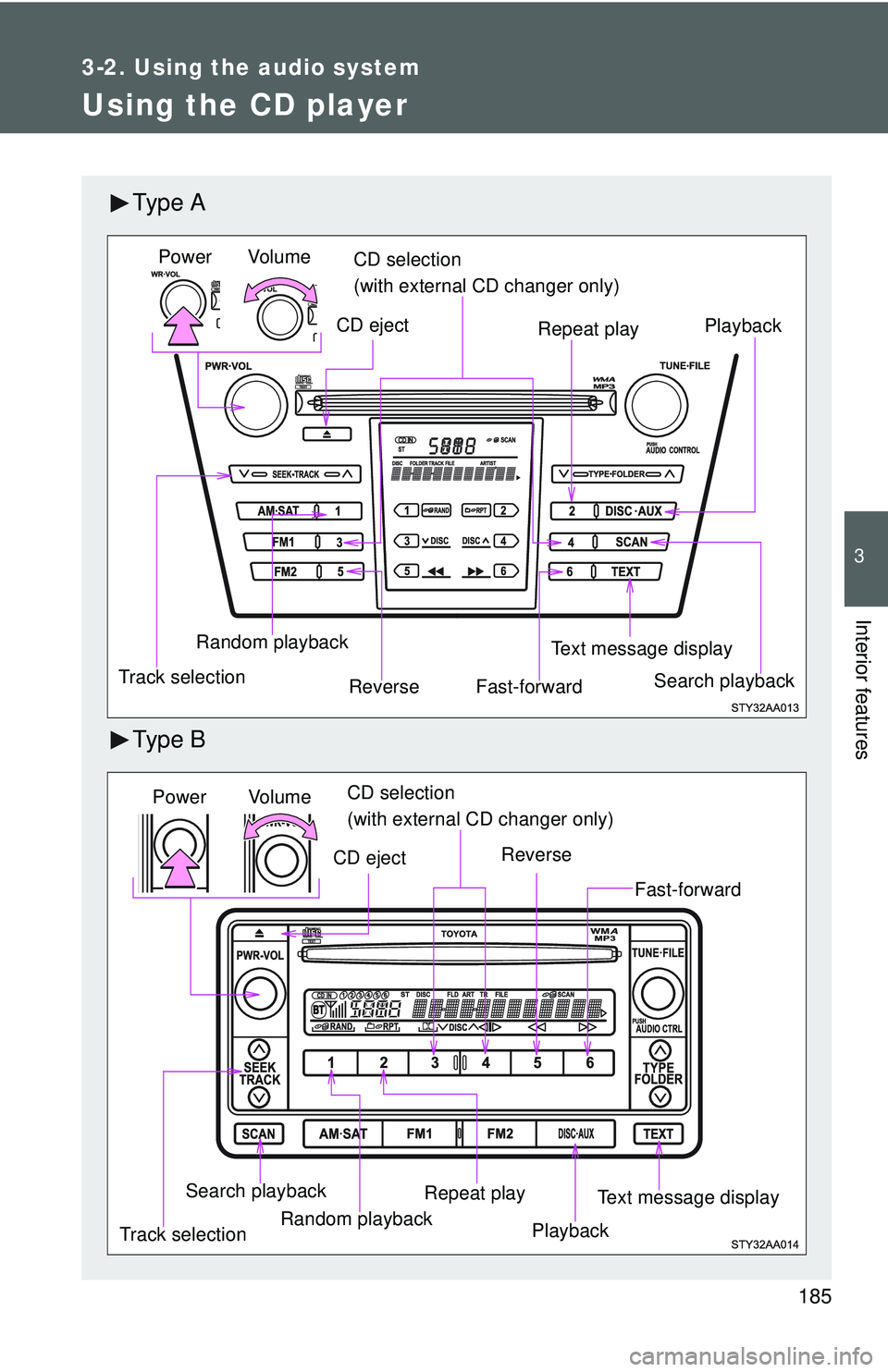
Ty p e A
Ty p e B
Vol um e
Random playback
Track selection Repeat play
Playback
Power
CD eject
Text message display
CD selection
(with external CD changer only)
Fast-forward
Search playbackReverse
Vol u m e
Random playback
Track selection Repeat play
Playback
Power
CD eject
Text message display
CD selection
(with external CD changer only)
Search playback
Reverse
Fast-forward
Page 198 of 406
186 3-2. Using the audio system
Loading a CDInsert a CD.
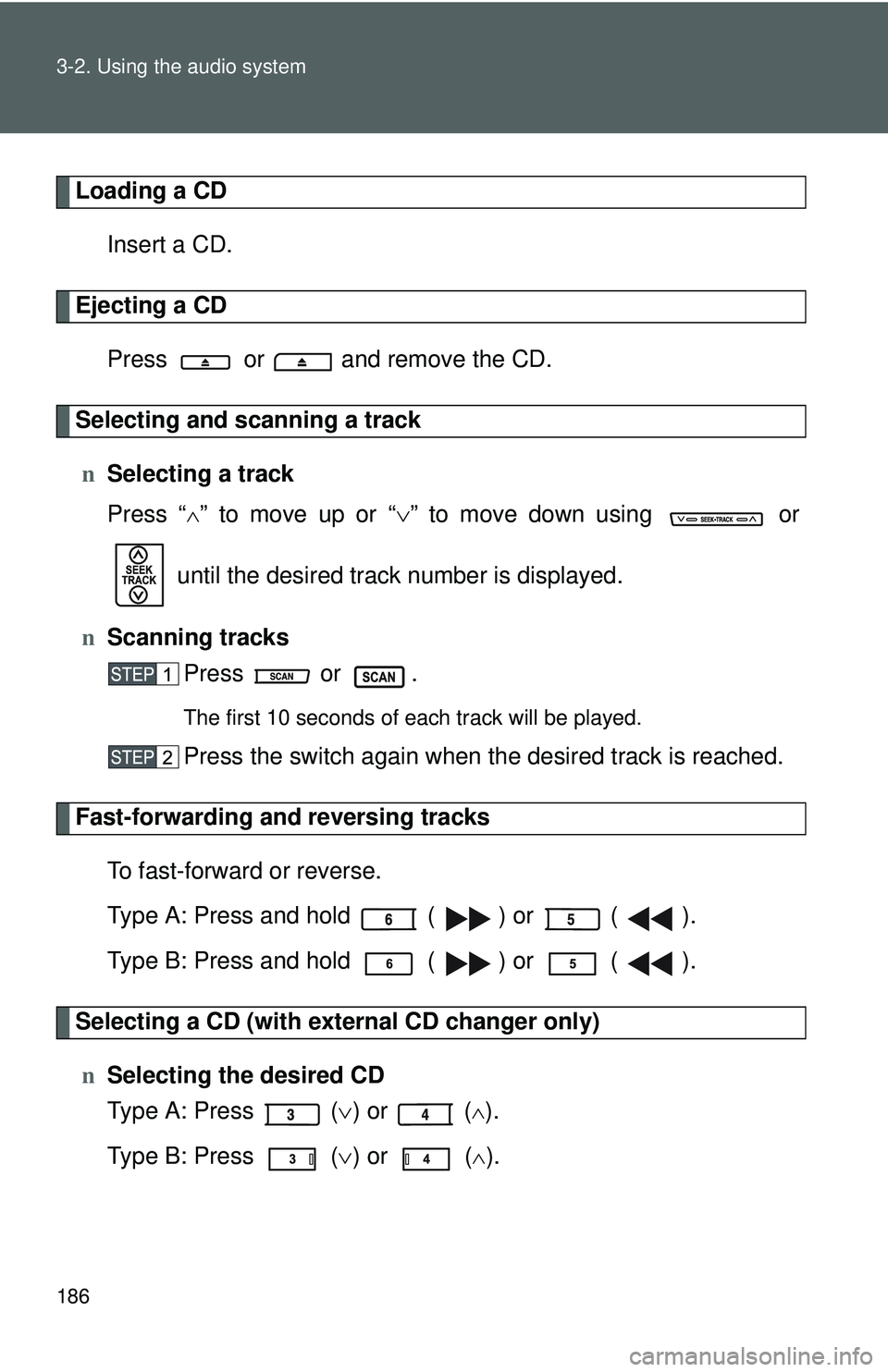
Ejecting a CDPress or and remove the CD.
Selecting and scanning a trackn Selecting a track
Press “
∧” to move up or “ ∨” to move down using or
until the desired track number is displayed.
n Scanning tracks
Press or .
The first 10 seconds of each track will be played.
Press the switch again when the desired track is reached.
Fast-forwarding and reversing tracks
To fast-forward or reverse.
Type A: Press and hold ( ) or ( ).
Type B: Press and hold ( ) or ( ).
Selecting a CD (with exte rnal CD changer only)
n Selecting the desired CD
Type A: Press ( ∨) or (
∧).
Type B: Press ( ∨) or (
∧).
Page 199 of 406
187
3-2. Using the audio system
3
Interior features
n
Scanning loaded CDs
Press and hold or until you hear a beep.
The first 10 seconds of the first track on each CD will be played.
Press the switch again wh en the desired CD is reached.
Repeat play
n Repeating a track
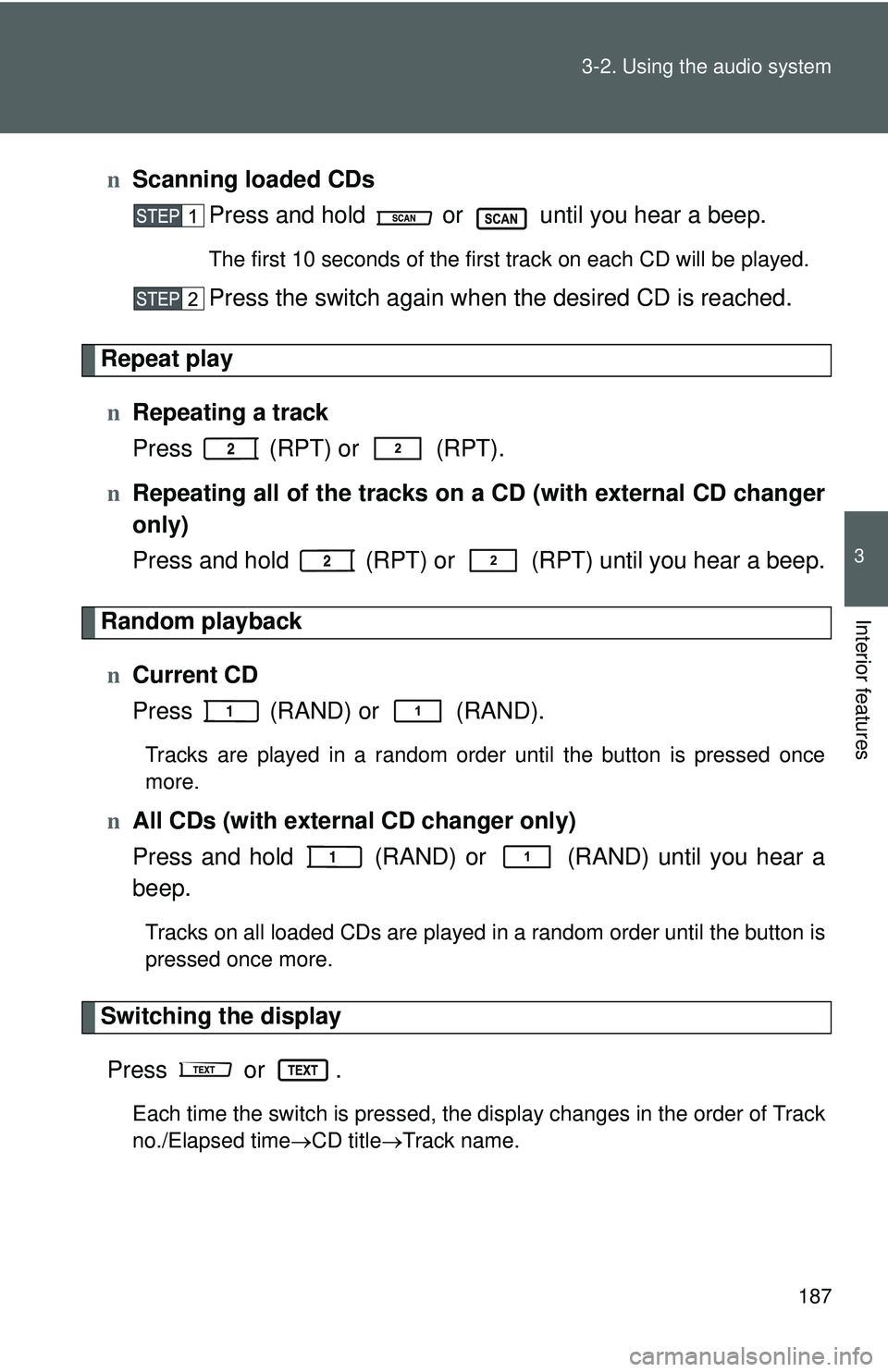
Press (RPT) or (RPT).
n Repeating all of the tracks on a CD (with external CD changer
only)
Press and hold (RPT) or (RPT) until you hear a beep.
Random playback
n Current CD
Press (RAND) or (RAND).
Tracks are played in a random order until the button is pressed once
more.
nAll CDs (with externa l CD changer only)
Press and hold (RAND) or (RAND) until you hear a
beep.
Tracks on all loaded CDs are played in a random order until the button is
pressed once more.
Switching the display
Press or .
Each time the switch is pressed, the display changes in the order of Track
no./Elapsed time →CD title→ Track name.
Page 200 of 406
188 3-2. Using the audio system
nDisplay
Up to 12 characters can be displayed at a time.
If there are 13 characters or more, pressing and holding
or
for 1 second or more will display the remaining characters.
A maximum of 24 characters can be displayed.
If
or is pressed for 1 second or more again or has not been
pressed for 6 seconds or more, the display will return to the first 12 charac-
ters.
Depending on the contents recorded, the characters may not be displayed
properly or may not be displayed at all.
n Canceling random playback
Press
(RAND) or (RAND) again.
n Canceling repeat play
Press
(RPT) or (RPT) again.
n Error messages
“ERROR”: This indicates a trouble either in the CD or inside the player.
The CD may be dirty, damaged or inserted up-side down.
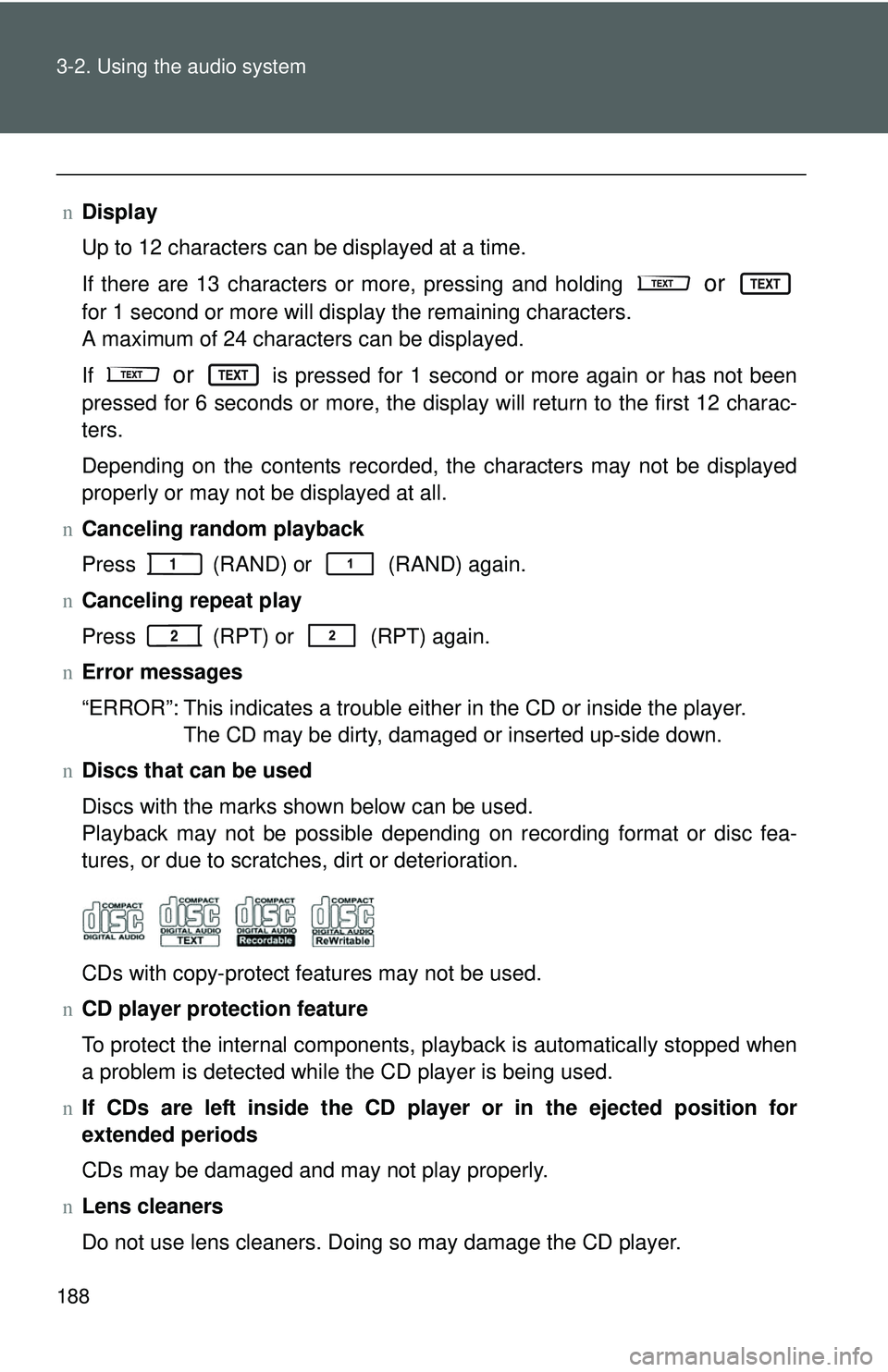
n Discs that can be used
Discs with the marks shown below can be used.
Playback may not be possible depending on recording format or disc fea-
tures, or due to scratches, dirt or deterioration.
CDs with copy-protect features may not be used.
n CD player protection feature
To protect the internal components, playback is automatically stopped when
a problem is detected while the CD player is being used.
n If CDs are left inside the CD player or in the ejected position for
extended periods
CDs may be damaged and may not play properly.
n Lens cleaners
Do not use lens cleaners. Doing so may damage the CD player.
Page 201 of 406
189
3-2. Using the audio system
3
Interior features
NOTICE
n
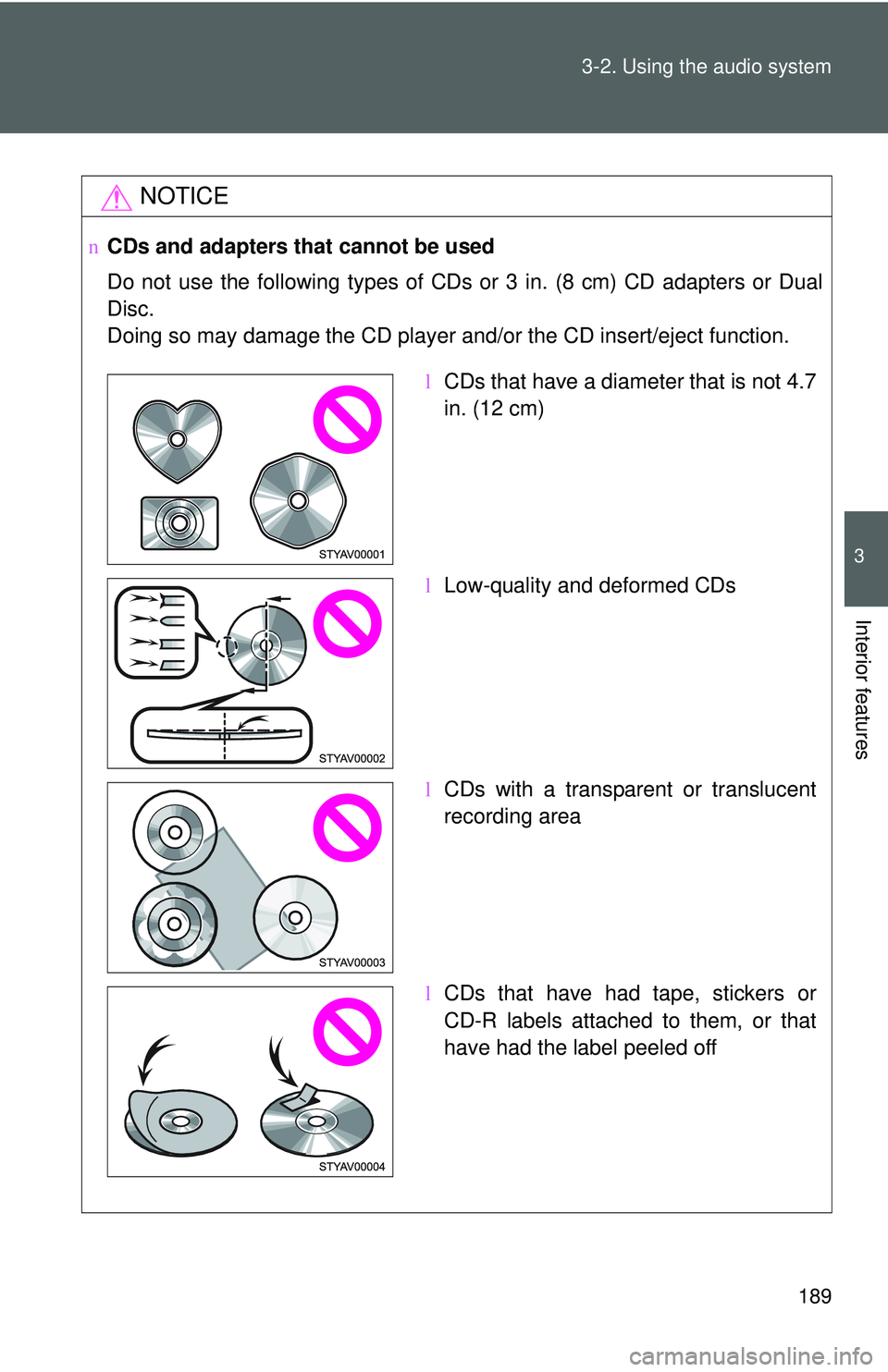
CDs and adapters that cannot be used
Do not use the following types of CDs or 3 in. (8 cm) CD adapters or Dual
Disc.
Doing so may damage the CD player and/or the CD insert/eject function.
lCDs that have a diameter that is not 4.7
in. (12 cm)
l Low-quality and deformed CDs
l CDs with a transparent or translucent
recording area
l CDs that have had tape, stickers or
CD-R labels attached to them, or that
have had the label peeled off
Page 202 of 406
190 3-2. Using the audio system
NOTICE
nCD player precautions
Failure to follow the precautions below may result in serious damage to the
CDs or the player itself.
lDo not insert anything other than CDs into the CD slot.
l Do not apply oil to the CD player.
l Store CDs away from direct sunlight.
l Never try to disassemble any part of the CD player.
Page 203 of 406
191
3-2. Using the audio system
3
Interior features
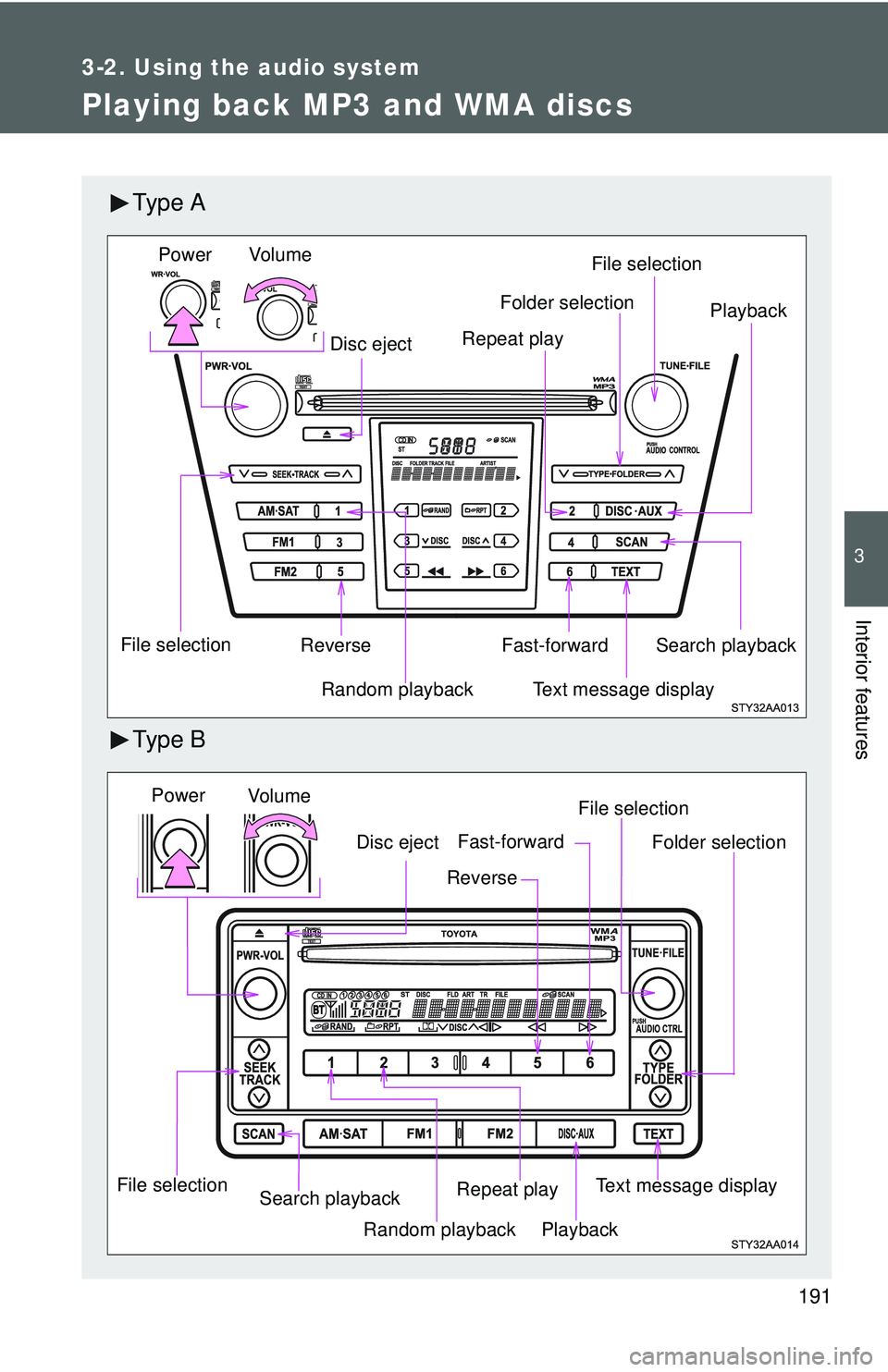
Playing back MP3 and WMA discs
Ty p e A
Ty p e B
Vo lu m eRandom playback
File selection File selection
Repeat play Playback
Power
Disc eject
Text message display
Folder selection
Search playback
Reverse Fast-forward
Vol u m e
Random playback
File selection File selection
Repeat play Playback
Power
Disc eject
Text message display
Folder selection
Search playback
Reverse
Fast-forward
Page 204 of 406
192 3-2. Using the audio system
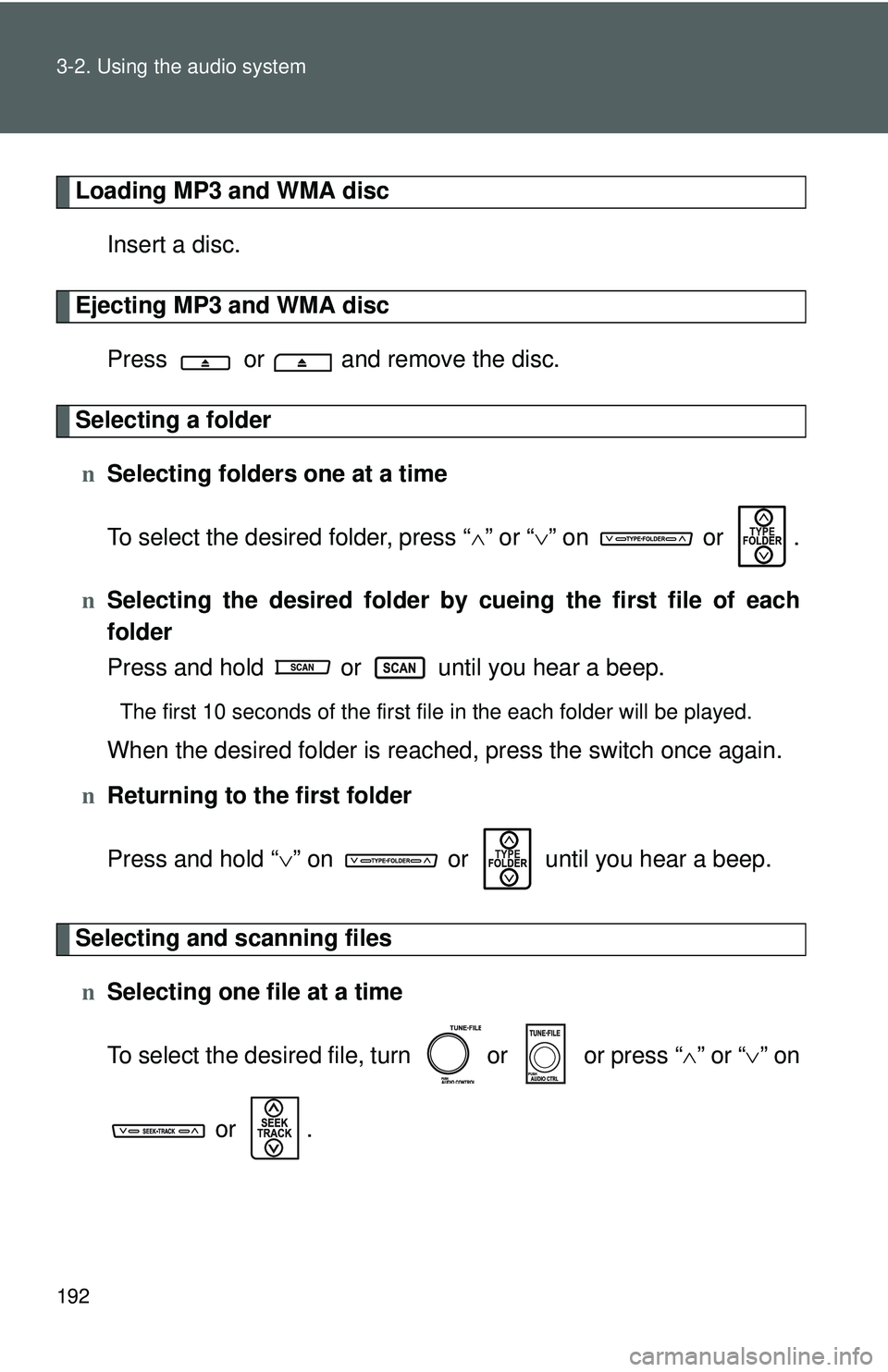
Loading MP3 and WMA discInsert a disc.
Ejecting MP3 and WMA discPress or and remove the disc.
Selecting a foldern Selecting folders one at a time
To select the desired folder, press “ ∧” or “ ∨” on or .
n Selecting the desired folder by cueing the first file of each
folder
Press and hold or until you hear a beep.
The first 10 seconds of the first file in the each folder will be played.
When the desired folder is reached, press the switch once again.
n Returning to the first folder
Press and hold “ ∨” on or until you hear a beep.
Selecting and scanning files
n Selecting one file at a time
To select the desired file, turn or or press “ ∧” or “∨ ” on
or .