Page 108 of 452

CAUTION
●The outlet and plug may be hot during
or immediately after use.
● The power outlets are not designed for
use with a cigarette lighter.
● Do not use with accessories that ex-
ceed a 12 volt, 120W (10A) power draw.
Do not use double adapters or more
than one electrical accessory.
● Use power outlets with the engine run-
ning to avoid discharging the vehicle
battery.
● Avoid using power outlets when the air
conditioner, headlights or rear window
defroster is on.
● Before inserting or disconnecting a
plug, be sure the electrical accessory
being used is turned OFF.
● Push the plug in as far as it will go. If
good contact is not made, the plug may
overheat or the internal temperature
fuse may open.
● When not in use, be sure to close the
cap. Do not allow water or any other
liquids to contact the outlet.
MAP POCKETS SEATBACK POCKETS
The seatback pockets are located on the back of
the driver’s and passenger’s seats. The pockets
can be used to store maps.
LIC1393LIC0016
STORAGE
Instruments and controls2-37
Page 120 of 452

The rear sun shade operates when the ignition
switch is in the ACC or ON position.
The rear sun shade switch is located on the front
console.● To raise the sun shade, push the upper side
of the switch
�1.
● To lower the sun shade, push the lower side
of the switch
�2.
● The switch need not be held down.
CAUTION
●Do not place objects (such as newspa-
pers, handkerchiefs, etc.) on the screen
inlet port. Doing so may entangle these
objects in the screen when it is extend-
ing or retracting, causing improper op-
eration or damage to the screen.
● Do not push the sun shade arm with
your hands, etc., as this may deform it.
Improper operation or damage to the
screen may result.
● Do not hang any object on the arm rail
as this may result in improper operation
or damage the screen.
● Do not forcefully pull the screen. Doing
so may elongate the screen. Improper
operation or damage to the screen may
result.
● To avoid personal injury, keep your
hands, fingers and head away from the
sun shade arm, arm rail and screen inlet
port.
● Do not allow children near the rear sun
shade system. They could be injured.
● Do not pull or push the rear sun shade.
This could cause improper operation or
damage it. The interior light has a three-position switch and
operates regardless of ignition switch position.
● When the switch is in the ON position
�1,
the front and rear personal lights will illumi-
nate, regardless of door position. The light
will go off after 15 minutes unless the igni-
tion switch is placed in the ON position.
● When the switch is in the center DOOR
position
�2, the front and rear personal
lights will illuminate under the following con-
ditions:
– Driver’s door is unlocked while the igni- tion switch is placed in the OFF position.
WIC1443WIC1550
REAR POWER SUN SHADE (if so
equipped) INTERIOR LIGHT
Instruments and controls2-49
Page 121 of 452
Lights remain on for a maximum of 30
seconds.
– Driver’s door is opened. Lights remain on for a maximum of 30
seconds after driver’s door is closed.
– Ignition switch is placed in the OFF posi- tion.
Lights remain on for a maximum of 30
seconds.
The lights will go off when the ignition switch is in
the ON position, or the driver’s door is closed and
locked.
The lights will also go off after 15 minutes when
doors are open. ● When the switch is in the OFF position
�3,
the front and rear personal lights will not
illuminate, regardless of door position. NOTE:
The footwell and doorstep lights illuminate
when the driver and passenger doors are
opened regardless of the interior light
switch position. These lights will turn off
automatically after 15 minutes while doors
are open to prevent the battery from be-
coming discharged.
CAUTION
Do not use for extended periods of time
with the engine stopped. This could result
in a discharged battery.
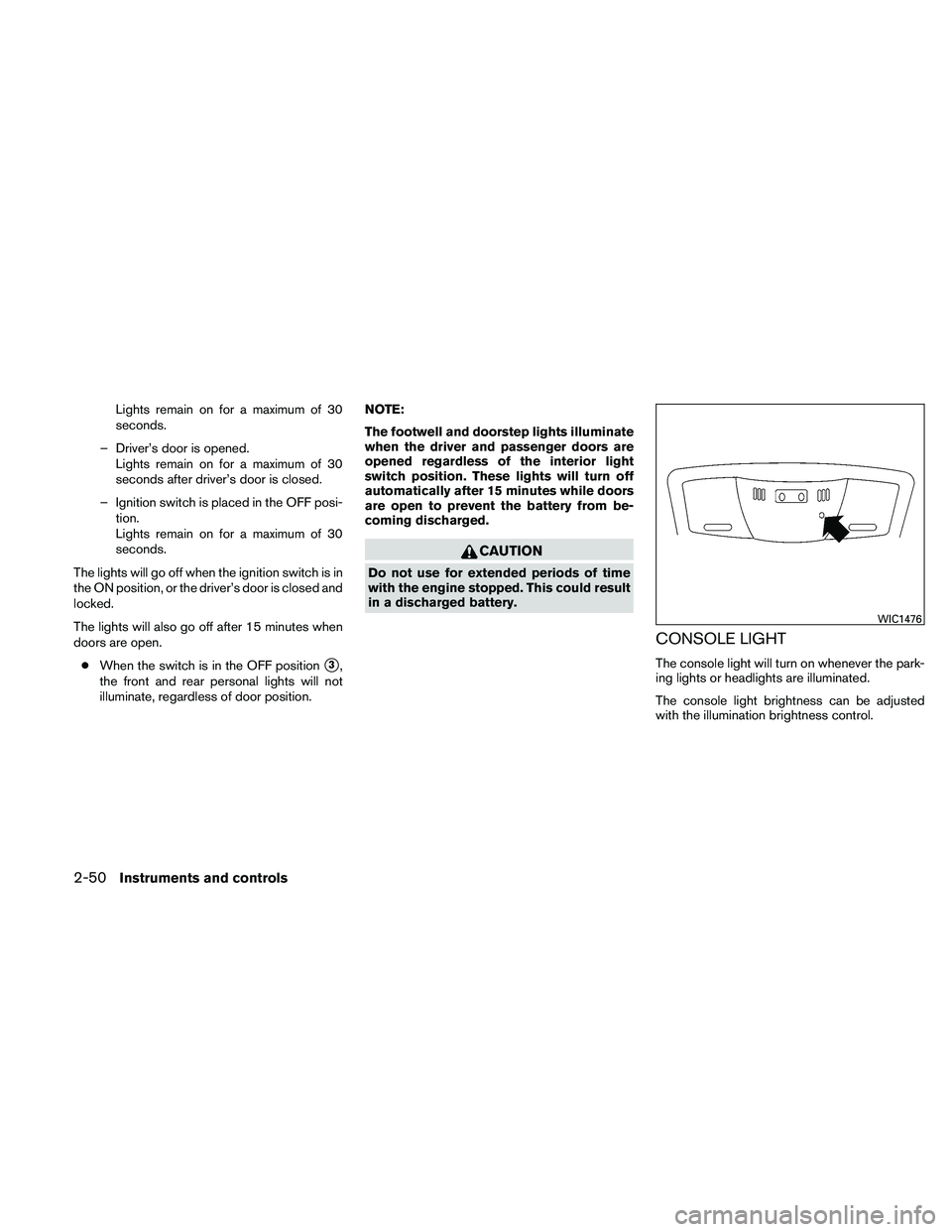
CONSOLE LIGHT
The console light will turn on whenever the park-
ing lights or headlights are illuminated.
The console light brightness can be adjusted
with the illumination brightness control.
WIC1476
2-50Instruments and controls
Page 122 of 452
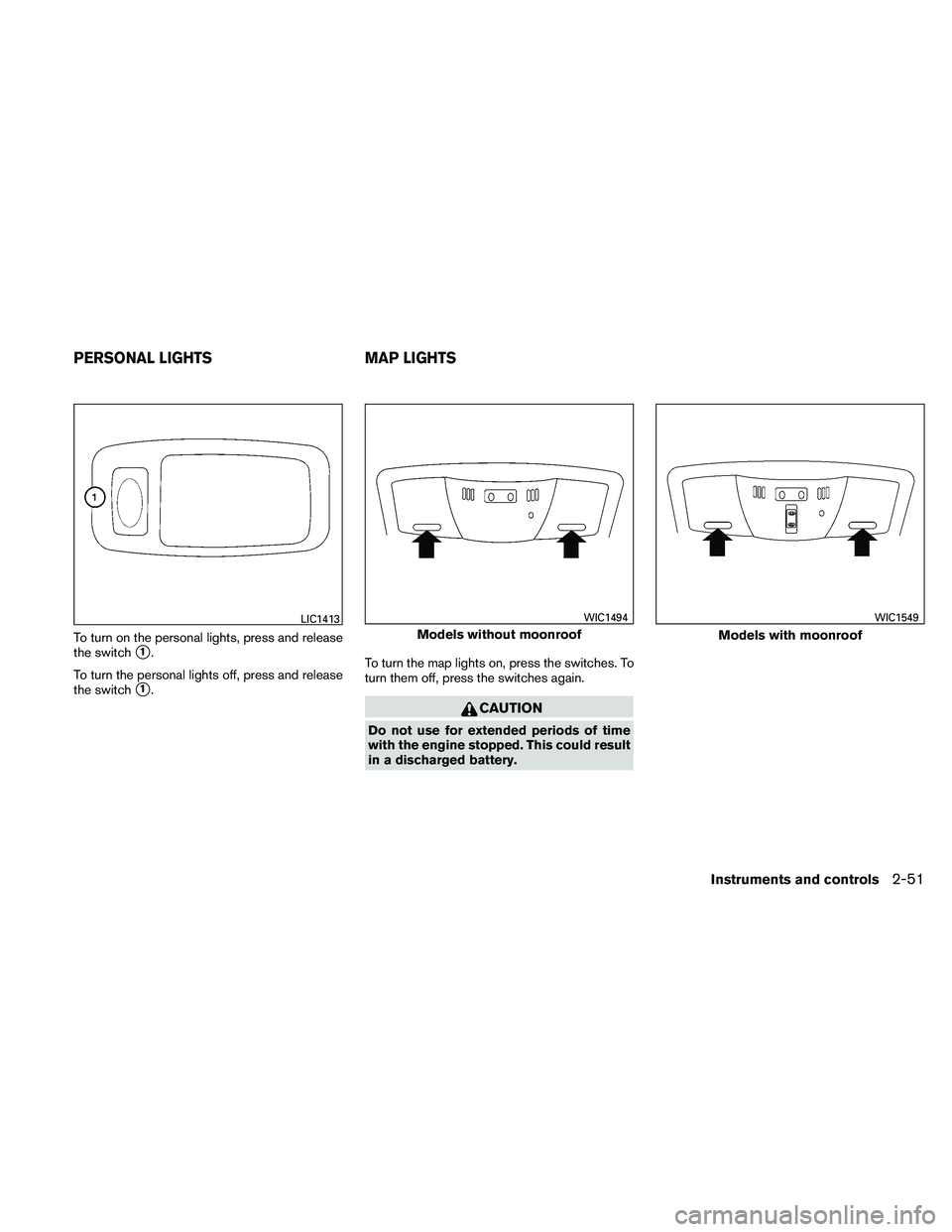
To turn on the personal lights, press and release
the switch
�1.
To turn the personal lights off, press and release
the switch
�1. To turn the map lights on, press the switches. To
turn them off, press the switches again.
CAUTION
Do not use for extended periods of time
with the engine stopped. This could result
in a discharged battery.
LIC1413
Models without moonroof
WIC1494
Models with moonroof
WIC1549
PERSONAL LIGHTS
MAP LIGHTS
Instruments and controls2-51
Page 123 of 452

The light illuminates when the trunk lid is opened.
When the trunk lid is closed, the light goes off.
The light will go off after about 15 minutes if the
trunk lid is left open, unless the ignition switch is
in the ON position.
For bulb replacement procedures, refer to “Exte-
rior and interior lights” in the “Maintenance and
do-it-yourself” section of this manual.The HomeLink�
Universal Transceiver provides a
convenient way to consolidate the functions of up
to three individual hand-held transmitters into
one built-in device.
HomeLink� Universal Transceiver:
● Will operate most Radio Frequency (RF)
devices such as garage doors, gates, home
and office lighting, entry door locks and se-
curity systems.
● Is powered by your vehicle’s battery. No
separate batteries are required. If the vehi-
cle’s battery is discharged or is discon-
nected, HomeLink� will retain all program-
ming.
Once the HomeLink� Universal Transceiver
is programmed, retain the original trans-
mitter for future programming procedures
(Example: new vehicle purchases) . Upon
sale of the vehicle, the programmed
HomeLink� Universal Transceiver buttons
should be erased for security purposes. For
additional information, refer to “Program-
ming HomeLink�” later in this section.
Models with dual panel moonroof
LIC1409
TRUNK LIGHT HOMELINK�UNIVERSAL
TRANSCEIVER (if so equipped)
2-52Instruments and controls
Page 137 of 452

●To prevent the Intelligent Key from being left
inside the vehicle, make sure you carry the
Intelligent Key with you and then lock the
doors.
● Do not pull the door handle before pushing
the door handle request switch. The door
will be unlocked but will not open. Release
the door handle once and pull it again to
open the door.
NISSAN INTELLIGENT KEY™
OPERATION
You can lock or unlock the doors without taking
the Intelligent Key out of your pocket or bag.
When you carry the Intelligent Key with you, you
can lock or unlock all doors by pushing the door
handle request switch within the range of opera-
tion.
Locking doors
1. Move the shift selector to the “P” position.
Place the ignition switch in the LOCK posi-
tion. Make sure the Intelligent Key is not left
in the vehicle.
2. Close all doors.
3. Push any door handle request switch
�1
while carrying the Intelligent Key with you.
4. All doors and the trunk will lock.
5. The hazard warning lights flash twice and the outside buzzer sounds twice.
WPD0376WPD0377
3-10Pre-driving checks and adjustments
Page 139 of 452

Unlocking doors
1. Carry the Intelligent Key.
2. Push the door handle request switch
�1.
3. The hazard warning lights flash once and the outside buzzer sounds once.
4. Push the door handle request switch
�1
again within 60 seconds to unlock all doors.
If a door handle is pulled while unlocking the
doors, that door may not be unlocked. Returning
the door handle to its original position will unlock
the door. If the door does not unlock after return-
ing the door handle, push the door handle re-
quest switch to unlock the door. All doors will be locked automatically unless one
of the following operations is performed within 60
seconds after pushing the request switch.
● Opening any door.
● Pushing the ignition switch.
The interior light timer illuminates for a maximum
of 30 seconds when a door is unlocked and the
room light switch is in the DOOR position.
The interior light can be turned off without waiting
for 30 seconds by performing one of the follow-
ing operations. ● Placing the ignition switch in the ON posi-
tion. ●
Locking the doors with the remote controller.
● Switching the room light switch to the OFF
position.
WPD0377WPD0369
3-12Pre-driving checks and adjustments
Page 140 of 452

Opening the trunk lid
1. Push the trunk opener request switch�Afor
more than 1 second while carrying the Intel-
ligent Key with you.
2. The trunk will unlatch. A chime will sound 4 times.
3. Raise the trunk lid to open the trunk.
Lockout protection
To prevent the Intelligent Key from being acci-
dentally locked in the trunk, lockout protection is
equipped with the Intelligent Key. When all doors are locked and the trunk lid is
closed with the Intelligent Key inside the trunk,
the outside buzzer will sound and the trunk will
open.
HOW TO USE THE REMOTE
KEYLESS ENTRY FUNCTION
The remote keyless entry function can operate all
door locks using the remote keyless function of
the Intelligent Key. The remote keyless function
can operate at a distance of 33 ft (10 m) away
from the vehicle. The operating distance de-
pends upon the conditions around the vehicle.
The remote keyless entry function will not func-
tion under the following conditions:
● When the Intelligent Key is not within the
operational range.
● When the doors or the trunk are open or not
closed securely.
● When the Intelligent Key battery is dis-
charged.
CAUTION
When locking the doors using the Intelli-
gent Key, be sure not to leave the key in
the vehicle.
Locking doors
1. Place the ignition switch in the LOCK posi-
tion.
2. Close all doors.
3. Press the
button on the Intelligent
Key.
4. The hazard warning lights flash twice and the horn beeps once.
5. All doors will be locked.
LPD0478WPD0359
Pre-driving checks and adjustments3-13