Page 244 of 714
Features and controls
3-129
3
To operate
N00562700075
1. Stop the vehicle completely using the brake pedal.
2. Release the brake pedal and the hill start assist will main-
tain the braking force applied while stopping for approxi-
mately 2 seconds.
3. Depress the accelerator pedal and the hill start assist grad-
ually will decrease the braking force as the vehicle starts
moving.NOTE�The hill start assist is activated when all of the following
conditions are met.
• The engine is running.
(The hill start assist will not be activated while the
engine is starting or immediately after the engine is
started.)
• The selector lever is in any position other than “P”
(PARK) or “N” (NEUTRAL).
• The vehicle is completely stationary, with the brake
pedal depressed.
• The parking brake is released.
�The hill start assist will not operate if the accelerator pedal
is depressed before the brake pedal is released.
�The hill start assist also operates when reversing on an
uphill slope.
Warning display
N00562800076
If an abnormal condition occurs in the system, the following
display/indicator will turn on.
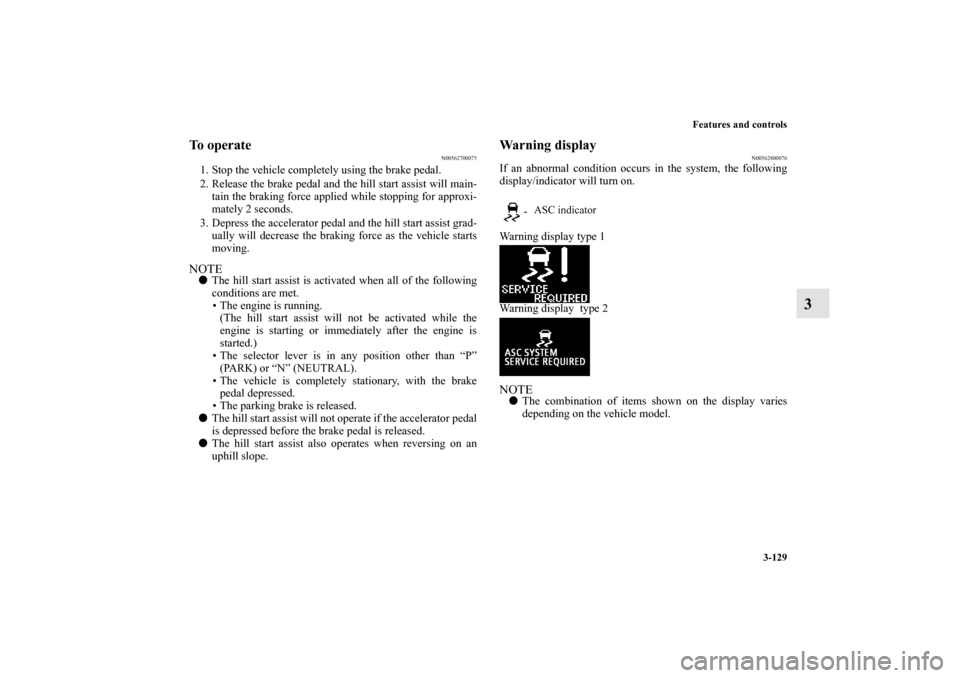
Warning display type 1
Warning display type 2NOTE�The combination of items shown on the display varies
depending on the vehicle model.
- ASC indicator
BK0122500US.book 129 ページ 2010年5月12日 水曜日 午前11時11分
Page 245 of 714
3-130 Features and controls
3Brake assist system
N00567300047
The brake assist system is a device assisting drivers who can-
not depress the brake pedal firmly such as in emergency stop
situations and provides greater braking force.
If the brake pedal is depressed suddenly, the brakes will be
applied with more force than usual.
CAUTION
!�If the warning is displayed, the hill start assist will
not operate. Start off carefully.�Park your vehicle in a safe place and stop the engine.
Restart the engine and check whether the indica-
tor/display goes out, in which case the hill start assist
is again working normally.
If they remain displayed or reappear frequently, it is
not necessary to stop the vehicle immediately, but
the vehicle should be inspected by an authorized
Mitsubishi Motors dealer or a repair facility of your
choice as soon as possible.
CAUTION
!�The brake assist system is not a device designed to
exercise braking force greater than its capacity.
Make sure to always keep a sufficient distance
between vehicles in front of you without relying too
much on the brake assist system.
BK0122500US.book 130 ページ 2010年5月12日 水曜日 午前11時11分
Page 247 of 714
3-132 Features and controls
3
NOTE�A whining sound is emitted from the engine compartment
when driving immediately after starting the engine. These
are the normal sounds the anti-lock braking system makes
when performing a self-check. It does not indicate a mal-
function.
�The anti-lock braking system can be used after the vehicle
has reached a speed over approximately 6 mph (10 km/h).
It stops working when the vehicle slows below 3 mph (5
km/h).
Anti-lock braking system warning light / display
N00531600586
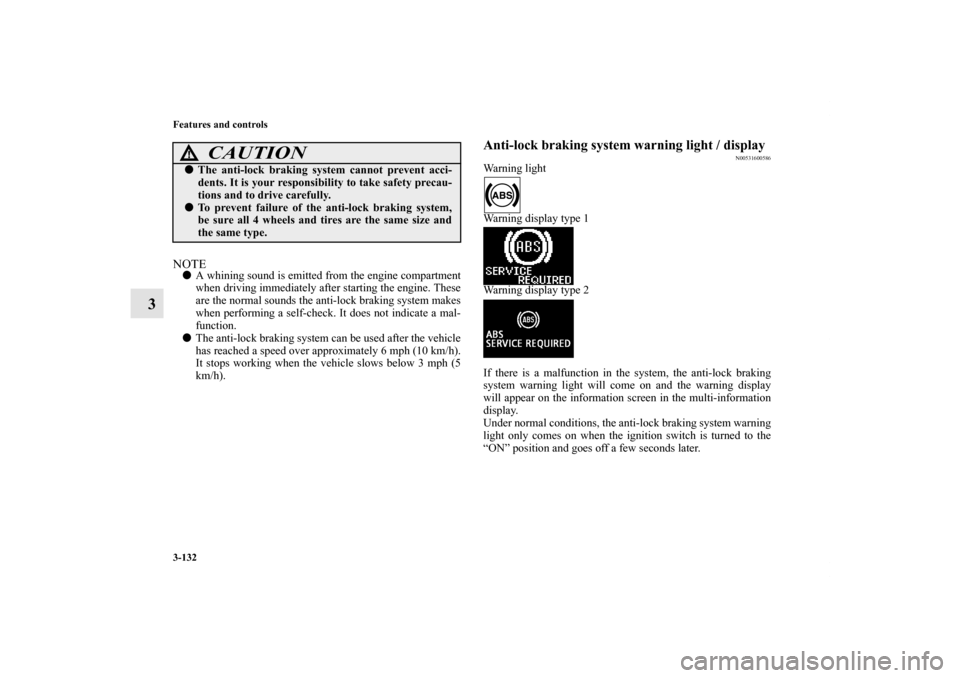
Warning light
Warning display type 1
Warning display type 2
If there is a malfunction in the system, the anti-lock braking
system warning light will come on and the warning display
will appear on the information screen in the multi-information
display.
Under normal conditions, the anti-lock braking system warning
light only comes on when the ignition switch is turned to the
“ON” position and goes off a few seconds later.
CAUTION
!�The anti-lock braking system cannot prevent acci-
dents. It is your responsibility to take safety precau-
tions and to drive carefully.�To prevent failure of the anti-lock braking system,
be sure all 4 wheels and tires are the same size and
the same type.
BK0122500US.book 132 ページ 2010年5月12日 水曜日 午前11時11分
Page 248 of 714

Features and controls
3-133
3
If the warning light / display illuminate while
driving
N00531700516
If only the anti-lock braking system warning light/dis-
play illuminate�Avoid hard braking and high-speed driving. Stop the vehi-
cle in a safe place.
Test the system by restarting the engine and driving at a
speed of about 12 mph (20 km/h) or higher.
If the warning light / display then remains off during driv-
ing, there is no abnormal condition.
However, if the warning light / display do not disappear,
or if they come on again when the vehicle is driven, have
the vehicle checked by an authorized MITSUBISHI
MOTORS dealer or repair facility of your choice as soon
as possible.
CAUTION
!�Any of the following indicates that the anti-lock
braking system is not functioning and only the stan-
dard brake system is working. (The standard brake
system is functioning normally.) If this happens,
take your vehicle to an authorized Mitsubishi
Motors dealer or a repair facility of your choice.
• When the ignition switch is in the “ON” position,
the warning light does not come on or it remains
on and does not go off
• The warning light comes on while driving
• The warning display appears while driving
BK0122500US.book 133 ページ 2010年5月12日 水曜日 午前11時11分
Page 249 of 714

3-134 Features and controls
3
If the anti-lock braking system warning light / display
and brake warning light / display illuminate at the same
timeWarning light
Warning display type 1
Warning display type 2
The anti-lock braking system and brake force distribution func-
tion may not work, so hard braking could make the vehicle
unstable.
Avoid hard braking and high-speed driving. Stop the vehicle in
a safe place and contact an authorized MITSUBISHI
MOTORS dealer or repair facility of your choice.NOTE�The anti-lock braking system warning light and brake
warning light illuminate at the same time and the warning
displays appear alternately on the information screen in
the multi-information display.
After driving on icy roads
N00529200019
After driving on snow or icy roads, remove any snow and ice
which may have be left around the wheels. On vehicles that
have an anti-lock braking system, be careful not to damage the
wheel speed sensors (A) or the cables located at each wheel.Front
BK0122500US.book 134 ページ 2010年5月12日 水曜日 午前11時11分
Page 252 of 714
Features and controls
3-137
3
Traction control function
N00559200021
On slippery surfaces, the traction control function prevents the
drive wheels from spinning excessive, thus helping the vehicle
to start moving from a stopped condition. It also provides suffi-
cient driving force and steering performance as the vehicle
turns while pressing the acceleration pedal.Skid control function
N00559300019
The skid control function is designed to help the driver main-
tain control of the vehicle on slippery roads or during rapid
steering maneuvers. It works by controlling the engine output
and the brake on each wheel.NOTE�The skid control function operates at speeds of about 9
mph (15 km/h) or higher.
ASC OFF switch
N00559400195
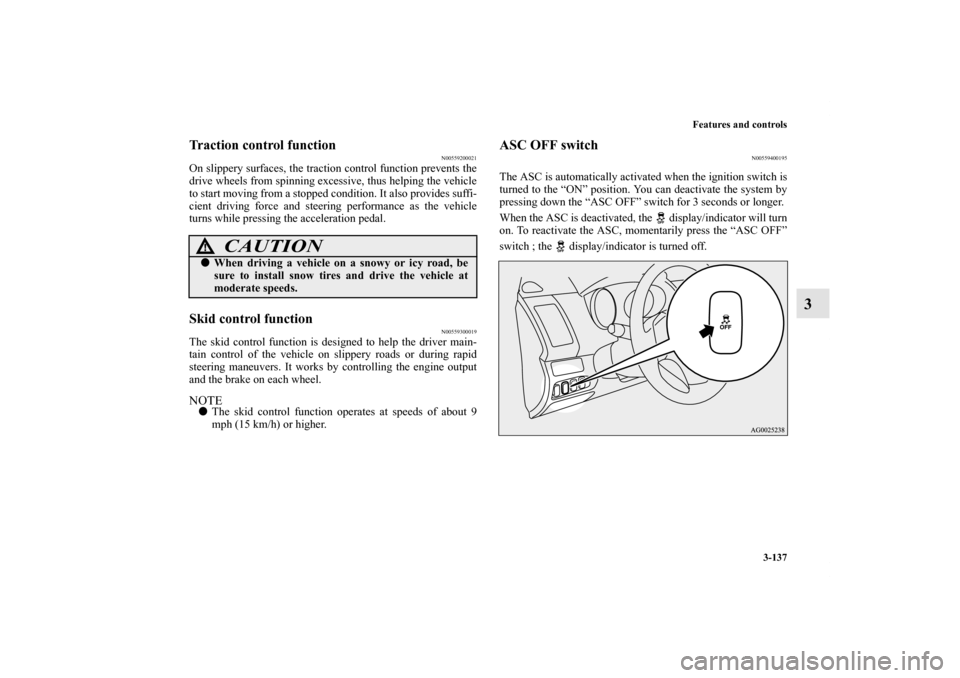
The ASC is automatically activated when the ignition switch is
turned to the “ON” position. You can deactivate the system by
pressing down the “ASC OFF” switch for 3 seconds or longer.
When the ASC is deactivated, the display/indicator will turn
on. To reactivate the ASC, momentarily press the “ASC OFF”
switch ; the display/indicator is turned off.
CAUTION
!�When driving a vehicle on a snowy or icy road, be
sure to install snow tires and drive the vehicle at
moderate speeds.
BK0122500US.book 137 ページ 2010年5月12日 水曜日 午前11時11分
Page 253 of 714
3-138 Features and controls
3
NOTE�Using the “ASC OFF” switch turns off both the stability
control function and the traction control function.
�When moving out of mud, sand or fresh snow, pressing
the accelerator pedal may not allow the engine speed to
increase. In such situations, temporarily turning off ASC
with the “ASC OFF” switch will make it easier to move
out your vehicle.
�If you continue to press the “ASC OFF” switch after the
ASC is turned off, the “mistaken operation protection
function” will activate and the ASC will turn back on.
ASC operation display or ASC OFF display
N00559500213
NOTE�The combination of items shown on the display varies
depending on the vehicle model.
CAUTION
!�For safety reasons, the “ASC OFF” switch should be
operated when your vehicle is stopped. �Be sure to keep the ASC on while driving in normal
circumstances.�If the ASC is deactivated, the driver may lose their
grip on the steering wheel when the tires spin. Grip
the steering wheel firmly while driving.
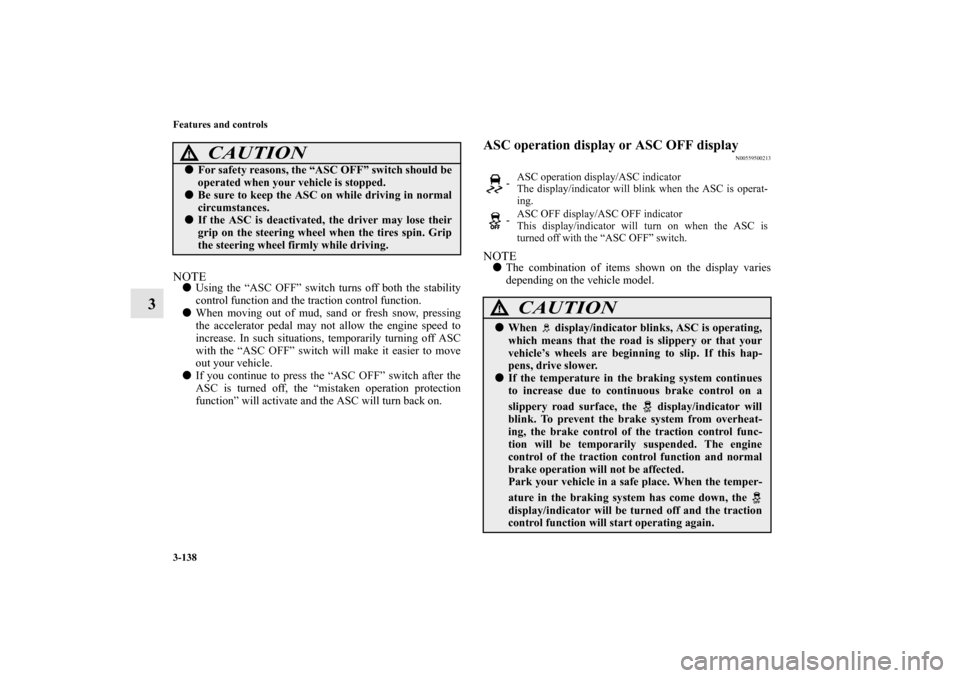
- ASC operation display/ASC indicator
The display/indicator will blink when the ASC is operat-
ing.
-ASC OFF display/ASC OFF indicator
This display/indicator will turn on when the ASC is
turned off with the “ASC OFF” switch.
CAUTION
!�When display/indicator blinks, ASC is operating,
which means that the road is slippery or that your
vehicle’s wheels are beginning to slip. If this hap-
pens, drive slower.�If the temperature in the braking system continues
to increase due to continuous brake control on a
slippery road surface, the display/indicator will
blink. To prevent the brake system from overheat-
ing, the brake control of the traction control func-
tion will be temporarily suspended. The engine
control of the traction control function and normal
brake operation will not be affected.
Park your vehicle in a safe place. When the temper-
ature in the braking system has come down, the
display/indicator will be turned off and the traction
control function will start operating again.
BK0122500US.book 138 ページ 2010年5月12日 水曜日 午前11時11分
Page 254 of 714
Features and controls
3-139
3
NOTE�The display/indicator may come on when you start the
engine. This means that the battery voltage momentarily
dropped when the engine was started. It does not indicate
a malfunction, provided that the display goes out immedi-
ately.
�When a spare tire has been put on your vehicle, the grip-
ping ability of the tire will be lower, making it more likely
that the display/indicator will blink.
ASC warning display
N00546600089
If an abnormal condition occurs in the system, the following
display/indicator will turn on.
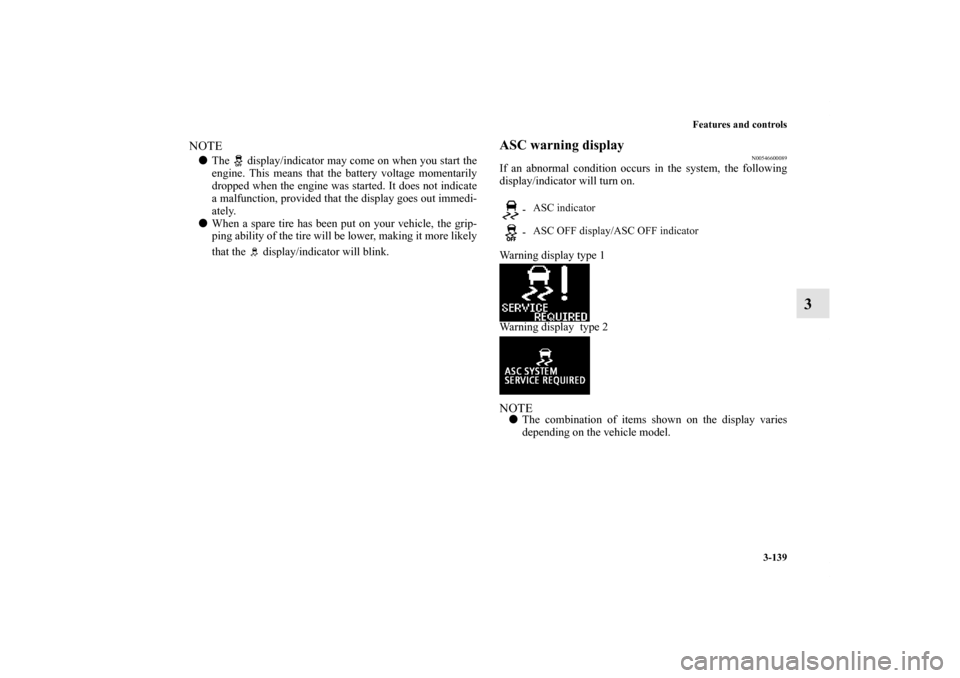
Warning display type 1
Warning display type 2NOTE�The combination of items shown on the display varies
depending on the vehicle model.
- ASC indicator
- ASC OFF display/ASC OFF indicator
BK0122500US.book 139 ページ 2010年5月12日 水曜日 午前11時11分