2011 LINCOLN MKT brake
[x] Cancel search: brakePage 27 of 454
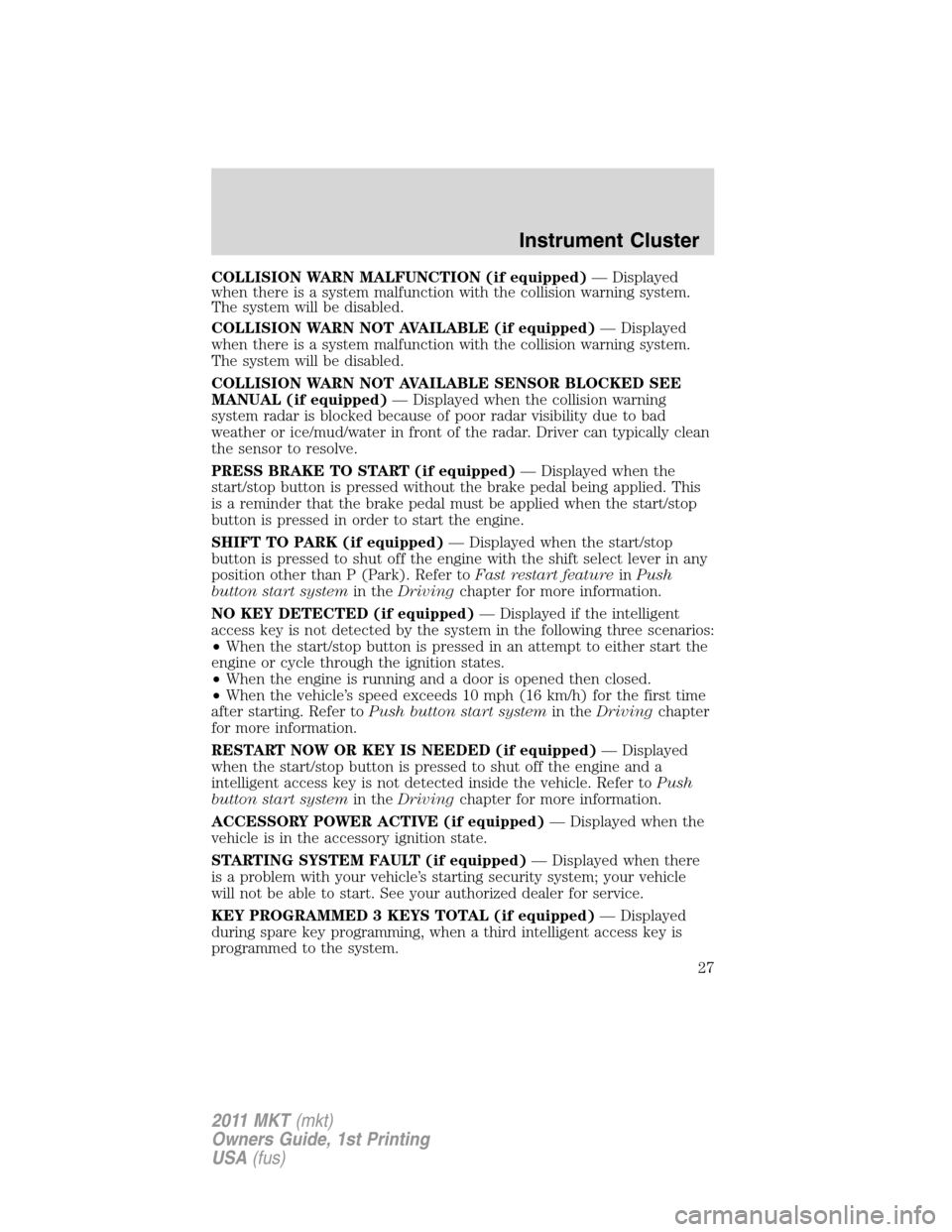
COLLISION WARN MALFUNCTION (if equipped)— Displayed
when there is a system malfunction with the collision warning system.
The system will be disabled.
COLLISION WARN NOT AVAILABLE (if equipped)— Displayed
when there is a system malfunction with the collision warning system.
The system will be disabled.
COLLISION WARN NOT AVAILABLE SENSOR BLOCKED SEE
MANUAL (if equipped)— Displayed when the collision warning
system radar is blocked because of poor radar visibility due to bad
weather or ice/mud/water in front of the radar. Driver can typically clean
the sensor to resolve.
PRESS BRAKE TO START (if equipped)— Displayed when the
start/stop button is pressed without the brake pedal being applied. This
is a reminder that the brake pedal must be applied when the start/stop
button is pressed in order to start the engine.
SHIFT TO PARK (if equipped)— Displayed when the start/stop
button is pressed to shut off the engine with the shift select lever in any
position other than P (Park). Refer toFast restart featureinPush
button start systemin theDrivingchapter for more information.
NO KEY DETECTED (if equipped)— Displayed if the intelligent
access key is not detected by the system in the following three scenarios:
•When the start/stop button is pressed in an attempt to either start the
engine or cycle through the ignition states.
•When the engine is running and a door is opened then closed.
•When the vehicle’s speed exceeds 10 mph (16 km/h) for the first time
after starting. Refer toPush button start systemin theDrivingchapter
for more information.
RESTART NOW OR KEY IS NEEDED (if equipped)— Displayed
when the start/stop button is pressed to shut off the engine and a
intelligent access key is not detected inside the vehicle. Refer toPush
button start systemin theDrivingchapter for more information.
ACCESSORY POWER ACTIVE (if equipped)— Displayed when the
vehicle is in the accessory ignition state.
STARTING SYSTEM FAULT (if equipped)— Displayed when there
is a problem with your vehicle’s starting security system; your vehicle
will not be able to start. See your authorized dealer for service.
KEY PROGRAMMED 3 KEYS TOTAL (if equipped)— Displayed
during spare key programming, when a third intelligent access key is
programmed to the system.
Instrument Cluster
27
2011 MKT(mkt)
Owners Guide, 1st Printing
USA(fus)
Page 106 of 454

Using the right bulbs
Replacement bulbs are specified in the chart below. Headlamp bulbs
must be marked with an authorized “D.O.T.” for North America and an
“E” for Europe to ensure lamp performance, light brightness and pattern
and safe visibility. The correct bulbs will not damage the lamp assembly
or void the lamp assembly warranty and will provide quality bulb burn
time.
Function Number of BulbsTrade
Number
*Front turn lamp 2 PY24W SV+
*Front sidemarker lamp N/A LED
*Front parking lamp N/A LED
*Headlamp 2 D3S HID
*Tail/brake/turn signal
lampN/A LED
*Rear sidemarker N/A LED
*Backup lamp N/A LED
License plate lamp 2 C5WL
*High-mount brake lamp N/A LED
Fog lamp (if equipped) 2 H11
*First row dome/map lamp 2 W5W
*Second row dome/map
lamps2 W5W
*Third row cargo lamp 1 211-2XB
Visor vanity lamp 2 37
To replace all instrument panel lights - see your authorized dealer.
*To replace these lamps - see your authorized dealer.
Replacing interior bulbs
Check the operation of all bulbs frequently.
Replacing exterior bulbs
Check the operation of all bulbs frequently.
Replacing HID headlamp bulbs (if equipped)
The headlamps on your vehicle use a “high intensity discharge” source.
These lamps operate at a high voltage. When the bulb is burned out, the
bulb and starter capsule assembly must be replaced by your authorized
dealer.
Lights
106
2011 MKT(mkt)
Owners Guide, 1st Printing
USA(fus)
Page 120 of 454

Signal indicator mirrors
When the turn signal is activated,
the outer portion of the appropriate
mirror housing will blink.
This provides an additional warning
to other drivers that your vehicle is
about to turn.
POWER ADJUSTABLE FOOT PEDALS
The accelerator and brake pedal
should only be adjusted when the
vehicle is stopped and the gearshift
lever is in the P (Park) position.
Press and hold the rocker control
(located on the instrument panel) to
adjust accelerator and brake pedal.
•Press the top of the control to
adjust the pedals away from you.
•Press the bottom of the control to adjust the pedals towards you.
WARNING:Never adjust the accelerator and brake pedal with
feet on the pedals while the vehicle is moving.
Memory feature (if equipped)
The accelerator and brake pedal positions are saved when doing a
memory set function and can be recalled along with the vehicle
personality features when a memory position is selected through the
remote entry transmitter, keyless entry keypad or memory switch on the
driver’s door (if equipped with memory feature). Refer toFront seating
in theSeating and Safety Restraintschapter.
SPEED CONTROL
With speed control set, you can maintain a set speed without keeping
your foot on the accelerator pedal.
WARNING:Do not use the speed control in heavy traffic or on
roads that are winding, slippery or unpaved.
Driver Controls
120
2011 MKT(mkt)
Owners Guide, 1st Printing
USA(fus)
Page 121 of 454

Using speed control
The speed controls are located on the steering wheel. The following
buttons work with speed control:
RESUME:Press to resume a set
speed.
SET +:Press to increase the set
speed.
SET –:Press to decrease the set
speed.
OFF/ON:Press to turn speed
control off or on.
Setting speed control
To set speed control:
1. Press and release ON.
2. Accelerate to the desired speed.
3. Press and release SET + or SET -.
4. Take your foot off the accelerator pedal.
5. The indicator
light on the instrument cluster will turn on.
Note:
•Vehicle speed may vary momentarily when driving up and down a
steep hill.
•If the vehicle speed increases above the set speed on a downhill, you
may want to apply the brakes to reduce the speed.
•If the vehicle speed decreases more than 10 mph (16 km/h) below
your set speed on an uphill, your speed control will disengage.
Disengaging speed control
Press the brake pedal to disengage the speed control. Disengaging the
speed control will not erase the previous set speed.
Resuming a set speed
Press and release RESUME. This will automatically return the vehicle to
the previously set speed.
Driver Controls
121
2011 MKT(mkt)
Owners Guide, 1st Printing
USA(fus)
Page 122 of 454

Increasing speed while using speed control
To set a higher speed:
•Press and hold SET + until you get to the desired speed, then release.
You can also use SET + to operate the tap-up function. Press and
release SET + to increase the vehicle set speed in 1 mph (1.6 km/h)
increments.
•Use the accelerator pedal to get to the desired speed, then press and
release SET +.
Reducing speed while using speed control
To reduce a set speed:
•Press and hold SET – until you get to the desired speed, then release.
You can also use SET – to operate the tap-down function. Press and
release SET – to decrease the vehicle set speed in 1 mph (1.6 km/h)
increments.
•Press the brake pedal until the desired vehicle speed is reached, then
press SET –.
Turning off speed control
To turn off the speed control, press OFF or turn off the ignition.
Note:When you turn off the speed control or the ignition, your speed
control set speed memory is erased.
ADAPTIVE CRUISE CONTROL (ACC) (IF EQUIPPED)
Adaptive cruise control is much like speed control, only this system is
designed to automatically adjust your speed to maintain a proper
distance between you and the vehicle in front of you in the same lane.
The driver can select from one of three GAP settings, the controls are
located on the steering wheel.
At startup, the system sets the gap
to the last selected setting. Once
activated, the driver can deactivate
the system at any time by either
pressing the brake pedal or pressing
the steering wheel ON/OFF control. In addition, the driver can
temporarily increase the vehicle speed above the current speed by
manually pressing on the accelerator pedal.
Driver Controls
122
2011 MKT(mkt)
Owners Guide, 1st Printing
USA(fus)
Page 124 of 454

3. Press and release the SET +
control. The vehicle speed will be
stored in the memory and the
message center will display SET
XXX MPH (your desired speed).
4. Take your foot off the accelerator
pedal.
5. The green
cruise indicator
light on the instrument cluster will
illuminate if there are no vehicles
detected in front of you, while the yellow
ACC indicator light on the
instrument cluster will illuminate if there is a vehicle detected in front of
you.
Following a vehicle
WARNING:When following a vehicle in front of you, the vehicle
will not decelerate automatically to a stop, nor will the vehicle
always decelerate quickly enough to avoid a collision without driver
intervention. Always apply the brakes when necessary. Failing to do so
may result in a collision, serious injury or death.
When a vehicle ahead of you enters the same lane or a slower vehicle is
ahead in the same lane, the vehicle speed will adjust automatically to
maintain a preset gap distance. The distance setting is adjustable, refer
toSetting the gap distancein this section.
The yellow
ACC indicator light
in the instrument cluster will be
illuminated and the message center
will temporarily display a preset
GAP <--->.
The vehicle will maintain a constant distance between the vehicle ahead
until:
•The vehicle in front of you accelerates to a speed above the set speed.
•The vehicle in front of you moves out of your lane or out of view.
•The vehicle speed falls below 18 mph (30 km/h).
•A new gap distance is set.
Driver Controls
124
2011 MKT(mkt)
Owners Guide, 1st Printing
USA(fus)
Page 125 of 454

The vehicle brakes will be automatically applied to slow the vehicle to
maintain a safe distance between the vehicle in front. The maximum
braking which is applied by the ACC system is limited and can be
overridden by the driver applying the brakes.
If the ACC system predicts that its
maximum braking level will not be
sufficient, an audible warning will
sound while the ACC continues to
brake. This is accompanied by the
heads-up display; a red warning bar
illuminating on the windshield. The driver should takeimmediate
action.
Note:The brakes may emit a sound when they are being modulated by
the adaptive cruise control system.
WARNING:Adaptive cruise control only warns of vehicles
detected by the radar sensor. In some cases there may be no
warning or the warning may be delayed. The driver should always
apply the brakes when necessary. Failing to do so may result in a
collision, serious injury or death.
Setting the gap distance
The distance between your vehicle
and the vehicle in front of you can
be decreased or increased by
pressing<--->control. GAP <--->
will be displayed in the message
center. Three gap distance settings
are available:
Driver Controls
125
2011 MKT(mkt)
Owners Guide, 1st Printing
USA(fus)
Page 126 of 454

Message
center displayFollowing
distanceFollowing
distance at
60 mph
(96 km/h)Dynamic
behavior
GAP <-> 1 second 29 yards (26 m) Sporty
GAP <---> 1.5 seconds 44 yards (40 m) Normal
GAP <-----> 2.3 seconds 66 yards (60 m) Comfort
Each time the vehicle is restarted, the last chosen gap will be
automatically selected.
Note:It is the driver’s responsibility to select a gap appropriate to the
driving conditions.
Disengaging adaptive cruise control
Press the brake pedal to disengage the adaptive cruise control. CRUISE
CANCELLED will be displayed in the message center.
Disengaging the adaptive cruise control will not erase your previous set
speed.
Overriding adaptive cruise control
WARNING:Whenever the driver is overriding the ACC by
pressing the accelerator pedal, the ACC will not automatically
apply the brakes to maintain separation from any vehicle ahead.
The set speed and gap distance can be overridden by pressing the
accelerator pedal.
When the driver is overriding ACC, the green
cruise indicator light
is illuminated, and CRUISE OVERRIDE is displayed in the message
center. When the accelerator is released, the ACC function will operate
again and vehicle speed will decrease to the set speed, or a lower speed
if following a slower vehicle.
Driver Controls
126
2011 MKT(mkt)
Owners Guide, 1st Printing
USA(fus)