Page 124 of 654

When driving2
123
GS_G_U (OM30C11U)
May 21, 2010 12:06 pm
2-1. Driving proceduresDriving the vehicle.................. 124
Engine (ignition) switch ......... 133
Automatic transmission ........ 137
Turn signal lever ....................... 142
Parking brake ........................... 143
Horn ............................................ 144
2-2. Instrument cluster Gauges and meters ................ 145
Indicators and warning lights ......................................... 149
Multi-information display ..... 152 2-3. Operating the lights and
windshield wipers
Headlight switch ..................... 155
Fog light switch ........................ 158
Windshield wipers and washer ..................................... 159
Headlight cleaner switch ..... 164
2-4. Using other driving systems Cruise control.......................... 165
Dynamic radar cruise control ...................................... 169
Intuitive parking assist ............ 181
Rear view monitor system ...................................... 194
AVS (Adaptive Variable Suspension System) ............ 198
Driving assist systems ............ 199
PCS (Pre-Collision System) ...... 206
2-5. Driving information Cargo and luggage ................ 213
Vehicle load limits ................... 217
Winter driving tips .................. 218
Trailer towing .......................... 223
Dinghy towing......................... 224
Page 150 of 654
149
2-2. Instrument cluster
2
When driving
GS_G_U (OM30C11U)
October 28, 2011 5:15 pm
Indicators and warning lights
The indicator and warning lights on the instrument cluster and center
panel inform the driver of the status of the vehicle’s various systems.
Instrument cluster
The units used on the speedometer and some indicators may differ depend-
ing on the target region.
Center panel
Page 152 of 654
151
2-2. Instrument cluster
2
When driving
GS_G_U (OM30C11U)
October 28, 2011 5:15 pm
CAUTION
■If a safety system warning light does not come on
Should a safety system light such as ABS and the SRS airbag warning light not
come on when you turn to IGNITION ON mode, this could mean that these sys-
tems are not available to help protect you in an accident, which could result in death
or serious injury. Have the vehicle inspected by your Lexus dealer immediately if
this occurs.
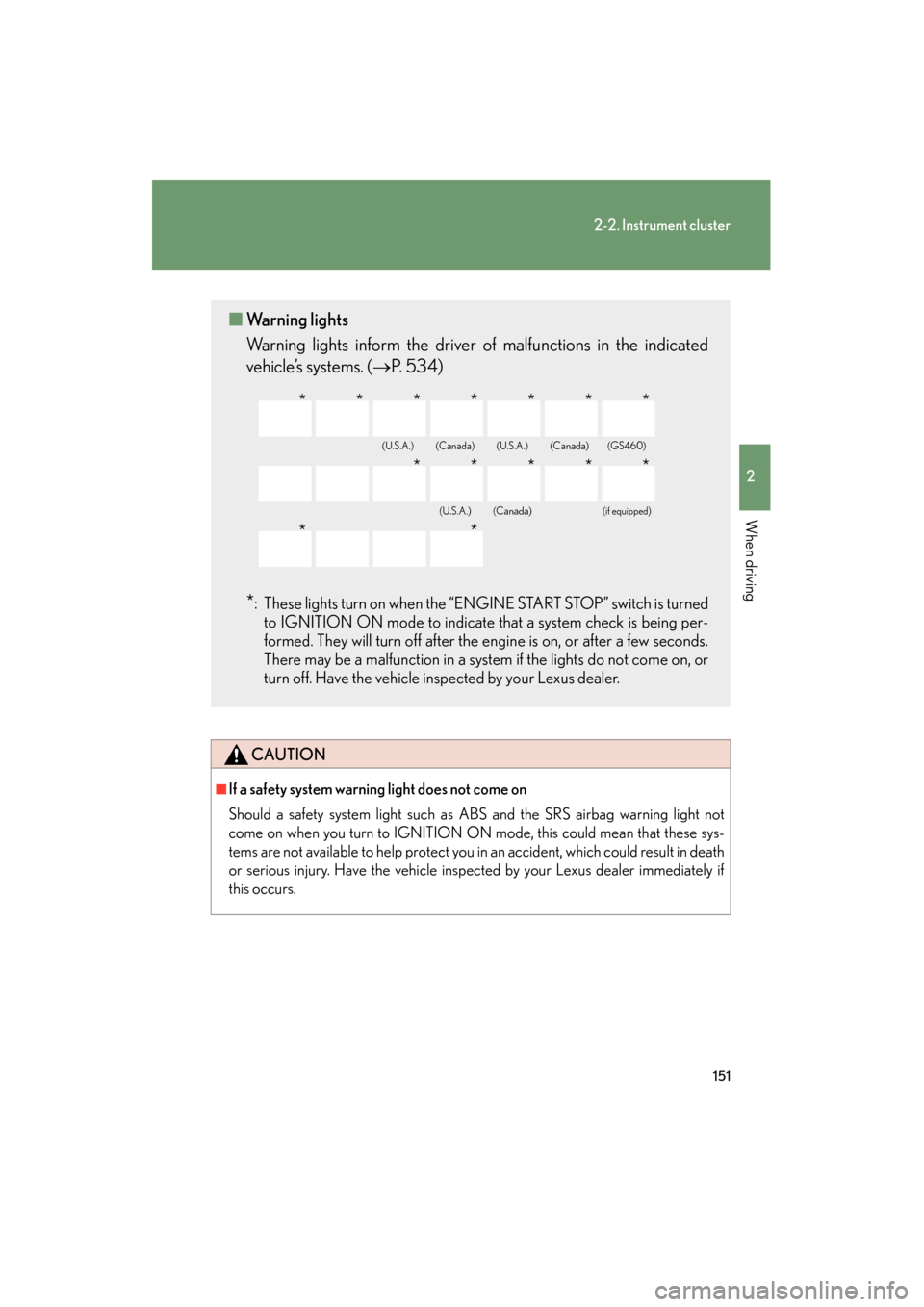
■Warning lights
Warning lights inform the driver of malfunctions in the indicated
vehicle’s systems. ( →P. 5 3 4 )
*: These lights turn on when the “ENGINE START STOP” switch is turned
to IGNITION ON mode to indicate that a system check is being per-
formed. They will turn off after the engine is on, or after a few seconds.
There may be a malfunction in a system if the lights do not come on, or
turn off. Have the vehicle inspected by your Lexus dealer.
(U.S.A.)(Canada)(U.S.A.)(Canada)(GS460)
(U.S.A.)(Canada)(if equipped)
*******
*****
**
Page 175 of 654

174
2-4. Using other driving systems
GS_G_U (OM30C11U)
October 28, 2011 5:15 pm
Example of follow-up cruising
When following a vehicle driving slower than the set speed
The system continues follow-up cruising while adjusting for changes in the
speed of the vehicle ahead in order to maintain the vehicle-to-vehicle dis-
tance set by the driver.
Example of acceleration
When there are no longer vehicles driving slower than the set speed in
the lane ahead
When the vehicle ahead of you executes a lane change, the system slowly
accelerates until the set vehicle speed is reached. The system then returns to
fixed speed cruising.
Approach warningWhen your vehicle is too close to a vehicle ahead, and sufficient auto-
matic deceleration via the cruise control is not possible, the display will
flash and a buzzer will sound to alert the driver. An example of this would
be if another driver cuts in front of you while you are following a vehicle.
Apply the brakes to ensure an appropriate vehicle-to-vehicle distance.
■Warning lights and messages for dynamic radar cruise control
Warning lights, messages and buzzers are used to indicate a system malfunction or
to inform the driver of the need for caution while driving. ( →P. 5 4 7 )
■Switching modes
The mode cannot be switched to constant speed control mode if vehicle-to-vehicle
distance control mode has been used. The mode also cannot be switched from
constant speed control to vehicle-to-vehic le control mode. Turn the system off by
pressing the “ON-OFF” button, and turn it on again.
Page 192 of 654

191
2-4. Using other driving systems
2
When driving
GS_G_U (OM30C11U)
October 28, 2011 5:15 pm
●In the following situations, the intuitive parking assist may not function correctly,
possibly leading to an accident.
• There is ice, snow or mud on the sensors. (Wiping the sensors will resolve thisproblem.)
• The sensor area is frozen. (Thawing the area will resolve this problem.) In especially cold weather, if a sensor is frozen the screen may show an abnor-
mal display, or obstacles may not be detected.
• The vehicle angle is especially wide.
• In harsh sunlight or intense cold weather.
• When driving on bumpy, sloped or gravel roads, or over grass.
• If there is something producing ultrasonic waves nearby, such as another vehicle’s horn, motorcycle engine noise, air braking sound from heavy-duty
vehicles, or another vehicle using the intuitive parking assist.
• In heavy rain, or if water is splashed on the sensors.
• If a commercial fender pole or radio antenna is installed.
• If towing eyelet is installed on your vehicle.
• If moving towards a high curb or a curb corner.
• Objects such as signs may cause the detection distance to shorten.
• The area directly under the bumpers is not detected. Objects lower than the sensors or thin stakes etc. may be detected initially,
but as they draw closer, they may cease to be detected.
• If obstacles draw too close to the sensor.
■Obstacles that may not be detected correctly
The following obstacles may not be detected.
●Thin objects such as wire, fencing or rope.
●Objects that absorb sound waves, such as cotton or snow.
●Objects with sharp corners.
●Objects where the upper section projects out over the lower section.
●Low objects.
■If the display flashes and a message is displayed
→ P. 553
■Warning beep volume and touch screen settings
You can change the warning beep volume etc. ( →P. 2 4 5 )
Page 206 of 654

205
2-4. Using other driving systems
2
When driving
GS_G_U (OM30C11U)
October 28, 2011 5:15 pm
CAUTION
■If the hill-start assist control does not operate effectively
Do not overly rely on the hill-start assist control. The hill-start assist control may not
operate effectively on steep inclines and roads covered in ice.
■When the Enhanced VSC is activated
The slip indicator light flashes and a warning buzzer sounds. Always drive carefully.
Reckless driving may cause an accident. Exercise particular care when the indica-
tor light flashes and a buzzer sounds.
■When TRAC and Enhanced VSC are off
Be especially careful and drive at a speed appropriate to the road conditions. As
these are systems to ensure vehicle stability and driving force, do not turn off TRAC
and Enhanced VSC unless necessary.
■Replacing tires
Make sure that all tires are of the same size, brand, tread pattern and total load
capacity. In addition, make sure that the tires are inflated to the specified tire pres-
sure level.
The ABS and Enhanced VSC will not function correctly if different tires are fitted on
the vehicle.
Contact your Lexus dealer for further information when replacing tires or wheels.
■Handling of tires and suspension
Using tires with any kind of problem or modifying the suspension will affect the driv-
ing assist systems, and may cause the system to malfunction.
Page 207 of 654

206
2-4. Using other driving systems
GS_G_U (OM30C11U)
October 28, 2011 5:15 pm
PCS (Pre-Collision System)∗
∗: If equipped
When the radar sensor detects possibility of a frontal collision. Pre-colli-
sion systems such as the brakes and seat belts are automatically engaged
to lessen impact and injuries to occupants as well as vehicle damage.
■ Pre-collision seat belts (front seats only)
If the pre-collision sensor detects that a collision is unavoidable, the pre-
collision system will retract the seat belt before the collision occurs.
The same will happen if the driver makes an emergency braking or loses
control of the vehicle. ( →P. 6 5 )
However, the system will not operate in the event of skidding when the
TRAC/VSC systems are disabled.
■ Pre-collision brake assist
When there is a high possibility of a frontal collision, the system applies
greater braking force in relation to how strongly the brake pedal is
depressed.
■Pre-collision braking
When there is a possibility of a frontal collision, the system warns the driver
using a warning light, warning display and buzzer. If the system determines
that a collision is unavoidable, the brakes are automatically applied to
reduce the collision speed. Pre-collision braking can be disabled using the
pre-collision braking off switch.
■AVS (if equipped)
If the system determines that the collision is unavoidable, the operation of
AV S ( →P. 198) helps prevent the vehicle front from going down when
hard brakes are applied.
Page 208 of 654
207
2-4. Using other driving systems
2
When driving
GS_G_U (OM30C11U)
October 28, 2011 5:15 pm
Disabling pre-collision brakingPre-collision braking enabled
Pre-collision braking disabled
The “PCS” warning light flashes
when pre-collision braking is dis-
abled.
Radar sensorDetects vehicles or other obsta-
cles on or near the road ahead and
determines whether a collision is
imminent based on the position,
speed, and heading of the obsta-
cles. Grille cover
Radar sensor

