Page 214 of 542
CAUTION! (Continued)
•Do not use scrapers, sharp instruments, or abra-
sive window cleaners on the interior surface of the
window.
•Keep all objects a safe distance from the window.
ROOF LUGGAGE RACK — IF EQUIPPED
NOTE:Roof rack and crossbars cannot be used on
vehicles equipped with Skyslider�.
The load carried on the roof, when equipped with a
luggage rack, must not exceed 150 lbs (68 kg), and it
should be uniformly distributed over the cargo area. Crossbars should always be used whenever cargo is
placed on the roof rack. Check the straps frequently to be
sure that the load remains securely attached.
NOTE:
Crossbars are offered by MOPAR� accessories.
External racks do not increase the total load carrying
capacity of the vehicle. Be sure that the total occupant
and luggage load inside the vehicle, plus the load on the
luggage rack, do not exceed the maximum vehicle load
capacity.
212 UNDERSTANDING THE FEATURES OF YOUR VEHICLE
Page 215 of 542
CAUTION!
•To avoid damage to the roof rack and vehicle, do
not exceed the maximum roof rack load capacity.
Always distribute heavy loads as evenly as pos-
sible and secure the load appropriately.
•Long loads, which extend over the windshield,
such as wood panels or surfboards, should be
secured to both the front and rear of the vehicle.
•Place a blanket or other protection between the
surface of the roof and the load.
•Travel at reduced speeds and turn corners care-
fully when carrying large or heavy loads on the
roof rack. Wind forces, due to natural causes or
nearby truck traffic, can add sudden upward loads.
This is especially true on large flat loads and may
result in damage to the cargo or your vehicle.
WARNING!
Cargo must be securely tied down before driving
your vehicle. Improperly secured loads can fly off the
vehicle, particularly at high speeds, resulting in per-
sonal injury or property damage. Follow the roof rack
cautions when carrying cargo on your roof rack.
3
UNDERSTANDING THE FEATURES OF YOUR VEHICLE 213
Page 249 of 542
Turn Headlights On with Remote Key Unlock
When this feature is selected, the headlights will activate
and remain on for up to 90 seconds when the doors are
unlocked with the RKE transmitter. To make your selec-
tion, press and release the FUNCTION SELECT button
until “OFF,” “30 sec.,” “60 sec.,” or “90 sec.” appears.
Delay Power Off to Accessories Until Exit
When this feature is selected, the power window
switches, radio, hands–free system (if equipped), DVD
video system (if equipped), power sunroof (if equipped),
and power outlets will remain active for up to 10 minutes
after the ignition switch is turned to the LOCK position.
Opening either front vehicle door will cancel this feature.
To make your selection, press and release the FUNC-
TION SELECT button until “OFF,” “45 sec.,” “5 min.,” or
“10 min.” appears.
Illumination Approach
When this feature is selected, the headlights will activate
and remain on for up to 90 seconds when the doors are
unlocked with the RKE transmitter. To make your selec-
tion, press and hold the FUNCTION SELECT button
until “OFF,” “30 sec,” “60 sec,” or “90 sec” appears.
Enable/Disable the Rear Park Assist System
The Rear Park Assist system will scan for objects behind
the vehicle when the transmission is in the REVERSE
position and the vehicle speed is less than 11 mph
(18 km/h). The system can be enabled with Sound Only,
Sound and Display, or turned OFF through the EVIC, to
make your selection, press and release the FUNCTION
SELECT button. Refer to “Rear Park Assist System” in
“Understanding The Features Of Your Vehicle” for sys-
tem function and operating information.4
UNDERSTANDING YOUR INSTRUMENT PANEL 247
Page 267 of 542
Sirius ID number will display. The Sirius ID number
display will time out in two minutes. Press any button on
the radio to exit this screen.
Selecting Uconnect™ Multimedia (Satellite) Mode
Press the SAT button until�SAT�appears in the display. A
CD may remain in the radio while in the Satellite radio
mode.
Satellite Antenna
To ensure optimum reception, do not place items on the
roof around the rooftop antenna location. Metal objects
placed within the line of sight of the antenna will cause
decreased performance. Larger luggage items such as
bikes should be placed as far rearward as possible, within
the loading design of the rack. Do not place items directly
on or above the antenna.
Reception Quality
Satellite reception may be interrupted due to one of the
following reasons:
•The vehicle is parked in an underground parking
structure or under a physical obstacle.
•Dense tree coverage may interrupt reception in the
form of short audio mutes.
•Driving under wide bridges or along tall buildings can
cause intermittent reception.
•Placing objects over or too close to the antenna can
cause signal blockage.
Operating Instructions - Uconnect™ Multimedia
(Satellite) Mode
NOTE: The ignition switch must be in the ON/RUN or
ACC position to operate the radio.
4
UNDERSTANDING YOUR INSTRUMENT PANEL 265
Page 292 of 542
using the TUNE/SCROLL control knob until Sirius ID is
selected. Press the TUNE/SCROLL control knob and the
Sirius ID number will display. The Sirius ID number
display will time out in two minutes. Press any button on
the radio to exit this screen.
Selecting Uconnect™ Multimedia (Satellite) Mode
Press the SAT button until�SAT�appears in the display. A
CD may remain in the radio while in the Satellite radio
mode.
Satellite Antenna
To ensure optimum reception, do not place items on the
roof around the rooftop antenna location. Metal objects
placed within the line of sight of the antenna will cause
decreased performance. Larger luggage items such as
bikes should be placed as far rearward as possible, within
the loading design of the rack. Do not place items directly
on or above the antenna.
Reception Quality
Satellite reception may be interrupted due to one of the
following reasons:
•The vehicle is parked in an underground parking
structure or under a physical obstacle.
•Dense tree coverage may interrupt reception in the
form of short audio mutes.
•Driving under wide bridges or along tall buildings can
cause intermittent reception.
•Placing objects over or too close to the antenna can
cause signal blockage.
Operating Instructions - Uconnect™ Multimedia
(Satellite) Mode
NOTE: The ignition switch must be in the ON/RUN or
ACC position to operate the radio.
290 UNDERSTANDING YOUR INSTRUMENT PANEL
Page 363 of 542
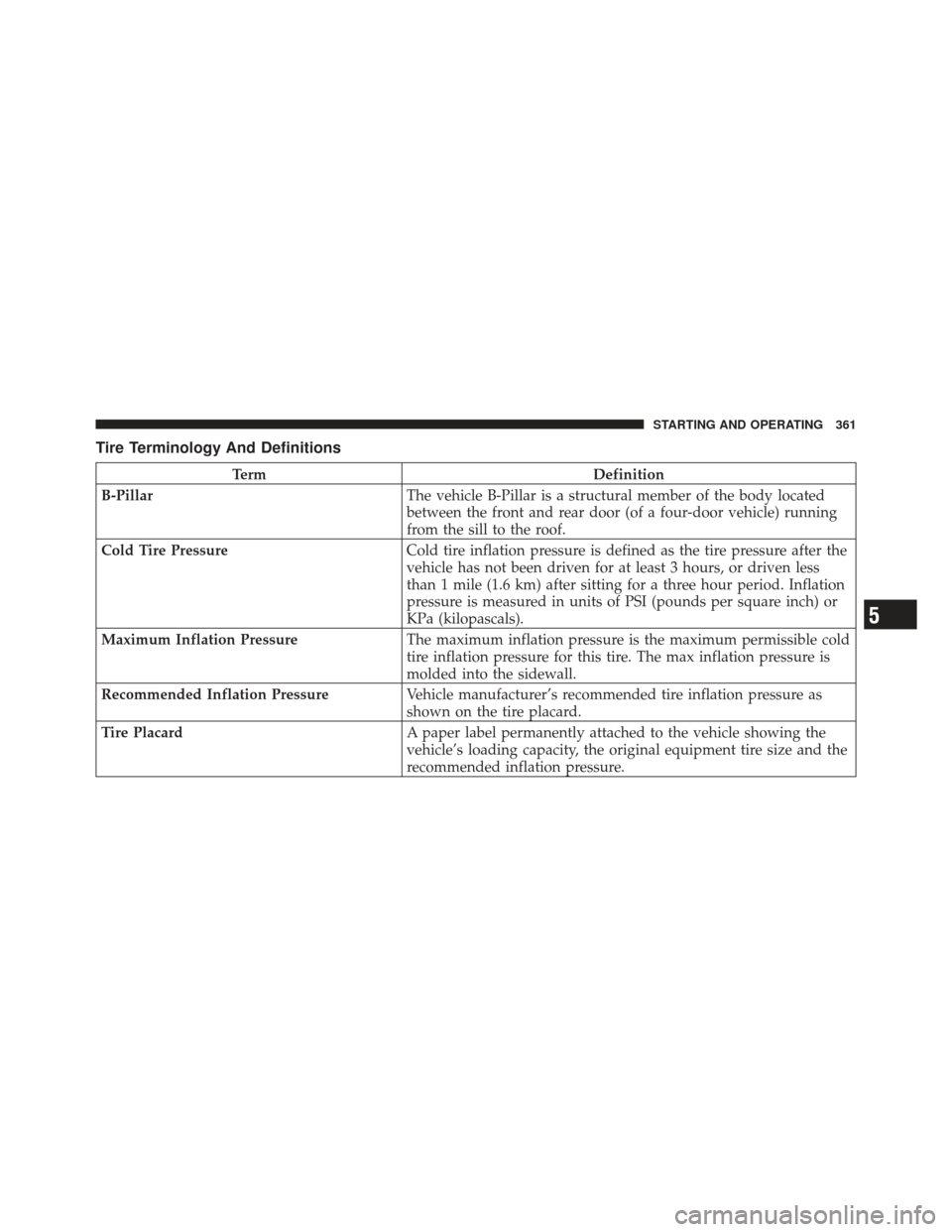
Tire Terminology And Definitions
TermDefinition
B-Pillar The vehicle B-Pillar is a structural member of the body located
between the front and rear door (of a four-door vehicle) running
from the sill to the roof.
Cold Tire Pressure Cold tire inflation pressure is defined as the tire pressure after the
vehicle has not been driven for at least 3 hours, or driven less
than 1 mile (1.6 km) after sitting for a three hour period. Inflation
pressure is measured in units of PSI (pounds per square inch) or
KPa (kilopascals).
Maximum Inflation Pressure The maximum inflation pressure is the maximum permissible cold
tire inflation pressure for this tire. The max inflation pressure is
molded into the sidewall.
Recommended Inflation Pressure Vehicle manufacturer’s recommended tire inflation pressure as
shown on the tire placard.
Tire Placard A paper label permanently attached to the vehicle showing the
vehicle’s loading capacity, the original equipment tire size and the
recommended inflation pressure.
5
STARTING AND OPERATING 361
Page 481 of 542
Cavity CartridgeFuseMini-
Fuse Description
J8 40 Amp Green — Power Seats – If
Equipped
J9 — — —
J10 — — — J11 30 Amp Pink — Thatchm Lock/Unlock
– If Equipped
J13 60 Amp Yellow — Ignition Off Draw
J14 40 Amp Green — Rear Defroster – If
Equipped
J15 40 Amp Green — Front Blower
J17 40 Amp Green — Starter Solenoid
J18 20 Amp Blue — Powertrain Control
ModuleCavity Cartridge FuseMini-
Fuse Description
J19 60 Amp Yellow — Radiator Fan
J20 30 Amp Pink — Front Wiper
J21 20 Amp Blue — Front Washer/Rear
Washer – If Equipped
J22 25 Amp Natural — Sunroof Module – If
Equipped
M1 — 15 Amp BlueStop Light Switch Feed
— Rear Center Brake
Lamp
M2 — 20 Amp YellowTrailer Lighting – If
Equipped
M3 — 20 Amp YellowFrt/Rr Axle Lockers –
If Equipped
M4 — 10 Amp RedTrailer Tow – If
Equipped
7
MAINTAINING YOUR VEHICLE 479
Page 531 of 542
Loading Vehicle......................... 395
Tires .............................. 362
Locks ................................. 29
Auto Unlock ......................... 32
Automatic Door ...................... 31
Child Protection ...................... 33
Door .............................. 29
Power Door ......................... 30
Low Tire Pressure System .................. 378
Lower Anchors and Tether for CHildren
(LATCH) ............................ 81,82
Lubrication, Body ....................... 454
Luggage Carrier ......................... 212
Lumbar Support ........................ 144
Maintenance Free Battery .................. 451
Maintenance Procedures ................... 447
Maintenance Schedule .................... 492
Maintenance, General ..................... 447 Maintenance, Sunroof
..................... 192
Malfunction Indicator Light (Check Engine) . . 222,445
Manual Transmission Lubricant Selection ................... 489
Manual, Service ......................... 513
Marker Lights, Side ...................... 485
Master Cylinder (Brakes) .................. 464
Memory Feature (Memory Seat) ............. 151
Memory Seat ........................... 151
Memory Seats and Radio .................. 151
Methanol ............................. 389
Mini-Trip Computer ...................... 240
Mirrors ................................ 99
Automatic Dimming .................. 100
Electric Powered ..................... 101
Electric Remote ...................... 101
Heated ............................ 102
Outside ........................... 101
Rearview ........................... 99
10
INDEX 529