Page 32 of 587

WARNING!
•Do not start or run an engine in a closed garage or
confined area. Exhaust gas contains Carbon Mon-
oxide (CO) which is odorless and colorless. Car-
bon Monoxide is poisonous and can cause serious
injury or death when inhaled.
•Keep Remote Keyless Entry (RKE) transmitters
away from children. Operation of the Remote Start
System, windows, door locks or other controls
could cause serious injury or death.
Remote Start Abort Message On Electronic Vehicle
Information Center (EVIC) — If Equipped
The following messages will display in the EVIC if the
vehicle fails to remote start or exits remote start prema-
turely:
•Remote Start Aborted — Door Ajar
•Remote Start Aborted — Hood Ajar
•Remote Start Aborted — Fuel Low
•Remote Start Aborted — System Fault
•Remote Start Disabled — Start Vehicle to Reset
The EVIC message stays active until the ignition is turned
to the ON/RUN position.
To Enter Remote Start Mode
Press and release the REMOTE START button
on the RKE transmitter twice, within five sec-
onds. The vehicle doors will lock, the parking
lights will flash and the horn will chirp twice (if
programmed). Then, the engine will start and the vehicle
will remain in the Remote Start mode for a 15 minute
cycle.
30 THINGS TO KNOW BEFORE STARTING YOUR VEHICLE
Page 73 of 587
WARNING!
•No objects should be placed over or near the airbag
on the instrument panel, because any such objects
could cause harm if the vehicle is in a collision
severe enough to cause the airbag to inflate.
•Do not put anything on or around the airbag
covers or attempt to open them manually. You may
damage the airbags and you could be injured
because the airbags may no longer be functional.
The protective covers for the airbag cushions are
designed to open only when the airbags are inflat-
ing.
•Do not drill, cut or tamper with the knee bolster in
any way.
•Do not mount any accessories to the knee bolster
such as alarm lights, stereos, citizen band radios,
etc.
Supplemental Seat-Mounted Side Airbags (SAB)
Supplemental Seat-Mounted Side Airbags may provide
enhanced protection to help protect an occupant during a
side impact. The Supplemental Seat-Mounted Side Air-
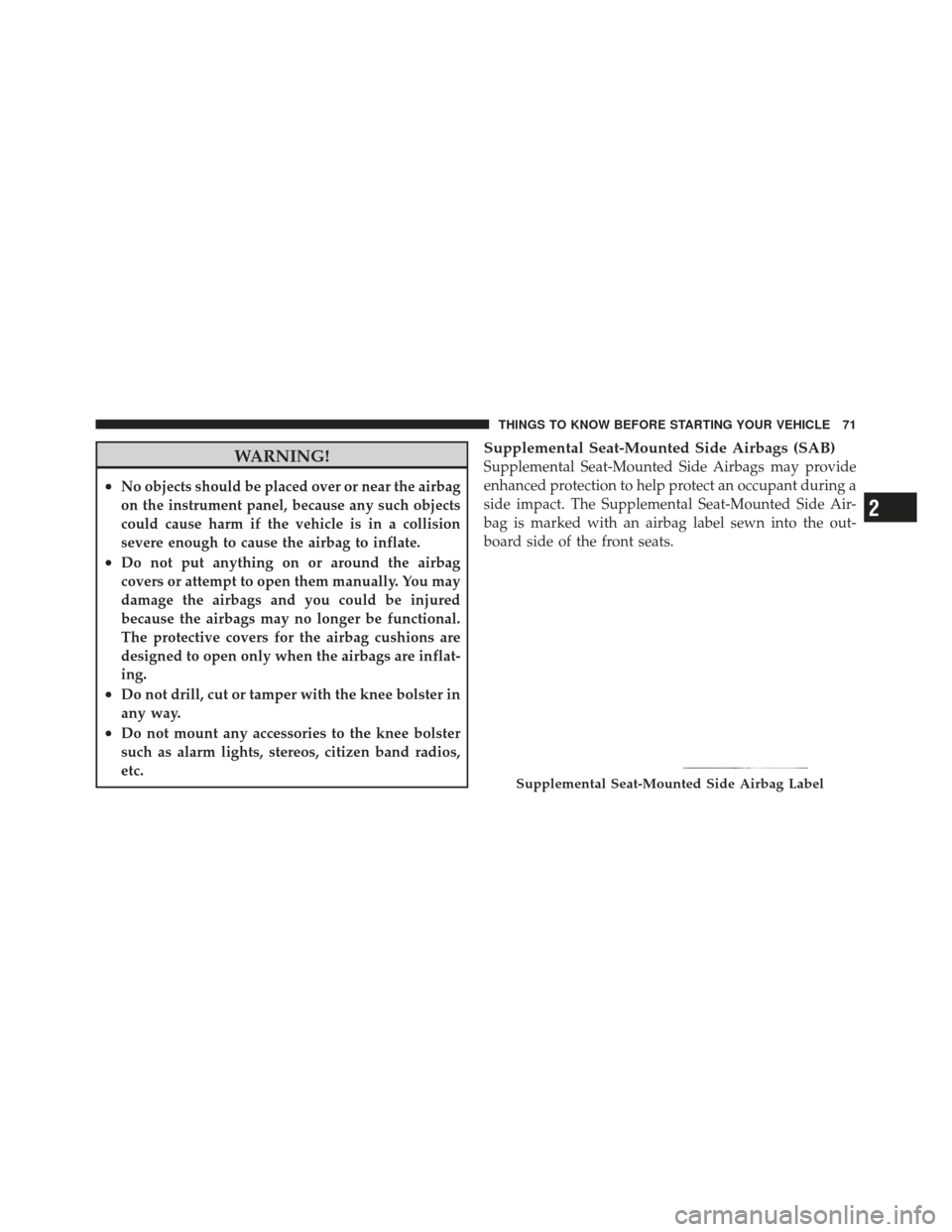
bag is marked with an airbag label sewn into the out-
board side of the front seats.
Supplemental Seat-Mounted Side Airbag Label
2
THINGS TO KNOW BEFORE STARTING YOUR VEHICLE 71
Page 107 of 587

�Parksense� Rear Park Assist — If Equipped . . . 195
▫ Parksense� Sensors................... 195
▫ Parksense� Warning Display ............ 195
▫ Parksense� Display................... 196
▫ Enabling And Disabling Parksense� ....... 200
▫ Service The Parksense� Rear Park Assist
System ............................ 200
▫ Cleaning The Parksense� System......... 201
▫ Parksense� System Usage Precautions ...... 201
� Parkview� Rear Back Up Camera —
If Equipped .......................... 204
▫ Turning Parkview� On Or Off —
With Navigation/Multimedia Radio ....... 205▫
Turning Parkview� On Or Off —
Without Navigation/Multimedia Radio ..... 206
� Overhead Console ..................... 206
▫ Front Map/Reading Lights ............. 206
▫ Sunglass Bin Door ................... 207
� Garage Door Opener — If Equipped ........ 208
▫ Programming HomeLink� .............. 209
▫ Gate Operator/Canadian Programming .... 212
▫ Using HomeLink� ................... 212
▫ Reprogramming A Single
HomeLink� Button................... 213
▫ Security ........................... 213
▫ Troubleshooting Tips .................. 213
▫ General Information .................. 214
3
UNDERSTANDING THE FEATURES OF YOUR VEHICLE 105
Page 134 of 587
The ventilated seat switches are used
to control the speed of the fans located
in the seat. Press the switch once to
choose HIGH, press it a second time to
choose LOW. Pressing the switch a
third time will turn the ventilated seat
OFF. When HIGH speed is selected
both lights on the switch will be illuminated. When LOW
speed is selected one light will be illuminated.
NOTE: The engine must be running for the ventilated
seats to operate.
Vehicles Equipped With Remote Start
On models that are equipped with remote start, the
driver’s ventilated seat can be programmed to come on
during a remote start. Refer to “Remote Starting System —
If Equipped” in “Things To Know Before Starting Your
Vehicle” for further information.
Head Restraints
Head restraints are designed to reduce the risk of injury
by restricting head movement in the event of a rear-
impact. Head restraints should be adjusted so that the top
of the head restraint is located above the top of your ear.
WARNING!
The head restraints for all occupants must be prop-
erly adjusted prior to operating the vehicle or occu-
pying a seat. Head restraints should never be ad-
justed while the vehicle is in motion. Driving a
vehicle with the head restraints improperly adjusted
or removed could cause serious injury or death in the
event of a collision.
132 UNDERSTANDING THE FEATURES OF YOUR VEHICLE
Page 180 of 587
•The system disengages. (Refer to the information on
ACC Activation).
The maximum braking applied by ACC is limited; how-
ever, the driver can always apply the brakes manually, if
necessary.
NOTE: The brake lights will illuminate whenever the
ACC system applies the brakes.
A Proximity Warning will alert the driver if ACC predicts
that its maximum braking level is not sufficient to
maintain the set distance. If this occurs, a visual alert
“BRAKE” will flash in the EVIC and a chime will sound
while ACC continues to apply its maximum braking
capacity. When this occurs, you should immediately
apply the brakes as needed to maintain a safe distance
from the vehicle ahead.
Adaptive Cruise Control (ACC) Menu
The EVIC displays the current ACC system settings. The
EVIC is located in the upper part of the instrument
cluster between the speedometer and the tachometer. The
information it displays depends on ACC system status.
Brake Alert
178 UNDERSTANDING THE FEATURES OF YOUR VEHICLE
Page 255 of 587
12. Position Light Indicator — If EquippedThis indicator will illuminate when the park
lights or headlights are turned on.
13. Seat Belt Reminder Light When the ignition switch is first turned to the
ON/RUN position, this light will turn on for four
to eight seconds as a bulb check. During the bulb
check, if the driver’s seat belt is unbuckled, a chime will
sound. After the bulb check or when driving, if the driver
or front passenger seat belt remains unbuckled, the Seat
Belt Indicator Light will flash or remain on continuously.
Refer to “Occupant Restraints” in “Things To Know
Before Starting Your Vehicle” for further information. 14. Brake Warning Light
This light monitors various brake functions,
including brake fluid level and parking brake
application. If the brake light turns on, it may
indicate that the parking brake is applied, that
the brake fluid level is low, or that there is a problem with
the anti-lock brake system reservoir.
If the light remains on when the parking brake has been
disengaged, and the fluid level is at the full mark on the
master cylinder reservoir, it indicates a possible brake
hydraulic system malfunction or that a problem with the
Brake Booster has been detected by the Anti-Lock Brake
System (ABS) / Electronic Stability Control (ESC) system.
In this case, the light will remain on until the condition
has been corrected. If the problem is related to the brake
booster, the ABS pump will run when applying the brake
and a brake pedal pulsation may be felt during each stop.
4
UNDERSTANDING YOUR INSTRUMENT PANEL 253
Page 264 of 587

•Clean Radar Sensor in the Front of Vehicle — If the
ACC system deactivates due to performance limiting
conditions. Refer to “Adaptive Cruise Control (ACC)”
in “Understanding The Features Of Your Vehicle” (if
equipped).
•ACC/FCW Unavailable Vehicle System Error — If the
ACC system turns off due to a temporary malfunction
that limits functionality. Refer to “Adaptive Cruise
Control (ACC)” in “Understanding The Features Of
Your Vehicle” (if equipped).
•ACC/FCW Unavailable Service Radar Sensor — If the
ACC system turns off due to an internal system fault
that requires service from an authorized dealer. Refer
to “Adaptive Cruise Control (ACC)” in “Understand-
ing The Features Of Your Vehicle” (if equipped).
•Coolant low
•Service air suspension system
•Oil change due
•Key in ignition
•Lights on
•Key in Ignition Lights On
•Ignition or Accessory On
•Ignition or Accessory On. Lights On
•Turn signal on
•Park assist on
•Warning object detected
•Remote start aborted — Door ajar
•Remote start aborted — Hood ajar
•Remote start aborted — L/Gate ajar
•Remote start aborted — Fuel low
262 UNDERSTANDING YOUR INSTRUMENT PANEL
Page 269 of 587
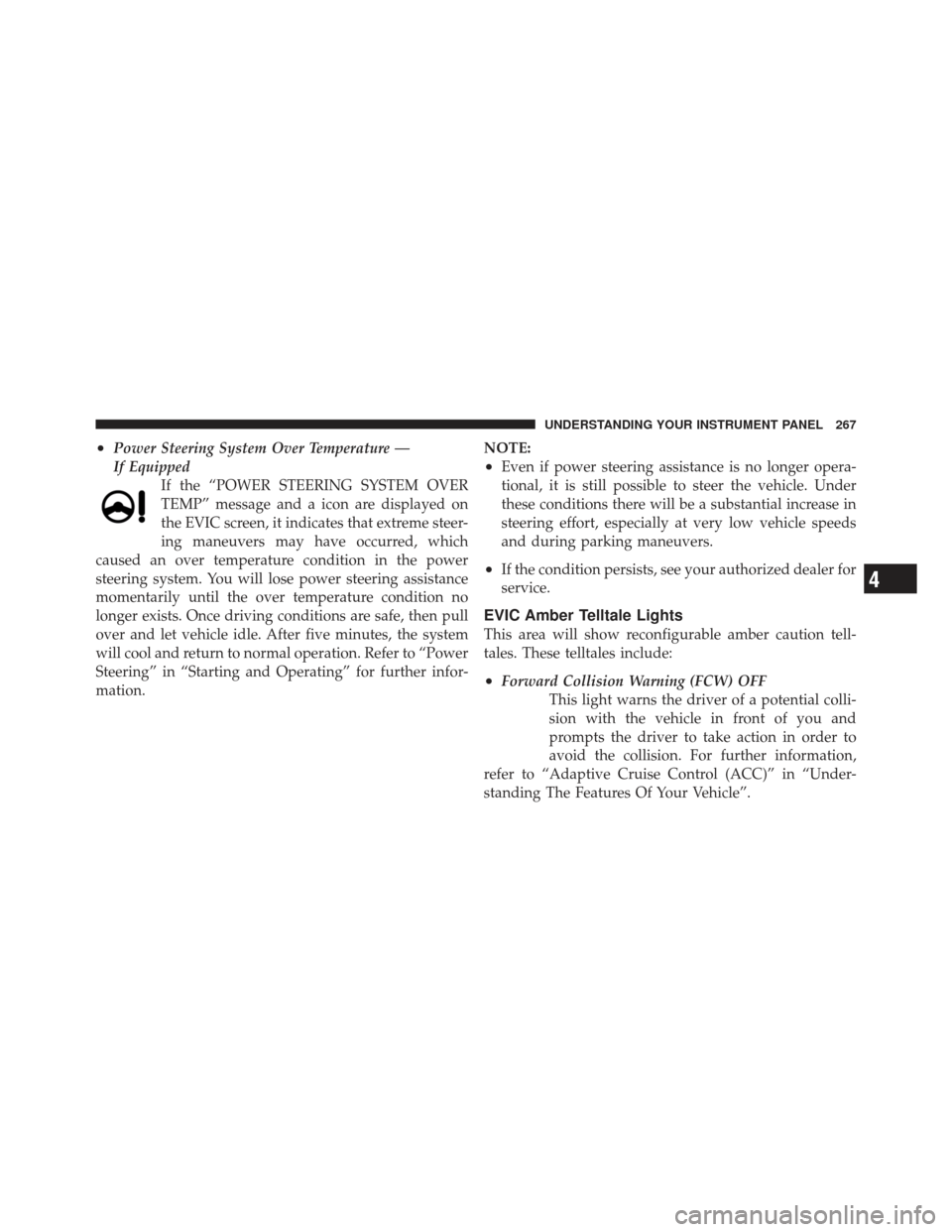
•Power Steering System Over Temperature —
If EquippedIf the “POWER STEERING SYSTEM OVER
TEMP” message and a icon are displayed on
the EVIC screen, it indicates that extreme steer-
ing maneuvers may have occurred, which
caused an over temperature condition in the power
steering system. You will lose power steering assistance
momentarily until the over temperature condition no
longer exists. Once driving conditions are safe, then pull
over and let vehicle idle. After five minutes, the system
will cool and return to normal operation. Refer to “Power
Steering” in “Starting and Operating” for further infor-
mation. NOTE:
•Even if power steering assistance is no longer opera-
tional, it is still possible to steer the vehicle. Under
these conditions there will be a substantial increase in
steering effort, especially at very low vehicle speeds
and during parking maneuvers.
•If the condition persists, see your authorized dealer for
service.
EVIC Amber Telltale Lights
This area will show reconfigurable amber caution tell-
tales. These telltales include:
•Forward Collision Warning (FCW) OFF
This light warns the driver of a potential colli-
sion with the vehicle in front of you and
prompts the driver to take action in order to
avoid the collision. For further information,
refer to “Adaptive Cruise Control (ACC)” in “Under-
standing The Features Of Your Vehicle”.
4
UNDERSTANDING YOUR INSTRUMENT PANEL 267