Page 197 of 386
4123
Features of your vehicle
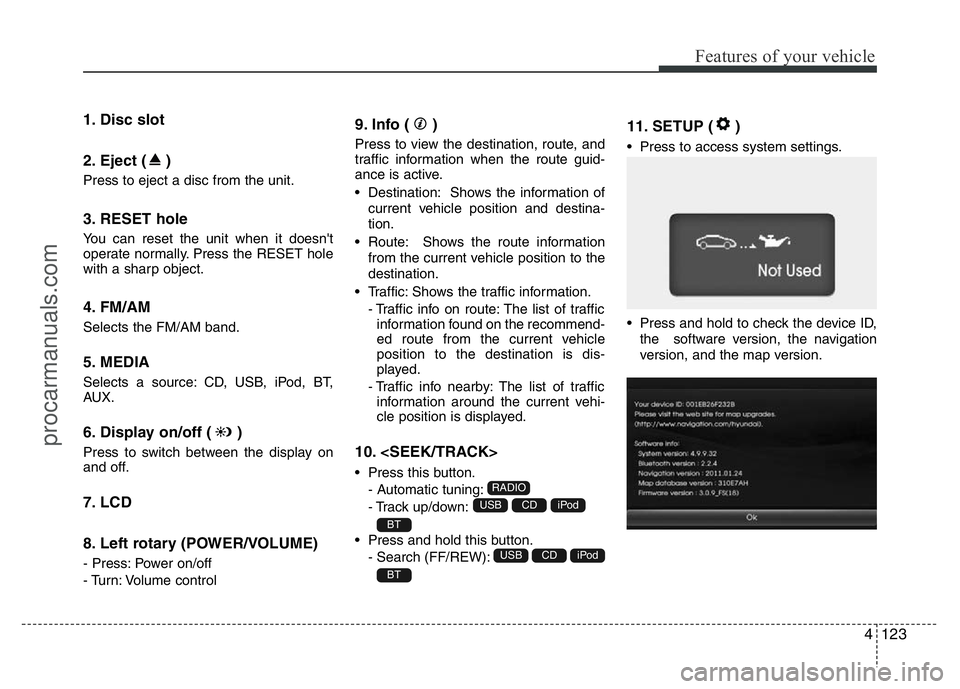
1. Disc slot
2. Eject ( )
Press to eject a disc from the unit.
3. RESET hole
You can reset the unit when it doesn't
operate normally. Press the RESET hole
with a sharp object.
4. FM/AM
Selects the FM/AM band.
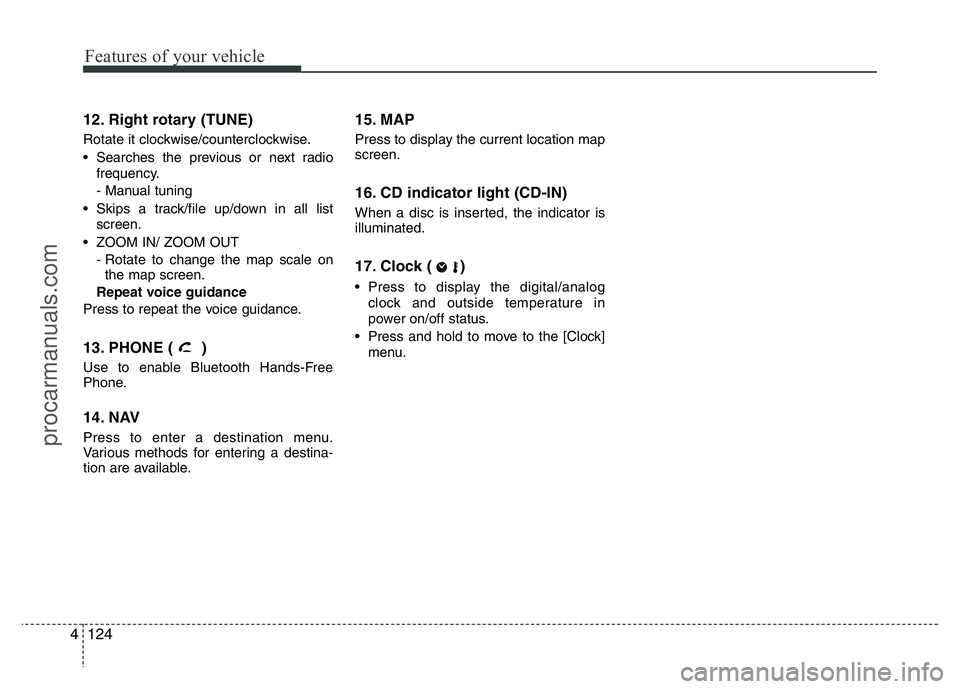
5. MEDIA
Selects a source: CD, USB, iPod, BT,
AUX.
6. Display on/off ( )
Press to switch between the display on
and off.
7. LCD
8. Left rotary (POWER/VOLUME)
- Press: Power on/off
- Turn: Volume control
9. Info ( )
Press to view the destination, route, and
traffic information when the route guid-
ance is active.
• Destination: Shows the information of
current vehicle position and destina-
tion.
• Route: Shows the route information
from the current vehicle position to the
destination.
• Traffic: Shows the traffic information.
- Traffic info on route: The list of traffic
information found on the recommend-
ed route from the current vehicle
position to the destination is dis-
played.
- Traffic info nearby: The list of traffic
information around the current vehi-
cle position is displayed.
10.
• Press this button.
- Automatic tuning:
- Track up/down:
• Press and hold this button.
- Search (FF/REW):
11. SETUP ( )
• Press to access system settings.
• Press and hold to check the device ID,
the software version, the navigation
version, and the map version.
BT
iPodCDUSB
BT
iPodCDUSB
RADIO
procarmanuals.com
Page 198 of 386
Features of your vehicle
124 4
12. Right rotary (TUNE)
Rotate it clockwise/counterclockwise.
• Searches the previous or next radio
frequency.
- Manual tuning
• Skips a track/file up/down in all list
screen.
• ZOOM IN/ ZOOM OUT
- Rotate to change the map scale on
the map screen.
Repeat voice guidance
Press to repeat the voice guidance.
13. PHONE ( )
Use to enable Bluetooth Hands-Free
Phone.
14. NAV
Press to enter a destination menu.
Various methods for entering a destina-
tion are available.
15. MAP
Press to display the current location map
screen.
16. CD indicator light (CD-IN)
When a disc is inserted, the indicator is
illuminated.
17. Clock ( )
• Press to display the digital/analog
clock and outside temperature in
power on/off status.
• Press and hold to move to the [Clock]
menu.
procarmanuals.com
Page 202 of 386
Features of your vehicle
128 4
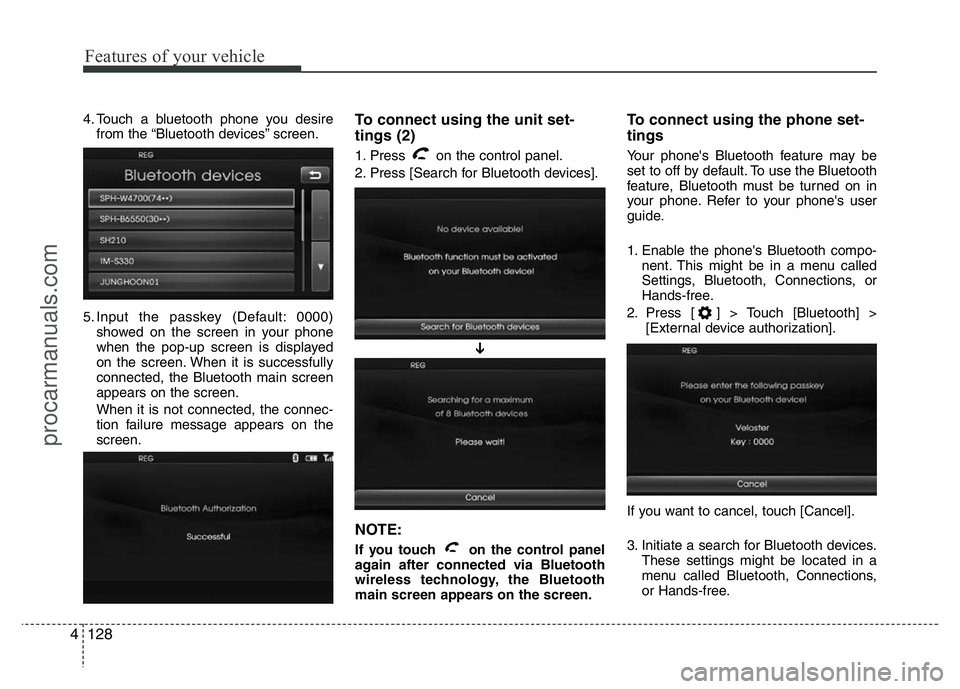
4. Touch a bluetooth phone you desire
from the “Bluetooth devices” screen.
5. Input the passkey (Default: 0000)
showed on the screen in your phone
when the pop-up screen is displayed
on the screen. When it is successfully
connected, the Bluetooth main screen
appears on the screen.
When it is not connected, the connec-
tion failure message appears on the
screen.To connect using the unit set-
tings (2)
1. Press on the control panel.
2. Press [Search for Bluetooth devices].
NOTE:
If you touch on the control panel
again after connected via Bluetooth
wireless technology, the Bluetooth
main screen appears on the screen.
To connect using the phone set-
tings
Your phone's Bluetooth feature may be
set to off by default. To use the Bluetooth
feature, Bluetooth must be turned on in
your phone. Refer to your phone's user
guide.
1. Enable the phone's Bluetooth compo-
nent. This might be in a menu called
Settings, Bluetooth, Connections, or
Hands-free.
2. Press [ ] > Touch [Bluetooth] >
[External device authorization].
If you want to cancel, touch [Cancel].
3. Initiate a search for Bluetooth devices.
These settings might be located in a
menu called Bluetooth, Connections,
or Hands-free.
➔
procarmanuals.com
Page 203 of 386
4129
Features of your vehicle
4. Select the your device from the list of
phone.
5. Input the passkey (Default: 0000)
showed on the screen in your phone
when the pop-up screen is displayed
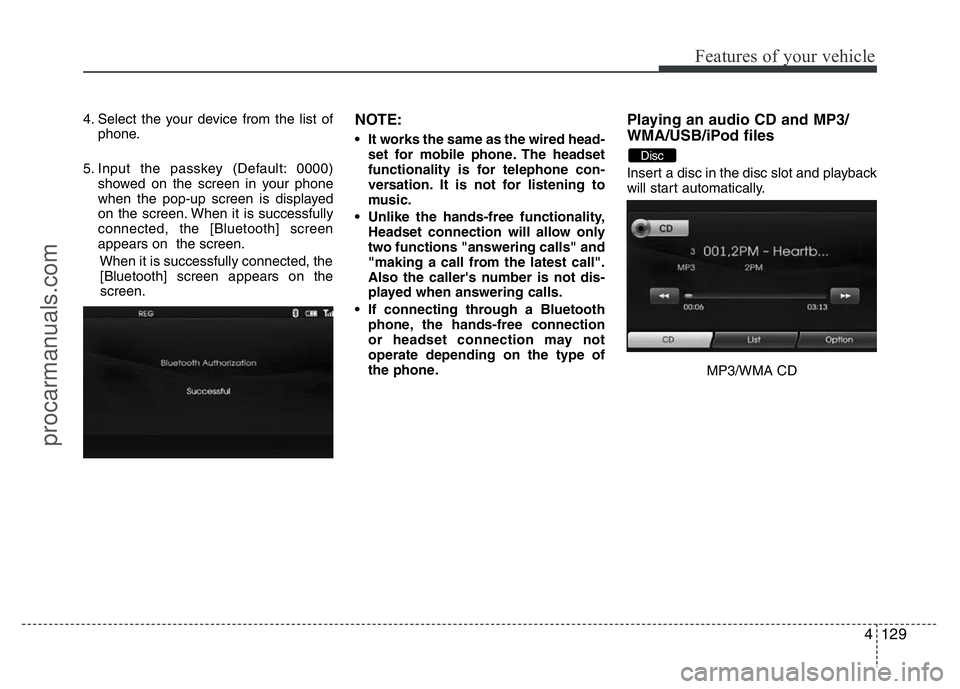
on the screen. When it is successfully
connected, the [Bluetooth] screen
appears on the screen.
When it is successfully connected, the
[Bluetooth] screen appears on the
screen.NOTE:
• It works the same as the wired head-
set for mobile phone. The headset
functionality is for telephone con-
versation. It is not for listening to
music.
• Unlike the hands-free functionality,
Headset connection will allow only
two functions "answering calls" and
"making a call from the latest call".
Also the caller's number is not dis-
played when answering calls.
• If connecting through a Bluetooth
phone, the hands-free connection
or headset connection may not
operate depending on the type of
the phone.
Playing an audio CD and MP3/
WMA/USB/iPod files
Insert a disc in the disc slot and playback
will start automatically.
MP3/WMA CD
Disc
procarmanuals.com
Page 205 of 386
4131
Features of your vehicle
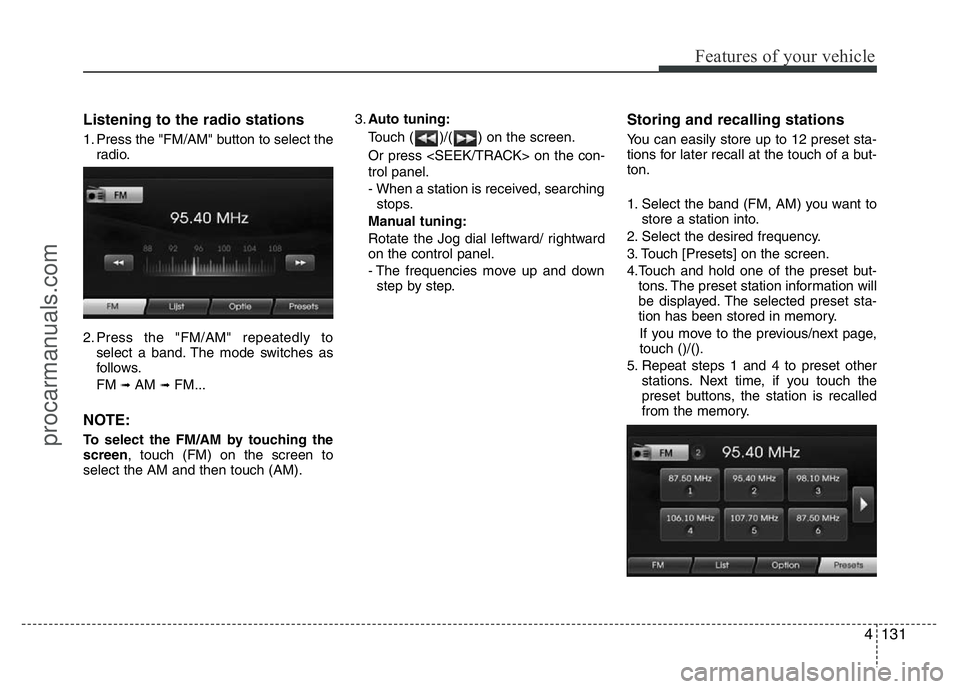
Listening to the radio stations
1. Press the "FM/AM" button to select the
radio.
2. Press the "FM/AM" repeatedly to
select a band. The mode switches as
follows.
FM
➟AM ➟FM...
NOTE:
To select the FM/AM by touching the
screen, touch (FM) on the screen to
select the AM and then touch (AM).3.Auto tuning:
Touch ( )/( ) on the screen.
Or press on the con-
trol panel.
- When a station is received, searching
stops.
Manual tuning:
Rotate the Jog dial leftward/ rightward
on the control panel.
- The frequencies move up and down
step by step.
Storing and recalling stations
You can easily store up to 12 preset sta-
tions for later recall at the touch of a but-
ton.
1. Select the band (FM, AM) you want to
store a station into.
2. Select the desired frequency.
3. Touch [Presets] on the screen.
4.Touch and hold one of the preset but-
tons. The preset station information will
be displayed. The selected preset sta-
tion has been stored in memory.
If you move to the previous/next page,
touch ()/().
5. Repeat steps 1 and 4 to preset other
stations. Next time, if you touch the
preset buttons, the station is recalled
from the memory.
procarmanuals.com
Page 220 of 386
513
Driving your vehicle
Your vehicle may be equipped with the
ISG system, which reduces fuel con-
sumption by automatically shutting down
the engine, when the vehicle is at a
standstill. (For example : red light, stop
sign and traffic jam)
The engine starts automatically as soon
as the starting conditions are met.The ISG system is ON whenever the
engine is running.
✽NOTICE
When the engine automatically starts by
the ISG system, some warning lights
(ABS, ESP, ESP OFF, EPS or Parking
brake warning light) may turn on for a
few seconds.
This happens because of low battery
voltage. It does not mean the system is
malfunctioning.
Auto stop
To stop the engine in idle stop mode
1. Decrease the vehicle speed to less
than 5 km/h.
2. Shift into N (Neutral) position.
3. Release the clutch pedal.
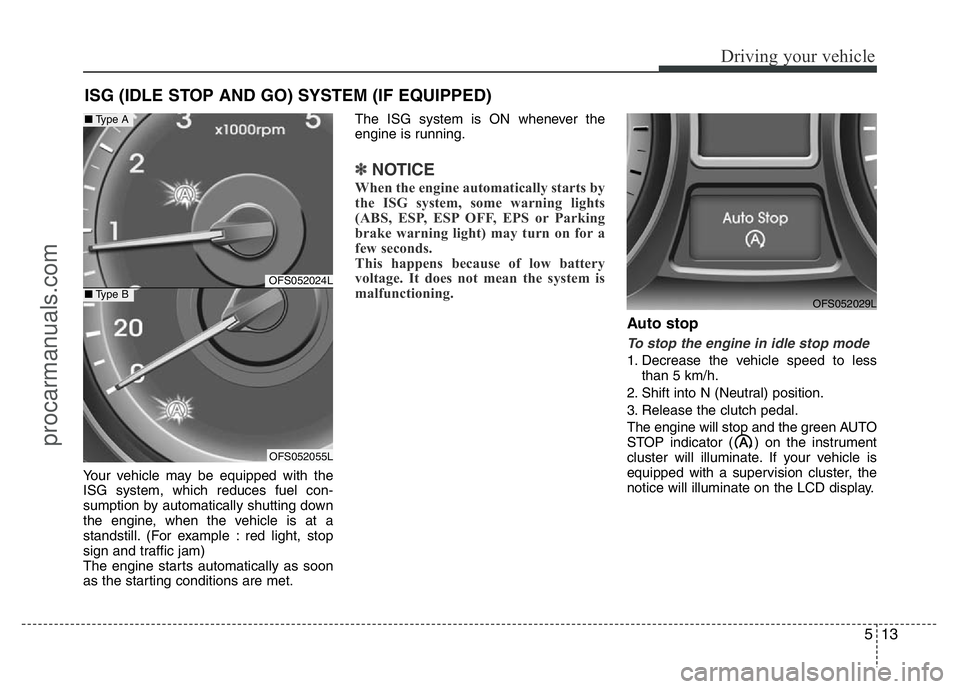
The engine will stop and the green AUTO
STOP indicator ( ) on the instrument
cluster will illuminate. If your vehicle is
equipped with a supervision cluster, the
notice will illuminate on the LCD display.
ISG (IDLE STOP AND GO) SYSTEM (IF EQUIPPED)
OFS052029L
OFS052024L
OFS052055L
■Type A
■Type B
procarmanuals.com
Page 221 of 386
Driving your vehicle
14 5
✽NOTICE
• You must reach a speed of at least 10
km/h since last idle stop.
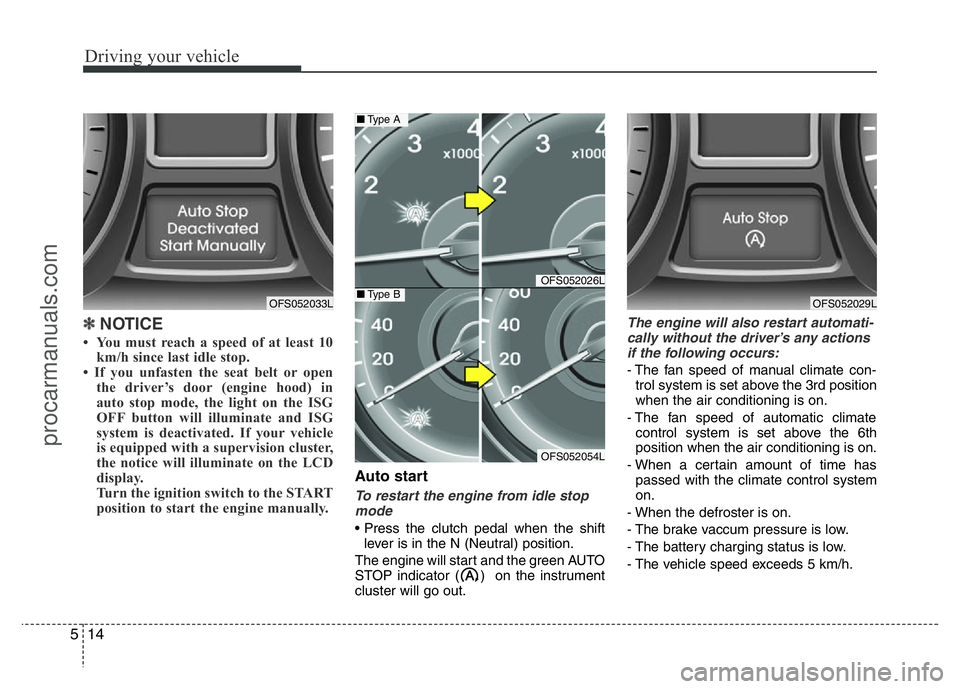
• If you unfasten the seat belt or open
the driver’s door (engine hood) in
auto stop mode, the light on the ISG
OFF button will illuminate and ISG
system is deactivated. If your vehicle
is equipped with a supervision cluster,
the notice will illuminate on the LCD
display.
Turn the ignition switch to the START
position to start the engine manually.
Auto start
To restart the engine from idle stop
mode
• Press the clutch pedal when the shift
lever is in the N (Neutral) position.
The engine will start and the green AUTO
STOP indicator ( ) on the instrument
cluster will go out.
The engine will also restart automati-
cally without the driver’s any actions
if the following occurs:
- The fan speed of manual climate con-
trol system is set above the 3rd position
when the air conditioning is on.
- The fan speed of automatic climate
control system is set above the 6th
position when the air conditioning is on.
- When a certain amount of time has
passed with the climate control system
on.
- When the defroster is on.
- The brake vaccum pressure is low.
- The battery charging status is low.
- The vehicle speed exceeds 5 km/h.
OFS052033L
OFS052026L
OFS052054L
■Type A
■Type BOFS052029L
procarmanuals.com
Page 222 of 386
515
Driving your vehicle
The green AUTO STOP indicator ( )
on the instrument cluster will blink for 5
seconds and the notice will illuminate on
the LCD display (if equipped).Condition of ISG system opera-
tion
The ISG system will operate under
the following condition:
- The driver’s seat belt is fastened.
- The driver’s door and hood are closed.
- The brake vaccum pressure is ade-
quate.
- The battery is sufficiently charged.
- The outside temperature is between
-2°C to 35°C.
- The engine coolant temperature is not
too low.
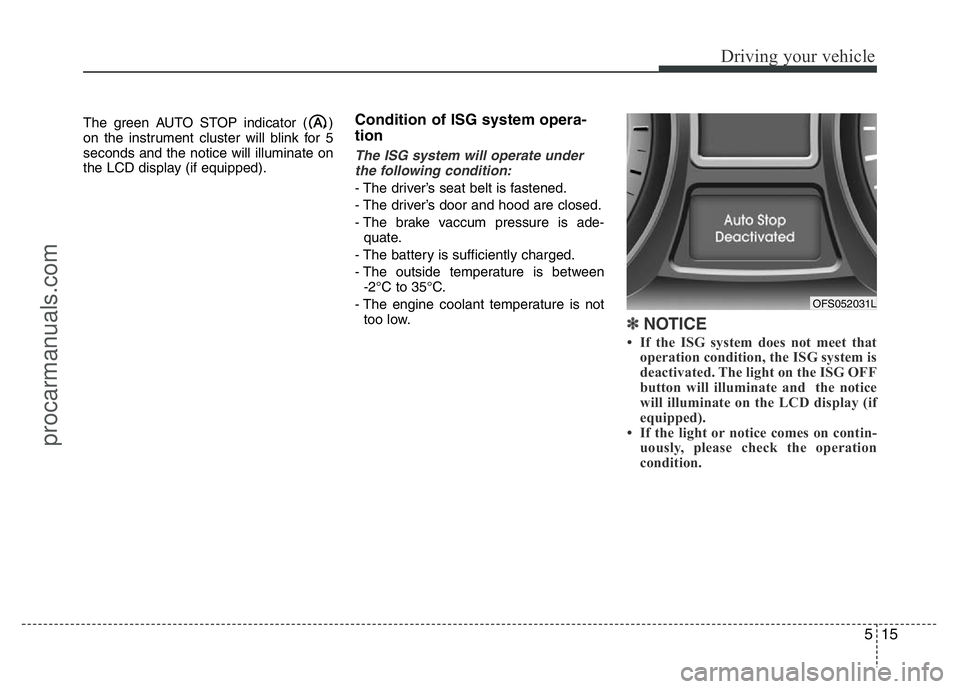
✽NOTICE
• If the ISG system does not meet that
operation condition, the ISG system is
deactivated. The light on the ISG OFF
button will illuminate and the notice
will illuminate on the LCD display (if
equipped).
• If the light or notice comes on contin-
uously, please check the operation
condition.
OFS052031L
procarmanuals.com