Page 137 of 574
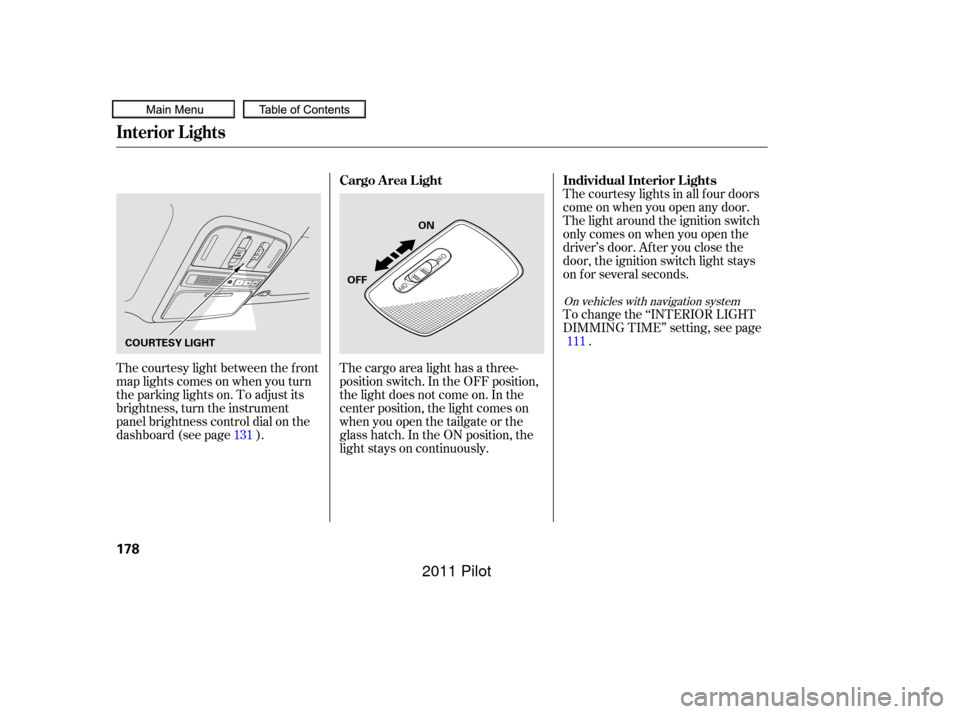
Make any steering wheel adjustment
bef ore you start driving.Push the lever under the steering
column all the way down.Push the lever up to lock the
steering wheel in position.
Make sure you have securely
locked the steering wheel in place
by trying to move it up, down, in,
and out.
Move the steering wheel up or
down, and in or out, so it points
toward your chest, not toward
your f ace. Make sure you can see
the instrument panel gauges and
indicators. 3.
4.
1.
2.
Steering Wheel A djustment
Inst rument s and Cont rols
133
Adjusting the steering wheel
position while driving may
cause you to lose control of the
vehicle and be seriously injured
inacrash.
Adjust the steering wheel only
when the vehicle is stopped.
10/01/26 18:45:43 31SZA620_138
2011 Pilot
Page 141 of 574
�µ�µ
�µ
�µ
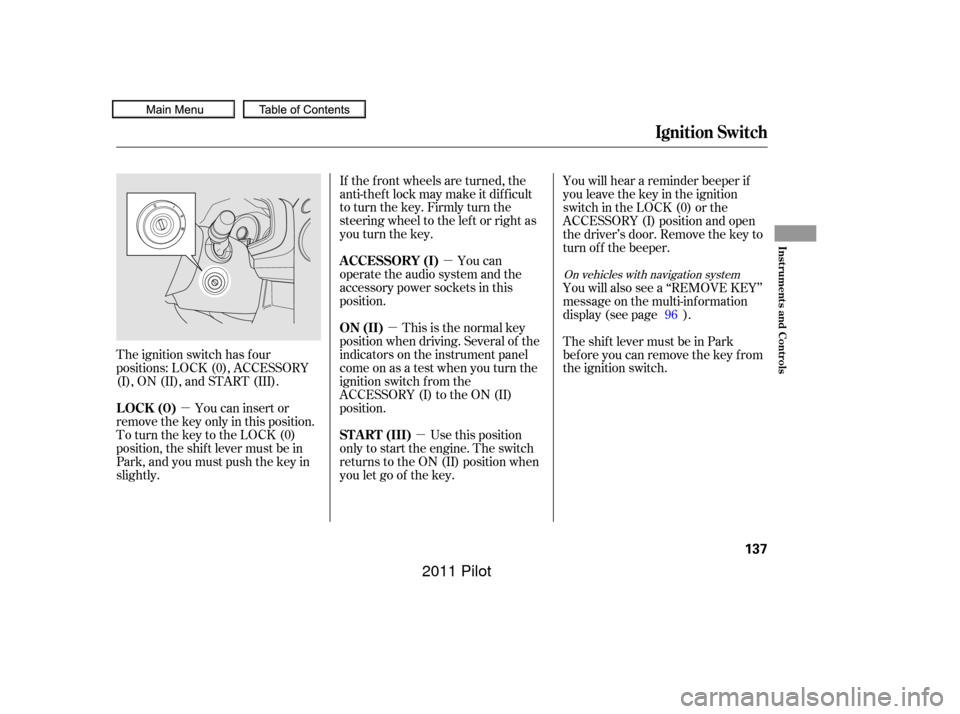
The ignition switch has f our
positions: LOCK (0), ACCESSORY
(I), ON (II), and START (III).
You can insert or
remove the key only in this position.
To turn the key to the LOCK (0)
position, the shif t lever must be in
Park, and you must push the key in
slightly. If the f ront wheels are turned, the
anti-theft lock may make it difficult
to turn the key. Firmly turn the
steering wheel to the lef t or right as
you turn the key.
You can
operate the audio system and the
accessory power sockets in this
position.
This is the normal key
position when driving. Several of the
indicators on the instrument panel
come on as a test when you turn the
ignition switch f rom the
ACCESSORY (I) to the ON (II)
position.
Use this position
only to start the engine. The switch
returns to the ON (II) position when
you let go of the key. You will hear a reminder beeper if
you leave the key in the ignition
switch in the LOCK (0) or the
ACCESSORY (I) position and open
the driver’s door. Remove the key to
turn of f the beeper.
You will also see a ‘‘REMOVE KEY’’
message on the multi-information
display (see page ).
TheshiftlevermustbeinPark
bef ore you can remove the key f rom
the ignition switch.
96
On vehicles with navigation system
Ignition Switch
LOCK (0) A CCESSORY (I)
ON (II)
ST A RT (III)
Inst rument s and Cont rols
137
10/01/26 18:46:14 31SZA620_142
2011 Pilot
Page 173 of 574
�µYou can open and close the
moonroof f or up to 10 minutes af ter
you turn of f the ignition switch.
Opening either f ront door cancels
this function.
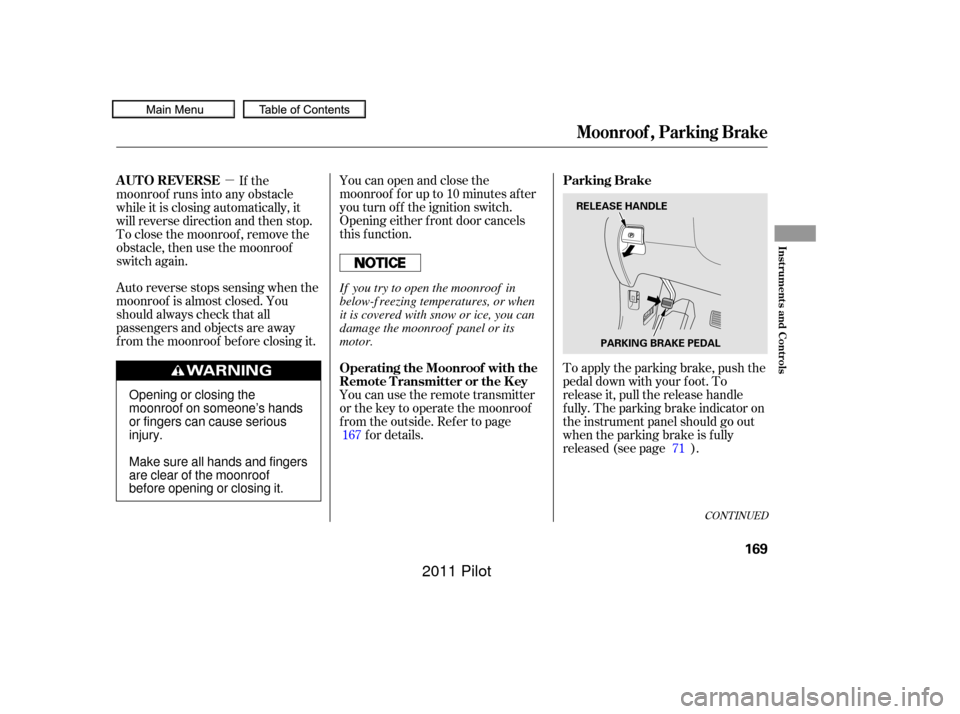
To apply the parking brake, push the
pedal down with your f oot. To
release it, pull the release handle
f ully. The parking brake indicator on
the instrument panel should go out
when the parking brake is f ully
released (see page ).
Auto reverse stops sensing when the
moonroof is almost closed. You
should always check that all
passengers and objects are away
f rom the moonroof bef ore closing it. If the
moonroof runs into any obstacle
while it is closing automatically, it
will reverse direction and then stop.
To close the moonroof , remove the
obstacle, then use the moonroof
switch again.
You can use the remote transmitter
or the key to operate the moonroof
f rom the outside. Ref er to pagef or details.
167
71
CONT INUED
Parking Brake
AUTO REVERSE
Operating the Moonroof with the
Remote Transmitter or the Key
Moonroof , Parking Brake
Inst rument s and Cont rols
169
RELEASE HANDLEPARKING BRAKE PEDAL
Opening or closing the
moonroof on someone’s hands
or fingers can cause serious
injury.
Make sure all hands and fingers
are clear of the moonroof
before opening or closing it. If you try to open the moonroof in
below-f reezing temperatures, or when
it is covered with snow or ice, you can
damage the moonroof panel or its
motor.
10/01/26 18:52:17 31SZA620_174
2011 Pilot
Page 182 of 574
The courtesy light between the f ront
map lights comes on when you turn
the parking lights on. To adjust its
brightness, turn the instrument
panel brightness control dial on the
dashboard (see page ).The courtesy lights in all f our doors
come on when you open any door.
The light around the ignition switch
only comes on when you open the
driver’s door. Af ter you close the
door, the ignition switch light stays
on f or several seconds.
To change the ‘‘INTERIOR LIGHT
DIMMING TIME’’ setting, see page
.
The cargo area light has a three-
position switch. In the OFF position,
the light does not come on. In the
center position, the light comes on
when you open the tailgate or the
glass hatch. In the ON position, the
light stays on continuously.
131 111
On vehicles with navigation system
Individual Interior L ights
Cargo Area Light
Interior Lights
178
ON
OFF
COURTESY LIGHT
10/01/26 18:53:51 31SZA620_183
2011 Pilot
Page 190 of 574
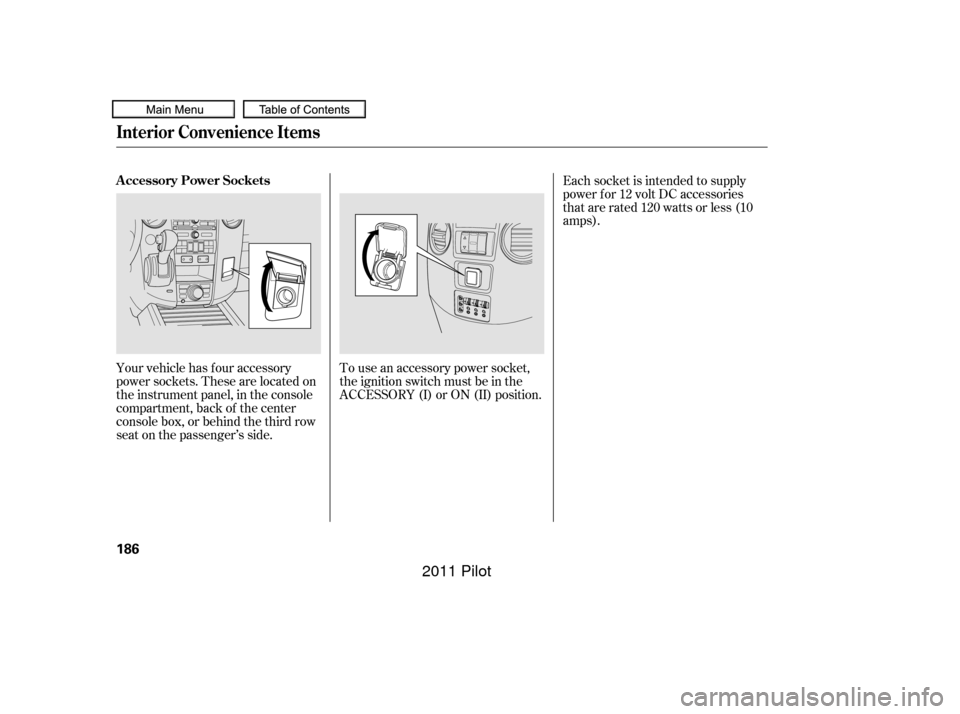
Your vehicle has four accessory
power sockets. These are located on
the instrument panel, in the console
compartment, back of the center
console box, or behind the third row
seat on the passenger’s side.To use an accessory power socket,
the ignition switch must be in the
ACCESSORY (I) or ON (II) position.Each socket is intended to supply
power f or 12 volt DC accessories
that are rated 120 watts or less (10
amps).
Interior Convenience Items
A ccessory Power Sockets
186
10/01/26 18:55:01 31SZA620_191
2011 Pilot
Page 221 of 574
This f unction is set to MID as the
def ault setting when the vehicle
leaves the factory.You can use the instrument panel
brightness control knob to adjust the
illumination of the audio system (see
page ). The audio system
illuminates when the parking lights
are on, even if the radio is turned of f .131
Playing the FM/AM Radio (LX model)
A udio System L ighting
Features
217
10/01/26 19:00:30 31SZA620_222
2011 Pilot
Page 239 of 574
You can use the instrument panel
brightness control knob to adjust the
illumination of the audio system (see
page ). The audio system
illuminates when the parking lights
are on, even if the radio is turned of f .131
Playing the FM/AM Radio (EX and EX-L models)
A udio System L ighting
Features
235
10/01/26 19:03:30 31SZA620_240
2011 Pilot
Page 353 of 574

The security system automatically
sets 15 seconds after you lock the
doors, the hood, the tailgate, and the
glass hatch. For the system to
activate, you must lock the doors,
thetailgateandtheglasshatchfrom
the outside with the key, driver’s
lock tab, door lock master switch, or
remote transmitter. The security
system indicator on the instrument
panel starts blinking immediately to
show you the system is setting itself . The security system helps to protect
your vehicle and valuables f rom thef t.
The horn sounds and a combination
of headlights, parking lights, side
marker lights and taillights f lashes if
someone attempts to break into your
vehicle or remove the audio unit.
This alarm continues for two
minutes, then the system resets. To
reset an activated system bef ore the
two minutes have elapsed, unlock
the driver’s door with the key or the
remote transmitter.Once the security system is set,
opening any door, the tailgate, the
glass hatch, or the hood without
using the key or the remote
transmitter will cause the alarm to
activate. It will also activate if the
radio is removed f rom the dashboard
or the wiring is cut.The security system will not set if
the hood, the tailgate, the glass
hatch, or any door is not f ully closed.
If the system will not set, check that
thedoors,thetailgateandthehood
are f ully closed.
Do not attempt to alter this system
or add other devices to it.
Except LX models
Security System
Features
349
SECURITY SYSTEM INDICATOR
10/01/26 19:22:28 31SZA620_354
2011 Pilot