2011 FORD TAURUS warning
[x] Cancel search: warningPage 252 of 406
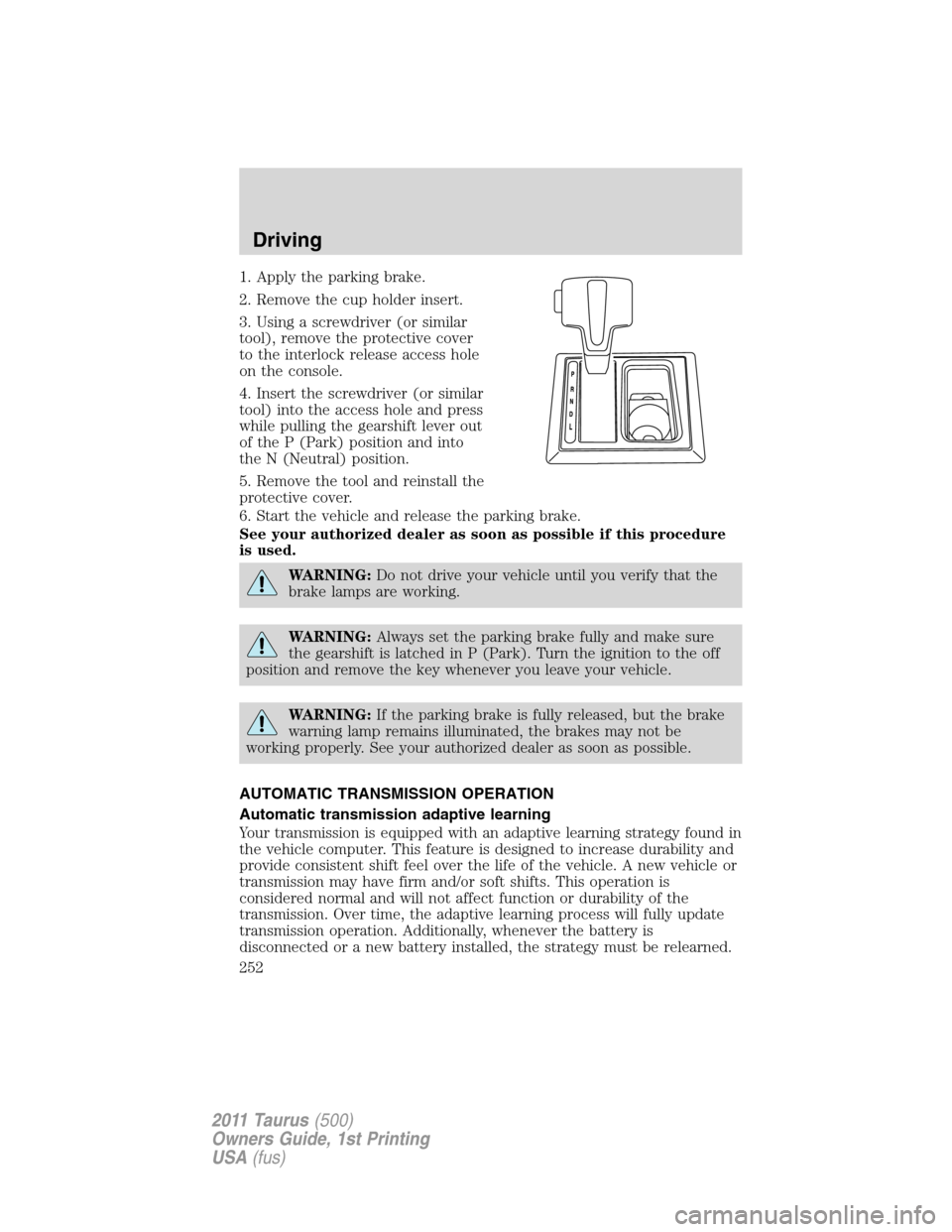
1. Apply the parking brake.
2. Remove the cup holder insert.
3. Using a screwdriver (or similar
tool), remove the protective cover
to the interlock release access hole
on the console.
4. Insert the screwdriver (or similar
tool) into the access hole and press
while pulling the gearshift lever out
of the P (Park) position and into
the N (Neutral) position.
5. Remove the tool and reinstall the
protective cover.
6. Start the vehicle and release the parking brake.
See your authorized dealer as soon as possible if this procedure
is used.
WARNING:Do not drive your vehicle until you verify that the
brake lamps are working.
WARNING:Always set the parking brake fully and make sure
the gearshift is latched in P (Park). Turn the ignition to the off
position and remove the key whenever you leave your vehicle.
WARNING:If the parking brake is fully released, but the brake
warning lamp remains illuminated, the brakes may not be
working properly. See your authorized dealer as soon as possible.
AUTOMATIC TRANSMISSION OPERATION
Automatic transmission adaptive learning
Your transmission is equipped with an adaptive learning strategy found in
the vehicle computer. This feature is designed to increase durability and
provide consistent shift feel over the life of the vehicle. A new vehicle or
transmission may have firm and/or soft shifts. This operation is
considered normal and will not affect function or durability of the
transmission. Over time, the adaptive learning process will fully update
transmission operation. Additionally, whenever the battery is
disconnected or a new battery installed, the strategy must be relearned.
Driving
252
2011 Taurus(500)
Owners Guide, 1st Printing
USA(fus)
Page 253 of 406
Understanding the gearshift positions of the 6–speed automatic
transmission with transmission control switch (if equipped)
Your vehicle has been designed to improve fuel economy by reducing
fuel usage while coasting or decelerating. When you take your foot off
the accelerator pedal and the vehicle begins to slow down, the torque
converter clutch locks up and aggressively shuts off fuel flow to the
engine while decelerating. This fuel economy benefit may be perceived
as a light to medium braking sensation when removing your foot from
the accelerator pedal.
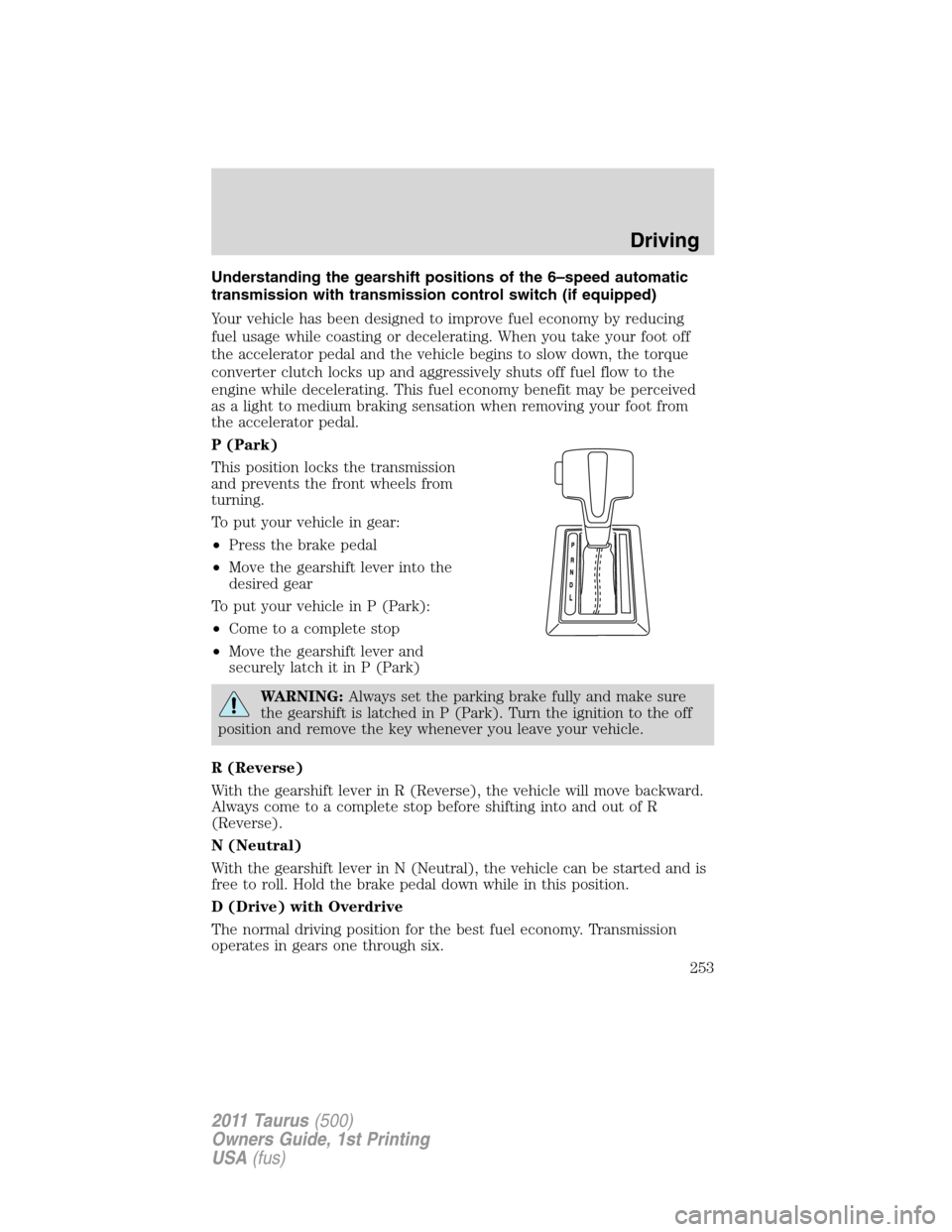
P (Park)
This position locks the transmission
and prevents the front wheels from
turning.
To put your vehicle in gear:
•Press the brake pedal
•Move the gearshift lever into the
desired gear
To put your vehicle in P (Park):
•Come to a complete stop
•Move the gearshift lever and
securely latch it in P (Park)
WARNING:Always set the parking brake fully and make sure
the gearshift is latched in P (Park). Turn the ignition to the off
position and remove the key whenever you leave your vehicle.
R (Reverse)
With the gearshift lever in R (Reverse), the vehicle will move backward.
Always come to a complete stop before shifting into and out of R
(Reverse).
N (Neutral)
With the gearshift lever in N (Neutral), the vehicle can be started and is
free to roll. Hold the brake pedal down while in this position.
D (Drive) with Overdrive
The normal driving position for the best fuel economy. Transmission
operates in gears one through six.
Driving
253
2011 Taurus(500)
Owners Guide, 1st Printing
USA(fus)
Page 255 of 406
Understanding the gearshift positions of the 6–speed with
SelectShift Automatic™ transmission (SST) (if equipped)
Your vehicle has been designed to improve fuel economy by reducing
fuel usage while coasting or decelerating. When you take your foot off
the accelerator pedal and the vehicle begins to slow down, the torque
converter clutch locks up and aggressively shuts off fuel flow to the
engine while decelerating. This fuel economy benefit may be perceived
as a light to medium braking sensation when removing your foot from
the accelerator pedal.
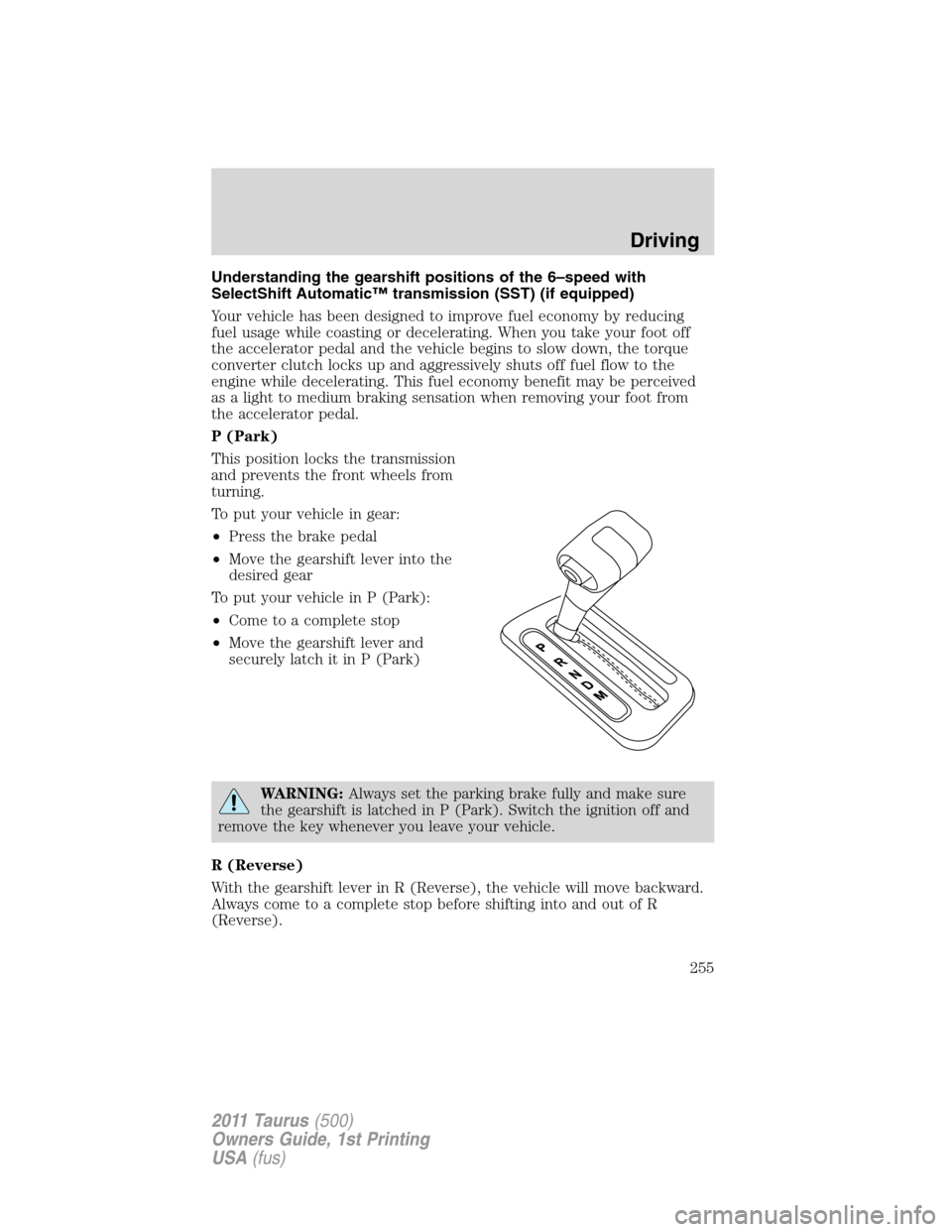
P (Park)
This position locks the transmission
and prevents the front wheels from
turning.
To put your vehicle in gear:
•Press the brake pedal
•Move the gearshift lever into the
desired gear
To put your vehicle in P (Park):
•Come to a complete stop
•Move the gearshift lever and
securely latch it in P (Park)
WARNING:Always set the parking brake fully and make sure
the gearshift is latched in P (Park). Switch the ignition off and
remove the key whenever you leave your vehicle.
R (Reverse)
With the gearshift lever in R (Reverse), the vehicle will move backward.
Always come to a complete stop before shifting into and out of R
(Reverse).
Driving
255
2011 Taurus(500)
Owners Guide, 1st Printing
USA(fus)
Page 257 of 406
Recommended shift speeds
Upshift according to the following chart:
Upshifts when accelerating
(recommended for best fuel economy)
Shift from:
1 - 2 15 mph (24 km/h)
2 - 3 25 mph (40 km/h)
3 - 4 40 mph (64 km/h)
4 - 5 45 mph (72 km/h)
5 - 6 50 mph (80 km/h)
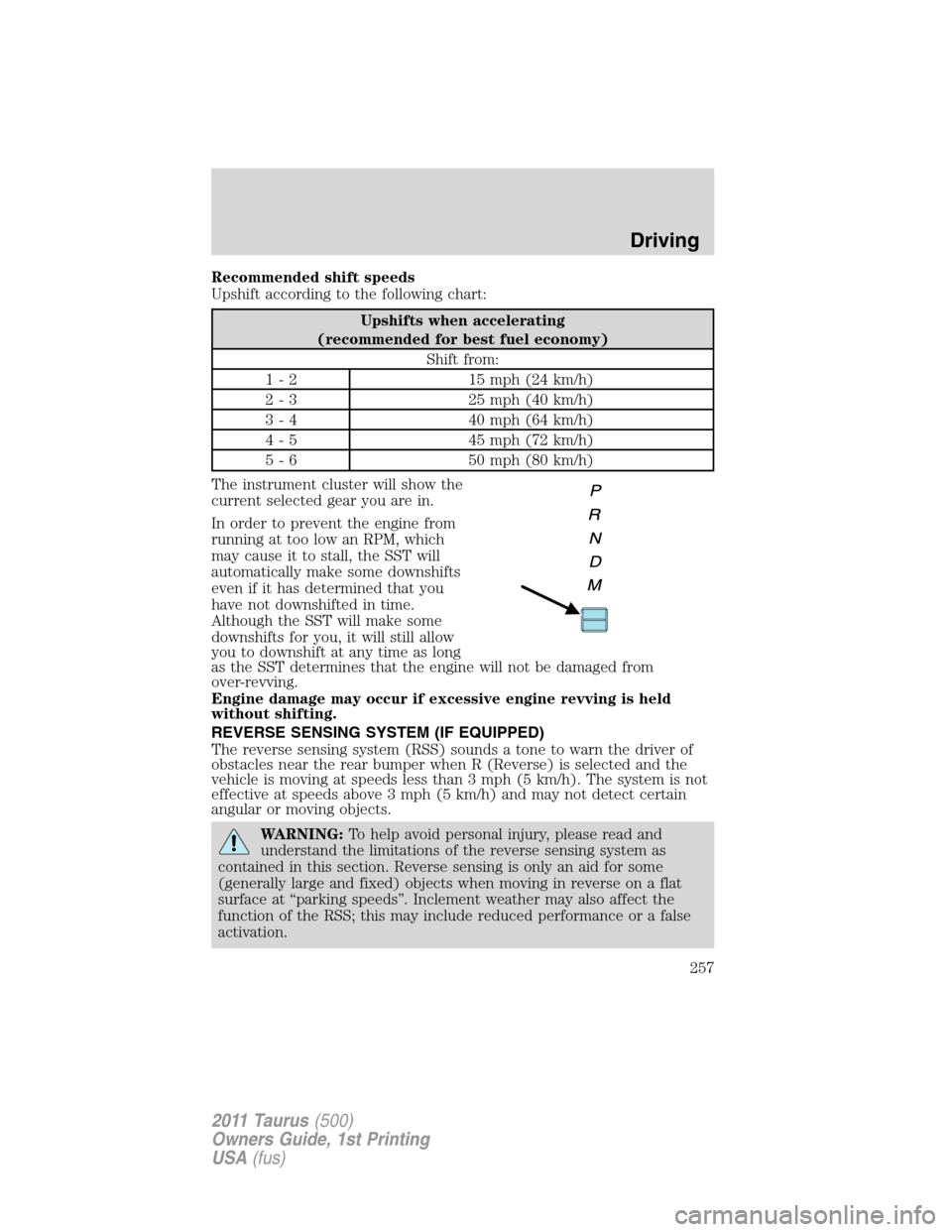
The instrument cluster will show the
current selected gear you are in.
In order to prevent the engine from
running at too low an RPM, which
may cause it to stall, the SST will
automatically make some downshifts
even if it has determined that you
have not downshifted in time.
Although the SST will make some
downshifts for you, it will still allow
you to downshift at any time as long
as the SST determines that the engine will not be damaged from
over-revving.
Engine damage may occur if excessive engine revving is held
without shifting.
REVERSE SENSING SYSTEM (IF EQUIPPED)
The reverse sensing system (RSS) sounds a tone to warn the driver of
obstacles near the rear bumper when R (Reverse) is selected and the
vehicle is moving at speeds less than 3 mph (5 km/h). The system is not
effective at speeds above 3 mph (5 km/h) and may not detect certain
angular or moving objects.
WARNING:To help avoid personal injury, please read and
understand the limitations of the reverse sensing system as
contained in this section. Reverse sensing is only an aid for some
(generally large and fixed) objects when moving in reverse on a flat
surface at “parking speeds”. Inclement weather may also affect the
function of the RSS; this may include reduced performance or a false
activation.
Driving
257
2011 Taurus(500)
Owners Guide, 1st Printing
USA(fus)
Page 258 of 406

WARNING:To help avoid personal injury, always use caution
when in R (Reverse) and when using the RSS.
WARNING:This system is not designed to prevent contact with
small or moving objects. The system is designed to provide a
warning to assist the driver in detecting large stationary objects to
avoid damaging the vehicle. The system may not detect smaller
objects, particularly those close to the ground.
WARNING:Certain add-on devices such as large trailer hitches,
bike or surfboard racks and any device that may block the
normal detection zone of the RSS system may create false beeps.
The RSS detects obstacles up to six
feet (two meters) from the rear
bumper with a decreased coverage
area at the outer corners of the
bumper, (refer to the figures for
approximate zone coverage areas).
As you move closer to the obstacle,
the rate of the tone increases. When
the obstacle is less than 10 inches
(25.0 cm) away, the tone will sound
continuously. If the RSS detects a
stationary or receding object further
than 10 inches (25.0 cm) from the
side of the vehicle, the tone will
sound for only three seconds. Once
the system detects an object
approaching, the tone will sound
again.
While receiving a warning, the radio volume will be reduced to a
predetermined level. After the warning goes away, the radio will return
to the previous value.
The RSS automatically turns on when the gearshift lever is placed in R
(Reverse) and the ignition is on. An RSS control on the instrument panel
Driving
258
2011 Taurus(500)
Owners Guide, 1st Printing
USA(fus)
Page 260 of 406
Image delay if displayed through the rear view mirror:
When shifting out of R (Reverse) and into any other gear, the image in
the rear view mirror will remain on for a few seconds before it shuts off
to assist in parking or trailer hookup.
Image delay if displayed through the navigation screen:
After shifting out of R (Reverse) and into any gear other than P (Park),
the image in the navigation screen will remain until the vehicle speed
reaches 5 mph (8 km/h), only if the rear camera delay feature is on, or
until any navigation radio button is pressed.
Note:The default setting for the rear camera delay is off. Press the
“Settings” button found on the navigation screen to set the rear camera
delay feature to on or off. Refer to theNavigation Systemsupplement
for more information.
The camera lens for the camera is located on the trunk. Keep the lens
clean so that the video image remains clear and undistorted. Clean the
lens with a soft, lint-free cloth and non-abrasive cleaner.
Note:If the camera system image is not clear or seems distorted, it may
be covered with water droplets, snow, mud or any other substance. If
this occurs, clean the camera lens before using the rear view camera
system.
WARNING:The camera system is a reverse aid supplement
device that still requires the driver to use it in conjunction with
the rear view mirror and the side mirrors for maximum coverage.
WARNING:Objects that are close to either corner of the
bumper or under the bumper, might not be seen on the screen
due to the limited coverage of the camera system.
WARNING:Back up as slow as possible since higher speeds
might limit your reaction time to stop the vehicle.
WARNING:Do not use the camera system with the trunk open.
If the back end of the vehicle is hit or damaged, then check with your
authorized dealer to have your rear view camera checked for proper
coverage and operation.
Driving
260
2011 Taurus(500)
Owners Guide, 1st Printing
USA(fus)
Page 261 of 406
Night time and dark area use
At night time or in dark areas, the camera system relies on the reverse
lamp lighting to produce an image. Therefore it is necessary that both
reverse lamps are operating in order to get a clear image in the dark. If
either of the lamps are not operating, stop using the camera system, at
least in the dark, until the lamp(s) are replaced and functioning.
Servicing
•If the image comes on while the vehicle is not in R (Reverse), have
the system inspected by your authorized dealer.
•If the image is not clear, then check if there is anything covering the
lens such as dirt, mud, ice, snow, etc. If the image is still not clear
after cleaning, have your system inspected by your authorized dealer.
COLLISION WARNING SYSTEM (IF EQUIPPED)
The collision warning with brake support, is designed to alert the driver
of certain collision risks with a red warning light located above the
dashboard and an audible warning chime. The brake support assists the
driver in reducing the collision speed, by pre-charging the brakes.
WARNING:This system is designed to be a supplementary
driving aid. It is not intended to replace the driver’s attention,
and judgment, or the need to apply the brakes. This system does NOT
activate the brakes automatically. Failure to press the brake pedal to
activate the brakes may result in a collision.
WARNING:The collision warning system with brake support
cannot help prevent all collisions. Do not rely on this system to
replace driver judgment and the need to maintain distance and speed.
Note:The collision warning with brake support will not detect, warn, or
respond to potential collisions with vehicles to the rear or sides of the
vehicle.
Driving
261
2011 Taurus(500)
Owners Guide, 1st Printing
USA(fus)
Page 262 of 406

Operation
The radar sensor detects vehicles
ahead that are moving in the same
direction as your vehicle.
If the radar detects that your
vehicle is rapidly closing on another
vehicle a red warning light will
illuminate and an audible warning
chime will sound.
After that, if the risk of collision
further increases after the warning
light, the brake support prepares
the brake system for rapid braking.
This may be apparent to the driver.
However, the system will not
automatically activate the brakes.
The vehicle will not stop unless the driver presses the brake pedal. If the
brake pedal is pressed then braking is implemented with full brake
function, even if the force on the brake pedal is light.
The collision warning system is active at speeds above approximately
5 mph (8 km/h).
Collision warning system limitations
Due to the nature of radar technology, there may be certain instances
where vehicles will not provide a collision warning. These include:
•Stationary or slow moving vehicles below 6 mph (10 km/h).
•Pedestrians or objects in the roadway.
•Oncoming vehicles in the same lane.
•Severe weather conditions (see also blocked sensor section).
•Debris build-up on the grille near the headlamps (see block sensor
section).
•Small distance to vehicle ahead.
•Steering wheel and pedal movements are large (very active driving
style).
•High interior temperatures, which may deactivate the illumination or
the warning lamps until the interior temperature reduces (audible
warning will alert the driver).
In addition, sun load and sunglasses may reduce the visibility of the
warning lamps. Therefore, it is recommended to keep the audible
warning on.
Driving
262
2011 Taurus(500)
Owners Guide, 1st Printing
USA(fus)