Page 219 of 576
The front power outlet is located inside the storage area
on the center stack of the instrument panel.In addition to the front power outlet, there is also a power
outlet located in the storage area of the center console.
Front Power OutletCenter Console Outlet
3
UNDERSTANDING THE FEATURES OF YOUR VEHICLE 217
Page 225 of 576
STORAGE
Glove Compartment
The glove compartment is located on the right side of the
instrument panel.
To open the glove compartment, pull outward on the
latch and lower the glove box door.
Door Storage
Large storage areas are built into the door panels for easy
access.
Glove Compartment
Door Panel Storage
3
UNDERSTANDING THE FEATURES OF YOUR VEHICLE 223
Page 241 of 576
UNDERSTANDING YOUR INSTRUMENT PANEL
CONTENTS
�Instrument Panel Features ............... 242
� Instrument Cluster .................... 243
� Instrument Cluster Descriptions ........... 244
� Electronic Vehicle Information Center (EVIC) . . 254
▫ Electronic Vehicle Information Center (EVIC)
Displays ........................... 256
▫ EVIC White Telltale Lights .............. 260
▫ EVIC Amber Telltale Lights ............. 262
▫ EVIC Red Telltale Lights ............... 264 ▫
Engine Oil Change Indicator System ....... 267
▫ Fuel Economy ...................... 268
▫ Vehicle Speed ....................... 269
▫ Trip Info .......................... 269
▫ Vehicle Info
(Customer Information Features) ......... 270
▫ Units ............................. 271
▫ Keyless Enter-N-Go Display —
If Equipped ........................ 271
▫ Compass / Temperature Display ......... 271
4
Page 242 of 576

▫Customer-Programmable Features
(System Setup) ...................... 274
▫ System Status ....................... 282
� Media Center 730N/430/430N (RHR/RER/
RBZ/RHB) CD/DVD/HDD/NAV —
If Equipped .......................... 283
▫ Operating Instructions (Voice Command
System) — If Equipped ................ 283
▫ Operating Instructions
(Uconnect™ Phone) — If Equipped ....... 283
� Media Center 130 (Sales Code RES) ......... 284
▫ Operating Instructions — Radio Mode ..... 284
▫ Operation Instructions — CD Mode For CD
And MP3 Audio Play ................. 287
▫ Notes On Playing MP3 Files ............ 289▫
Operation Instructions - Auxiliary Mode .... 292
� Media Center 130 With Satellite Radio
(Sales Code RES+RSC) ................... 292
▫ Operating Instructions — Radio Mode ..... 293
▫ Operation Instructions — CD Mode For CD
And MP3 Audio Play ................. 298
▫ Notes On Playing MP3 Files ............ 300
▫ List Button (CD Mode For MP3 Play) ...... 303
▫ Info Button (CD Mode For MP3 Play) ...... 303
▫ Uconnect™ Multimedia (Satellite Radio) —
If Equipped ........................ 304
▫ Operating Instructions
(Uconnect™ Phone) — If Equipped ....... 308
240 UNDERSTANDING YOUR INSTRUMENT PANEL
Page 243 of 576

�iPod�/USB/MP3 Control — If Equipped ..... 308
▫ Connecting The iPod� Or External USB
Device ............................ 309
▫ Using This Feature ................... 310
▫ Controlling The iPod� Or External USB
Device Using Radio Buttons ............. 310
▫ Play Mode ......................... 310
▫ List Or Browse Mode ................. 312
▫ Bluetooth Streaming Audio (BTSA) ........ 314
� Uconnect™ Multimedia
(Sirius Backseat TV™) — If Equipped ........ 315
� Video Entertainment System™
(Sales Code XRV) — If Equipped ........... 315�
Steering Wheel Audio Controls ............ 316
▫ Radio Operation ..................... 317
▫ CD Player ......................... 318
� CD/DVD Disc Maintenance .............. 318
� Radio Operation And Mobile Phones ....... 319
� Climate Controls ...................... 319
▫ Dual-Zone Automatic Temperature Control
(ATC) — If Equipped ................. 319
▫ Rear Climate Control — If Equipped ...... 326
▫ Operating Tips ...................... 328
▫ Operating Tips Chart ................. 330
4
UNDERSTANDING YOUR INSTRUMENT PANEL 241
Page 244 of 576
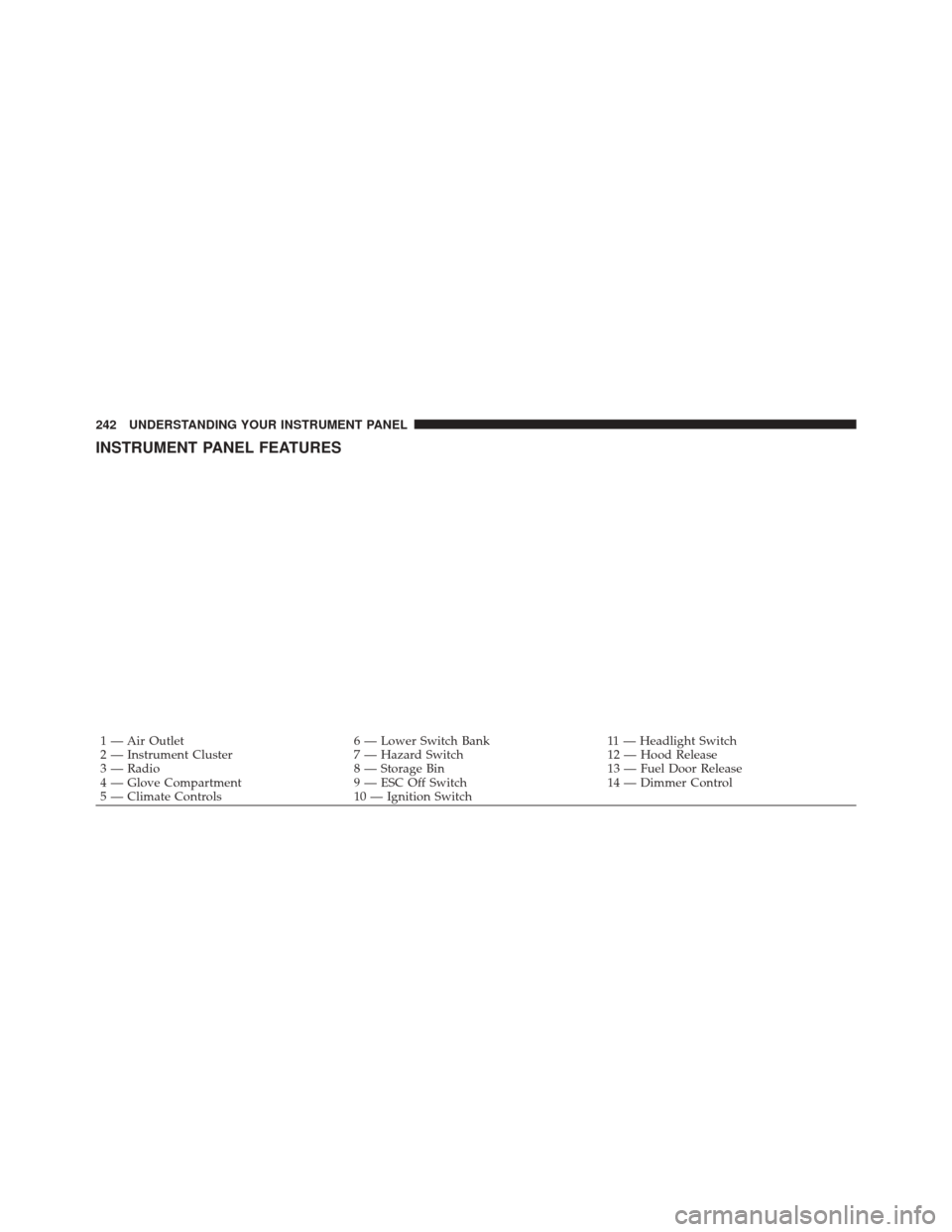
INSTRUMENT PANEL FEATURES
1 — Air Outlet6 — Lower Switch Bank11 — Headlight Switch
2 — Instrument Cluster 7 — Hazard Switch12 — Hood Release
3 — Radio 8 — Storage Bin13 — Fuel Door Release
4 — Glove Compartment 9 — ESC Off Switch14 — Dimmer Control
5 — Climate Controls 10 — Ignition Switch
242 UNDERSTANDING YOUR INSTRUMENT PANEL
Page 245 of 576
INSTRUMENT CLUSTER
4
UNDERSTANDING YOUR INSTRUMENT PANEL 243
Page 246 of 576

INSTRUMENT CLUSTER DESCRIPTIONS
1. Tachometer
Indicates the engine speed in revolutions per minute
(RPM x 1000).
2. Tire Pressure Monitoring Telltale LightEach tire, including the spare (if provided),
should be checked monthly when cold and
inflated to the inflation pressure recommended
by the vehicle manufacturer on the vehicle
placard or tire inflation pressure label. (If your vehicle
has tires of a different size than the size indicated on the
vehicle placard or tire inflation pressure label, you should
determine the proper tire inflation pressure for those
tires.) As an added safety feature, your vehicle has been
equipped with a Tire Pressure Monitoring System
(TPMS) that illuminates a low tire pressure telltale when
one or more of your tires is significantly under-inflated.
Accordingly, when the low tire pressure telltale illumi-
nates, you should stop and check your tires as soon as
possible, and inflate them to the proper pressure. Driving
on a significantly under-inflated tire causes the tire to
overheat and can lead to tire failure. Under-inflation also
reduces fuel efficiency and tire tread life, and may affect
the vehicle’s handling and stopping ability.
Please note that the TPMS is not a substitute for proper
tire maintenance, and it is the driver ’s responsibility to
maintain correct tire pressure, even if under-inflation has
not reached the level to trigger illumination of the TPMS
low tire pressure telltale.
244 UNDERSTANDING YOUR INSTRUMENT PANEL