Page 184 of 490
This display shows the Electronic Vehicle Information
Center (EVIC) messages when the appropriate conditions
exist. Refer to Electronic Vehicle Information Center
(EVIC) for further information.
ECO (Fuel Saver Indicator) — If Equipped
The ECO indicator will illuminate when you are driving
in a fuel efficient manner and can be used to modify
driving habits in order to increase fuel economy. The
ECO display will toggle on and off depending on driving
habits and vehicle usage.
gASCAP
If the vehicle diagnostic system determines that the fuel
filler cap is loose, improperly installed, or damaged, a
“gASCAP” message will display in the odometer display
area. Tighten the fuel filler cap properly and press the
TRIP ODOMETER button to turn off the message. If the
problem continues, the message will appear the next time
the vehicle is started.A loose, improperly installed, or damaged fuel filler cap
may also turn on the Malfunction Indicator Light (MIL).
Lo tirE
When the appropriate condition exists, the odometer
display will toggle between Lo and tirE for three cycles.
noFUSE
If the vehicle diagnostic system determines that the Igni-
tion Off Draw (IOD) fuse is improperly installed, or
damaged, a “noFUSE” message will display in the odom-
eter display area. For further information on fuses and fuse
locations refer to “Fuses” in “Maintaining Your Vehicle”.
CHAngE OIL (Base Cluster)
Your vehicle is equipped with an engine oil change
indicator system. The “CHAngE OIL” message will flash
in the instrument cluster odometer for approximately
12 seconds after a single chime has sounded to indicate
the next scheduled oil change interval. The engine oil
change indicator system is duty cycle based, which
182 UNDERSTANDING YOUR INSTRUMENT PANEL
Page 185 of 490
means the engine oil change interval may fluctuate
dependent upon your personal driving style.
Unless reset, this message will continue to display each
time you place the ignition switch in the ON/RUN
position. To turn off the message temporarily, press and
release the TRIP ODOMETER button on the instrument
cluster. To reset the oil change indicator system (after
performing the scheduled maintenance) perform the
following procedure:
1. Place the ignition switch in the ON/RUN position (do
not start the engine).
2. Fully depress the accelerator pedal, slowly, three times
within 10 seconds.
3. Turn the ignition switch to the OFF position.
NOTE:If the indicator message illuminates when you
start the engine, the oil change indicator system did not
reset. If necessary, repeat these steps. 20. Brake Warning Light
This light monitors various brake functions,
including brake fluid level and parking brake
application. If the brake light turns on it may
indicate that the parking brake is applied, that
the brake fluid level is low, or that there is a problem with
the anti-lock brake system reservoir.
If the light remains on when the parking brake has been
disengaged, and the fluid level is at the full mark on the
master cylinder reservoir, it indicates a possible brake
hydraulic system malfunction. In this case, the light will
remain on until the condition has been corrected.
The dual brake system provides a reserve braking capac-
ity in the event of a failure to a portion of the hydraulic
system. A leak in either half of the dual brake system is
indicated by the Brake Warning Light which will turn on
when the brake fluid level in the master cylinder has
dropped below a specified level.
4
UNDERSTANDING YOUR INSTRUMENT PANEL 183
Page 193 of 490
•Right Rear Turn Signal Light Out (with a single chime)
•Personal Settings Not Available – Vehicle Not in PARK
•Left/Right Door Ajar
•Door(s) Ajar (with a single chime if vehicle is in
motion)
•Trunk Ajar (with a single chime)
•Oil Change Required
•Low Washer Fluid (with a single chime)
•Channel # Transmit
•Channel # Training
•Channel # Trained
•Clearing Channels
•Channels Cleared
•Did Not Train
•Low Tire Pressure (with a single chime)
•Service TPM System (with a single chime)
•ESP Off – Electronic Stability Program is deactivated
•ECO (Fuel Saver Indicator) — if equipped
•Check Gascap
•Key Fob Battery Low
•Service Keyless System
•Wrong Key
•Damaged Key
•Key not Programmed
•Vehicle Not in Park
•Key Fob Not Detected
4
UNDERSTANDING YOUR INSTRUMENT PANEL 191
Page 194 of 490

•Press Brake & Push Button to Start
•Push Button or Insert Key/Turn To Run (refer to
“Remote Starting System” in “Things To Know Before
Starting Your Vehicle”)
•1–4 SKIPSHIFT
Engine Oil Change Indicator System
Oil Change Required
Your vehicle is equipped with an engine oil change
indicator system. The “Oil Change Required” message
will flash in the EVIC display for approximately 10 sec-
onds after a single chime has sounded, to indicate the
next scheduled oil change interval. The engine oil change
indicator system is duty cycle based, which means the
engine oil change interval may fluctuate, dependent
upon your personal driving style.Unless reset, this message will continue to display each
time you turn the ignition switch to the ON/RUN
position or cycle the ignition to the ON/RUN position if
equipped with Keyless Enter-N-Go. To turn off the
message temporarily, press and release the MENU but-
ton. To reset the oil change indicator system (after
performing the scheduled maintenance) refer to the fol-
lowing procedure.
Vehicles Equipped With Keyless Enter-N-Go
1. Without pressing the brake pedal, push the ENGINE
START/STOP button and cycle the ignition to the ON/
RUN position (Do not start the engine.)
2. Fully depress the accelerator pedal, slowly, three times
within 10 seconds.
3. Without pressing the brake pedal, push the ENGINE
START/STOP button once to return the ignition to the
OFF/LOCK position.
192 UNDERSTANDING YOUR INSTRUMENT PANEL
Page 195 of 490
Vehicles Not Equipped With Keyless Enter-N-Go
1. Turn the ignition switch to the ON/RUN position (Do
not start the engine.)
2. Fully depress the accelerator pedal, slowly, three times
within 10 seconds.
3. Turn the ignition switch to the OFF/LOCK position.
NOTE:If the indicator message illuminates when you
start the vehicle, the oil change indicator system did not
reset. If necessary, repeat this procedure.
Trip Functions
Press and release the MENU button until one of the
following Trip Functions displays in the EVIC:
•Average Fuel Economy/Fuel Saver Mode
•Distance To Empty
•Trip A
•Trip B
•Elapsed Time
•Display Units of Measure in
Press the UP or DOWN buttons to cycle through all the
Trip Computer functions.
The Trip Functions mode displays the following.
•Average Fuel Economy / Fuel Saver Mode —
If Equipped
Shows the average fuel economy since the last reset.
When the fuel economy is reset, the display will read
“RESET” or show dashes for two seconds. Then, the
history information will be erased, and the averaging will
continue from the last fuel average reading before the
reset.
4
UNDERSTANDING YOUR INSTRUMENT PANEL 193
Page 201 of 490
2. Press and release the MENU button until Personal
Settings displays in the EVIC.
3. Press the UP or DOWN button until “COMPASS
VARIANCE” message and the last variance zone number
displays in the EVIC.
4. Press and release the SELECT button until the proper
variance zone is selected according to the map.
5. Press and release the MENU button to exit.
System Warnings
(Customer Information Features)
Press and release the MENU button until “SYSTEM
WARNINGS” displays in the EVIC. Then, press the Up or
DOWN button to display any one of the following
choices.
•Oil Temperature
Shows the actual oil temperature.
•Oil Pressure
Shows the actual oil pressure.
•Tire Pressure
Shows the actual tire pressure for each tire (EXCLUDING
THE SPARE TIRE).
Personal Settings
(Customer-Programmable Features)
Personal Settings allows the driver to set and recall
features when the transmission is in PARK.
Press and release the MENU button until Personal Set-
tings displays in the EVIC.
Use the UP or DOWN button to display one of the
following choices.
Language
When in this display you may select one of three lan-
guages for all display nomenclature, including the trip
functions and the Uconnect™ gps (if equipped). Press the
4
UNDERSTANDING YOUR INSTRUMENT PANEL 199
Page 252 of 490
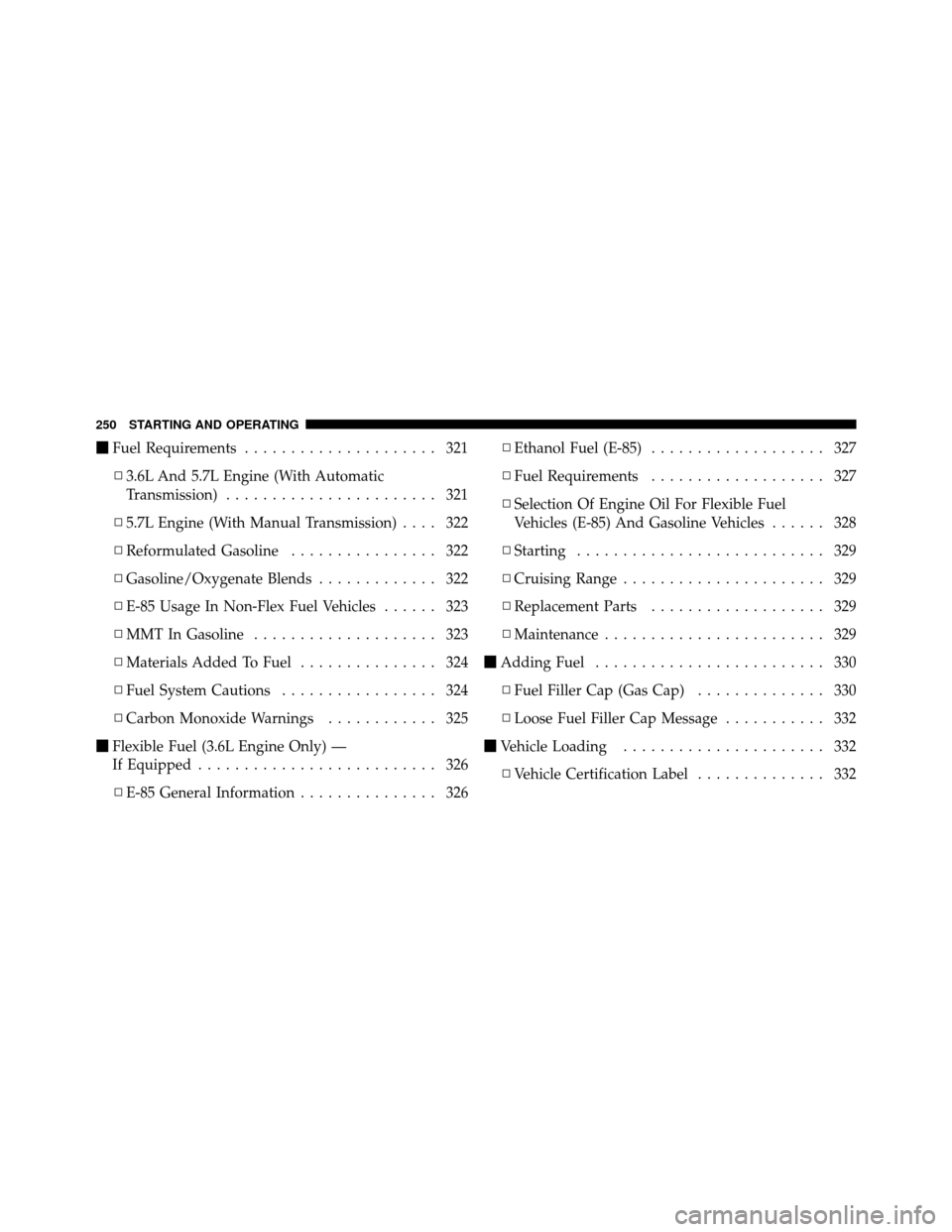
�Fuel Requirements ..................... 321
▫ 3.6L And 5.7L Engine (With Automatic
Transmission) ....................... 321
▫ 5.7L Engine (With Manual Transmission) .... 322
▫ Reformulated Gasoline ................ 322
▫ Gasoline/Oxygenate Blends ............. 322
▫ E-85 Usage In Non-Flex Fuel Vehicles ...... 323
▫ MMT In Gasoline .................... 323
▫ Materials Added To Fuel ............... 324
▫ Fuel System Cautions ................. 324
▫ Carbon Monoxide Warnings ............ 325
� Flexible Fuel (3.6L Engine Only) —
If Equipped .......................... 326
▫ E-85 General Information ............... 326 ▫
Ethanol Fuel (E-85) ................... 327
▫ Fuel Requirements ................... 327
▫ Selection Of Engine Oil For Flexible Fuel
Vehicles (E-85) And Gasoline Vehicles ...... 328
▫ Starting ........................... 329
▫ Cruising Range ...................... 329
▫ Replacement Parts ................... 329
▫ Maintenance ........................ 329
� Adding Fuel ......................... 330
▫ Fuel Filler Cap (Gas Cap) .............. 330
▫ Loose Fuel Filler Cap Message ........... 332
� Vehicle Loading ...................... 332
▫ Vehicle Certification Label .............. 332
250 STARTING AND OPERATING
Page 269 of 490
Over-Temperature Mode
The transmission electronics constantly monitor the
transmission oil temperature. If the transmission exceeds
normal operating temperature, the transmission will
change the way it shifts to help control the condition.
This may result in a slightly different feeling or response
during normal operation in DRIVE position. After the
transmission cools down, it will return to normal
operation.
Key Ignition Park Interlock
This vehicle is equipped with a Key Ignition Park Inter-
lock which requires the shift lever to be placed in PARK
prior to rotating the key fob to the LOCK position. Thekey fob can only be removed from the ignition when the
ignition is in the LOCK position. Once the key fob is
removed, the shift lever is locked in PARK.
Brake/Transmission Shift Interlock System
This vehicle is equipped with a Brake Transmission Shift
Interlock (BTSI) system that holds the shift lever in the
PARK position when the ignition switch is in the LOCK
position (OFF position with Keyless Enter-N-Go) and the
engine is not running. To move the shift lever out of the
PARK position, the ignition switch must be turned to any
other ignition position (ACC, ON/RUN) position, and
the brake pedal must be pressed whether or not the
engine is running.
5
STARTING AND OPERATING 267
