2011 CHEVROLET COLORADO warning light
[x] Cancel search: warning lightPage 127 of 392

Black plate (15,1)Chevrolet Colorado Owner Manual - 2011
Instruments and Controls 5-15
The vehicle may not pass
inspection if:
.The malfunction indicator lamp is
on with the engine running, or if
the light does not come on when
the ignition is turned to ON/RUN
while the engine is off.
.The critical emission control
systems have not been
completely diagnosed by the
system. This can happen if the
battery has recently been
replaced or if the battery has run
down. The diagnostic system
evaluates critical emission
control systems during normal
driving. This can take
several days of routine driving.
If this has been done and the
vehicle still does not pass the
inspection, your dealer can
prepare the vehicle for
inspection.
Brake System Warning
Light
The vehicle brake system consists
of two hydraulic circuits. If one
circuit is not working, the remaining
circuit can still work to stop the
vehicle. For normal braking
performance, both circuits need to
be working
If the warning light comes on, there
could be a brake problem. Have the
brake system inspected right away.
EnglishMetric
This light comes on briefly when the
ignition key is turned to ON/RUN.
If it does not, have it fixed so it will
be ready to warn if there is a
problem.
When the ignition is on, the brake
system warning light comes on
when the parking brake is set. See
Parking Brake on page 9‑44 for
more information. The light stays on
if the parking brake does not
release fully. If it stays on after the
parking brake is fully released, it
means there is a brake problem.
Page 128 of 392
Black plate (16,1)Chevrolet Colorado Owner Manual - 2011
5-16 Instruments and Controls
If the light comes on while driving,
pull off the road and stop. The brake
pedal might be harder to push, or it
might go closer to the floor. It can
take longer to stop. If the light is still
on, have the vehicle towed for
service. SeeTowing the Vehicle on
page 10‑90.
{WARNING
The brake system might not be
working properly if the brake
system warning light is on.
Driving with the brake system
warning light on can lead to a
crash. If the light is still on after
the vehicle has been pulled off
the road and carefully stopped,
have the vehicle towed for
service.
Antilock Brake System
(ABS) Warning Light
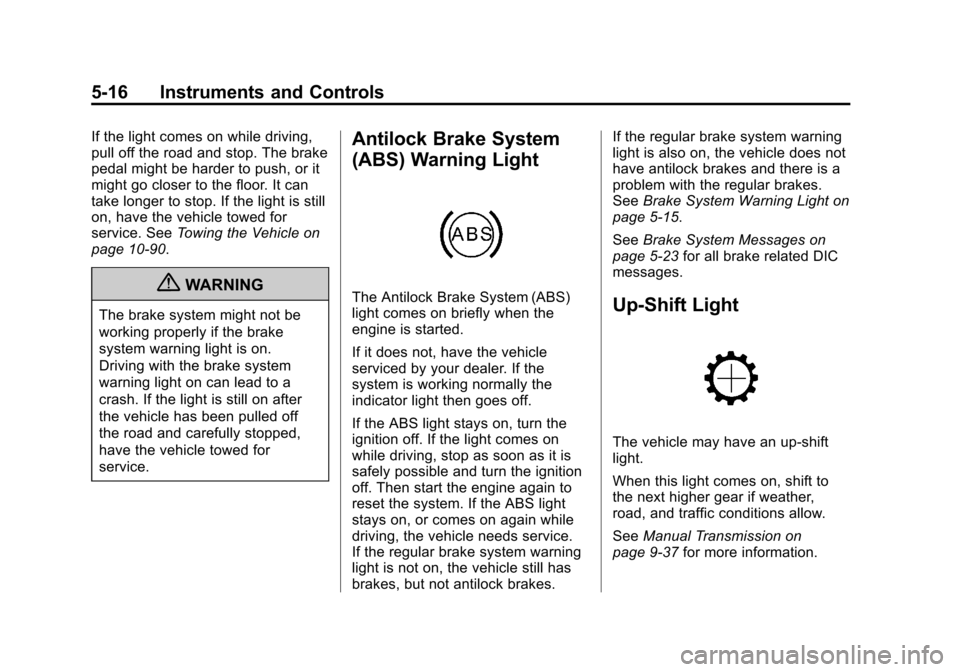
The Antilock Brake System (ABS)
light comes on briefly when the
engine is started.
If it does not, have the vehicle
serviced by your dealer. If the
system is working normally the
indicator light then goes off.
If the ABS light stays on, turn the
ignition off. If the light comes on
while driving, stop as soon as it is
safely possible and turn the ignition
off. Then start the engine again to
reset the system. If the ABS light
stays on, or comes on again while
driving, the vehicle needs service.
If the regular brake system warning
light is not on, the vehicle still has
brakes, but not antilock brakes. If the regular brake system warning
light is also on, the vehicle does not
have antilock brakes and there is a
problem with the regular brakes.
See
Brake System Warning Light on
page 5‑15.
See Brake System Messages on
page 5‑23 for all brake related DIC
messages.Up-Shift Light
The vehicle may have an up-shift
light.
When this light comes on, shift to
the next higher gear if weather,
road, and traffic conditions allow.
See Manual Transmission on
page 9‑37 for more information.
Page 129 of 392

Black plate (17,1)Chevrolet Colorado Owner Manual - 2011
Instruments and Controls 5-17
Traction Control System
(TCS)/StabiliTrak®Light
The StabiliTrak and Traction Control
System (TCS) indicator/warning light
comes on briefly while starting the
engine.
If it does not, have the vehicle
serviced by your dealer. If the
system is working normally the
indicator light then goes off.
The light flashes while the
StabiliTrak system and TCS are
working to assist the driver with
directional control of the vehicle in
difficult driving conditions.If the StabiliTrak system and TCS
light comes on and stays on while
driving and a TRACTION FAULT or
SERVICE STAB SYS message
displays on the DIC, the vehicle
needs service.
The light also comes on steady
when the StabiliTrak system and/or
TCS are turned off. The DIC also
displays a TRAC OFF and/or STAB
SYS OFF message. If the TCS is
off, wheel spin is not limited. If the
StabiliTrak system is off, the system
does not assist the driver with
directional control of the vehicle.
The light turns off when the TCS
and StabiliTrak system are turned
back on.
See
StabiliTrak
®System on
page 9‑47, Traction Control System
(TCS) on page 9‑46 andRide
Control System Messages on
page 5‑25 for more information.
Tire Pressure Light
For vehicles with a Tire Pressure
Monitor System (TPMS), this light
comes on briefly when the engine is
started. It provides information
about tire pressures and the TPMS.
When the Light is On Steady
This indicates that one or more of
the tires are significantly
underinflated.
A tire pressure message can
accompany the light. See Tire
Messages on page 5‑26 for more
information. Stop as soon as
possible, and inflate the tires to the
pressure value shown on the Tire
and Loading Information Label. See
Tire Pressure on page 10‑53 for
more information.
Page 130 of 392
Black plate (18,1)Chevrolet Colorado Owner Manual - 2011
5-18 Instruments and Controls
When the Light Flashes First and
Then is On Steady
This indicates that there may be a
problem with the Tire Pressure
Monitor System. The light flashes
for about a minute and stays on
steady for the remainder of the
ignition cycle. This sequence
repeats with every ignition cycle.
SeeTire Pressure Monitor
Operation on page 10‑56 for more
information.Engine Oil Pressure Light
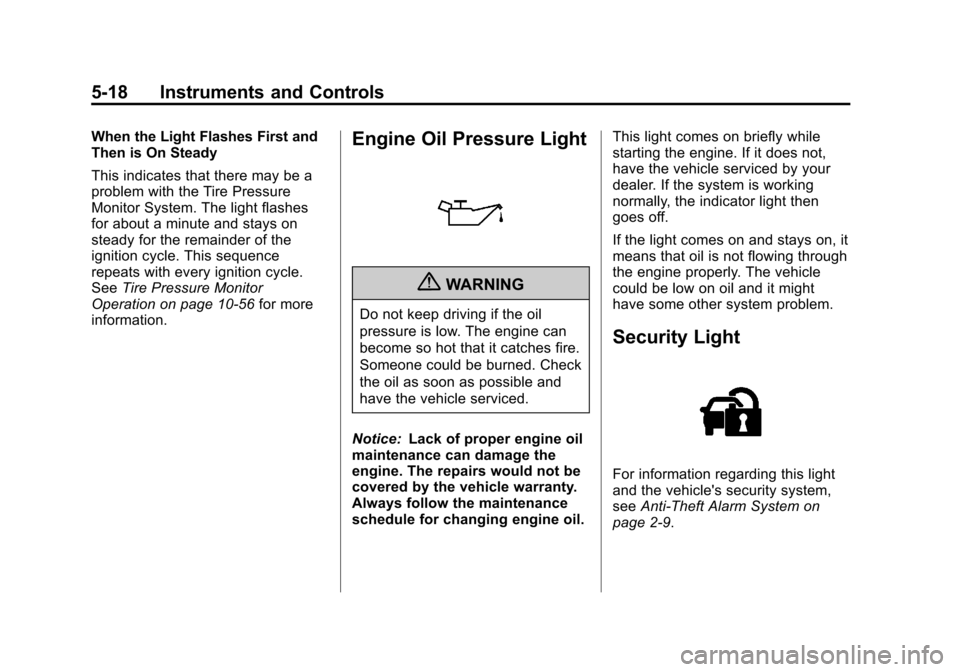
{WARNING
Do not keep driving if the oil
pressure is low. The engine can
become so hot that it catches fire.
Someone could be burned. Check
the oil as soon as possible and
have the vehicle serviced.
Notice: Lack of proper engine oil
maintenance can damage the
engine. The repairs would not be
covered by the vehicle warranty.
Always follow the maintenance
schedule for changing engine oil. This light comes on briefly while
starting the engine. If it does not,
have the vehicle serviced by your
dealer. If the system is working
normally, the indicator light then
goes off.
If the light comes on and stays on, it
means that oil is not flowing through
the engine properly. The vehicle
could be low on oil and it might
have some other system problem.
Security Light
For information regarding this light
and the vehicle's security system,
see
Anti-Theft Alarm System on
page 2‑9.
Page 131 of 392

Black plate (19,1)Chevrolet Colorado Owner Manual - 2011
Instruments and Controls 5-19
High-Beam On Light
This light comes on when the
high-beam headlamps are in use.
SeeHeadlamp High/Low-Beam
Changer on page 6‑2 for more
information.
Cruise Control Light
The cruise control light comes on
whenever the cruise control is set.
The light goes out when the cruise
control is turned off. See Cruise
Control on page 9‑49 for more
information.
Information Displays
Driver Information
Center (DIC)
The Driver Information Center (DIC)
displays information such as the trip
odometer, personalization features,
and warning messages. The DIC
display is located on the instrument
panel cluster.
Operation and Displays
The Driver Information Center (DIC)
comes on when the ignition is on.
If a problem is detected, a warning
message appears on the display.
Pressing and releasing the trip
odometer reset stem on the DIC
acknowledges some current
warnings or service messages.
Some messages only clear after the
required action has been taken.
The DIC has different menu items
which can be accessed by pressing
the trip odometer reset stem on the
DIC. This includes trip information,
Page 135 of 392

Black plate (23,1)Chevrolet Colorado Owner Manual - 2011
Instruments and Controls 5-23
The following are the possible
messages that can be displayed
and some information about them.
Battery Voltage and
Charging Messages
SERVICE CHARG (Charge)
SYS (System)
This message displays if there is a
problem with the battery charging
system. Under certain conditions,
the battery warning light may also
turn on in the instrument panel
cluster. SeeCharging System Light
on page 5‑12. The battery will not
be charging at an optimal rate and
the vehicle will lose the ability to
enter the fuel economy mode. The
vehicle is safe to drive, however
have the electrical system checked
by your dealer. Press and release
the reset stem to acknowledge the
message and clear it from the
display.
Brake System Messages
ABS (Antilock Brake System)
FAULT
This message displays if there is a
problem with the Antilock Brake
System (ABS). Check the ABS as
soon as possible and have your
vehicle serviced by your dealer. See
Braking on page 9‑3 andAntilock
Brake System (ABS) Warning Light
on page 5‑16 for more information.
Press and release the reset stem to
acknowledge the message and
clear it from the display.
BRAKES
This message displays if there is a
problem with the brakes. Check the
brakes as soon as possible and
have your vehicle serviced by your
dealer. See Braking on page 9‑3
and Antilock Brake System (ABS)
Warning Light on page 5‑16 for
more information. Press and release
the reset stem to acknowledge the
message and clear it from the
display.
FLUID
This message displays if the brake
fluid is low. Check the brake fluid as
soon as possible and have your
vehicle serviced by your dealer. See
Braking on page 9‑3 for more
information. Press and release the
reset stem to acknowledge the
message and clear it from the
display.
PARK BRK (Brake)
This message displays when the
parking brake is set. See Parking
Brake on page 9‑44 andAntilock
Brake System (ABS) Warning Light
on page 5‑16 for more information.
The message clears from the
display after the parking brake is
released or by pressing and
releasing the reset stem.
Page 138 of 392

Black plate (26,1)Chevrolet Colorado Owner Manual - 2011
5-26 Instruments and Controls
Service Vehicle Messages
SERV (Service) VEH (Vehicle)
This message displays if your
vehicle needs service. Have your
vehicle serviced by your dealer as
soon as possible.
Tire Messages
LOW TIRE
This message displays if a low tire
pressure is detected in any of the
vehicle's tires. Press and release
the reset stem to acknowledge the
message and clear it from the
display. The message appears at
each ignition cycle until the tires are
inflated to the correct inflation
pressure. SeeTires on page 10‑46
and Tire Pressure on page 10‑53 for
more information on tires and the
correct inflation pressures.
SERV (Service) TPM (Tire
Pressure Monitor)
This message displays if a part on
the Tire Pressure Monitor System
(TPMS) is not working properly. The
tire pressure light also flashes and
then remains on during the same
ignition cycle. See Tire Pressure
Light on page 5‑17. Several
conditions may cause this message
to appear. See Tire Pressure
Monitor Operation on page 10‑56 for
more information. If the warning
comes on and stays on, there may
be a problem with the TPMS. See
your dealer.
Transmission Messages
SERV (Service) 4WD
(Four-Wheel Drive)
This message displays when there
is a problem with the transfer case
control system. Check the transfer
case on your vehicle and have it
serviced by your dealer. See
Four-Wheel Drive on page 9‑39 for
more information about the transfer
case. Press and release the reset
stem to acknowledge the message
and clear it from the display.
Page 139 of 392
Black plate (1,1)Chevrolet Colorado Owner Manual - 2011
Lighting 6-1
Lighting
Exterior Lighting
Exterior Lamp Controls . . . . . . . . 6-1
Exterior Lamps OffReminder . . . . . . . . . . . . . . . . . . . . 6-2
Headlamp High/Low-Beam Changer . . . . . . . . . . . . . . . . . . . . . 6-2
Flash-to-Pass . . . . . . . . . . . . . . . . . 6-2
Daytime Running Lamps (DRL) . . . . . . . . . . . . . . . . 6-2
Automatic Headlamp System . . . . . . . . . . . . . . . . . . . . . . 6-3
Hazard Warning Flashers . . . . . 6-3
Turn and Lane-Change Signals . . . . . . . . . . . . . . . . . . . . . . 6-4
Fog Lamps . . . . . . . . . . . . . . . . . . . . 6-4
Exterior Cargo Lamps . . . . . . . . . 6-4
Interior Lighting
Instrument Panel Illumination Control . . . . . . . . . . . . . . . . . . . . . . 6-5
Dome Lamps . . . . . . . . . . . . . . . . . 6-5
Lighting Features
Exit Lighting . . . . . . . . . . . . . . . . . . . 6-6
Battery Load Management . . . . 6-6
Battery Power Protection . . . . . . 6-6
Exterior Lighting
Exterior Lamp Controls
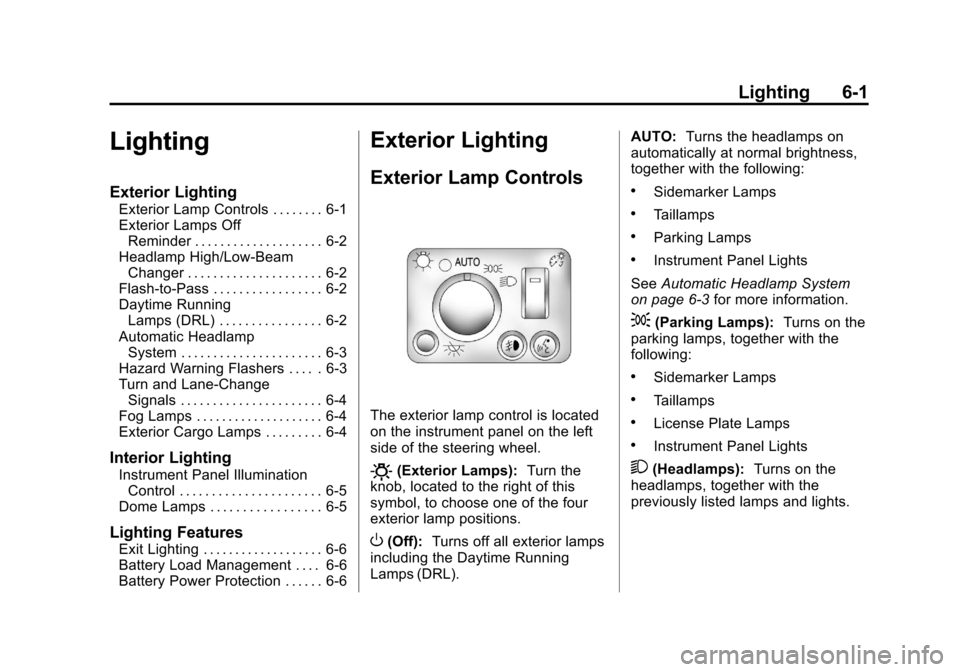
The exterior lamp control is located
on the instrument panel on the left
side of the steering wheel.
O(Exterior Lamps): Turn the
knob, located to the right of this
symbol, to choose one of the four
exterior lamp positions.
O(Off): Turns off all exterior lamps
including the Daytime Running
Lamps (DRL). AUTO:
Turns the headlamps on
automatically at normal brightness,
together with the following:
.Sidemarker Lamps
.Taillamps
.Parking Lamps
.Instrument Panel Lights
See Automatic Headlamp System
on page 6‑3 for more information.
;(Parking Lamps): Turns on the
parking lamps, together with the
following:
.Sidemarker Lamps
.Taillamps
.License Plate Lamps
.Instrument Panel Lights
2(Headlamps): Turns on the
headlamps, together with the
previously listed lamps and lights.