Page 244 of 592
244
L/C200_U
3-1. Using the air conditioning system and defogger
Front air conditioning system ........................... 246
Rear air conditioning system ........................... 256
Rear window and outside rear view mirror
defoggers ....................... 260
Windshield wiper de-icer ............................ 261
3-2. Using the audio system Audio system type............ 262
Using the radio ................. 265
Using the CD player ......... 274
Playing back MP3 and WMA discs ..................... 282
Operating an iPod
®.......... 289
Operating a USB memory .......................... 296
Optimal use of the audio system ........................... 304
Using the AUX adapter .... 306
Using the steering switches ......................... 307
Interior features3
Page 262 of 592
262
L/C200_U
3-2. Using the audio system
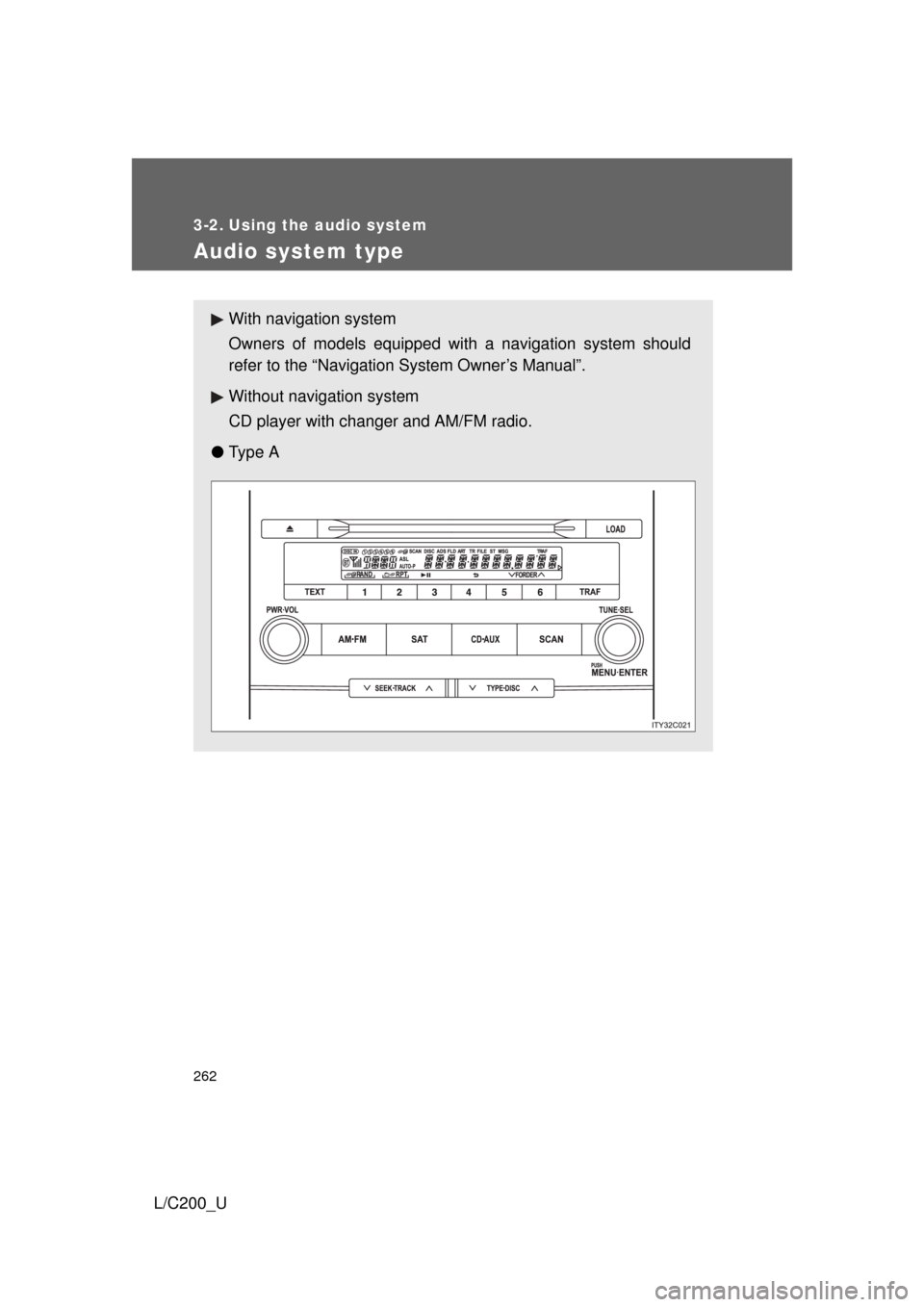
Audio system type
With navigation system
Owners of models equipped with a navigation system should
refer to the “Navigation System Owner’s Manual”.
Without navig ation system
CD player with changer and AM/FM radio.
● Ty p e A
Page 263 of 592
263
3-2. Using the audio system
3
Interior features
L/C200_U
●
Ty p e B
TitlePage
Using the radioP. 265
Using the CD playerP. 274
Playing back MP3 and WMA discs P. 282
Operating an iPod®P. 289
Operating a USB memoryP. 296
Optimal use of the audio systemP. 304
Using the AUX adapter P. 306
Using the steering switchesP. 307
Page 265 of 592
265
3-2. Using the audio system
3
Interior features
L/C200_U
Using the radio
Ty p e A
Scanning for receivable stations
Seeking the frequency Station selector
AM·FM/SAT mode buttons Changing the program typeAdjusting the frequency
Power Volume
Traffic information
Page 267 of 592
267
3-2. Using the audio system
3
Interior features
L/C200_U
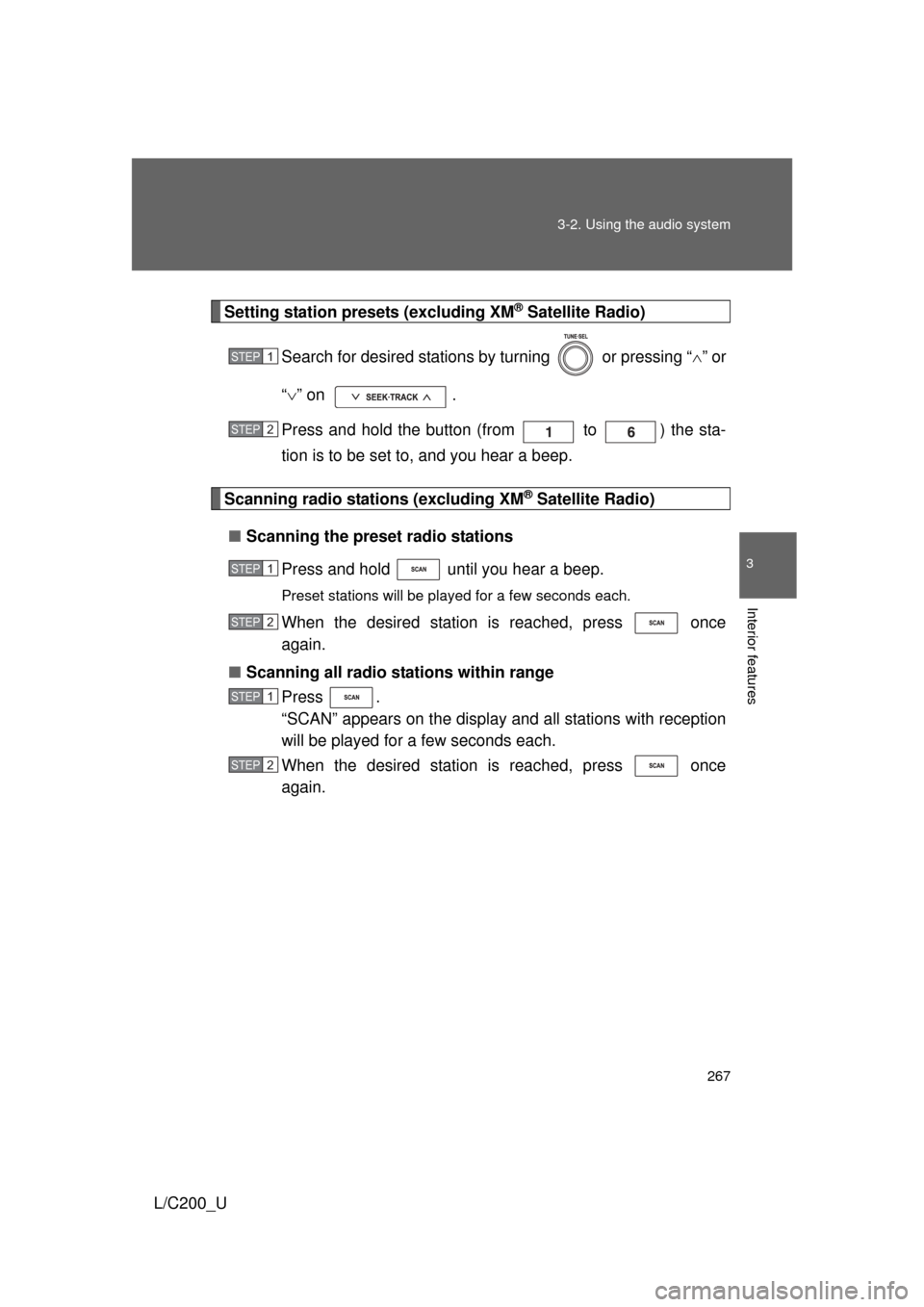
Setting station presets (excluding XM® Satellite Radio)
Search for desired stations by turning or pressing “ ” or
“ ” on .
Press and hold the button (from to ) the sta-
tion is to be set to, and you hear a beep.
Scanning radio stations (excluding XM® Satellite Radio)
■ Scanning the preset radio stations
Press and hold until you hear a beep.
Preset stations will be played for a few seconds each.
When the desired station is reached, press once
again.
■ Scanning all radio stations within range
Press .
“SCAN” appears on the display and all stations with reception
will be played for a few seconds each.
When the desired station is reached, press once
again.
STEP1
STEP2
STEP1
STEP2
STEP1
STEP2
Page 268 of 592
268 3-2. Using the audio system
L/C200_U
XM® Satellite Radio (type A)
■ Receiving XM
® Satellite Radio
Press .
The display changes as follows each time the button is pressed.
“SAT1” “SAT2” “SAT3”
Turn to select a desired channel from all the categories
or press “” or “ ” on to select a desired
channel in the current category.
■ Presetting XM
® Satellite Radio channels
Select the desired channel. Press and hold the button (from to ) until you hear a beep.
■ Changing the channel category
Press “ ” or “ ” on .
■ Scanning XM
® Satellite Radio channels
● Scanning channels in the current category
Press .
When the desired channel is reached, press the buttonagain.
● Scanning preset channels
Press and hold until you hear a beep.
When the desired channel is reached, press the buttonagain.
STEP1
STEP2
STEP1
STEP2
STEP1
STEP2
Page 269 of 592
269
3-2. Using the audio system
3
Interior features
L/C200_U
RDS (Radio Data System)
This feature allows your radio to receive station identification informa-
tion and program information (classical, jazz, etc.) from radio stations
which broadcast this information.
■ Receiving RDS broadcasts
Press “ ” or “ ” on the during FM reception.
The type of program changes each time the button is pressed.
● ROCK
● EASYLIS (Easy listening)
● CLS/JAZZ (Classical music and Jazz)
● R & B (Rhythm and Blues)
● INFORM (Information)
● RELIGION
● MISC (Miscellaneous)
● ALERT (Emergency messages)
Press , or “ ” or “ ” on .
The radio seeks scans the station by the relevant program type.
If no radio station of that type is found, “NOTHING” appears on the
display.
■ Displaying radio station names
Press .
STEP1
STEP2
Page 270 of 592

270 3-2. Using the audio system
L/C200_U■
Displaying radio text messages
Press .
If MSG is shown on the display, a text message will be displayed.
If the text continues past the end of the display, is displayed. Press
and hold until you hear a beep.
■Traffic announcement
Press .
“TRAF SEEK” appears on the display, and the radio will start seeking
any station broadcasting traffic program information.
If no traffic program station is found, “NO TRAF INFO” appears on the
display.
■ When the battery is disconnected
All preset stations are erased.
■ Reception sensitivity
● Maintaining perfect radio reception at all times is difficult due to the con-
tinually changing position of the antenna, differences in signal strength
and surrounding objects, such as trains, transmitters, etc.
● The radio antenna is mounted inside the rear quarter window. To main-
tain clear radio reception, do not attach metallic window tinting or other
metallic objects to the antenna wire mounted inside the rear quarter win-
dow.