Page 176 of 476

176 2-4. Using other driving systems
AVALON_U (OM41437U)
■Switching modes
The mode cannot be switched to constant speed control mode if vehicle-to-
vehicle distance control mode has been used. The mode also cannot be
switched from constant speed control to vehicle-to-vehicle control mode.
Turn the system off by pressing the “ON-OFF” button, and turn it on again.
■ The dynamic laser cruise can be set when
● The shift lever is in “D” or the “4”, “5” or “6” range of “S” mode.
● Vehicle speed is between approximately 28 mph (45 km/h) and 85 mph
(135 km/h).
■ Accelerating
The vehicle can be accelerated normally.
■ Automatically canceling vehicle-to-vehicle distance control
Vehicle-to-vehicle distance control driving is automatically canceled in the
following situations.
● Vehicle speed falls below 25 mph (40 km/h)
● VSC is activated
● The sensor cannot operate correctly because it is covered in some way
Vehicle-to-vehicle distance control driving must be reset by turning the “ON-
OFF” button on again.
If vehicle-to-vehicle distance control driving is automatically canceled for any
other reason, there may be a malfunction in the system. Contact your Toyota
dealer.
■ Automatically canceling constant speed control
The set speed is automatically canceled in the following situations.
● Actual vehicle speed is more than 10 mph (16 km/h) below the preset
vehicle speed
At this time, the memorized set speed is not retained.
● Vehicle speed falls below 25 mph (40 km/h)
● VSC is activated
Page 213 of 476
213
3-2. Using the audio system
3
Interior features
AVALON_U (OM41437U)
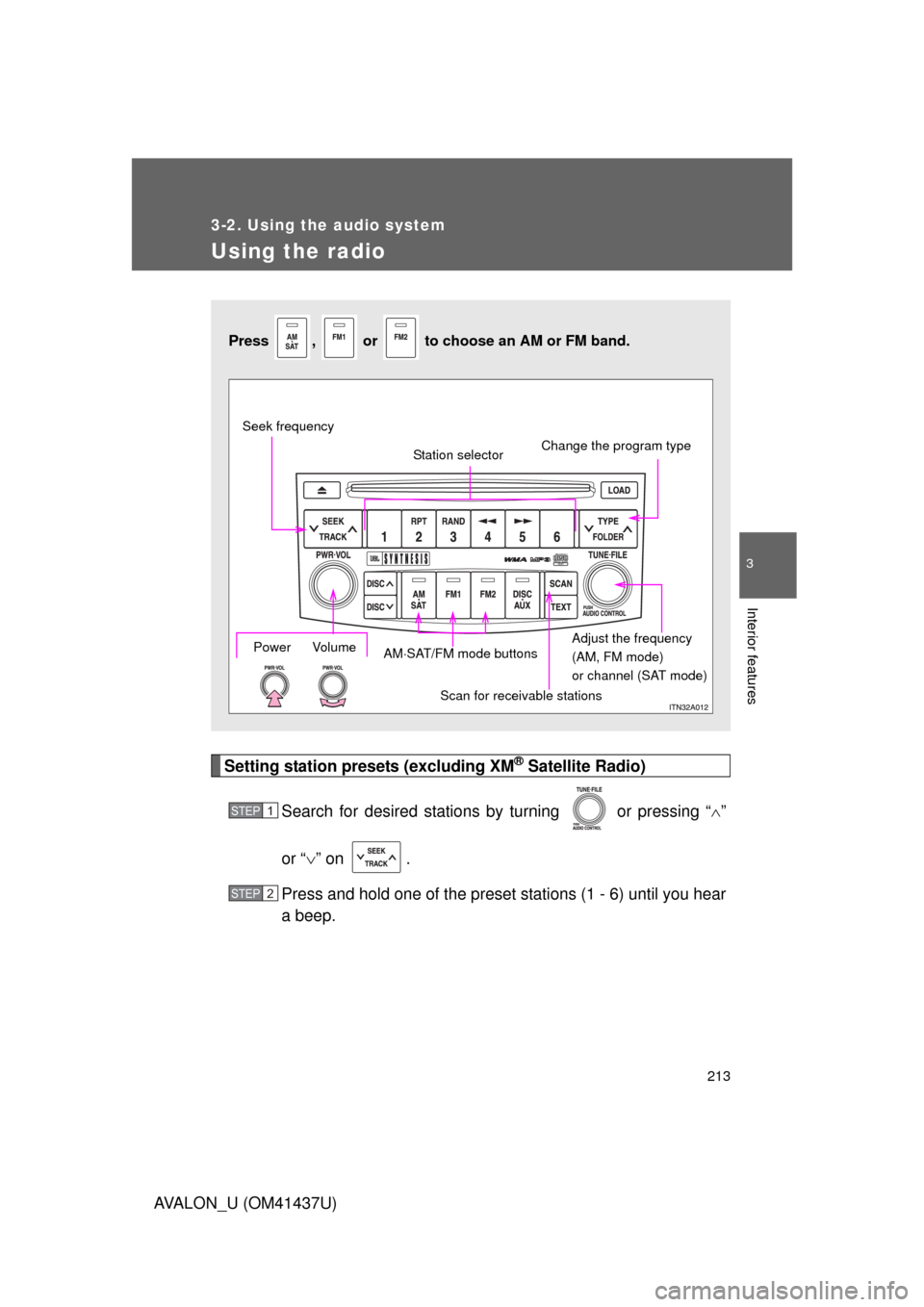
Using the radio
Setting station presets (excluding XM® Satellite Radio)
Search for desired stations by turning
or pressing “ ”
or “ ” on .
Press and hold one of the preset stations (1 - 6) until you hear
a beep.
Press , or to choose an AM or FM band.
Power Volume
Scan for receivable stations
Seek frequency
Station selector
Adjust the frequency
(AM, FM mode)
or channel (SAT mode)
AM
SAT/FM mode buttons Change the program type
STEP1
STEP2
Page 214 of 476
214 3-2. Using the audio system
AVALON_U (OM41437U)
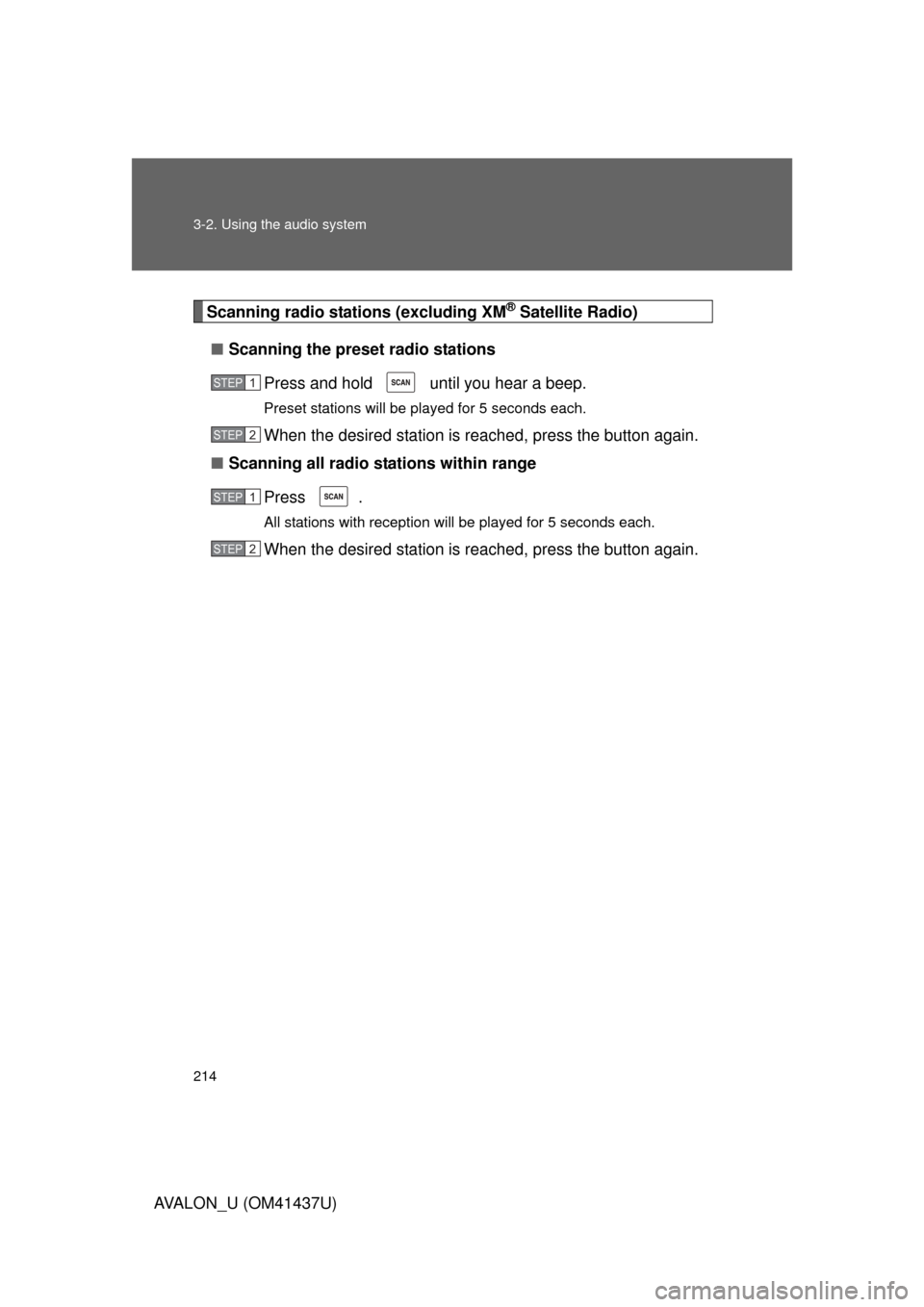
Scanning radio stations (excluding XM® Satellite Radio)
■ Scanning the preset radio stations
Press and hold until you hear a beep.
Preset stations will be played for 5 seconds each.
When the desired station is reached, press the button again.
■ Scanning all radio stations within range
Press .
All stations with reception will be played for 5 seconds each.
When the desired station is reached, press the button again.
STEP1
STEP2
STEP1
STEP2
Page 216 of 476
216 3-2. Using the audio system
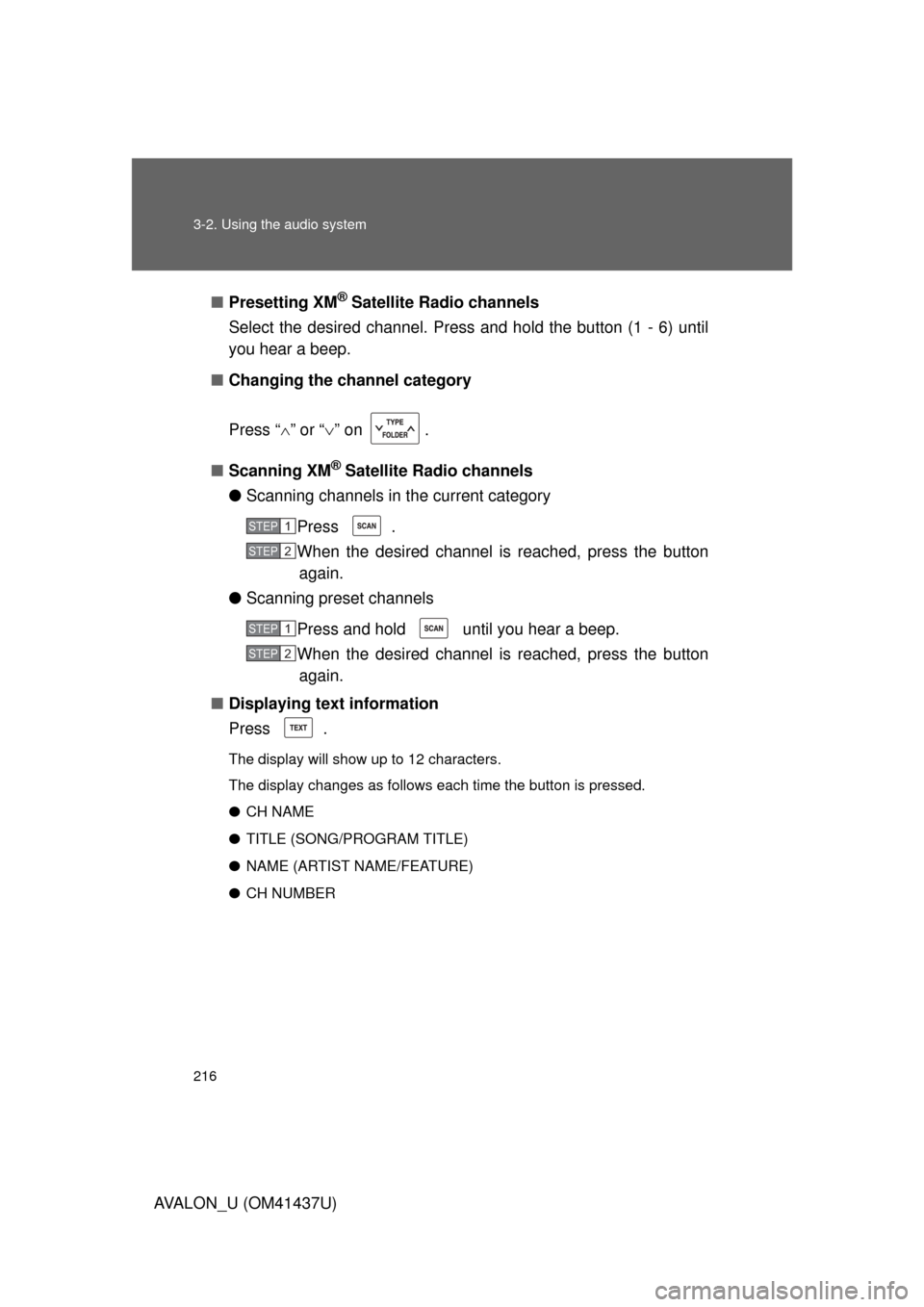
AVALON_U (OM41437U)■
Presetting XM
® Satellite Radio channels
Select the desired channel. Press and hold the button (1 - 6) until
you hear a beep.
■ Changing the channel category
Press “ ” or “ ” on .
■ Scanning XM
® Satellite Radio channels
● Scanning channels in the current category
Press .
When the desired channel is reached, press the buttonagain.
● Scanning preset channels
Press and hold until you hear a beep.
When the desired channel is reached, press the buttonagain.
■ Displaying text information
Press .
The display will show up to 12 characters.
The display changes as follows each time the button is pressed.
● CH NAME
● TITLE (SONG/PROGRAM TITLE)
● NAME (ARTIST NAME/FEATURE)
● CH NUMBER
STEP1
STEP2
STEP1
STEP2
Page 217 of 476
217
3-2. Using the audio system
3
Interior features
AVALON_U (OM41437U)
■
When the battery is disconnected
All preset stations are erased.
■ Reception sensitivity
● Maintaining perfect radio reception at all times is difficult due to the con-
tinually changing position of the antenna, differences in signal strength
and surrounding objects, such as trains, transmitters, etc.
● The radio antenna is mounted inside the rear window. To maintain clear
radio reception, do not attach metallic window tinting or other metallic
objects to the antenna wire mounted inside the rear window.
■ Receiving XM
® Satellite Radio
An XM
® Satellite Radio is a tuner designed exclusively to receive broadcasts
provided under a separate subscription. Availability is limited to the 48 con-
tiguous states and 10 Canadian provinces.
● XM
® subscriptions
For detailed information about XM® Satellite Radio or to subscribe:
U.S.A–
Visit on the web at www.xmradio.com
or call 1-800-967-2346.
Canada–
Visit on the web at www.xmradio.ca
or call 1-877-438-9677.
● Radio ID
You will need the radio ID when activating XM
® service or reporting a
problem. Select “CH000” using , and the receiver’s 8-character ID
number will appear.
● Satellite tuner
The tuner supports only Audio Services (Music and Talk) and the accom-
panying Text Information of XM
® Satellite Radio.
Page 256 of 476
256 3-3. Using the hands-free system (for cellular phone)
AVALON_U (OM41437U)
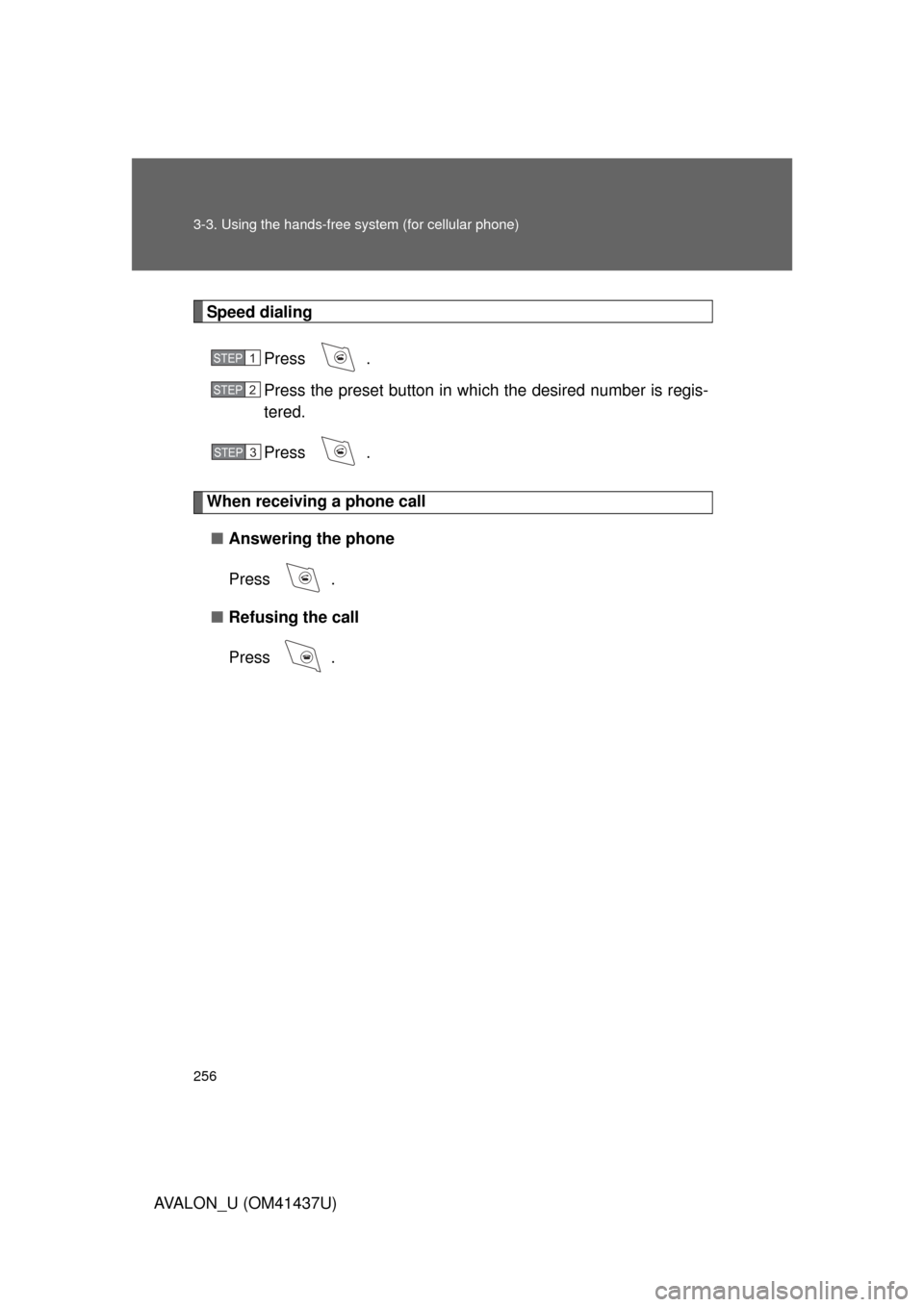
Speed dialingPress .
Press the preset button in which the desired number is regis-
tered.
Press .
When receiving a phone call■ Answering the phone
Press .
■ Refusing the call
Press .
STEP1
STEP2
STEP3
Page 271 of 476
271
3-3. Using the hands-free
system (for cellular phone)
3
Interior features
AVALON_U (OM41437U)
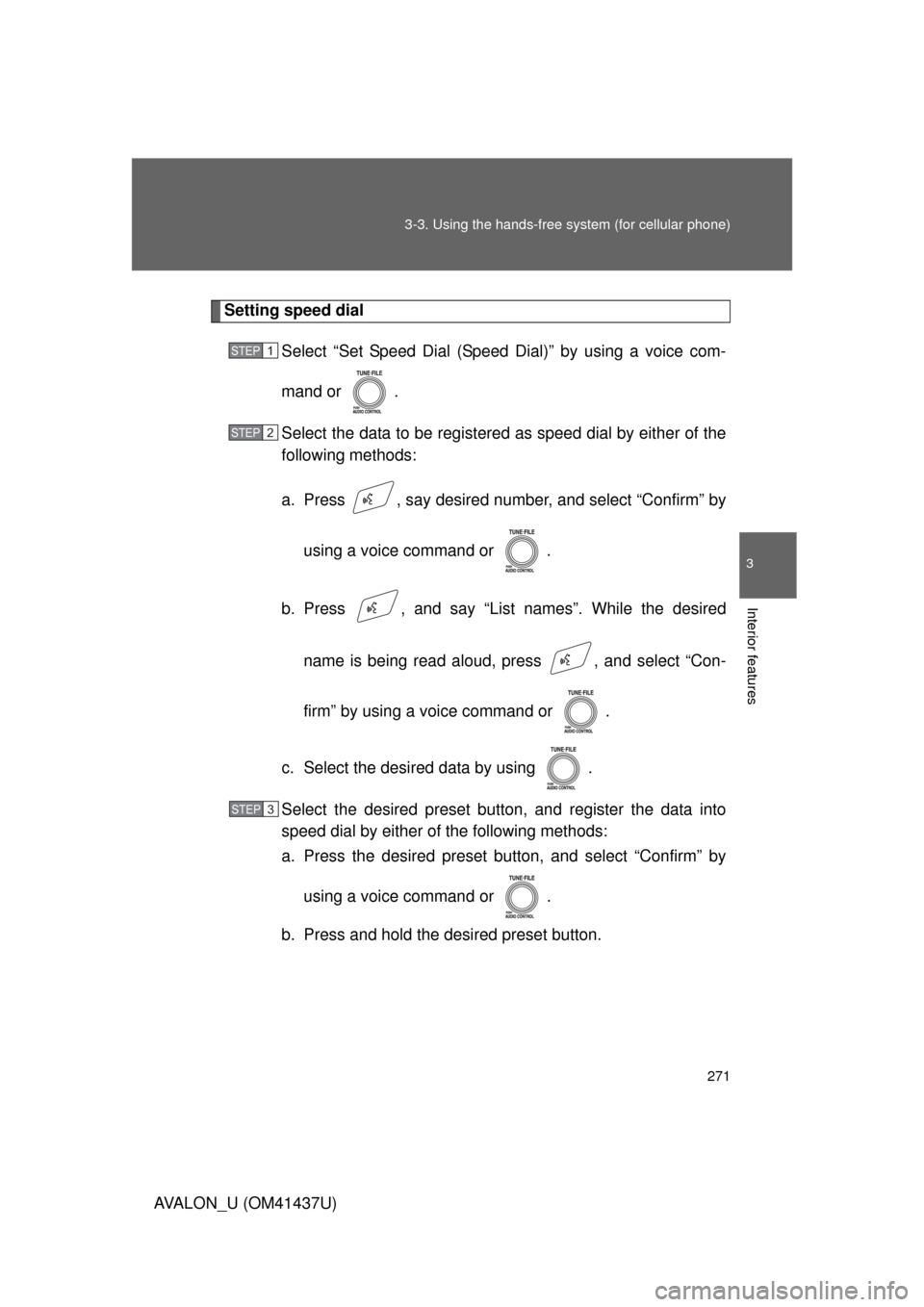
Setting speed dial
Select “Set Speed Dial (Speed Dial)” by using a voice com-
mand or .
Select the data to be registered as speed dial by either of the
following methods:
a. Press , say desired number, and select “Confirm” by
using a voice command or .
b. Press , and say “List names”. While the desired name is being read aloud, press , and select “Con-
firm” by using a voice command or .
c. Select the desired data by using .
Select the desired preset butt on, and register the data into
speed dial by either of the following methods:
a. Press the desired preset bu tton, and select “Confirm” by
using a voice command or .
b. Press and hold the desired preset button.
STEP1
STEP2
STEP3
Page 273 of 476
273
3-3. Using the hands-free
system (for cellular phone)
3
Interior features
AVALON_U (OM41437U)
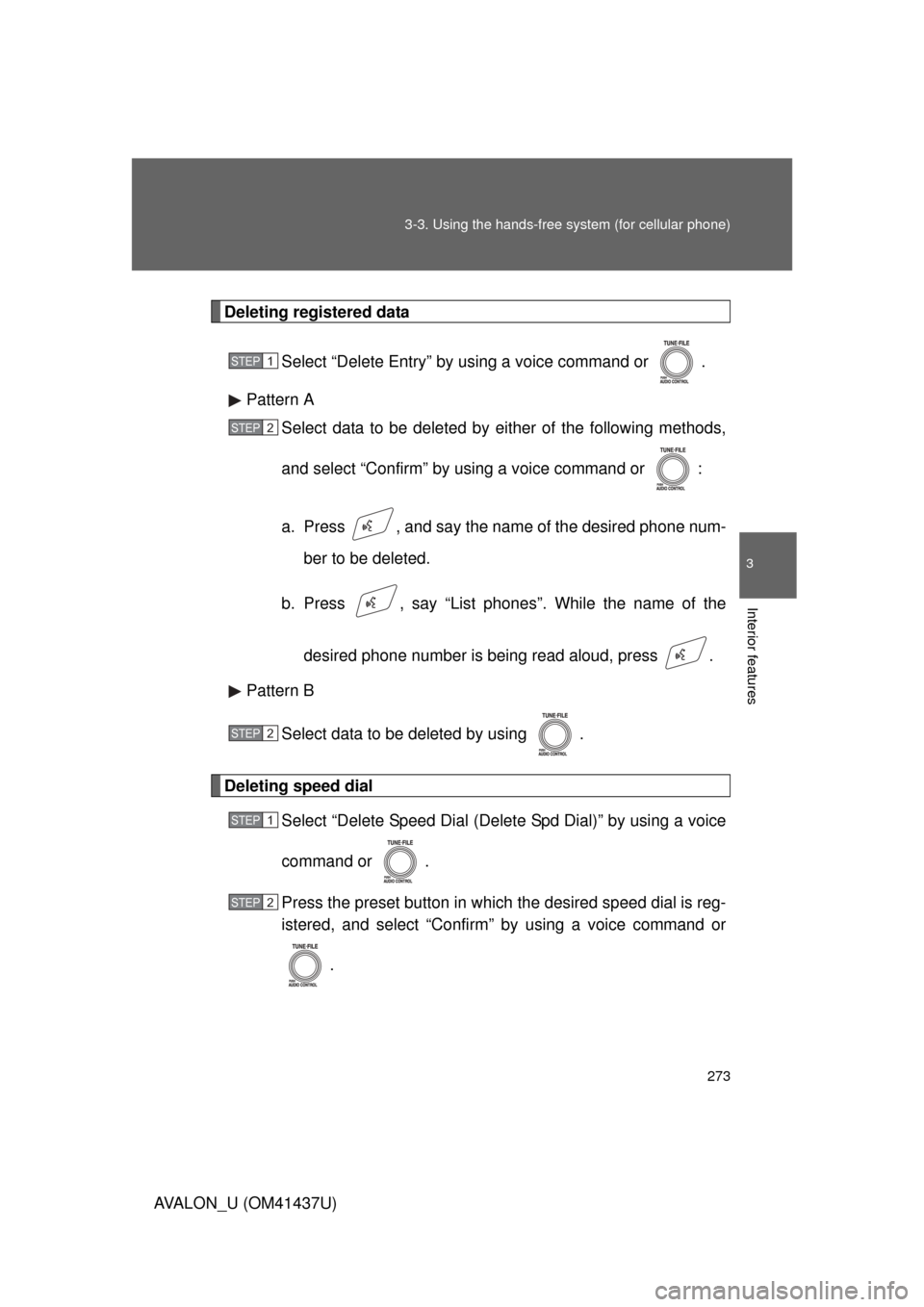
Deleting registered data
Select “Delete Entry” by using a voice command or .
Pattern A Select data to be deleted by either of the following methods,
and select “Confirm” by using a voice command or :
a. Press , and say the nam e of the desired phone num-
ber to be deleted.
b. Press , say “List phones”. While the name of the
desired phone number is being read aloud, press .
Pattern B
Select data to be deleted by using .
Deleting speed dial Select “Delete Speed Dial (Delet e Spd Dial)” by using a voice
command or .
Press the preset button in which the desired speed dial is reg-
istered, and select “Confirm” by using a voice command or
.
STEP1
STEP2
STEP2
STEP1
STEP2