2010 MERCEDES-BENZ S550 4MATIC Instrument menu
[x] Cancel search: Instrument menuPage 9 of 548

Upload/Download of Data ...............95
USB socket ...................................... 80
Vehicle settings ............................. 206
Video DVD ..................................... 191
Voice Control System ....................237
Combination switch .......................... 301
Controller (COMAND) .......................... 79
Control system .................................. 220
Multifunction display .....................222
Multifunction steering wheel .........221
Control system menus ...................... 222
AMG ............................................... 227
Assistance ..................................... 231
Audio ............................................. 226
Navi ............................................... 225
Service ........................................... 233
Settings ......................................... 234
Telephone ...................................... 230
Trip ................................................ 223
Coolant
Anticorrosion/antifreeze ...............543
Capacities .............................. 538, 539
Checking level ............................... 408
Messages in the multifunction
display ........................................... 480
Temperature gauge ........................ 327
Corner-illuminating lamps ................ 303
Cruise control .................................... 328
Activating ....................................... 328
Canceling ....................................... 329
Changing the set speed .................329
Last stored speed ..........................330
Lever .............................................. 328
Messages in the multifunction
display ........................................... 458
Resume function ............................ 330
Setting current speed ....................329
Cup holders ........................................ 384
Curb weight ....................................... 430
Customer Assistance Center (CAC) ... 24
Customer Relations Department ....... 24
D
Dashboard see Instrument cluster
Data recording ..................................... 25
Daytime running lamp mode ............ 299
Switching on or off ......................... 234
Deep water
see Standing water
Defogging (windshield) ..................... 371
Defroster
Front (Climate control system) ......370
Rear window .................................. 372
Department of Transportation
see DOT
Difficulties
While driving .................................. 314
With starting .................................. 312
Digital speedometer
Additional speedometer ................. 235
Dimensions (vehicle)
see Vehicle specification
Direction of rotation (tires) .............. 422
Displays
COMAND display ............................. 78
DISTRONIC PLUS ........................... 333
Maintenance service indicator .......439
Messages in the multifunction
display ........................................... 452
Multifunction display .....................222
Symbol messages ..........................466
Text messages ............................... 454
Trip computer ................................ 223
Vehicle status message memory ...233
Display settings (COMAND) ................ 92
DISTRONIC PLUS ............................... 330
Cleaning system sensors ...............443
Displaying the distance graphic .....334
Displays in the multifunction
display ........................................... 333
Distance warning lamp ..........333, 496
Driving ........................................... 336
Driving with .................................... 339
Lever .............................................. 335
Messages in the multifunction
display ........................................... 459
Resume function ............................ 338
Sensor cover .................................. 443
Speed settings ............................... 337
Stopping ........................................ 337
Doors
Child safety locks ............................ 61
Locking/unlocking (KEYLESS-GO) . 275Index7221_AKB; 6; 20, en-USd2ugruen,Version: 2.11.8.12009-09-24T13:28:17+02:00 - Seite 7
Page 14 of 548
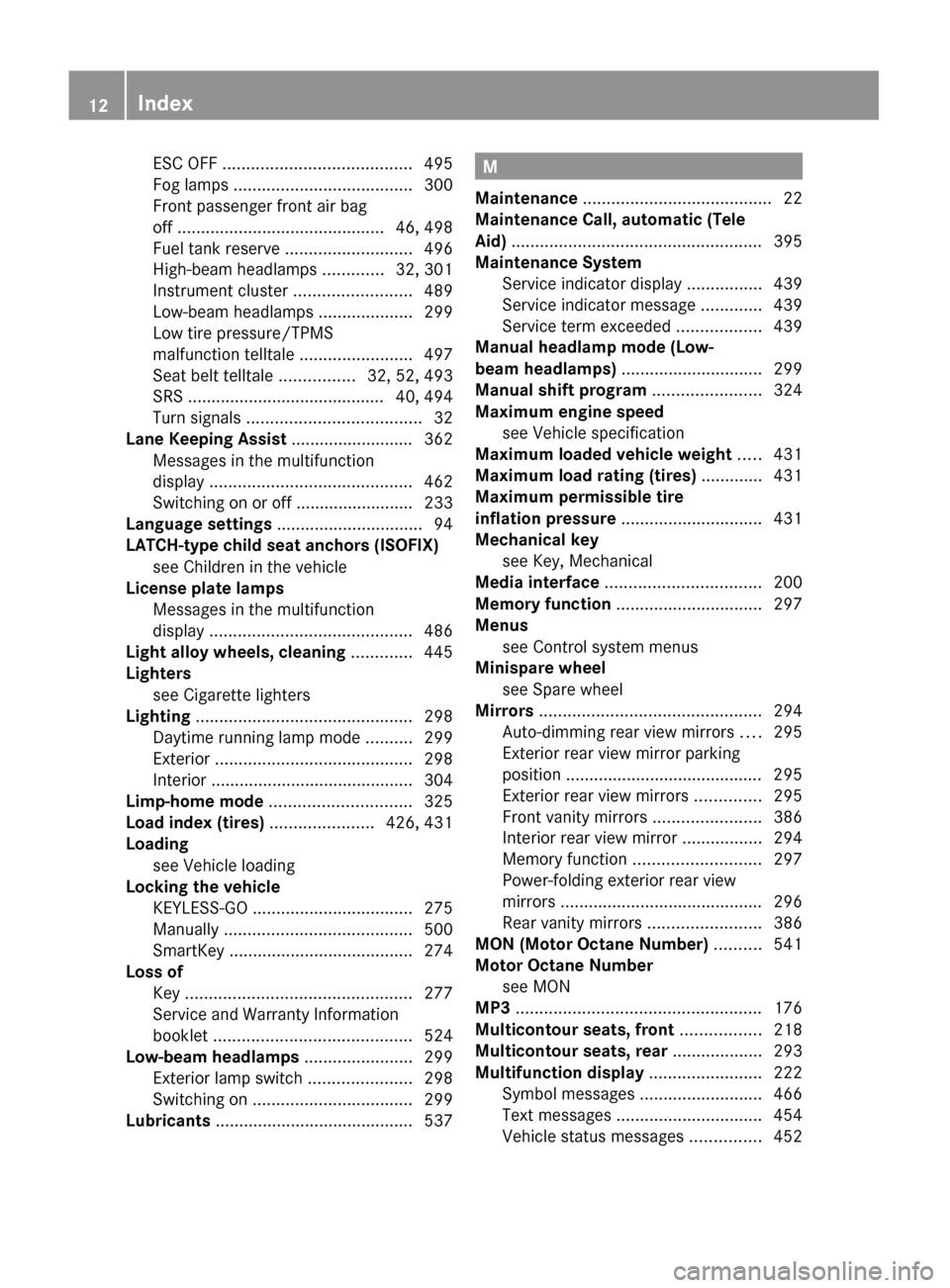
ESC OFF ........................................ 495
Fog lamps ...................................... 300
Front passenger front air bag
off ............................................ 46, 498
Fuel tank reserve ........................... 496
High-beam headlamps .............32, 301
Instrument cluster .........................489
Low-beam headlamps ....................299
Low tire pressure/TPMS
malfunction telltale ........................497
Seat belt telltale ................32, 52, 493
SRS .......................................... 40, 494
Turn signals ..................................... 32
Lane Keeping Assist .......................... 362
Messages in the multifunction
display ........................................... 462
Switching on or off ......................... 233
Language settings ............................... 94
LATCH-type child seat anchors (ISOFIX) see Children in the vehicle
License plate lamps
Messages in the multifunction
display ........................................... 486
Light alloy wheels, cleaning ............. 445
Lighters see Cigarette lighters
Lighting .............................................. 298
Daytime running lamp mode ..........299
Exterior .......................................... 298
Interior ........................................... 304
Limp-home mode .............................. 325
Load index (tires) ...................... 426, 431
Loading see Vehicle loading
Locking the vehicle
KEYLESS-GO .................................. 275
Manually ........................................ 500
SmartKey ....................................... 274
Loss of
Key ................................................ 277
Service and Warranty Information
booklet .......................................... 524
Low-beam headlamps ....................... 299
Exterior lamp switch ......................298
Switching on .................................. 299
Lubricants .......................................... 537M
Maintenance ........................................ 22
Maintenance Call, automatic (Tele
Aid) ..................................................... 395
Maintenance System
Service indicator display ................439
Service indicator message .............439
Service term exceeded ..................439
Manual headlamp mode (Low-
beam headlamps) .............................. 299
Manual shift program ....................... 324
Maximum engine speed see Vehicle specification
Maximum loaded vehicle weight ..... 431
Maximum load rating (tires) ............. 431
Maximum permissible tire
inflation pressure .............................. 431
Mechanical key see Key, Mechanical
Media interface ................................. 200
Memory function ............................... 297
Menus see Control system menus
Minispare wheel
see Spare wheel
Mirrors ............................................... 294
Auto-dimming rear view mirrors ....295
Exterior rear view mirror parking
position .......................................... 295
Exterior rear view mirrors ..............295
Front vanity mirrors .......................386
Interior rear view mirror .................294
Memory function ........................... 297
Power-folding exterior rear view
mirrors ........................................... 296
Rear vanity mirrors ........................386
MON (Motor Octane Number) .......... 541
Motor Octane Number see MON
MP3 .................................................... 176
Multicontour seats, front ................. 218
Multicontour seats, rear ................... 293
Multifunction display ........................ 222
Symbol messages ..........................466
Text messages ............................... 454
Vehicle status messages ...............45212Index221_AKB; 6; 20, en-USd2ugruen,Version: 2.11.8.12009-09-24T13:28:17+02:00 - Seite 12
Page 35 of 548
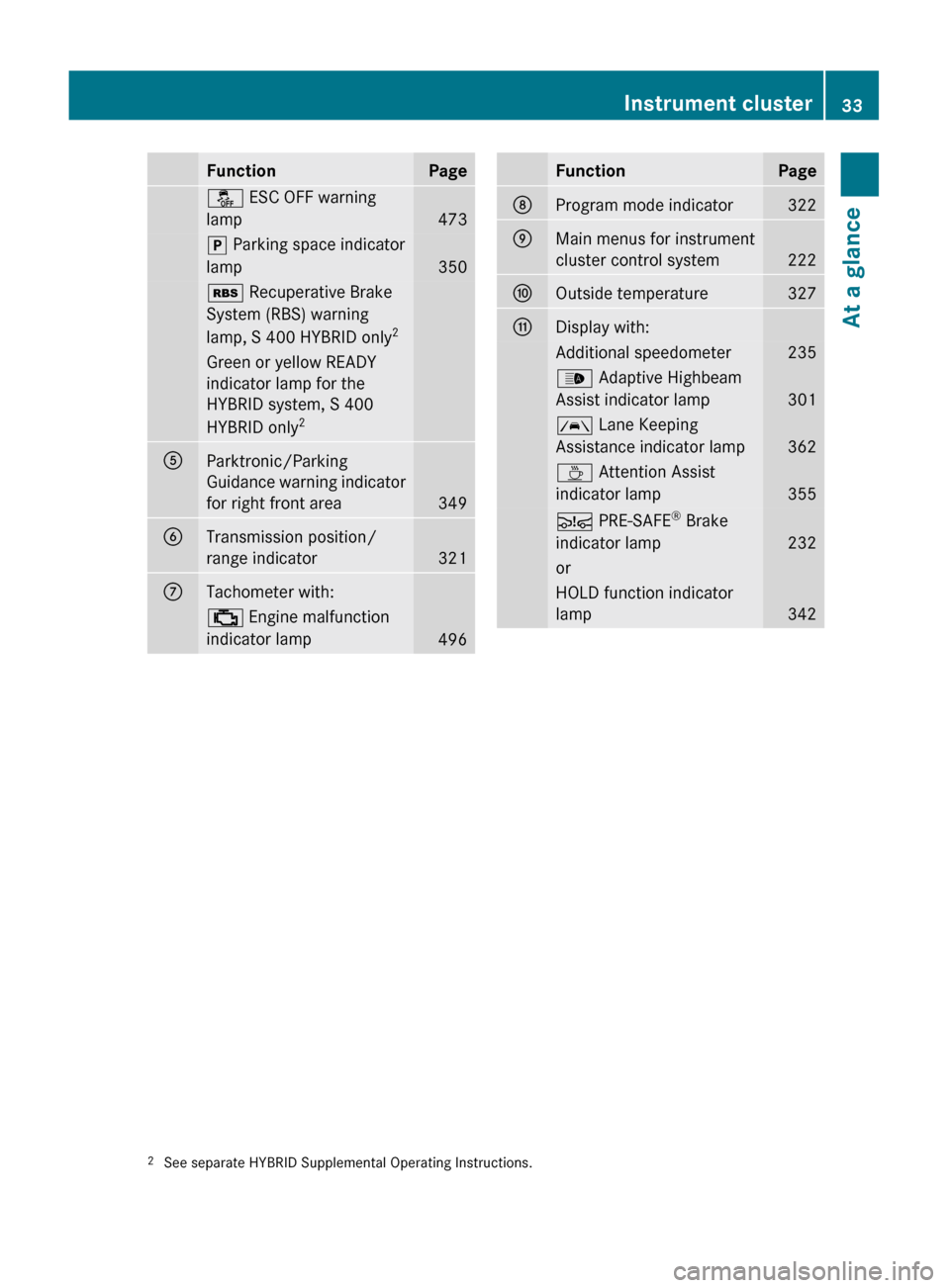
FunctionPageå ESC OFF warning
lamp
473
j Parking space indicator
lamp
350
é Recuperative Brake
System (RBS) warning
lamp, S 400 HYBRID only 2Green or yellow READY
indicator lamp for the
HYBRID system, S 400
HYBRID only 2AParktronic/Parking
Guidance warning indicator
for right front area
349
BTransmission position/
range indicator
321
CTachometer with: ; Engine malfunction
indicator lamp
496
FunctionPageDProgram mode indicator322EMain menus for instrument
cluster control system
222
FOutside temperature327GDisplay with:Additional speedometer235_ Adaptive Highbeam
Assist indicator lamp
301
à Lane Keeping
Assistance indicator lamp
362
À Attention Assist
indicator lamp
355
Ä PRE-SAFE ®
Brake
indicator lamp
232
orHOLD function indicator
lamp
3422 See separate HYBRID Supplemental Operating Instructions.Instrument cluster33At a glance221_AKB; 6; 20, en-USd2ugruen,Version: 2.11.8.12009-09-24T13:28:17+02:00 - Seite 33Z
Page 37 of 548

FunctionPagePress button W or X :to set the volumeto operate the RACETIMER 3APress button
?:to activate Voice Control
System
239
to accept a call156BInstrument cluster
illumination
326
CSwiveling COMAND display78DCOMAND display
illumination
78
ECOMAND display78FClock92GCD/DVD changer179HSD card slot180IRear window sunshade
switch
386
JHead restraint release
switch
291
KProgram mode selector
switch for automatic
transmission
322
LShortcut button for:CD/DVD/SD card181Radio166MBack button87NHazard warning flasher
switch
302
OSeat menu button216PShortcut button for:Telephone150Navigation101FunctionPageQCOMAND on/off button77RVolume control88SFavorite button94TTelephone keypad150UCOMAND controller793 AMG vehicles onlyControl systems35At a glance221_AKB; 6; 20, en-USd2ugruen,Version: 2.11.8.12009-09-24T13:28:17+02:00 - Seite 35Z
Page 77 of 548

Vehicle equipment ..............................76
COMAND introduction ........................76
COMAND system settings .................91
COMAND navigation (introduction) ...95
COMAND navigation system
(entering a destination) ....................106
COMAND navigation system (Point
of interest entry) ...............................124
COMAND navigation system (route
guidance) ...........................................129
COMAND navigation system (dur-
ing route guidance) ...........................135
COMAND navigation system (real-
time traffic) .......................................138
COMAND navigation system (des-
tination memory) ..............................143
COMAND navigation system (last
destinations) .....................................147
COMAND telephone ..........................148
COMAND FM/AM radio ....................165
COMAND satellite radio ...................170
COMAND audio CD/audio DVD/
MP3 ....................................................176
Audio AUX and video AUX ................186
Rear Seat Entertainment System ....189
COMAND video DVD .........................191
Music Register ..................................196
Media Interface .................................200
COMAND vehicle menu ....................206
COMAND automatic climate control 211
COMAND seats ..................................216
Instrument cluster control system .220
Voice Control System introduction .237
Voice Control System navigation ....240
Voice Control System telephone .....245
Voice Control System address book 249
Voice Control System radio .............252
Voice Control System CD/DVD
changer/MP3 ....................................255
Voice Control System external
devices ...............................................257
Voice Control System command list 257
Voice Control System trouble-
shooting .............................................267
Voice Control System individuali-
zation .................................................271
75Control systems221_AKB; 6; 20, en-USd2ugruen,Version: 2.11.8.12009-09-24T13:28:17+02:00 - Seite 75
Page 80 of 548

Function?T Seat menu button
(Y page 216)
AS Shortcut button for:
RTelephone (Y page 148)
RNavigation (Y page 95)
Bu COMAND on/off button
(Y page 77)
CH Volume control (Y page 88)Dh Favorite button (Y page 94)
COMAND display
In the COMAND display, you will find the
function currently selected and the
corresponding menus. The COMAND display
is divided into several areas.
:Status line;Main functions=Main area?SubmenusAClimate control settings
The currently selected main function is
highlighted.
Once you have selected a main function, main
area = is active.
iThe layout of the menus may vary
depending on your vehicle’s equipment.
This manual shows the menus for a fully
equipped vehicle.
Adjusting COMAND display illuminationXIncreasing the illumination: Turn
knob : clockwise.
XDimming the illumination: Turn knob :
counterclockwise.
Swiveling COMAND display
iThis function is not available in vehicles
with SPLITVIEW.
With button : or ; you can swivel the
COMAND display to the left or right.
Instrument cluster multifunction
display
This section describes features and controls
via the COMAND controller, display and
shortcut buttons only.
Related COMAND features are described in
the “Instrument cluster control system”
section (Y page 220). It contains function
descriptions and operation of the instrument
cluster multifunction display and the
multifunction steering wheel buttons.
78COMAND introductionControl systems
221_AKB; 6; 20, en-USd2ugruen,Version: 2.11.8.12009-09-24T13:28:17+02:00 - Seite 78
Page 102 of 548
journey is continued when you switch
COMAND back on and start driving.
Hard disk errors
COMAND has an integrated hard disk on
which the map software is stored.
If the message Navigation Unavailable.
Please refer to the operating
instructions. appears:
XSwitch the COMAND off.XSwitch the COMAND back on.
i
If the message appears again, contact an
authorized Mercedes-Benz Center.
Units of measurement
The units of measurement in navigation mode
are identical to those set in the instrument
cluster ( Y page 235). The units of
measurement can only be changed via the
instrument cluster control system.
Input restrictions
There is an input restriction for vehicles in
certain countries.
The restriction is active for vehicle speeds
above approximately 3 mph (5 km/h). The
restriction is deactivated as soon as the
speed falls below approximately 2 mph
(3 km/h).
Certain entries cannot be made when the
restriction is active.
This is indicated by the fact that certain menu
items cannot be selected, e.g. entering a
destination via map.
Navigation submenu overview
i The components and operating principles of COMAND can be found on ( Y page 76).
100COMAND navigation (introduction)Control systems
221_AKB; 6; 20, en-USd2ugruen,Version: 2.11.8.12009-09-24T13:28:17+02:00 - Seite 100
Page 151 of 548
Using the Bluetooth®
interface
COMAND provides telephony via the
Bluetooth ®
interface by connecting a
Bluetooth ®
-compatible mobile phone. The
following functions can be used when a
suitable mobile phone is connected to the
Bluetooth ®
interface:
R Hands-free phone operation
R Phone book
R Reception of electronic business cards
(vCards 10
)
i For further information on suitable mobile
phones and connecting Bluetooth ®
-
enabled mobile phones to COMAND
R visit www.mbusa-mobile.com
R call the Mercedes-Benz Customer
Assistance Center at
1-800-FOR-MERCedes
(1-800-367-6372) (in the USA)
R call Customer Service at
1-800-387-0100 (in Canada)
Calls disconnected while the vehicle is
in motion
A call may be disconnected if
R there is insufficient network coverage
R you move from one transmitter/receiver
area (cell) into another and no channels are
free or the cell is full
Operating options
i The components and operating principles
of COMAND can be found on ( Y page 76).
You can operate the mobile phone using the
following:
R the keys on the mobile phone
R the COMAND telephone keypad in the
center console
R the COMAND controller
R the multifunction steering wheel
R the Voice Control System ( Y page 237)
Unless otherwise specified, the descriptions
and illustrations in this section apply to
COMAND or the telephone keypad in the
center console. Thus, in order to use the
described functions you always have to call
up the Telephone menu. The fastest way to
get to the Telephone menu is pressing
shortcut button S.
You can control other functions of the mobile
phone via the COMAND, instrument cluster
control system (Y page 230) or Voice Control
System ( Y page 237).
Caller ID
COMAND can display the telephone number
and the name of the caller, e.g. for an
incoming call and also in other menus or
displays.
For the telephone number to be displayed,
the caller must transmit his telephone
number.
This is also the case for name displays. For
this, the telephone number and the name of
the caller must also be saved in the mobile
phone book.
Functional restrictions
You will not be able to use the telephone, or
you may have to wait a while, in the following
situations:
R If the Bluetooth function in COMAND or
on the mobile phone is switched off.
R If the telephone has not yet logged into the
network.
The telephone tries to log into a network
automatically. If no network is available,
you will also not be able to make a “911”
emergency call. If you attempt to make an
10 vCards are electronic business cards used by e-mail applications, mobile phones, PDAs, etc. to exchange
contact information.COMAND telephone149Control systems221_AKB; 6; 20, en-USd2ugruen,Version: 2.11.8.12009-09-24T13:28:17+02:00 - Seite 149Z