2010 MERCEDES-BENZ GL450 rising
[x] Cancel search: risingPage 149 of 380
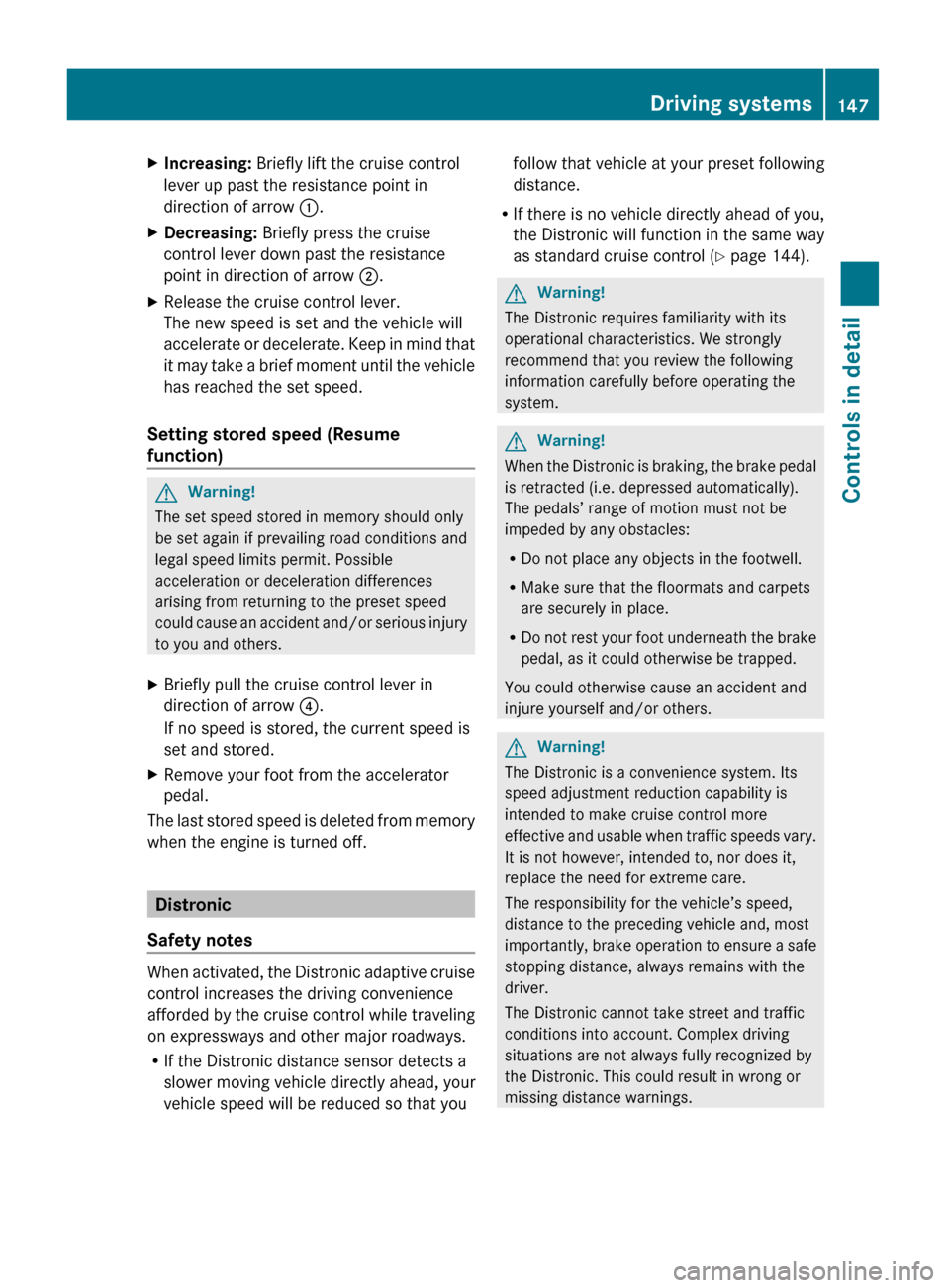
XIncreasing: Briefly lift the cruise control
lever up past the resistance point in
direction of arrow :.XDecreasing: Briefly press the cruise
control lever down past the resistance
point in direction of arrow ;.XRelease the cruise control lever.
The new speed is set and the vehicle will
accelerate or decelerate. Keep in mind that
it may take a brief moment until the vehicle
has reached the set speed.
Setting stored speed (Resume
function)
GWarning!
The set speed stored in memory should only
be set again if prevailing road conditions and
legal speed limits permit. Possible
acceleration or deceleration differences
arising from returning to the preset speed
could cause an accident and/or serious injury
to you and others.
XBriefly pull the cruise control lever in
direction of arrow ?.
If no speed is stored, the current speed is
set and stored.XRemove your foot from the accelerator
pedal.
The last stored speed is deleted from memory
when the engine is turned off.
Distronic
Safety notes
When activated, the Distronic adaptive cruise
control increases the driving convenience
afforded by the cruise control while traveling
on expressways and other major roadways.
R If the Distronic distance sensor detects a
slower moving vehicle directly ahead, your
vehicle speed will be reduced so that you
follow that vehicle at your preset following
distance.
R If there is no vehicle directly ahead of you,
the Distronic will function in the same way
as standard cruise control ( Y page 144).GWarning!
The Distronic requires familiarity with its
operational characteristics. We strongly
recommend that you review the following
information carefully before operating the
system.
GWarning!
When the Distronic is braking, the brake pedal
is retracted (i.e. depressed automatically).
The pedals’ range of motion must not be
impeded by any obstacles:
R Do not place any objects in the footwell.
R Make sure that the floormats and carpets
are securely in place.
R Do not rest your foot underneath the brake
pedal, as it could otherwise be trapped.
You could otherwise cause an accident and
injure yourself and/or others.
GWarning!
The Distronic is a convenience system. Its
speed adjustment reduction capability is
intended to make cruise control more
effective and usable when traffic speeds vary.
It is not however, intended to, nor does it,
replace the need for extreme care.
The responsibility for the vehicle’s speed,
distance to the preceding vehicle and, most
importantly, brake operation to ensure a safe
stopping distance, always remains with the
driver.
The Distronic cannot take street and traffic
conditions into account. Complex driving
situations are not always fully recognized by
the Distronic. This could result in wrong or
missing distance warnings.
Driving systems147Controls in detailX164_AKB; 5; 31, en-USd2ureepe,Version: 2.11.8.12009-09-11T12:30:16+02:00 - Seite 147Z
Page 154 of 380
When you use the cruise control lever to
decelerate, the brake system will brake the
vehicle automatically if the engine’s braking
power does not brake the vehicle sufficiently.
Adjustment in 1 mph (Canada:
1 km/h) increments
i The set speed value is increased or
decreased in 1 mph (Canada: 1 km/h)
increments each time you lift or press the
cruise control lever up or down to the
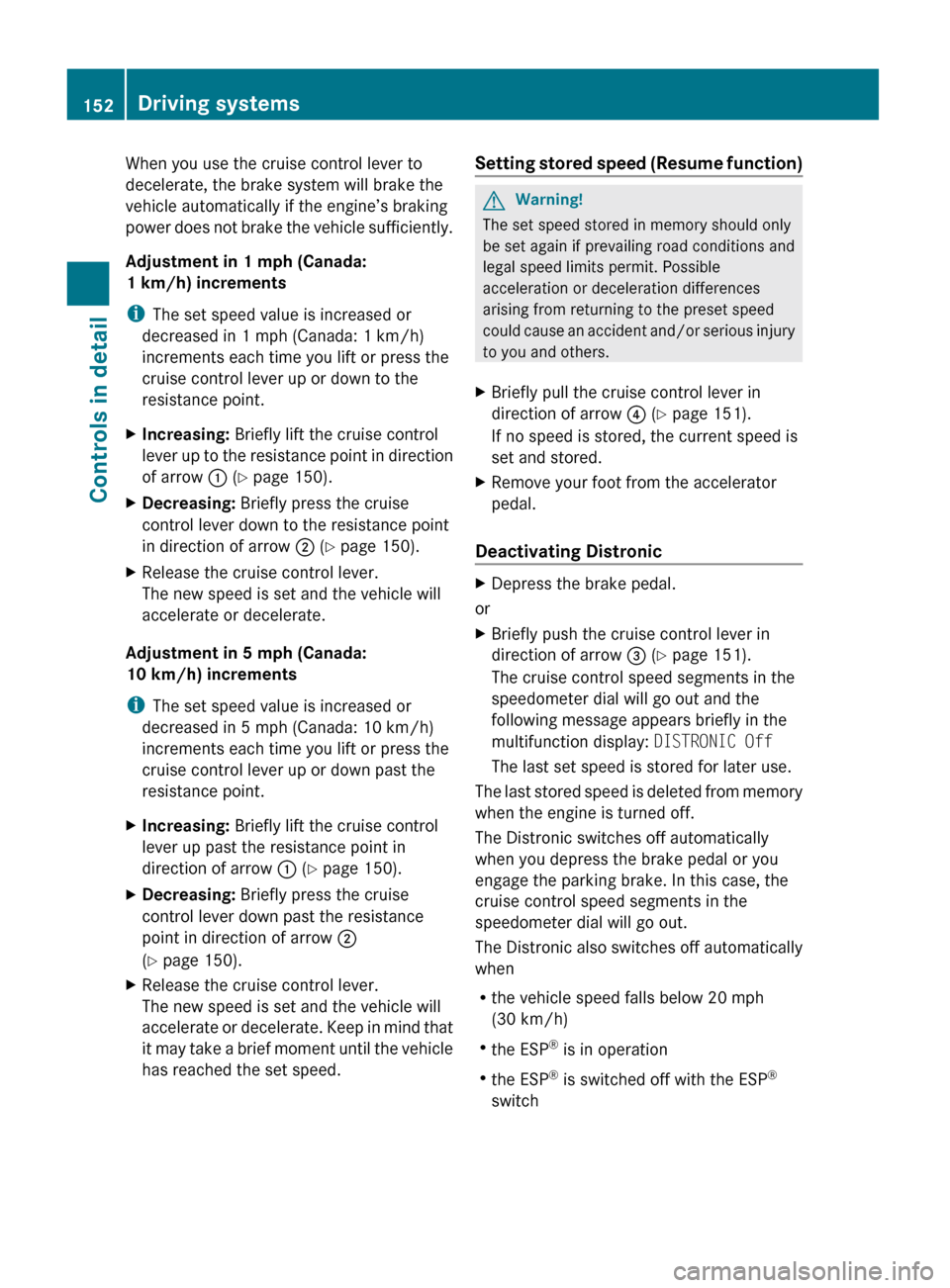
resistance point.XIncreasing: Briefly lift the cruise control
lever up to the resistance point in direction
of arrow : (Y page 150).XDecreasing: Briefly press the cruise
control lever down to the resistance point
in direction of arrow ; (Y page 150).XRelease the cruise control lever.
The new speed is set and the vehicle will
accelerate or decelerate.
Adjustment in 5 mph (Canada:
10 km/h) increments
i The set speed value is increased or
decreased in 5 mph (Canada: 10 km/h)
increments each time you lift or press the
cruise control lever up or down past the
resistance point.
XIncreasing: Briefly lift the cruise control
lever up past the resistance point in
direction of arrow : (Y page 150).XDecreasing: Briefly press the cruise
control lever down past the resistance
point in direction of arrow ;
( Y page 150).XRelease the cruise control lever.
The new speed is set and the vehicle will
accelerate or decelerate. Keep in mind that
it may take a brief moment until the vehicle
has reached the set speed.Setting stored speed (Resume function)GWarning!
The set speed stored in memory should only
be set again if prevailing road conditions and
legal speed limits permit. Possible
acceleration or deceleration differences
arising from returning to the preset speed
could cause an accident and/or serious injury
to you and others.
XBriefly pull the cruise control lever in
direction of arrow ? (Y page 151).
If no speed is stored, the current speed is
set and stored.XRemove your foot from the accelerator
pedal.
Deactivating Distronic
XDepress the brake pedal.
or
XBriefly push the cruise control lever in
direction of arrow = (Y page 151).
The cruise control speed segments in the
speedometer dial will go out and the
following message appears briefly in the
multifunction display: DISTRONIC Off
The last set speed is stored for later use.
The last stored speed is deleted from memory
when the engine is turned off.
The Distronic switches off automatically
when you depress the brake pedal or you
engage the parking brake. In this case, the
cruise control speed segments in the
speedometer dial will go out.
The Distronic also switches off automatically
when
R the vehicle speed falls below 20 mph
(30 km/h)
R the ESP ®
is in operation
R the ESP ®
is switched off with the ESP ®
switch
152Driving systemsControls in detail
X164_AKB; 5; 31, en-USd2ureepe,Version: 2.11.8.12009-09-11T12:30:16+02:00 - Seite 152
Page 304 of 380

Display messagesPossible causes/consequences and M SolutionsÁCompressor
Cooling
DownYou have selected a higher vehicle level. Due to frequent level
changes within a short period, the compressor must cool
down first.
! When the message Compressor Cooling Down appears
in the multifunction display, driving is still possible. Keep in
mind that the ride height of the vehicle is not yet reached,
so you can damage the underbody of the vehicle.XLet the compressor cool down until the message
disappears.
The selected level will be set once the compressor has
cooled down.ÁRising
Max. 12
MPHThe vehicle is adjusting to off-road level 3.XDo not drive faster than 12 mph (20 km/h).ÁMax. 12
MPHYou are driving while using off-road level 3. The message
reminds you of the maximum speed at which you may drive
with off-road level 3.XDo not drive faster than 12 mph (20 km/h).ÆBeing
lowered
Max. 12
MPHThe vehicle is being lowered from off-road level 3 to off-road
level 2.XDo not drive faster than 12 mph
(20 km/h) until the off-road level 2 is reached.ÆReduce
speed to
under
12 MPHYou are driving too fast for the set vehicle level.GWarning!
Adapt your driving style to the modified driving conditions.
Avoid extreme, quick steering maneuvers. Please keep in
mind that the driving characteristics of the vehicle have been
modified. You should therefore drive in off-road level 3 with
particular caution as it could otherwise lead to an accident
and/or serious injury to you or others.
XDo not drive faster than 12 mph
(20 km/h) until the off-road level 2 is reached.8Locking
System
Inoperativ
e Service
RequiredThe differential locks are malfunctioning.XDo not drive faster than 50 mph (80 km/h).XHave the vehicle checked at an authorized Mercedes-Benz
Center.302Vehicle status messages in the multifunction displayPractical hints
X164_AKB; 5; 31, en-USd2ureepe,Version: 2.11.8.12009-09-11T12:30:16+02:00 - Seite 302