Page 5 of 650

TABLE OF CONTENTSIndex
4
GS_G_U (OM30C80U)
January 27, 2010 4:48 pm
3-2. Using the air conditioning system and defogger
Automatic air conditioning system ............................................ 246
Rear window and outside rear view mirror defoggers ............ 255
Windshield wiper de-icer ......... 256
3-3. Using the audio system Audio system type ....................... 257
Using the radio ............................. 260
Using the CD/DVD player...... 269
Playing an audio CD................... 272
Playing MP3 and WMA discs.................................. 276
Playing DVD video/audio (with DVD player).................... 280
Playing a video CD (with DVD player)..................... 294
CD/DVD player and DVD video disc information ............. 297
Listening to Bluetooth
®
audio .............................................. 308
Listening to a USB memory/ iPod
®.............................................. 316
Optimal use of the audio/ video system................................ 326
Using the AUX port................... 328
Using the steering switches ..... 329 3-4. Using the hands-free system
(for cellular phone)
Hands-free system (for cellular phone) ................... 332
Using a Bluetooth
® phone ..... 338
Setting the hands-free system (for cellular phone) .................. 353
3-5. Using the interior lights Interior lights list........................... 382
3-6. Using the storage features List of storage features.............. 385
3-7. Other interior features Sun visors......................................... 393
Vanity mirrors................................ 394
Clock ................................................ 395
Outside temperature display ............................................ 396
Ashtrays ........................................... 397
Cigarette lighter .......................... 398
Power outlet ................................... 399
Seat heaters/ventilators ........... 400
Armrest ............................................ 402
Rear sunshade .............................. 403
Floor mats....................................... 406
Trunk features............................... 408
Garage door opener..................... 411
Compass........................................... 417
Safety Connect .............................. 421
GS_U_G.book Page 4 Wednesday, January 27, 2010 4:48 PM
Page 11 of 650
10
GS_G_U (OM30C80U)
January 27, 2010 4:47 pm
A
Pictorial indexInterior
SRS front passengerairbag
P. 93
SRS knee airbags P. 93
Floor mat P. 406
Front seat P. 53
SRS side airbag P. 93
Console box P. 388
Power outlet P. 399
Ashtray P. 397
Cup holders P. 391
Armrest P. 402
SRS driver airbag P. 93
Seat belt P. 63
Door pocket P. 392
Head restraint
P. 60
AUX port P. 328
USB port P. 316
GS_U_G.book Page 10 Wednesday, January 27, 2010 4:48 PM
Page 228 of 650
Interior features3
227
GS_G_U (OM30C80U)
January 27, 2010 7:28 pm
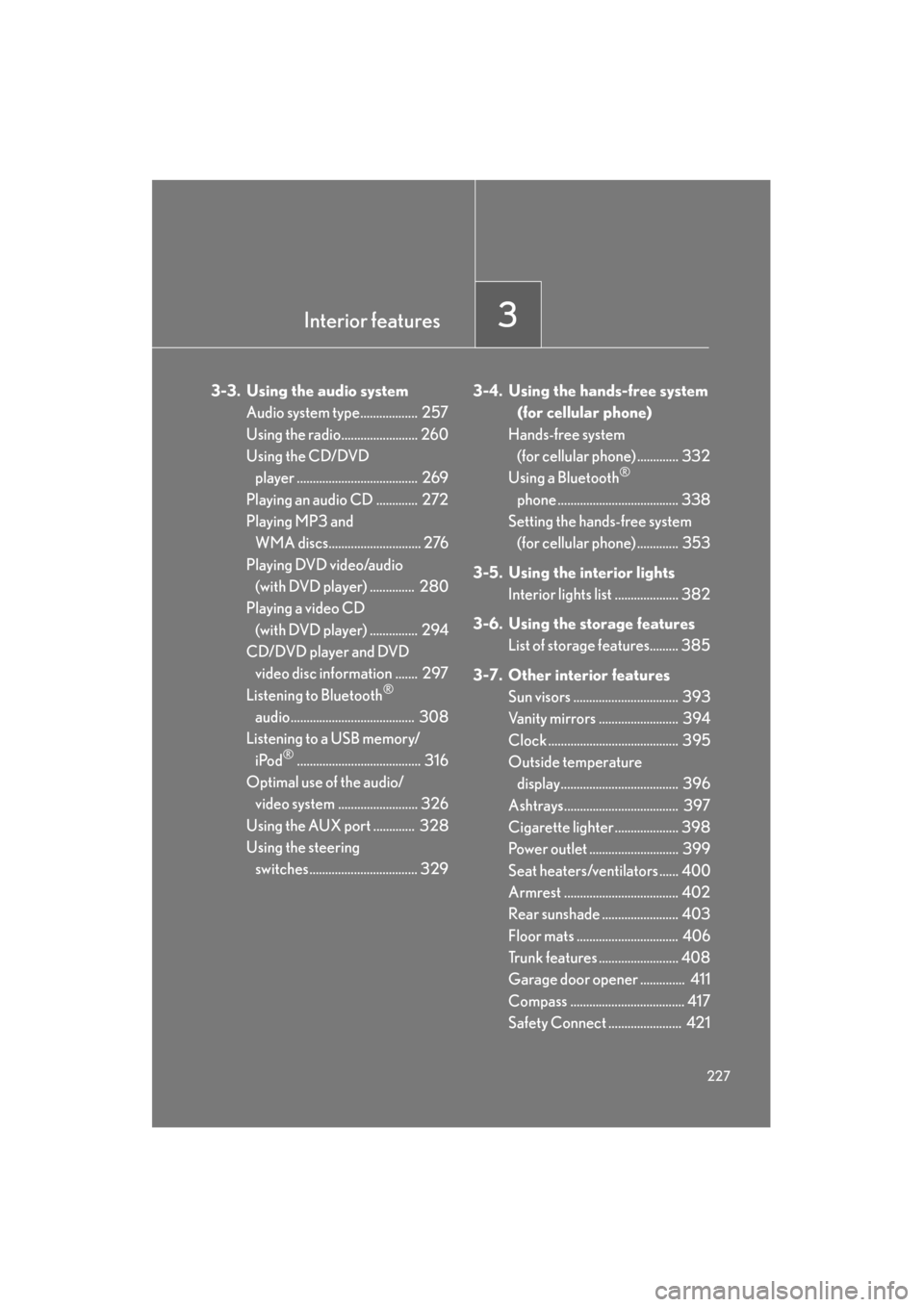
3-3. Using the audio systemAudio system type.................. 257
Using the radio........................ 260
Using the CD/DVD player ...................................... 269
Playing an audio CD ............. 272
Playing MP3 and WMA discs............................. 276
Playing DVD video/audio (with DVD player) .............. 280
Playing a video CD
(with DVD player) ............... 294
CD/DVD player and DVD video disc information ....... 297
Listening to Bluetooth
®
audio....................................... 308
Listening to a USB memory/
iPod
®....................................... 316
Optimal use of the audio/ video system ......................... 326
Using the AUX port ............. 328
Using the steering switches.................................. 329 3-4. Using the hands-free system
(for cellular phone)
Hands-free system (for cellular phone) ............. 332
Using a Bluetooth
®
phone ...................................... 338
Setting the hands-free system (for cellular phone) ............. 353
3-5. Using the interior lights Interior lights list .................... 382
3-6. Using the storage features List of storage features......... 385
3-7. Other interior features Sun visors ................................. 393
Vanity mirrors ......................... 394
Clock ......................................... 395
Outside temperature
display..................................... 396
Ashtrays.................................... 397
Cigarette lighter .................... 398
Power outlet ............................ 399
Seat heaters/ventilators ...... 400
Armrest .................................... 402
Rear sunshade ........................ 403
Floor mats ................................ 406
Trunk features ......................... 408
Garage door opener .............. 411
Compass .................................... 417
Safety Connect ....................... 421
Sec_03TOC.fm Page 227 Wednesday, January 27, 2010 7:28 PM
Page 259 of 650
258
3-3. Using the audio system
GS_G_U (OM30C80U)
January 27, 2010 4:47 pm
Using the voice command system (with navigation system)
Press the talk switch to operate the
voice command system.
(→“Navigation System Owner’s
Manual”)
Ti t l ePa g e
Using the radioP. 2 6 0
Using the CD/DVD playerP. 2 6 9
Playing an audio CDP. 2 7 2
Playing MP3 and WMA discsP. 2 76
Playing DVD video/audioP. 2 8 0
Playing video CDP. 2 9 4
CD/DVD player and DVD video disc informationP. 2 9 7
Listening to Bluetooth® audioP. 3 0 8
Listening to a USB memory/iPod®P. 3 1 6
Optimal use of the audio/video systemP. 3 2 6
Using the AUX portP. 3 2 8
Using the steering switchesP. 3 2 9
GS_U_G.book Page 258 Wednesday, January 27, 2010 4:48 PM
Page 317 of 650
316
3-3. Using the audio system
GS_G_U (OM30C80U)
January 27, 2010 4:47 pm
Listening to a USB memory/iPod®
Connecting a USB memory or iPod® enables you to enjoy music from the
vehicle speakers.
The above illustration shows an iPod® screen.
Audio control screen display button
Track/file selectionVo l u m e
Po w e r Select play mode Displays track list
Setting the
sound
(
→ P. 3 2 6 )
Random play
Repeat play
Play/pause
Select file/track
GS_U_G.book Page 316 Wednesday, January 27, 2010 4:48 PM
Page 318 of 650
317
3-3. Using the audio system
3
Interior features
GS_G_U (OM30C80U)
January 27, 2010 4:47 pm
Connecting the USB memory/iPod®
Open the cover and connect the
player.
Playing an iPod®
■Play/pause
Touch or to play/pause.
■ Selecting a play mode
Touch “Menu” on the “USB” screen.
Select the desired play mode.
STEP1
STEP2
GS_U_G.book Page 317 Wednesday, January 27, 2010 4:48 PM
Page 319 of 650
318
3-3. Using the audio system
GS_G_U (OM30C80U)
January 27, 2010 4:47 pm
Selecting a folder (USB memory only)
■ Selecting a folder
Touch “Folder ” or “ ” on the screen to select the next/previous
folder.
■ Selecting a folder from the list
Touch “Select” for Folder on the screen.
Touch the desired folder number.
or : Moves the list in steps of 5
This function is available only when
the vehicle is not moving.
■ Selecting the desired folder by cuei ng the first file of each folder
(USB memory only)
Touch and hold “SCAN” on the screen until “FLD.SCAN” appears.
Touch “SCAN” once again when the desired folder is reached.
STEP1
STEP2
GS_U_G.book Page 318 Wednesday, January 27, 2010 4:48 PM
Page 320 of 650
319
3-3. Using the audio system
3
Interior features
GS_G_U (OM30C80U)
January 27, 2010 4:47 pm
Selecting a file/track■ Selecting one file/track at a time
Tu r n o r p r e s s ∧ or ∨ on to select the desired file/track.
■ Selecting a file/track from the list
Touch “Select” for File/Track.
Touch the desired file/track num-
ber.
or : Moves the list in steps of 5
This function is available only when
the vehicle is not moving.
■ Selecting the desired file by cueing the files in the folder (USB mem-
ory only)
Touch “SCAN” on the screen.
Touch “SCAN” once again when the desired file is reached.
Random playback
■ Playing files/tracks from a part icular folder in random order
Touch “RAND” on the screen.
■ Playing the all files/tracks in random order
Touch and hold “RAND” on the screen until “FLD.RAND” appears.
STEP1
STEP2
GS_U_G.book Page 319 Wednesday, January 27, 2010 4:48 PM


