Page 177 of 650

176
2-4. Using other driving systems
GS_G_U (OM30C80U)
January 27, 2010 4:47 pm
Example of follow-up cruising
When following a vehicle driving slower than the set speed
The system continues follow-up cruising while adjusting for changes in the
speed of the vehicle ahead in order to maintain the vehicle-to-vehicle dis-
tance set by the driver.
Example of acceleration
When there are no longer vehicles driving slower than the set speed in
the lane ahead
When the vehicle ahead of you executes a lane change, the system slowly
accelerates until the set vehicle speed is reached. The system then returns to
fixed speed cruising.
Approach warningWhen your vehicle is too close to a vehicle ahead, and sufficient auto-
matic deceleration via the cruise control is not possible, the display will
flash and a buzzer will sound to alert the driver. An example of this would
be if another driver cuts in front of you while you are following a vehicle.
Apply the brakes to ensure an appropriate vehicle-to-vehicle distance.
■Warning lights and messages for dynamic radar cruise control
Warning lights, messages and buzzers are used to indicate a system malfunction or
to inform the driver of the need for caution while driving. ( →P. 5 4 6 )
■Switching modes
The mode cannot be switched to constant speed control mode if vehicle-to-vehicle
distance control mode has been used. The mode also cannot be switched from
constant speed control to vehicle-to-vehic le control mode. Turn the system off by
pressing the “ON-OFF” button, and turn it on again.
GS_U_G.book Page 176 Wednesday, January 27, 2010 4:48 PM
Page 198 of 650
197
2-4. Using other driving systems
2
When driving
GS_G_U (OM30C80U)
January 27, 2010 4:47 pm
■Displayed area
■Rear view monitor system cameraThe area covered by the camera is limited.
Objects which are close to either corner of
the bumper or under the bumper cannot be
seen on the screen.
The area displayed on the screen may vary
according to vehicle orientation or road con-
ditions.
Corners of bumper
In the following cases, it may be difficult to
see the images on the screen, even when the
system is functioning correctly.
• In the dark (e.g. at night).
• If the temperature near the lens is
extremely high or low.
• If water droplets get on the camera, or
when humidity is high (e.g. when it rains).
• If foreign matter (e.g. snow or mud) get on the camera lens.
• If the sun or headlights are shining directly into the camera lens.
GS_U_G.book Page 197 Wednesday, January 27, 2010 4:48 PM
Page 202 of 650

201
2-4. Using other driving systems
2
When driving
GS_G_U (OM30C80U)
January 27, 2010 4:47 pm
When the Enhanced VSC/TRAC/hill-start assist control systems are
operatingIf the vehicle is in danger of slip-
ping, rolling backwards when
starting on an incline, or if the rear
wheels (2WD models) or all
wheels (4WD models) spin, the
slip indicator light flashes to indi-
cate that the Enhanced VSC/
TRAC/hill-start assist control sys-
tems have been engaged.
A buzzer (intermittent) sounds to
indicate that Enhanced VSC is
operating.
The stop lights and high mounted
stoplight turn on when the hill-start
assist control system is operating.
GS460: The slip indicator lightflashes as well when
ABS is operating.
■VGRS (Variable Gear Ratio Steering) (GS460)
Adjusts the wheel turning angle in accordance with the vehicle speed and
steering wheel movement.
■VDIM (Vehicle Dynamics Integrated Management)
Provides integrated control of the ABS, Enhanced VSC, TRAC, hill-start
assist control, VGRS (GS460) and EPS systems.
Helps to maintain vehicle stability when swerving on slippery road sur-
faces by controlling the brakes, engine output, and the movement of the
front wheels.
GS_U_G.book Page 201 Wednesday, January 27, 2010 4:48 PM
Page 211 of 650

210
2-4. Using other driving systems
GS_G_U (OM30C80U)
January 27, 2010 4:47 pm
■Conditions that may trigger the system even if there is no danger of collision
●When there is an object by the roadside at the entrance to a curve
●When passing an oncoming vehicle on a curve
●When driving over a narrow iron bridge
●When there is a metal object on the road surface
●When driving on an uneven road surface
●When passing an oncoming vehicle on a left-turn
●When your vehicle rapidly closes on the vehicle in front
●When a grade separation/interchange, sign, billboard, or other structure
appears to be directly in the vehicle’s line of travel
●When an extreme change in vehicle height occurs
●When there is an abnormality in the radar sensor
●When climbing a steep hill causes an overhead billboard or other metallic struc-
ture to appear directly in the vehicle’s line of travel
When the system is activated in the situations described above there is also a possi-
bility that the seat belts will retract quickly and the brakes will be applied with a force
greater than normal. When the seat belt is locked in the retracted position, stop the
vehicle in a safe place, release the seat belt and refasten.
■When there is a malfunction in the system
Warning lights and/or warning messages will turn on or flash. ( →P. 535, 545)
GS_U_G.book Page 210 Wednesday, January 27, 2010 4:48 PM
Page 228 of 650
Interior features3
227
GS_G_U (OM30C80U)
January 27, 2010 7:28 pm
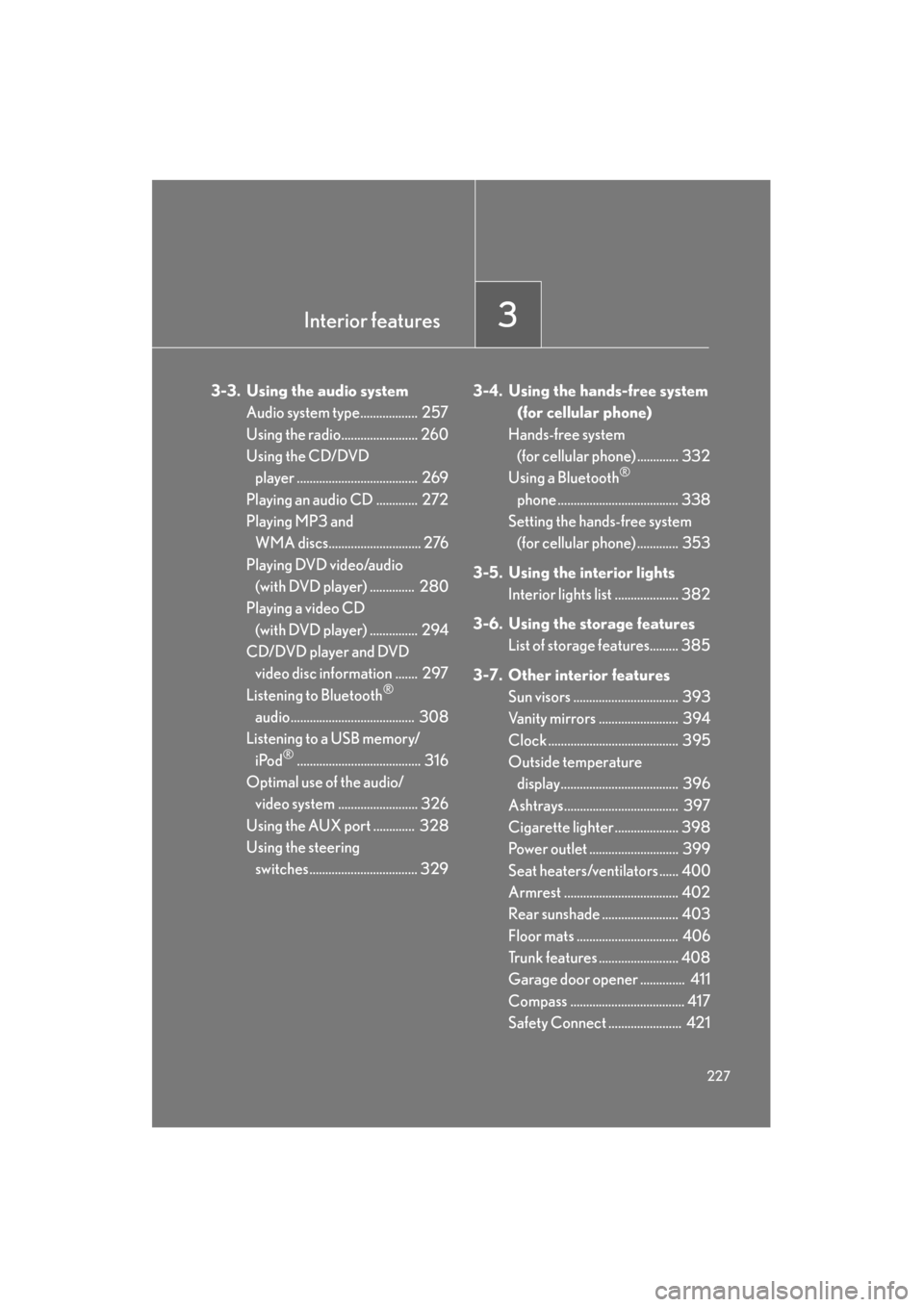
3-3. Using the audio systemAudio system type.................. 257
Using the radio........................ 260
Using the CD/DVD player ...................................... 269
Playing an audio CD ............. 272
Playing MP3 and WMA discs............................. 276
Playing DVD video/audio (with DVD player) .............. 280
Playing a video CD
(with DVD player) ............... 294
CD/DVD player and DVD video disc information ....... 297
Listening to Bluetooth
®
audio....................................... 308
Listening to a USB memory/
iPod
®....................................... 316
Optimal use of the audio/ video system ......................... 326
Using the AUX port ............. 328
Using the steering switches.................................. 329 3-4. Using the hands-free system
(for cellular phone)
Hands-free system (for cellular phone) ............. 332
Using a Bluetooth
®
phone ...................................... 338
Setting the hands-free system (for cellular phone) ............. 353
3-5. Using the interior lights Interior lights list .................... 382
3-6. Using the storage features List of storage features......... 385
3-7. Other interior features Sun visors ................................. 393
Vanity mirrors ......................... 394
Clock ......................................... 395
Outside temperature
display..................................... 396
Ashtrays.................................... 397
Cigarette lighter .................... 398
Power outlet ............................ 399
Seat heaters/ventilators ...... 400
Armrest .................................... 402
Rear sunshade ........................ 403
Floor mats ................................ 406
Trunk features ......................... 408
Garage door opener .............. 411
Compass .................................... 417
Safety Connect ....................... 421
Sec_03TOC.fm Page 227 Wednesday, January 27, 2010 7:28 PM
Page 234 of 650

233
3-1. Using the touch screen
3
Interior features
GS_G_U (OM30C80U)
January 27, 2010 4:47 pm
■To avoid damaging the touch screen
●Touch the screen lightly with your finger. If there is no response, remove your fin-
ger from the screen and try again.
●Remove any dirt on the screen by wiping with a soft cloth. Do not use detergent.
■When using the touch screen
●If the screen is cold, the display may be dark, or the system may seem to be
operating slightly slower than normal.
●The screen may seem dark and hard to see when viewed through sunglasses.
Change your angle of viewing, adjust the display on the “Display” screen or
remove your sunglasses.
■Changing between day mode and night mode
■To turn off the display
If “Screen Off” is touched, the screen display is turned off, and guidance is by voice
only.When the headlights are turned on, the
screen dims.
However, the screen can be switched to day
mode by touching “Day Mode”.
The screen will stay in day mode when the
headlights are turned on until “Day Mode”
is touched again.
The switch will not be displayed if the
instrument panel light control is set to the
brightest level.
GS_U_G.book Page 233 Wednesday, January 27, 2010 4:48 PM
Page 383 of 650
382
GS_G_U (OM30C80U)
January 27, 2010 4:47 pm
3-5. Using the interior lights
Interior lights list
Illuminated entry system: The various lights automatically turn on/off
according to the presence of the electronic key, whether the doors are
locked/unlocked, whether the doors are open/closed, and the “ENGINE
START STOP” switch mode.
When the instrument panel light control switch is turned to minimum, the foot
lights, inside door handle lights and shift lever light will turn off. (→P. 1 4 8 )
Outer foot light
Steering spot light
Front personal lights
(→P. 384)
Shift lever light
Front interior lights( →P. 383)
Inside door handle lightsRear personal lights (→P. 384)
Rear interior lights
Door courtesy lights
Foot light
Front scuff light
GS_U_G.book Page 382 Wednesday, January 27, 2010 4:48 PM
Page 384 of 650
383
3-5. Using the interior lights
3
Interior features
GS_G_U (OM30C80U)
January 27, 2010 4:47 pm
Interior lights“ON”
“OFF”
“DOOR”
The interior lights are turned on/off
by the illuminated entry system.
■To prevent 12 volt battery discharge
If the interior lights, personal lights and steering spot light remain ON when the
door is not fully closed or the interior light switch in “DOOR” position, the lights will
go off automatically after 20 minutes.
■Customization that can be configured at Lexus dealer
Setting (e.g. The time elapsed before lights turn off) can be changed.
(Customizable features
→P. 622)
GS_U_G.book Page 383 Wednesday, January 27, 2010 4:48 PM


