Page 228 of 650
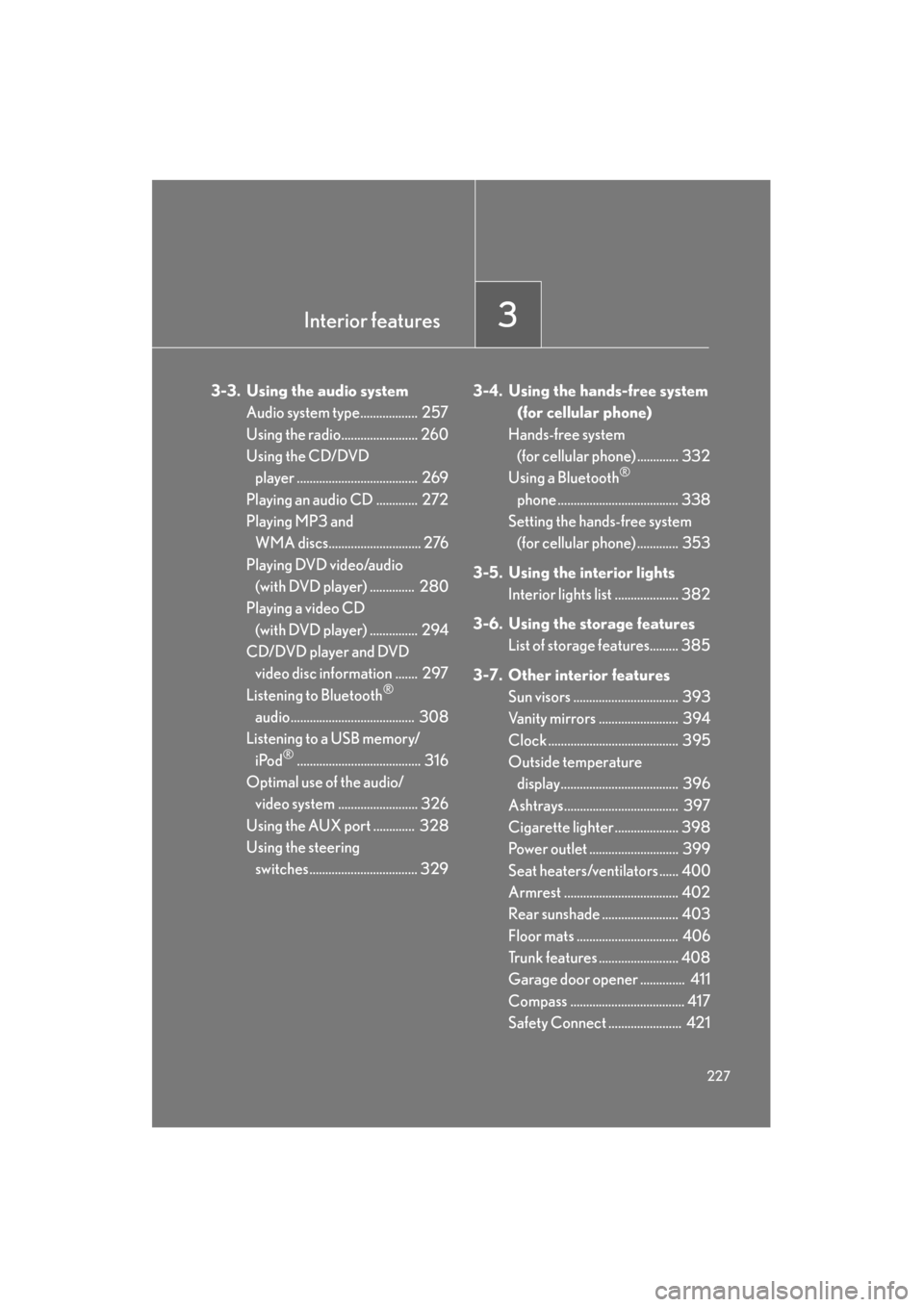
Interior features3
227
GS_G_U (OM30C80U)
January 27, 2010 7:28 pm
3-3. Using the audio systemAudio system type.................. 257
Using the radio........................ 260
Using the CD/DVD player ...................................... 269
Playing an audio CD ............. 272
Playing MP3 and WMA discs............................. 276
Playing DVD video/audio (with DVD player) .............. 280
Playing a video CD
(with DVD player) ............... 294
CD/DVD player and DVD video disc information ....... 297
Listening to Bluetooth
®
audio....................................... 308
Listening to a USB memory/
iPod
®....................................... 316
Optimal use of the audio/ video system ......................... 326
Using the AUX port ............. 328
Using the steering switches.................................. 329 3-4. Using the hands-free system
(for cellular phone)
Hands-free system (for cellular phone) ............. 332
Using a Bluetooth
®
phone ...................................... 338
Setting the hands-free system (for cellular phone) ............. 353
3-5. Using the interior lights Interior lights list .................... 382
3-6. Using the storage features List of storage features......... 385
3-7. Other interior features Sun visors ................................. 393
Vanity mirrors ......................... 394
Clock ......................................... 395
Outside temperature
display..................................... 396
Ashtrays.................................... 397
Cigarette lighter .................... 398
Power outlet ............................ 399
Seat heaters/ventilators ...... 400
Armrest .................................... 402
Rear sunshade ........................ 403
Floor mats ................................ 406
Trunk features ......................... 408
Garage door opener .............. 411
Compass .................................... 417
Safety Connect ....................... 421
Sec_03TOC.fm Page 227 Wednesday, January 27, 2010 7:28 PM
Page 229 of 650
228
GS_G_U (OM30C80U)
January 27, 2010 4:47 pm
3-1. Using the touch screen
Touch screen
By touching the screen with your finger, you can control the audio system
and air conditioning system, and adjust the screen display etc.
Press or to display the following screen.
Owners of models equipped with a navigation system should refer to the
“Navigation System Owner’s Manual”.
The illustrations below are for vehicles with navigation system.
The display and button positions will differ depending on the type of the sys-
tem.
■ Display
“Setup” screen
GS_U_G.book Page 228 Wednesday, January 27, 2010 4:48 PM
Page 233 of 650
232
3-1. Using the touch screen
GS_G_U (OM30C80U)
January 27, 2010 4:47 pm
Adjusting the displayPress .
Adjust the display as desired using “-” / “+” /“R” / “G”.
If you do not touch the screen for 20 seconds, the system will return to
the previous screen.
*: Vehicles with DVD player only, displays during DVD video/audio or videoCD playback
STEP1
STEP2
“R”“G”
“Color”*RedGreen
“-”“+”
“Tone”*LighterDarker
“Contrast”LowerHigher
“Brightness”DarkerBrighter
GS_U_G.book Page 232 Wednesday, January 27, 2010 4:48 PM
Page 237 of 650
236
3-1. Using the touch screen
GS_G_U (OM30C80U)
January 27, 2010 4:47 pm
■Select language
Select the desired language.
■ Change voice recognition language
The desired voice recognition language can be selected from the list.
■ Automatic transition on/off
After 20 seconds of air conditioning or audio system use, the system
will return the display to the previous screen.
GS_U_G.book Page 236 Wednesday, January 27, 2010 4:48 PM
Page 241 of 650
240
3-1. Using the touch screen
GS_G_U (OM30C80U)
January 27, 2010 4:47 pm
Voice settingsTouch “Voice” on the “Setup” screen. Pa g e 1 Select voice guidance volume
Voice guidance on/off during
route guidance
(with navigation system)
Voice guidance on/off during
audio system etc. is in use
(with navigation system)
Voice recognition talkback on/
off
Restore default settings
Automatic recognition on/off
without pressing the talk switch
more than once
Vo i c e g u i d a n c e o n /o f f w h e n
using the traffic information
(with navigation system)
Vo i c e g u i d a n c e o n /o f f w h e n
using the XM
® NavWeather
(with navigation system)
Select voice guidance projec-
tion
Pa g e 2
GS_U_G.book Page 240 Wednesday, January 27, 2010 4:48 PM
Page 242 of 650
241
3-1. Using the touch screen
3
Interior features
GS_G_U (OM30C80U)
January 27, 2010 4:47 pm
Audio settingsTouch “Audio” on the “Setup” screen. Sound settings
Select portable player
Setting up Bluetooth
® audio
■ Sound settings
Touch “Sound Settings”.
Sound/DSP settings can be changed. ( →P. 3 2 6 )
■Select portable player
Touch “Select Portable Player”.
A portable player can be selected
for connection.
Where no player is registered,
“Empty” is displayed.
When “Portable Player Info” is touched, the following screen is displayed:
STEP1
STEP2
GS_U_G.book Page 241 Wednesday, January 27, 2010 4:48 PM
Page 243 of 650
242
3-1. Using the touch screen
GS_G_U (OM30C80U)
January 27, 2010 4:47 pm
“Device Name” and “Connection
Method” can be changed.
● Changing the device name
Touch “Edit”.
Enter the desired name.
● Changing the connection method
Touch “From Vehicle” or “From
Portable Player”.
“From Vehicle”: Connect the audio
system to the audio player.
“From Portable Player”: Connect
the audio player to the audio sys-
tem.
STEP1
STEP2
GS_U_G.book Page 242 Wednesday, January 27, 2010 4:48 PM
Page 244 of 650
243
3-1. Using the touch screen
3
Interior features
GS_G_U (OM30C80U)
January 27, 2010 4:47 pm
■Setting up Bluetooth® audio
Touch “Bluetooth
* Audio Settings”.
Register/remove Bluetooth
®
audio
Automatic connection on/off
Display passcode
Display device name
Restore default settings
*: Bluetooth is a registered trademark of Bluetooth SIG. Inc.
●Registering Bluetooth® audio
To u c h “ R e g i s t e r ” . Enter the passcode into the porta-
ble player.
A message is shown if connection
has been successful.
If connection fails, a message will
be displayed and connection will
be re-attempted.
●Removing Bluetooth® audio
To u c h “ R e m o v e ” . Touch the player to remove.
A confirmation screen will be dis-
played, touch “Yes” to remove the
player.
STEP1
STEP2
STEP1
STEP2
GS_U_G.book Page 243 Wednesday, January 27, 2010 4:48 PM


