Page 12 of 461

23
Your vehicle at a glance
INSTRUMENT PANEL OVERVIEWB020000AHM-EE
1. Instrument cluster.............................4-48
2. Steering wheel audio controls* ......4-125
3. Light control / Turn signals ...............4-73
4. Horn .................................................4-38
5. Auto cruise controls* ........................5-39
6. Wiper/Washer switch ........................4-77
7. Driver’s front air bag .........................3-52
8. Driver’s knee air bag* .......................3-52
9. Ignition switch* orENGINE START/STOP button* ...5-4, 5-6
10. Hazard warning flasher ....................6-2
11. Audio* or Navigation* ...................4-130
12. Digital clock ..................................4-119
13. Climate control system* .................4-84
14. Power outlet* ................................4-116
15. Multi box .......................................4-113
16. Shift lever .......................................5-12
17. Aux, USB and iPod port*..............4-126
18. Seat warmer switch* ........................3-8
19. Climate control seat switch* .............3-9
20. Rear parking assist system OFF switch* ....................................4-68
21. AC inverter switch* .......................4-117
22. Parking brake pedal .......................5-28
23. Brake pedal ....................................5-27
24. Accelerator pedal .............................5-9
25. Passenger’s front air bag* ..............3-53
26. Glove box .....................................4-112
* : if equipped
OHM018002N
Page 206 of 461
Features of your vehicle126
4D300202AHMMODE (3)Press the button to select Radio, CD
(compact disc), AUX or USB (iPod).
If there is no CD or the auxiliary device is
not connected, the mode may not be
converted to the CD, AUX or USB (iPod)
mode.
D300205AHMMUTE (4) Pull the MUTE button to cancel the
sound.
Pull the MUTE button again to activate the sound.
Detailed information for audio control
buttons is described in the following
pages in this section.
D300600AHM-EEAux, USB and iPod
®*
(if equipped)
If your vehicle has an aux and/or USB
(universal serial bus) port or iPod port,
you can use an aux port to connect audio
devices and an USB port to plug in an
USB and also an iPod port to plug in an
iPod.✽ ✽ NOTICEWhen using a portable audio device
connected to the power outlet, noise may
occur during playback. If this happens,
use the power source of the portable
audio device.*iPod
®is a trademark of Apple Inc.
OHM048151
Page 220 of 461
Features of your vehicle140
4
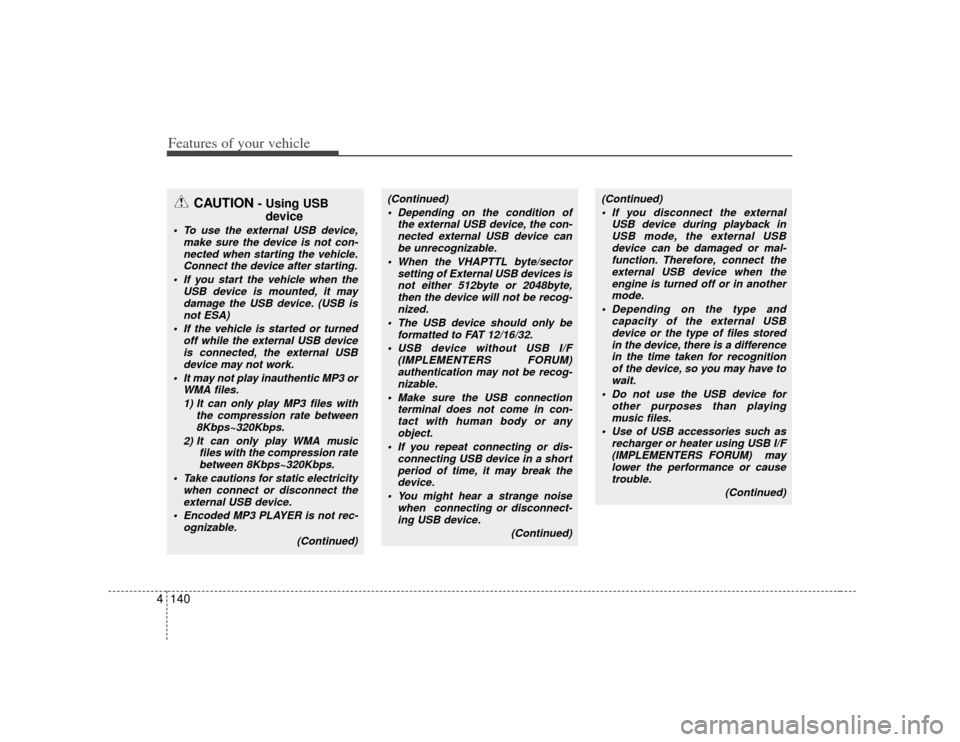
CAUTION
- Using USB
device
To use the external USB device,
make sure the device is not con-nected when starting the vehicle. Connect the device after starting.
If you start the vehicle when the USB device is mounted, it maydamage the USB device. (USB is not ESA)
If the vehicle is started or turned off while the external USB deviceis connected, the external USBdevice may not work.
It may not play inauthentic MP3 or WMA files.
1) It can only play MP3 files with the compression rate between8Kbps~320Kbps.
2) It can only play WMA music files with the compression ratebetween 8Kbps~320Kbps.
Take cautions for static electricity when connect or disconnect theexternal USB device.
Encoded MP3 PLAYER is not rec- ognizable.
(Continued)
(Continued) Depending on the condition of the external USB device, the con-nected external USB device can be unrecognizable.
When the VHAPTTL byte/sector setting of External USB devices isnot either 512byte or 2048byte,then the device will not be recog-nized.
The USB device should only be formatted to FAT 12/16/32.
USB device without USB I/F (IMPLEMENTERS FORUM)authentication may not be recog-nizable.
Make sure the USB connection terminal does not come in con-tact with human body or anyobject.
If you repeat connecting or dis- connecting USB device in a shortperiod of time, it may break the device.
You might hear a strange noise when connecting or disconnect-ing USB device.
(Continued)
(Continued) If you disconnect the external USB device during playback inUSB mode, the external USBdevice can be damaged or mal- function. Therefore, connect theexternal USB device when theengine is turned off or in anothermode.
Depending on the type and capacity of the external USBdevice or the type of files stored in the device, there is a differencein the time taken for recognition of the device, so you may have towait.
Do not use the USB device for other purposes than playingmusic files.
Use of USB accessories such as recharger or heater using USB I/F(IMPLEMENTERS FORUM) maylower the performance or causetrouble.
(Continued)
Page 221 of 461

4141
Features of your vehicle
(Continued) If you use devices such as a USB hub you purchased separately,the vehicle’s audio system may not recognize the USB device.Connect the USB device directlyto the multimedia terminal of the vehicle.
If the USB device is divided by logical drives, only the music fileson the highest-priority drive arerecognized by the vehicle’s audio.
Devices such as MP3 Player/ Cellular phone/Digital camera,those are not recognizable bystandard USB I/F (IMPLE- MENTERS FORUM) can be unrec-ognizable.
USB devices other than standard- ized goods (METAL COVER TYPEUSB) can be unrecognizable.
USB flash memory reader (such as CF, SD, microSD, etc.) or exter-nal-HDD type devices can beunrecognizable.
(Continued)
(Continued) Music files protected by DRM(DIGITAL RIGHTS MANAGE-MENT) are not recognizalbe.
The data in the USB memory may get lost while using this AUDIO. Itis recommeded to back up impor- tant data.
Please avoid using USB memory products which can be used askey chains or cellular phoneaccessories as they could causedamage to the USB jack. Please make sure only to use plug typeconnector products as shown below.
Page 222 of 461
Features of your vehicle142
4
A-200HMU
1. RANDOM Play Button
2. Automatic Track Selection Button
3. REPEAT Play Button
4. SCROLL Play Button
5. USB/AUX/iPod Selection Button
6. INFORMATION Button
7. File Search Knob and ENTER Button
8. FOLDER/CATEGORY Search Button
9. SCAN Selection Button
USB MEMORY/AUX/iPod
®
iPod
®is a trademark of Apple Inc.
■Type A
Page 223 of 461
4143
Features of your vehicle
A-300HMU
1. RANDOM Play Button
2. Automatic Track Selection Button
3. REPEAT Play Button
4. SCROLL Play Button
5. USB/AUX/iPod Selection Button
6. INFORMATION Button
7. File Search Knob and ENTER Button
8. FOLDER/CATEGORY Search Button
9. SCAN Selection Button
■Type B
Page 224 of 461
Features of your vehicle144
4
1. RANDOM Play Button
2. Automatic Track Selection Button
3. REPEAT Play Button
4. SCROLL Play Button
5. USB/AUX/iPod Selection Button
6. INFORMATION Button
7. File Search Knob and ENTER Button
8. FOLDER/CATEGORY Search Button
9. SCAN Selection Button
A-350HMU
■Type C
Page 225 of 461

4145
Features of your vehicle
How to activate USB MEMORY1. RANDOM Play ButtonPress this button for less than 0.8 second
to activate 'RDM' mode and more than
0.8 second to activate 'ALL RDM' mode.
RDM : Only files in a folder are playedback in random sequence.
ALL RDM : All files in a USB memory are played back in random sequence.2. Automatic Track Selection Button Press [TRACK ] to return to thebeginning of the current file.
Press again within 1 seconds to return
the previous file.
Press and hold [TRACK ] to initiate rewind search.
Press [SEEK ] for less than 0.8 sec- ond to advance the next file.
Press and hold [SEEK ] to initiate fast forward search.
3. REPEAT Play ButtonPress this button for less than 0.8 second
to activate 'RPT' mode and more than
0.8 second to activate 'FLD RPT' mode.
RPT : Only a file is played repeatedly.
FLD RPT : Only files in a folder areplayed repeatedly.4. SCROLL Play ButtonFile names are scrolled for 5 seconds on
the display.5. USB/AUX Selection Button If auxiliary device/USB/ is connected, itturns to USB/AUX mode and toggles
as below when the button is pressed
each time.
AUX/USB : AUX
➟USB
➟AUX.......
If no auxiliary device and USB is con- nected, it displays "No Media" for 5
seconds and returns to the previous
mode.
6. INFORMATION ButtonDisplays the information of the current
CD TRACK(FILE) as below when the
button is pressed each time.
FILE NAME
➟TITLE
➟ARTIST
➟ALBUM
➟FOLDER NAME
➟TOTAL FILE...
7. File Search Knob and ENTER Button Turn this knob clockwise to display File
name after the current song.
Turn this knob counterclockwise to dis- play File Name before the current
song.
To select the displayed song, press the button.8. FOLDER Search Button Folder name/File name(the first songin the folder) is moved up or down from
currently playing folder.
To select the displayed folder, press ENTER (NO.6) button.9. SCAN Play Button Plays back the first 10 seconds of each
song in the USB memory.


