2010 FORD SUPER DUTY oil reset
[x] Cancel search: oil resetPage 26 of 407
DTE is calculated using a running average fuel economy, which is based
on your recent driving history of 500 miles (800 km). This value is not
the same as the average fuel economy display. The running average fuel
economy is re-initialized to a factory default value if the battery is
disconnected.
XX.X MPG (L/100km)
Average fuel economy displays your average fuel economy in miles/gallon
or liters/100 km.
If you calculate your average fuel economy by dividing distance traveled
by gallons of fuel used (liters of fuel used by 100 kilometers traveled),
your figure may be different than displayed for the following reasons:
•Your vehicle was not perfectly level during fill-up
•Differences in the automatic shut-off points on the fuel pumps at
service stations
•Variations in top-off procedure from one fill-up to another
•Rounding of the displayed values to the nearest 0.1 gallon (liter)
1. Drive the vehicle at least 5 miles (8 km) with the speed control
system engaged to display a stabilized average.
2. Record the highway fuel economy for future reference.
It is important to press the SELECT/RESET button (press and hold the
SELECT/RESET button for two seconds in order to reset the function)
after setting the speed control to get accurate highway fuel economy
readings.
Setup menu (vehicle customization and vehicle system check)
HOLD RESET FOR SETUP MENU
Press and hold the SELECT/RESET button to get into the setup menu
sequence for the following displays:
Note:When returning to the setup menu and a non-English language
has been selected, HOLD RESET FOR ENGLISH will be displayed to
change back to English. Press and hold the SELECT/RESET button to
change back to English.
OIL LIFE
This displays the remaining oil life.
An oil change is required whenever indicated by the message center and
according to the recommended maintenance schedule. USE ONLY
RECOMMENDED ENGINE OILS.
Instrument Cluster
26
2010 F-250/350/450/550(f23)
Owners Guide, 1st Printing
USA(fus)
Page 27 of 407
![FORD SUPER DUTY 2010 2.G Owners Manual To reset the oil monitoring system to 100% after each oil change
(approximately 7,500 miles [12,000 km] or 12 months) perform the
following:
1. Press and release the setup button to display “OIL LIF](/manual-img/11/5288/w960_5288-26.png "FORD SUPER DUTY 2010 2.G Owners Manual To reset the oil monitoring system to 100% after each oil change
(approximately 7,500 miles [12,000 km] or 12 months) perform the
following:
1. Press and release the setup button to display “OIL LIF")
To reset the oil monitoring system to 100% after each oil change
(approximately 7,500 miles [12,000 km] or 12 months) perform the
following:
1. Press and release the setup button to display “OIL LIFE XXX% HOLD
RESET = NEW”.
2. Press and hold the SELECT/RESET stem for two seconds and release
to reset the oil life to 100%.
Note:To change oil life 100% miles value from 7,500 miles (12,000 km)
or 12 months to another value, proceed to Step 3.
3. Once “OIL LIFE SET TO XXX%” is displayed, release and press the
SELECT/RESET stem to change the Oil Life Start Value. Each release
and press will reduce the value by 10%.
Note:Oil life start value of 100% equals 7,500 miles (12,000 km) or
12 months. For example, setting oil life start value to 60% sets the oil
life start value to 4,500 miles (7,200 km) and 219 days.
UNITS
Displays the current units English or Metric.
Press and hold the SELECT/RESET button to change from English to
Metric.
Press the SELECT/RESET button for the next setup menu item or wait
for more than four seconds to return to the info menu.
LANGUAGE = ENGLISH / SPANISH / FRENCH
Allows you to choose which language the message center will display in.
Selectable languages are English, Spanish, or French.
Note:When entering the setup menu and a non-English language has
been selected, “PRESS RESET FOR ENGLISH” will be displayed to
change back to English.
Press and hold the SELECT/RESET button to select a new language.
Selectable languages are English, Spanish and French
Press and hold the SELECT/RESET button for two seconds to set the
language choice.
Press the SELECT/RESET button for the next setup menu item or wait
for more than four seconds to return to the info menu.
Instrument Cluster
27
2010 F-250/350/450/550(f23)
Owners Guide, 1st Printing
USA(fus)
Page 28 of 407
HOLD RESET FOR SYSTEM CHECK
Press and hold the SELECT/RESET button to select SYSTEM CHECK
when HOLD RESET FOR SYSTEM CHECK is displayed in the message
center. For each of the monitored systems, the message center will
indicate either an OK message or a warning message for two seconds.
Pressing the SELECT/RESET button cycles the message center through
each of the systems being monitored.
The sequence of the system check report and how it appears in the
message center is as follows:
1. XXX% OIL LIFE
2. ENGINE HOURS
3. ENGINE IDLE HOURS (Diesel engine only)
4. CHARGING SYSTEM
5. DOOR AJAR
6. BRAKE SYSTEM
7. TBC GAIN = XX.X
NO TRAILER (if equipped and no trailer connected)
8. TBC GAIN = XX.X
OUTPUT = ////// (if equipped and trailer connected)
9. XX MILES TO E FUEL LEVEL XXX
System warnings
System warnings alert you to possible problems or malfunctions in your
vehicle’s operating systems.
In the event of a multiple warning situation, the message center will
cycle the display to show all warnings by displaying each one for four
seconds.
The message center will display the last selected feature if there are no
more warning messages.
Types of messages and warnings:
•Some messages will appear briefly to inform you of something you
may need to take action on or be informed of.
•Some messages will appear once and then again when the vehicle is
restarted.
Instrument Cluster
28
2010 F-250/350/450/550(f23)
Owners Guide, 1st Printing
USA(fus)
Page 35 of 407
System check and vehicle feature customization
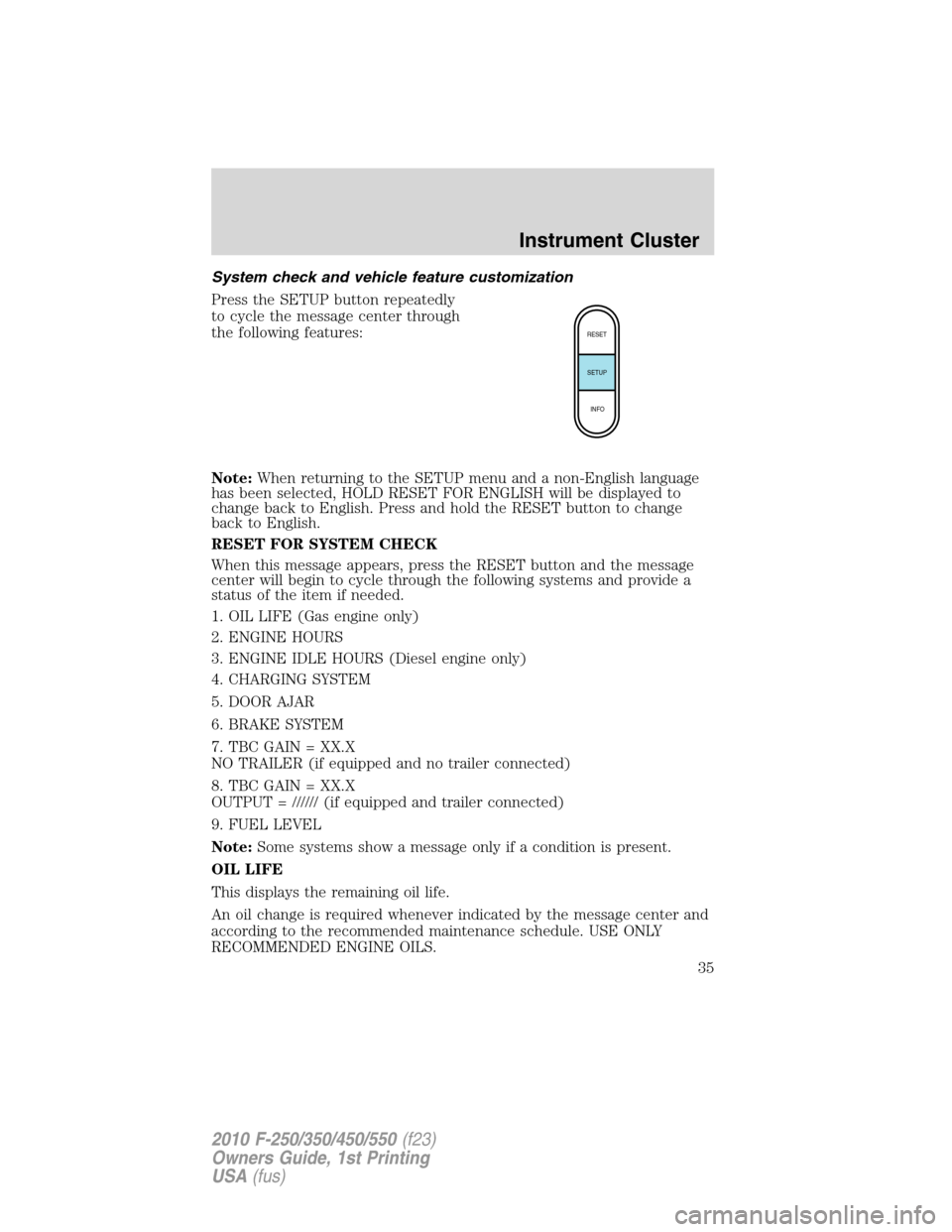
Press the SETUP button repeatedly
to cycle the message center through
the following features:
Note:When returning to the SETUP menu and a non-English language
has been selected, HOLD RESET FOR ENGLISH will be displayed to
change back to English. Press and hold the RESET button to change
back to English.
RESET FOR SYSTEM CHECK
When this message appears, press the RESET button and the message
center will begin to cycle through the following systems and provide a
status of the item if needed.
1. OIL LIFE (Gas engine only)
2. ENGINE HOURS
3. ENGINE IDLE HOURS (Diesel engine only)
4. CHARGING SYSTEM
5. DOOR AJAR
6. BRAKE SYSTEM
7. TBC GAIN = XX.X
NO TRAILER (if equipped and no trailer connected)
8. TBC GAIN = XX.X
OUTPUT = ////// (if equipped and trailer connected)
9. FUEL LEVEL
Note:Some systems show a message only if a condition is present.
OIL LIFE
This displays the remaining oil life.
An oil change is required whenever indicated by the message center and
according to the recommended maintenance schedule. USE ONLY
RECOMMENDED ENGINE OILS.
RESET
SETUP
INFO
Instrument Cluster
35
2010 F-250/350/450/550(f23)
Owners Guide, 1st Printing
USA(fus)
Page 36 of 407
![FORD SUPER DUTY 2010 2.G Owners Manual To reset the oil monitoring system to 100% after each oil change
(approximately 7,500 miles [12,000 km] or 12 months) perform the
following:
1. Press and release the SETUP button to display “OIL LIF](/manual-img/11/5288/w960_5288-35.png "FORD SUPER DUTY 2010 2.G Owners Manual To reset the oil monitoring system to 100% after each oil change
(approximately 7,500 miles [12,000 km] or 12 months) perform the
following:
1. Press and release the SETUP button to display “OIL LIF")
To reset the oil monitoring system to 100% after each oil change
(approximately 7,500 miles [12,000 km] or 12 months) perform the
following:
1. Press and release the SETUP button to display “OIL LIFE XXX%
HOLD RESET = NEW”.
2. Press and hold the RESET button for two seconds and release to reset
the oil life to 100%.
Note:To change oil life 100% miles value from 7,500 miles (12,000 km)
or 12 months to another value, proceed to Step 3.
3. Once “OIL LIFE SET TO XXX%” is displayed, release and press the
RESET button to change the Oil Life Start Value. Each release and press
will reduce the value by 10%.
Note:Oil life start value of 100% equals 7,500 miles (12,000 km) or
12 months. For example, setting oil life start value to 60% sets the oil
life start value to 4,500 miles (7,200 km) and 219 days.
UNITS
Displays the current units English or Metric.
Press the RESET button to change from English to Metric.
AUTOLAMP (SEC)
This feature keeps your headlights on for up to three minutes after the
ignition is switched off.
Press the RESET control to select the new Autolamp delay values of 0,
10, 20, 30, 60, 90, 120 or 180 seconds.
AUTOLOCK
This feature automatically locks all vehicle doors when the vehicle is
shifted into any gear, putting the vehicle in motion.
Press the RESET control to turn autolock on or off.
ZONE
The compass heading is displayed as one of N, NE, E, SE, S, SW, W and
NW in the message center display.
The compass reading may be affected when you drive near large
buildings, bridges, power lines and powerful broadcast antenna. Magnetic
or metallic objects placed in, on or near the vehicle may also affect
compass accuracy.
Instrument Cluster
36
2010 F-250/350/450/550(f23)
Owners Guide, 1st Printing
USA(fus)
Page 364 of 407
•If you do not allow the engine to relearn its idle trim, the idle
quality of your vehicle may be adversely affected until the idle
trim is eventually relearned.
If the battery has been disconnected or a new battery has been installed,
the clock and the preset radio stations must be reset once the battery is
reconnected.
•Always dispose of automotive
batteries in a responsible manner.
Follow your local authorized
standards for disposal. Call your
local authorized recycling center
to find out more about recycling
automotive batteries.
ENGINE COOLANT
Checking engine coolant
The concentration and level of engine coolant should be checked at the
intervals listed inscheduled maintenance information.The coolant
concentration should be maintained at 50/50 coolant and distilled water,
which equates to a freeze point of -34°F (-36°C). Coolant concentration
testing is possible with a hydrometer or antifreeze tester. The level of
coolant should be maintained at the FULL COLD level or within the
COLD FILL RANGE in the coolant reservoir. If the level falls below, add
coolant per the instructions in theAdding engine coolantsection.
Your vehicle was factory-filled with a 50/50 engine coolant and water
concentration. If the concentration of coolant falls below 40% or above
60%, the engine parts could become damaged or not work properly.A
50/50 mixture of coolant and water provides the following:
•Freeze protection down to -34°F (-36°C).
•Boiling protection up to 265°F (129°C).
•Protection against rust and other forms of corrosion.
•Proper function of calibrated gauges.
L
E
A
D
RETURN
RECYCLE
Maintenance and Specifications
364
2010 F-250/350/450/550(f23)
Owners Guide, 1st Printing
USA(fus)