Page 33 of 450
Auto Unlock On Exit Feature — If Equipped
This feature unlocks all of the doors of the vehicle when
any door is opened. This will occur only after the vehicle
has been shifted into the PARK position after the vehicle
has been driven (shifted out of PARK and the doors
closed).
Auto Unlock Feature Programming
The Customer Programming sequence to disable or en-
able Auto Unlock:
1. Enter your vehicle and close all the doors.
2. Fasten your seat belt. (Fastening the seat belt will
cancel any chiming that may be confusing during this
programming procedure.)
3. Insert the key into the ignition.4. Within 15 seconds, cycle the key from the LOCK
position to the ON position and back to LOCK position,
a minimum of four times; ending in the LOCK position.
(Do not start the engine.)
5. Within 30 seconds, press the driver’s door LOCK
switch in the UNLOCK direction.
6. A single chime will sound to indicate the feature has
been changed.
7. To reactivate the feature, repeat the above steps.
8. If a chime is not heard, program mode was canceled
before the feature could be changed. If necessary, repeat
the above procedure.
32 THINGS TO KNOW BEFORE STARTING YOUR VEHICLE
Page 34 of 450
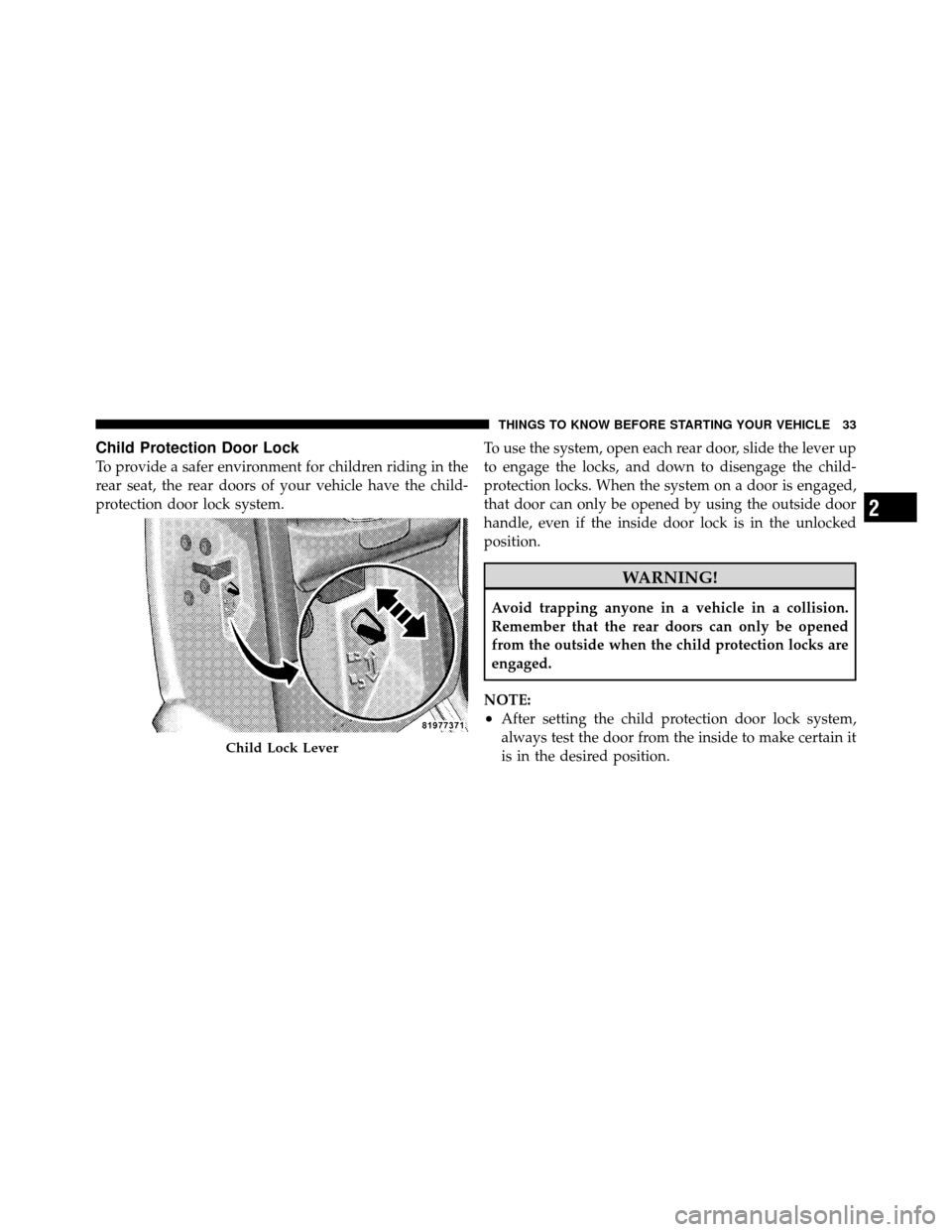
Child Protection Door Lock
To provide a safer environment for children riding in the
rear seat, the rear doors of your vehicle have the child-
protection door lock system.To use the system, open each rear door, slide the lever up
to engage the locks, and down to disengage the child-
protection locks. When the system on a door is engaged,
that door can only be opened by using the outside door
handle, even if the inside door lock is in the unlocked
position.
WARNING!
Avoid trapping anyone in a vehicle in a collision.
Remember that the rear doors can only be opened
from the outside when the child protection locks are
engaged.
NOTE:
•After setting the child protection door lock system,
always test the door from the inside to make certain it
is in the desired position.
Child Lock Lever
2
THINGS TO KNOW BEFORE STARTING YOUR VEHICLE 33
Page 35 of 450
•For emergency exit with the system engaged, move
the door lock switch to the UNLOCK position, roll
down the window and open the door with the outside
door handle.
WINDOWS
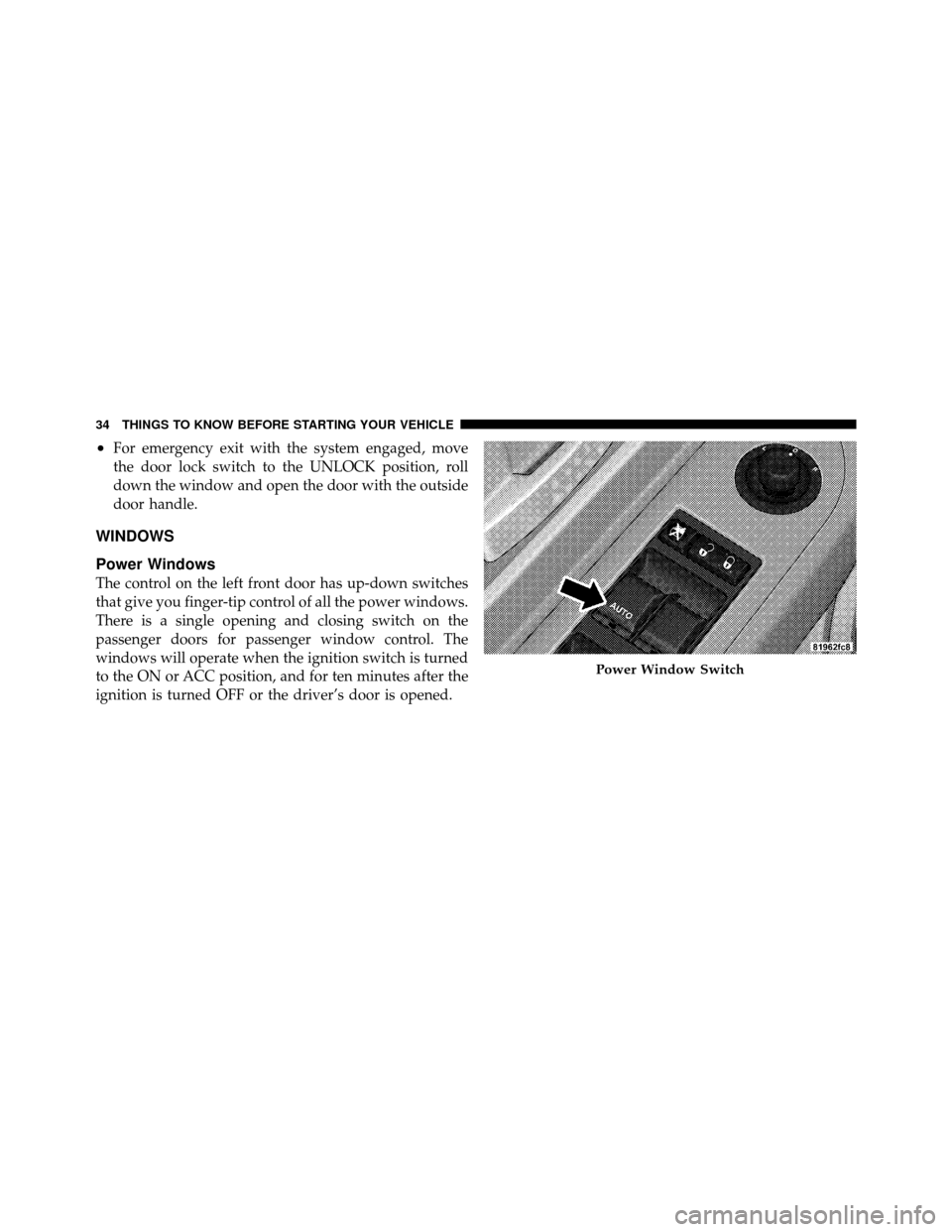
Power Windows
The control on the left front door has up-down switches
that give you finger-tip control of all the power windows.
There is a single opening and closing switch on the
passenger doors for passenger window control. The
windows will operate when the ignition switch is turned
to the ON or ACC position, and for ten minutes after the
ignition is turned OFF or the driver’s door is opened.
Power Window Switch
34 THINGS TO KNOW BEFORE STARTING YOUR VEHICLE
Page 36 of 450
WARNING!
Never leave children alone in a vehicle. Leaving
unattended children in a vehicle is dangerous for a
number of reasons. A child or others could be seri-
ously or fatally injured. Don’t leave the key in the
ignition. A child could operate power windows,
other controls, or move the vehicle.
Auto-Down — Driver’s Side Only
The driver’s window switch has an Auto-Down feature.
Push the window switch past the first detent, release, and
the window will go down automatically. To cancel the
Auto-Down movement, operate the switch in either the
up or down direction and release the switch.
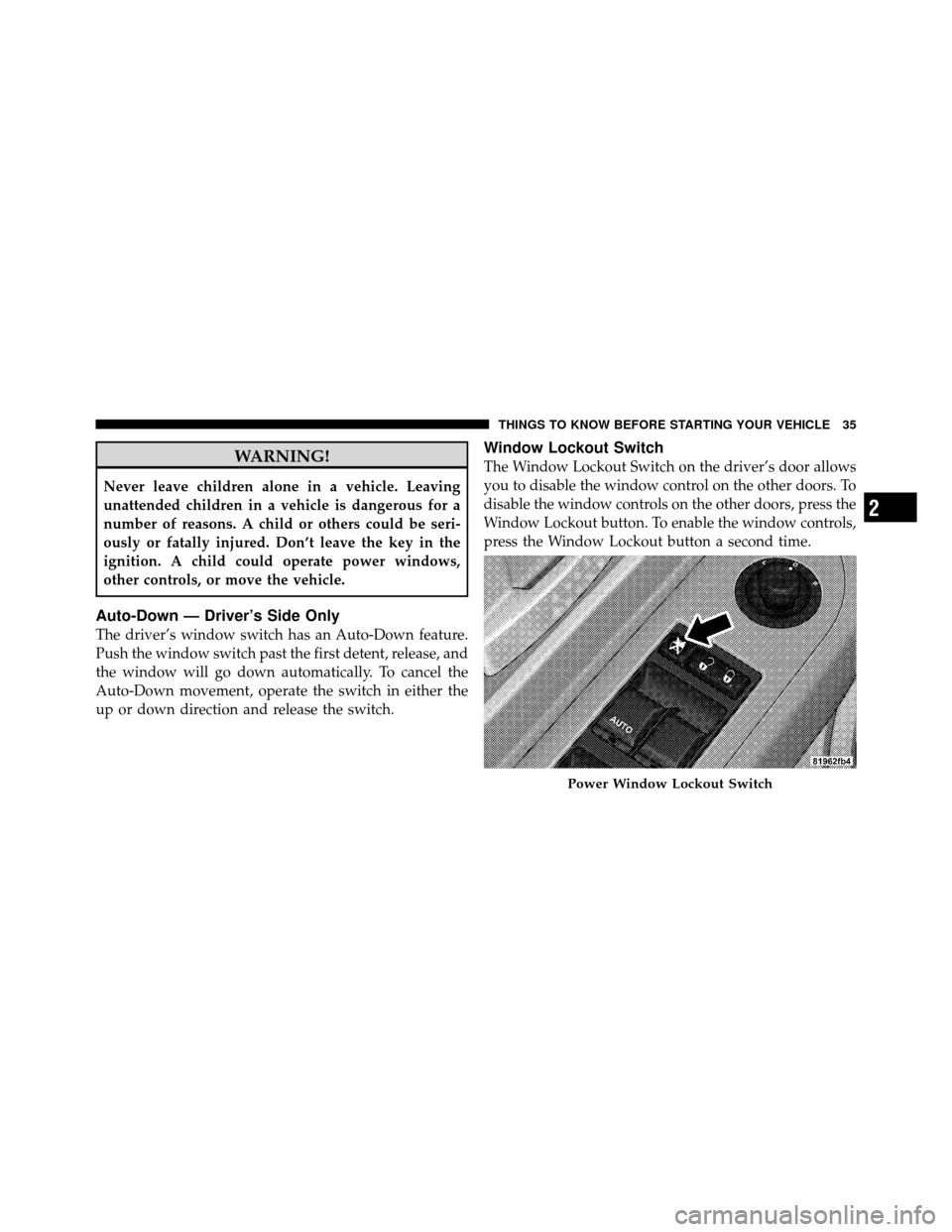
Window Lockout Switch
The Window Lockout Switch on the driver’s door allows
you to disable the window control on the other doors. To
disable the window controls on the other doors, press the
Window Lockout button. To enable the window controls,
press the Window Lockout button a second time.
Power Window Lockout Switch
2
THINGS TO KNOW BEFORE STARTING YOUR VEHICLE 35
Page 57 of 450
•Turn on the interior lights, which remain on as long as
the battery has power or until the ignition key is
removed.
•Unlock the doors automatically.
If a Deployment Occurs
The airbags are designed to deflate immediately after
deployment.
NOTE:Front and/or side airbags will not deploy in all
collisions. This does not mean something is wrong with
the airbag system.
If you do have a collision which deploys the airbags, any
or all of the following may occur:
•The nylon airbag material may sometimes cause abra-
sions and/or skin reddening to the driver and front
passenger as the airbags deploy and unfold. The
abrasions are similar to friction rope burns or those
you might get sliding along a carpet or gymnasium floor. They are not caused by contact with chemicals.
They are not permanent and normally heal quickly.
However, if you haven’t healed significantly within a
few days, or if you have any blistering, see your doctor
immediately.
•As the airbags deflate, you may see some smoke-like
particles. The particles are a normal by-product of the
process that generates the non-toxic gas used for
airbag inflation. These airborne particles may irritate
the skin, eyes, nose, or throat. If you have skin or eye
irritation, rinse the area with cool water. For nose or
throat irritation, move to fresh air. If the irritation
continues, see your doctor. If these particles settle on
your clothing, follow the garment manufacturer’s in-
structions for cleaning.
Do not drive your vehicle after the airbags have de-
ployed. If you are involved in another collision, the
airbags will not be in place to protect you.
56 THINGS TO KNOW BEFORE STARTING YOUR VEHICLE
Page 78 of 450
Periodic Safety Checks You Should Make Outside
the Vehicle
Tires
Examine tires for excessive tread wear and uneven wear
patterns. Check for stones, nails, glass, or other objects
lodged in the tread. Inspect the tread and sidewall for
cuts and cracks. Check the wheel nuts for tightness.
Check the tires (including spare) for proper pressure.
Lights
Have someone observe the operation of exterior lights
while you work the controls. Check turn signal and high
beam indicator lights on the instrument panel.
Door Latches
Check for positive closing, latching, and locking.
Fluid Leaks
Check area under vehicle after overnight parking for fuel,
engine coolant, oil, or other fluid leaks. Also, if gasoline
fumes are detected or if fuel, power steering fluid, or
brake fluid leaks are suspected, the cause should be
located and corrected immediately.2
THINGS TO KNOW BEFORE STARTING YOUR VEHICLE 77
Page 130 of 450
LIGHTS
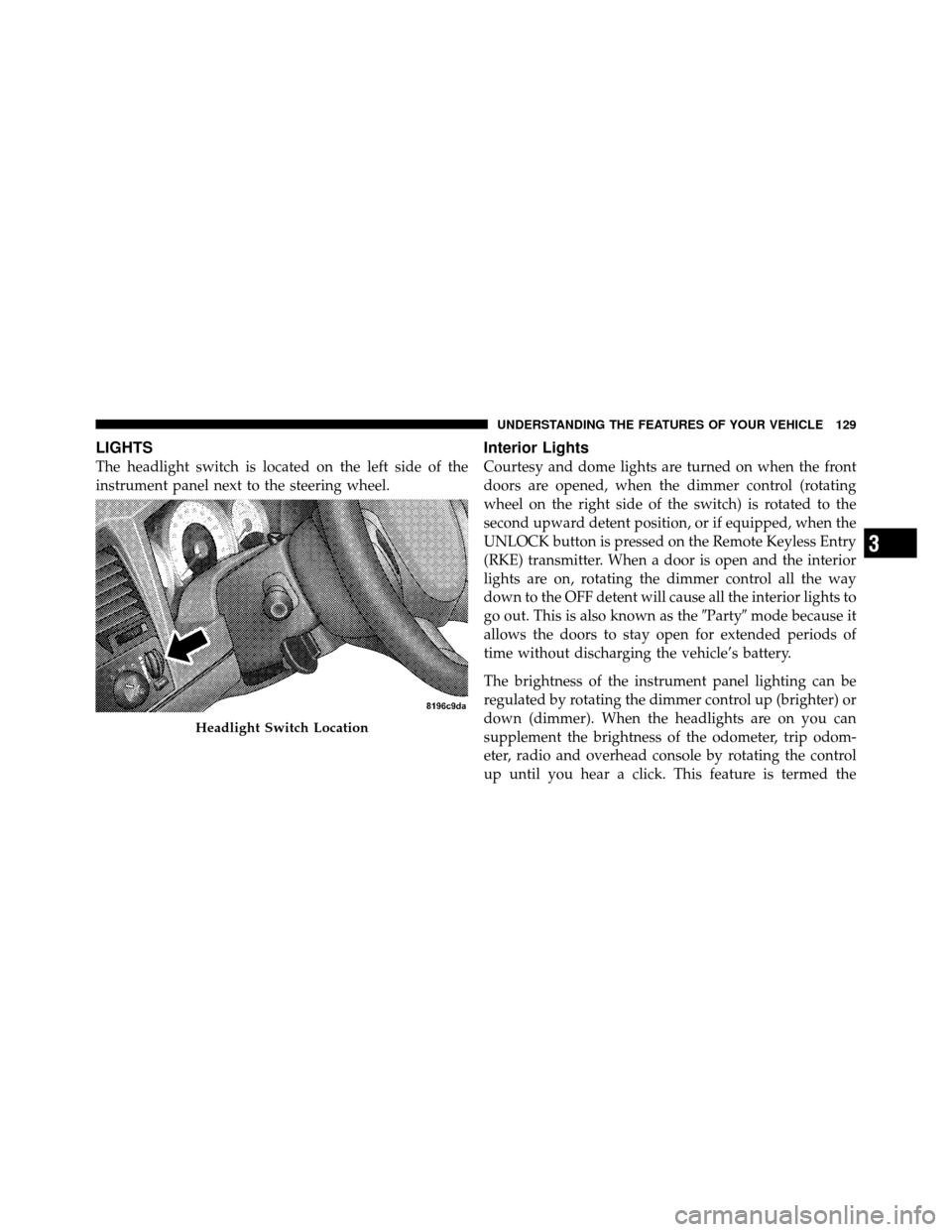
The headlight switch is located on the left side of the
instrument panel next to the steering wheel.
Interior Lights
Courtesy and dome lights are turned on when the front
doors are opened, when the dimmer control (rotating
wheel on the right side of the switch) is rotated to the
second upward detent position, or if equipped, when the
UNLOCK button is pressed on the Remote Keyless Entry
(RKE) transmitter. When a door is open and the interior
lights are on, rotating the dimmer control all the way
down to the OFF detent will cause all the interior lights to
go out. This is also known as the�Party�mode because it
allows the doors to stay open for extended periods of
time without discharging the vehicle’s battery.
The brightness of the instrument panel lighting can be
regulated by rotating the dimmer control up (brighter) or
down (dimmer). When the headlights are on you can
supplement the brightness of the odometer, trip odom-
eter, radio and overhead console by rotating the control
up until you hear a click. This feature is termed the
Headlight Switch Location
3
UNDERSTANDING THE FEATURES OF YOUR VEHICLE 129
Page 143 of 450
Courtesy/Reading Lights
Near the front of the console are two courtesy/reading
lights.
Both lights illuminate as courtesy lights when a door is
opened, when the dimmer control is rotated to the
courtesy light position (fully upward position), or when
the UNLOCK button is pressed on the Remote Keyless
Entry (RKE) transmitter, if equipped. These lights are also
operated individually as reading lights by pressing the
recessed area of the corresponding lens.
NOTE:The courtesy/reading lights will remain on until
the switch is pressed a second time, so be sure they have
been turned off before leaving the vehicle. If the interior
lights are left on after the vehicle is turned OFF, they will
extinguish after approximately 10 minutes.
COMPASS/TEMPERATURE MINI-TRIP COMPUTER
This feature allows you to choose between a compass/
temperature display and one of four trip conditions being
monitored.
US/M Button
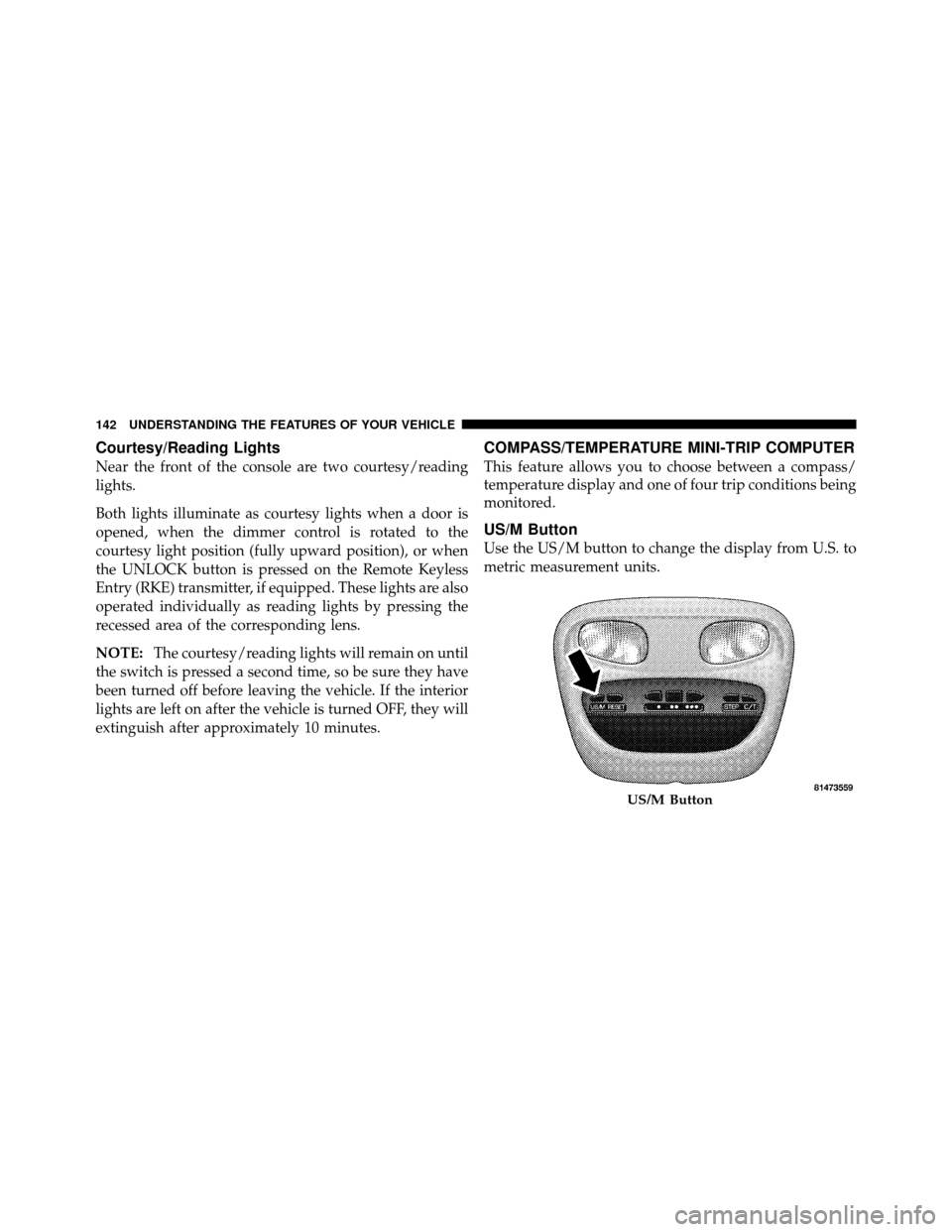
Use the US/M button to change the display from U.S. to
metric measurement units.
US/M Button
142 UNDERSTANDING THE FEATURES OF YOUR VEHICLE