Page 220 of 436
INFO Button
Pressing the INFO button will cycle the display informa-
tion between Artist, Song Title, and Composer (if avail-
able). Also, pressing and holding the INFO button for an
additional three seconds will make the radio display the
Song Title all of the time (press and hold again to return
to normal display).
RW/FF
Pressing the RW (Rewind) or FF (Fast Forward) buttons
causes the tuner to search for the next channel in the
direction of the arrows.
TUNE Control (Rotary)
Turn the rotary TUNE/SCROLL control knob clockwise
to increase or counterclockwise to decrease the channel.
MUSIC TYPE Button
Pressing this button once will turn on the Music Type
mode for five seconds. Pressing the MUSIC TYPE button
or turning the TUNE/SCROLL control knob within five
seconds will allow the program format type to be se-
lected.
Toggle the MUSIC TYPE button again to select the music
type.
By pressing the SEEK button when the Music Type
function is active, the radio will be tuned to the next
channel with the same selected Music Type name.
If a preset button is activated while in the Music Type
(Program Type) mode, the Music Type mode will be
exited and the radio will tune to the preset channel.
4
UNDERSTANDING YOUR INSTRUMENT PANEL 219
Page 223 of 436
REMOTE SOUND SYSTEM CONTROLS —
IF EQUIPPED
The remote sound system controls are located on the
surface of the steering wheel at the three and nine o’clock
positions.Vehicles equipped with steering wheel-mounted buttons
are also equipped with the Electronic Vehicle Information
Center (EVIC). The EVIC features a driver-interactive
display which is located in the instrument cluster.
VOLUME Button
The VOLUME button controls the sound level
of the sound system. Press the top of the
VOLUME button to increase the sound level.
Press the bottom of the VOLUME button to
decrease the sound level.
AUDIO MODE Button Press the AUDIO MODE button to select the
Compass/Temp/Audio screen. This screen
displays radio and media mode information
depending on which radio is in the vehicle.
Remote Sound System Controls
222 UNDERSTANDING YOUR INSTRUMENT PANEL
Page 226 of 436

Front Blower Control
There are four blower speeds. Use this
control to regulate the amount of air
forced through the system in any
mode you select. The blower speed
increases as you move the control
clockwise from the off position.
NOTE: For vehicles equipped with Remote Start, the
climate controls will not function during Remote Start
operation if the blower control is left in the “O” (Off)
position.
Temperature Control
Use this control to regulate the tem-
perature of the air inside the passenger
compartment. Rotating the knob coun-
terclockwise, from top center into the
blue area indicates cooler tempera-
tures. Rotating the knob clockwise,
into the red area, indicates warmer
temperatures.
NOTE: If your air conditioning performance seems
lower than expected, check the front of the A/C con-
denser (located in front of the radiator), for an accumu-
lation of dirt or insects. Clean with a gentle water spray
from behind the radiator and through the condenser.
Fabric front fascia protectors may reduce airflow to the
condenser, reducing air conditioning performance.
4
UNDERSTANDING YOUR INSTRUMENT PANEL 225
Page 230 of 436

If Outside Ambient
Temperature IsMode Overrides To Temperature Overrides To Rear Window Defroster
Active
Less than 40°F Mix Full HeatYes
Between 40°F and 80°F No Override No Override No
More than 80°F Bi-Level Full Cool No
NOTE:
•The feature can be disable by parking the vehicle with
the blower control set to the “O” (or OFF) position.
•For maximum performance, it is recommended that
the vehicle is parked with the blower control set to the
“High” (full clockwise) position.
Operating Tips
NOTE: Refer to the chart at the end of this section for
suggested control settings for various weather condi-
tions.
Summer Operation
The engine cooling system in air-conditioned vehicles
must be protected with a high-quality antifreeze coolant
to provide proper corrosion protection and to protect
against engine overheating. A solution of 50% ethylene
glycol antifreeze coolant and 50% water is recommended.
Refer to “Maintenance Procedures” in “Maintaining Your
Vehicle” for proper coolant selection.
Winter Operation
Use of the air Recirculation mode during winter months
is not recommended because it may cause window
fogging.
4
UNDERSTANDING YOUR INSTRUMENT PANEL 229
Page 240 of 436

Do notpress the accelerator. Use the Fob with Integrated
Key to briefly turn the ignition switch to the START
position and release it as soon as the starter engages. The
starter motor will continue to run, and it will disengage
automatically when the engine is running. If the engine
fails to start, the starter will disengage automatically in
10 seconds. If this occurs, turn the ignition switch to the
LOCK position, wait 10 to 15 seconds, then repeat the
“Normal Starting” procedure.
Keyless Go™
This feature allows the driver to oper-
ate the ignition switch with the push
of a button, as long as the ENGINE
START/STOP button is installed and
the Remote Keyless Entry (RKE) trans-
mitter is in the passenger compart-
ment.
Installing and Removing the ENGINE
START/STOP Button
Installing the Button
1. Remove the key fob from the ignition switch.
2. Insert the ENGINE START/STOP button into the
ignition switch with the lettering facing up and readable.
3. Press firmly on the center of the button to secure it into
position.
Removing the Button
1. The ENGINE START/STOP button can be removed
from the ignition switch for key fob use.
2. Insert the metal part of the emergency key under the
chrome bezel at the 6 o’clock position and gently pry the
button loose.
5
STARTING AND OPERATING 239
Page 379 of 436
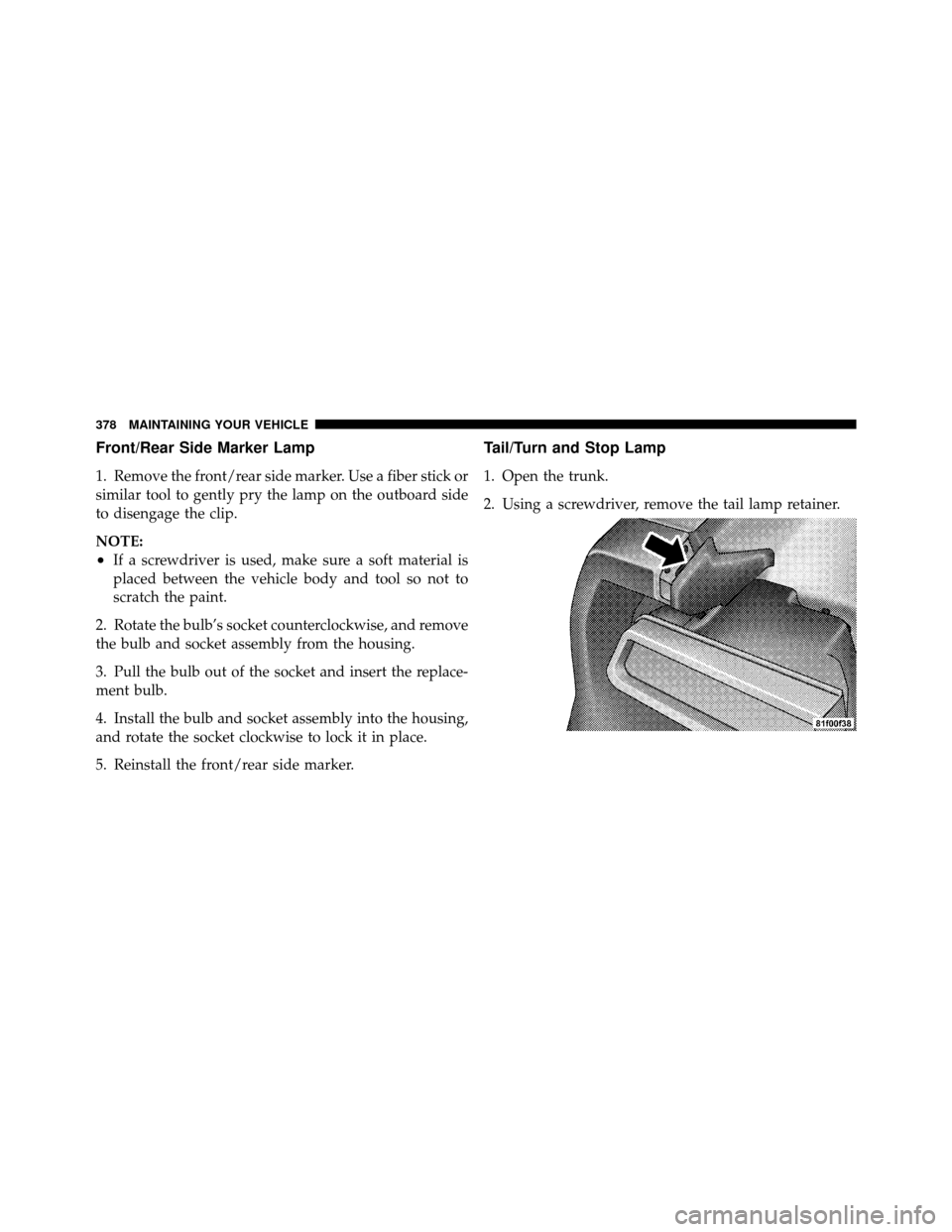
Front/Rear Side Marker Lamp
1. Remove the front/rear side marker. Use a fiber stick or
similar tool to gently pry the lamp on the outboard side
to disengage the clip.
NOTE:
•If a screwdriver is used, make sure a soft material is
placed between the vehicle body and tool so not to
scratch the paint.
2. Rotate the bulb’s socket counterclockwise, and remove
the bulb and socket assembly from the housing.
3. Pull the bulb out of the socket and insert the replace-
ment bulb.
4. Install the bulb and socket assembly into the housing,
and rotate the socket clockwise to lock it in place.
5. Reinstall the front/rear side marker.
Tail/Turn and Stop Lamp
1. Open the trunk.
2. Using a screwdriver, remove the tail lamp retainer.
378 MAINTAINING YOUR VEHICLE
Page 381 of 436
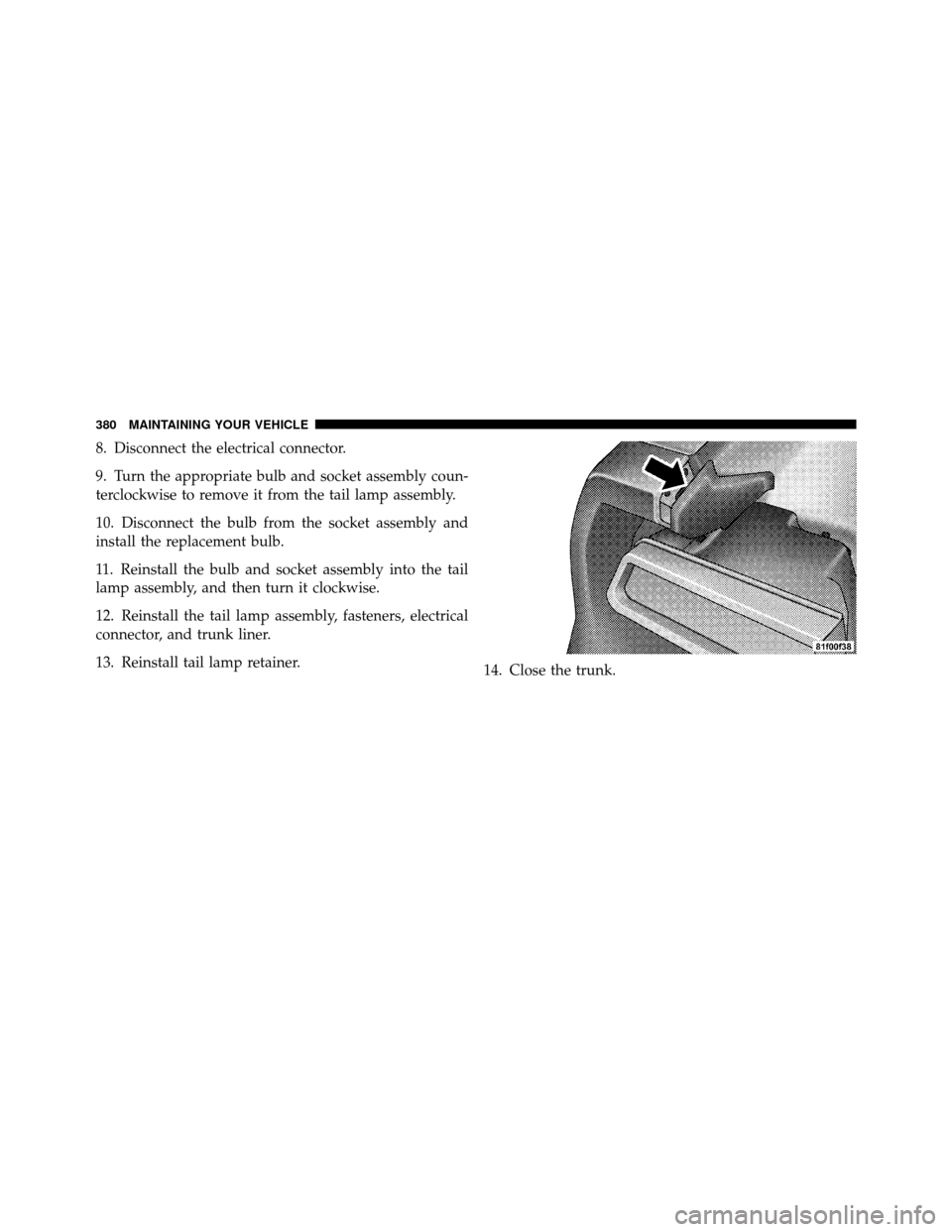
8. Disconnect the electrical connector.
9. Turn the appropriate bulb and socket assembly coun-
terclockwise to remove it from the tail lamp assembly.
10. Disconnect the bulb from the socket assembly and
install the replacement bulb.
11. Reinstall the bulb and socket assembly into the tail
lamp assembly, and then turn it clockwise.
12. Reinstall the tail lamp assembly, fasteners, electrical
connector, and trunk liner.
13. Reinstall tail lamp retainer.14. Close the trunk.
380 MAINTAINING YOUR VEHICLE
Page 419 of 436

Bulbs, Light.......................... 72,376
Calibration, Compass ..................... 180
Capacities, Fluid ........................ 382
Caps, Filler Fuel ............................... 308
Oil (Engine) .......................... 344
Power Steering ........................ 263
Radiator (Coolant Pressure) ............... 356
Car Washes ............................ 364
Carbon Monoxide Warning ...............70,307
Cargo (Vehicle Loading) ................... 310
Cellular Phone .......................... 81
Center High Mounted Stop Light ............ 381
Certification Label ....................... 310
Chains, Tire ............................ 295
Chart, Tire Sizing ........................ 281
Check Engine Light
(Malfunction Indicator Light) ............... 340Checking Your Vehicle For Safety
............. 69
Checks, Safety ........................... 69
Child Restraint .................... 59,61,64,66
Child Restraint Tether Anchors .............63,64
Clean Air Gasoline ....................... 304
Cleaning Wheels ............................. 366
Windshield Wiper Blades ................ 349
Clock ........................ 186,188,191,200
Cold Weather Operation ................... 242
Compact Disc (CD) Maintenance ............. 223
Compass .............................. 180
Compass Calibration ..................... 180
Compass Variance ....................... 181
Computer, Trip/Travel .................... 173
Connector UCI ................................ 211
Universal Consumer Interface (UCI) ......... 211
Console .............................. 150
418 INDEX