Page 214 of 436
Controlling The iPod�Using Radio Buttons
To get into the UCI (iPod�) mode and access a connected
iPod�, press the “AUX” button on the radio faceplate.
Once in the UCI (iPod�) mode, iPod� audio tracks (if
available from iPod�) start playing over the vehicle’s
audio system.
Play Mode
When switched to UCI mode, the iPod� automatically
starts Play mode. In Play mode, you may use the
following buttons on the radio faceplate to control the
iPod� and display data:
•Use the TUNE control knob to select the next or
previous track.
•Turning it clockwise (forward) by one click, while
playing a track, skips to the next track.
•Turning it counterclockwise (backward) by one
click, during the first two seconds of the track, will jump to the previous track in the list. Turning this
button at any other time in the track, will jump to
the beginning of the current track.
•Jump backward in the current track by pressing and
holding the <<
RWbutton. Holding the << RW
button long enough will take you to the beginning
of the current track.
•Jump forward in the current track by pressing and
holding the FF>> button.
•A single press backward << RWor forward FF>> will
jump backward or forward respectively, for five
seconds.
•Use the << SEEKandSEEK >> buttons to jump to the
previous or next track. If the << SEEKbutton is
pressed during the first two seconds of the track, it will
jump to the previous track in the list; if you press this
button at any other time in the track, it will jump to the
4
UNDERSTANDING YOUR INSTRUMENT PANEL 213
Page 222 of 436
KICKER�HIGH PERFORMANCE SOUND SYSTEM
WITH DRIVER-SELECTABLE SURROUND (DSS) –
IF EQUIPPED
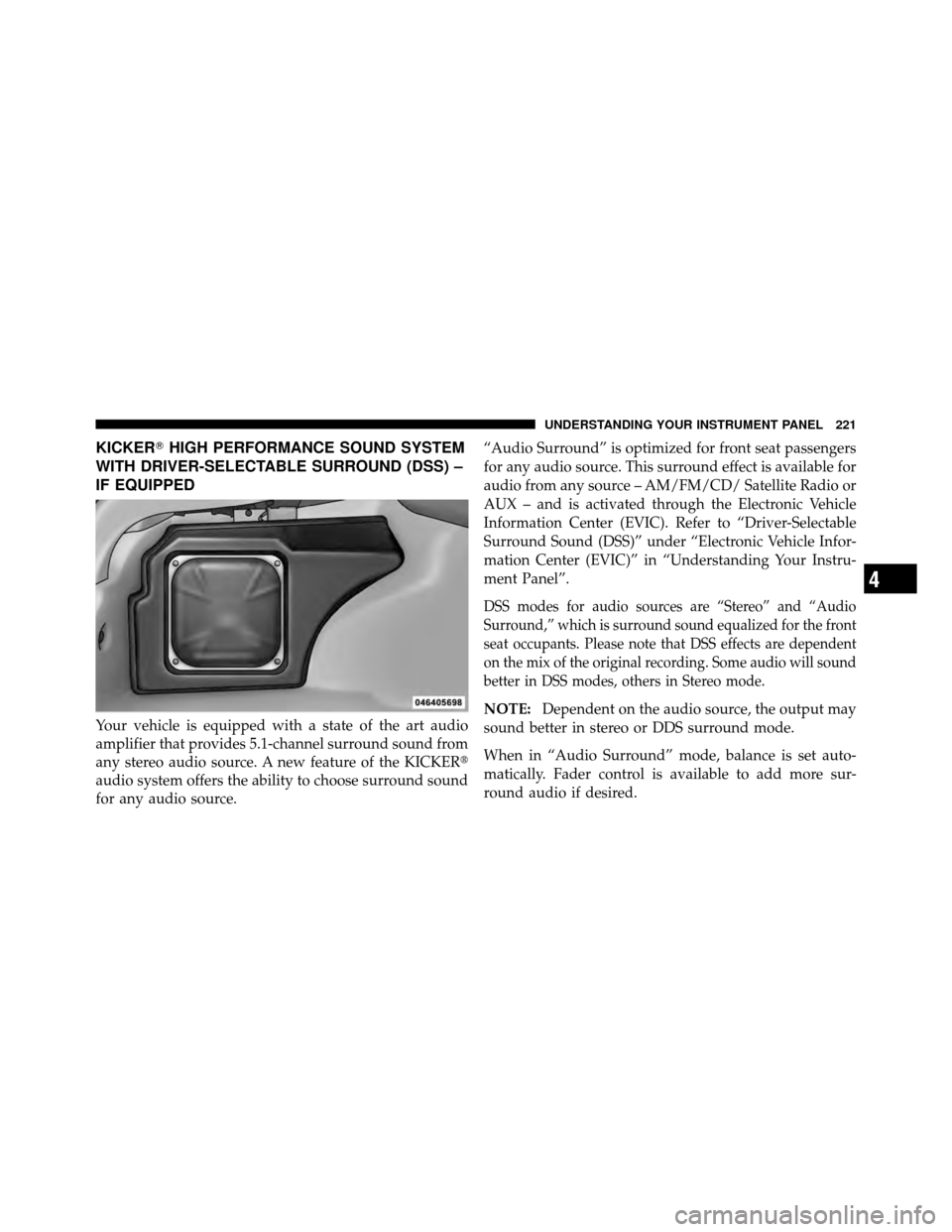
Your vehicle is equipped with a state of the art audio
amplifier that provides 5.1-channel surround sound from
any stereo audio source. A new feature of the KICKER�
audio system offers the ability to choose surround sound
for any audio source. “Audio Surround” is optimized for front seat passengers
for any audio source. This surround effect is available for
audio from any source – AM/FM/CD/ Satellite Radio or
AUX – and is activated through the Electronic Vehicle
Information Center (EVIC). Refer to “Driver-Selectable
Surround Sound (DSS)” under “Electronic Vehicle Infor-
mation Center (EVIC)” in “Understanding Your Instru-
ment Panel”.
DSS modes for audio sources are “Stereo” and “Audio
Surround,” which is surround sound equalized for the front
seat occupants. Please note that DSS effects are dependent
on the mix of the original recording. Some audio will sound
better in DSS modes, others in Stereo mode.
NOTE:
Dependent on the audio source, the output may
sound better in stereo or DDS surround mode.
When in “Audio Surround” mode, balance is set auto-
matically. Fader control is available to add more sur-
round audio if desired.
4
UNDERSTANDING YOUR INSTRUMENT PANEL 221
Page 429 of 436
Overheating, Engine...................... 316
Owner’s Manual (Operator Manual) .........4,412
Paint Care ............................. 364
Panic Alarm ............................ 24
Parking Brake .......................... 264
Passing Light ........................... 127
Personal Settings ........................ 182
Pets .................................. 68
Phone, Cellular .......................... 81
Phone, Hands-Free (Uconnect™) .............. 81
Placard, Tire and Loading Information ......... 285
Power Brakes .............................. 267
Deck Lid Release ....................... 33
Distribution Center (Fuses) ............... 371
Door Locks ........................... 29
Mirrors .............................. 79
Outlet (Auxiliary Electrical Outlet) .......... 147Seats
............................... 114
Steering ............................. 263
Sunroof ............................. 144
Windows ............................. 32
Power Steering Fluid ..................... 384
Pregnant Women and Seat Belts .............. 44
Pretensioners Seat Belts ............................ 43
Programmable Electronic Features ............ 182
Programming Transmitters
(Remote Keyless Entry) .................... 20
Radial Ply Tires ......................... 292
Radiator Cap (Coolant Pressure Cap) .......... 356
Radio Operation ........................ 224
Radio Remote Controls .................... 222
Radio, Satellite (Uconnect� studios)........... 216
Rear Cupholder ......................... 150
Rear Seat, Folding ....................... 120
428 INDEX