Page 253 of 484

You may add a second station to each pushbutton by
repeating the above procedure with this exception: Press
the SET/RND button twice and SET 2 will show in the
display window. Each button can be set for SET 1 and
SET 2 in both AM and FM. This allows a total of 12 AM
and 12 FM stations to be stored into pushbutton memory.
The stations stored in SET 2 memory can be selected by
pressing the pushbutton twice.
Every time a preset button is used, a corresponding
button number will display.
Buttons1-6
These buttons tune the radio to the stations that you
commit to pushbutton memory (12 AM and 12 FM
stations).
DISC/AUX Button
Pressing the DISC/AUX button will allow you to switch
from AM/FM modes to DISC/AUX mode.
Operation Instructions — CD MODE for CD and
MP3 Audio Play
NOTE:
•The ignition switch must be in the ON or ACC
position to operate the radio.
•This radio is capable of playing compact discs (CD),
recordable compact discs (CD-R), rewritable compact
discs (CD-RW), compact discs with MP3 tracks and
multisession compact discs with CD and MP3 tracks.
Inserting Compact Disc(s)
Gently insert one CD into the CD player with the CD
label facing up. The CD will automatically be pulled into
the CD player and the CD icon will illuminate on the
radio display. If a CD does not go into the slot more than
1.0 in (2.5 cm), a disc may already be loaded and must be
ejected before a new disc can be loaded.
252 UNDERSTANDING YOUR INSTRUMENT PANEL
Page 259 of 484

Operation Instructions - Auxiliary Mode
The auxiliary (AUX) jack is an audio input jack which
allows the user to plug in a portable device such as an
MP3 player or cassette player and utilize the vehicle’s
audio system to amplify the source and play through the
vehicle speakers.
Pressing the AUX button will change the mode to auxil-
iary device if the AUX jack is connected.
NOTE:The AUX device must be turned on and the
device’s volume set to the proper level. If the AUX audio
is not loud enough, turn the device’s volume up. If the
AUX audio sounds distorted, turn the device’s volume
down.
TIME Button (Auxiliary Mode)
Press this button to change the display to time of day. The
time of day will display for five seconds (when the
ignition is OFF).
Uconnect™ Multimedia (Satellite Radio) — If
Equipped
Satellite radio uses direct satellite-to-receiver broadcast-
ing technology to provide clear digital sound, coast to
coast. The subscription service provider is Sirius Satellite
Radio. This service offers over 130 channels of music,
sports, news, entertainment, and programming for chil-
dren, directly from its satellites and broadcasting studios.
NOTE: Sirius service is not available in Hawaii and has
limited coverage in Alaska.
System Activation
Sirius Satellite Radio service is pre-activated, and you
may begin listening immediately to the one year of audio
service that is included with the factory-installed satellite
radio system in your vehicle. Sirius will supply a wel-
come kit that contains general information, including
how to setup your on-line listening account. For further
258 UNDERSTANDING YOUR INSTRUMENT PANEL
Page 264 of 484

This feature allows an iPod�to be plugged into the
vehicle’s sound system through a 16–pin connector, using
the provided interface cable.
UCI supports Mini, 4G, Photo, Nano, 5G iPod� and
iPhone� devices. Some iPod� software versions may not
fully support the UCI features. Please visit Apple’s
website for software updates.
NOTE:
•If the radio has a USB port, connecting an iPod� to this
port does not play the media. For playing an iPod�,
use the separate 16–pin connector port (in the glove
compartment on some vehicles).
•Connecting an iPod� to the AUX port located in the
radio faceplate, plays media, but does not use the UCI
feature to control the connected device.
Connecting The iPod�
Use the provided connection cable to connect an iPod� to
the vehicle’s 16–pin connector port (which is located in
the glove compartment on some vehicles). Once the
iPod� is connected and synchronized to the vehicle’s UCI
system (iPod� may take a few seconds to connect), the
iPod� starts charging and is ready for use by pressing
radio switches, as described below.
NOTE:
•It may be necessary to remove the connector pin
protection cap from the 16–pin connector port, prior to
connecting the cable.
•If the iPod� battery is completely discharged, it may
not communicate with the UCI system until a mini-
mum charge is attained. Leaving the iPod� connected
to the UCI system may charge it to the required level.
4
UNDERSTANDING YOUR INSTRUMENT PANEL 263
Page 265 of 484

Using This Feature
By using the provided connection cable to connect an
iPod�to the vehicle’s UCI 16–pin connector port:
•The iPod� audio can be played on the vehicle’s sound
system, providing metadata (artist, track title, album,
etc.) information on the radio display.
•The iPod� can be controlled using the radio buttons to
Play, Browse, and List the iPod� contents.
•The iPod�battery charges when plugged into the UCI
connector (if supported by the specific iPod� device)
Controlling The iPod�Using Radio Buttons
To get into the UCI (iPod�) mode and access a connected
iPod�, press the “AUX” button on the radio faceplate.
Once in the UCI (iPod�) mode, iPod� audio tracks (if
available from iPod�) start playing over the vehicle’s
audio system.
Play Mode
When switched to UCI mode, the iPod� automatically
starts Play mode. In Play mode, use the following buttons
on the radio faceplate to control the iPod� and display
data:
•Use the TUNE control knob to select the next or
previous track.
•Turning it clockwise (forward) by one click, while
playing a track, skips to the next track.
•Turning it counterclockwise (backward) by one
click, during the first two seconds of the track, will
jump to the previous track in the list. Turning this
button at any other time in the track, will jump to
the beginning of the current track.
264 UNDERSTANDING YOUR INSTRUMENT PANEL
Page 477 of 484
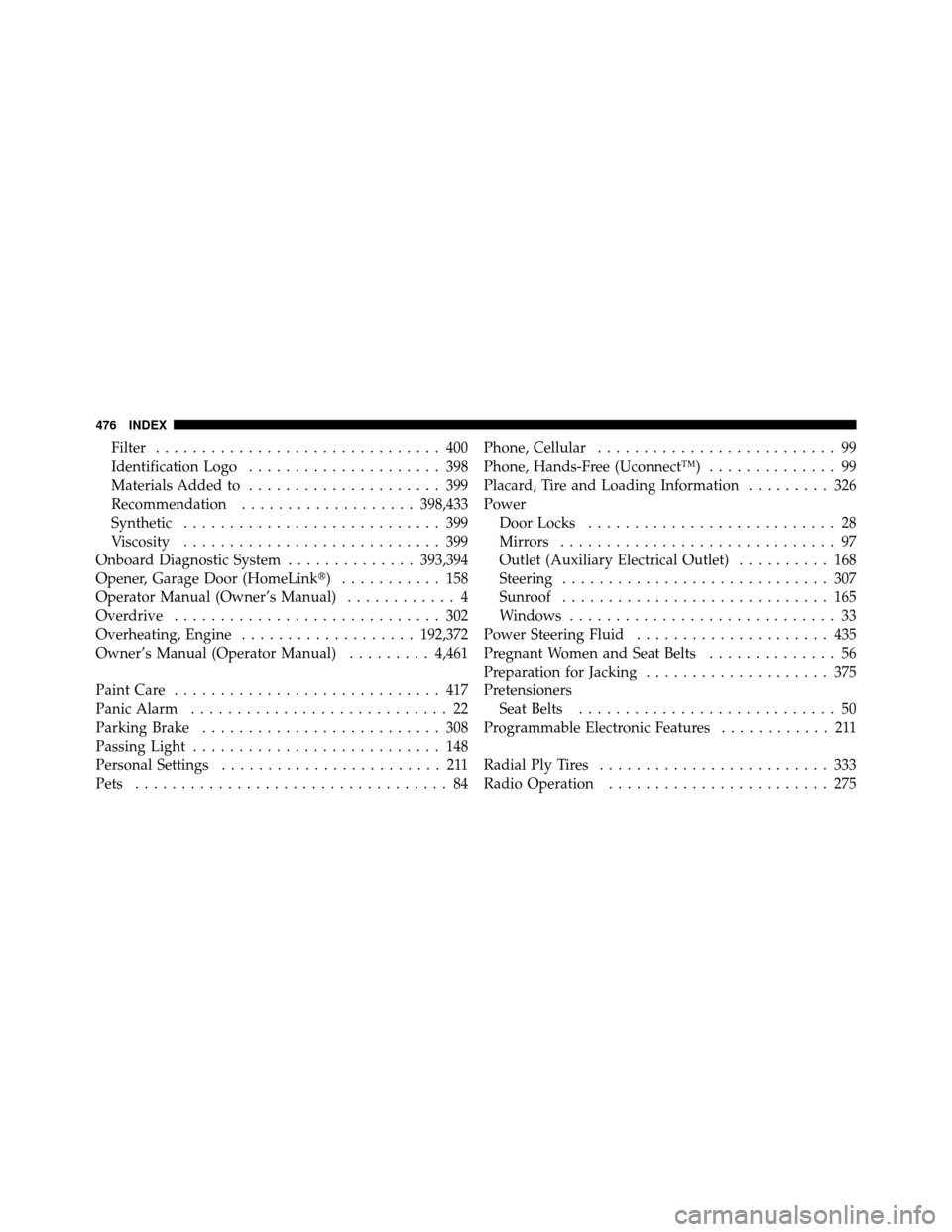
Filter............................... 400
Identification Logo ..................... 398
Materials Added to ..................... 399
Recommendation ................... 398,433
Synthetic ............................ 399
Viscosity ............................ 399
Onboard Diagnostic System ..............393,394
Opener, Garage Door (HomeLink�) ........... 158
Operator Manual (Owner’s Manual) ............ 4
Overdrive ............................. 302
Overheating, Engine ................... 192,372
Owner’s Manual (Operator Manual) .........4,461
Paint Care ............................. 417
Panic Alarm ............................ 22
Parking Brake .......................... 308
Passing Light ........................... 148
Personal Settings ........................ 211
Pets .................................. 84 Phone, Cellular
.......................... 99
Phone, Hands-Free (Uconnect™) .............. 99
Placard, Tire and Loading Information ......... 326
Power Door Locks ........................... 28
Mirrors .............................. 97
Outlet (Auxiliary Electrical Outlet) .......... 168
Steering ............................. 307
Sunroof ............................. 165
Windows ............................. 33
Power Steering Fluid ..................... 435
Pregnant Women and Seat Belts .............. 56
Preparation for Jacking .................... 375
Pretensioners Seat Belts ............................ 50
Programmable Electronic Features ............ 211
Radial Ply Tires ......................... 333
Radio Operation ........................ 275
476 INDEX