Page 32 of 448

Auto Unlock On Exit
The doors will unlock automatically on vehicles with
power door locks if:
1. The Automatic Unlock Doors On Exit feature is en-
abled.
2. The transmission shift lever was in gear and the
vehicle speed returned to 0 mph (0 km/h).
3. The transmission shift lever is in NEUTRAL or PARK.
4. The driver door is opened.
5. The doors were not previously unlocked, and
6. The vehicle speed is 0 mph (0 km/h).
Auto Unlock On Exit Programming
The Automatic Unlock Doors On Exit feature can be
enabled or disabled as follows:
•For vehicles equipped with the Electronic Vehicle
Information Center (EVIC), refer to “Electronic Vehicle
Information Center (EVIC)/Personal Settings (Cus-
tomer-Programmable Features)” in “Understanding
Your Instrument Panel” for further information.
•For vehicles not equipped with the EVIC, performing
the following procedure:
1. Close all doors and place the key in the ignition.
2. Within 15 seconds, cycle the ignition switch between
LOCK and ON and then back to LOCK four times ending
up in the LOCK position. (do not start the engine)
3. Within 30 seconds, press the power door UNLOCK
switch to unlock the doors.
2
THINGS TO KNOW BEFORE STARTING YOUR VEHICLE 31
Page 34 of 448

NOTE:For emergency exit with the system engaged,
move the lock plunger up (UNLOCKED position), roll
down the window, and open the door with the outside
door handle.
POWER WINDOWS
Power Window Switches
The window controls on the driver ’s door trim panel
operate the door windows and the rear windows
NOTE:
•For vehicles not equipped with the Electronic Vehicle
Information Center (EVIC), the power window
switches will remain active for 45 seconds after the
ignition switch is turned to the LOCK position. Open-
ing either front door will cancel this feature.
•For vehicles equipped with the EVIC, the power
window switches will remain active for up to 10 min-
utes after the ignition switch is turned to the LOCK position. Opening either front door will cancel this
feature. The time for this feature is programmable.
Refer to “Electronic Vehicle Information Center
(EVIC)/Personal Settings (Customer-Programmable
Features)” in “Understanding Your Instrument Panel”
for further information.
AUTO Power Window Switch
2
THINGS TO KNOW BEFORE STARTING YOUR VEHICLE 33
Page 38 of 448
buffeting occurs with the sunroof open, then adjust the
sunroof opening to minimize the buffeting.
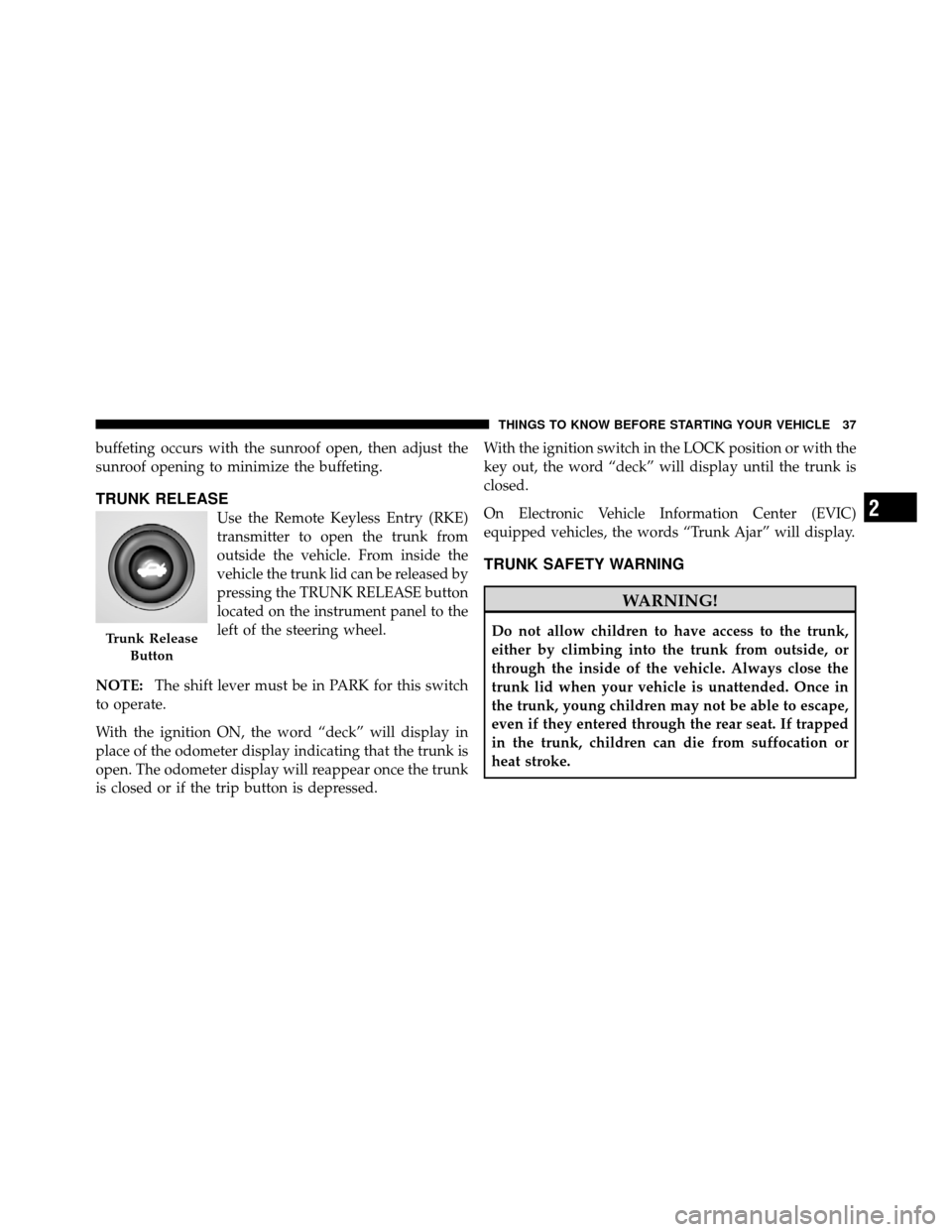
TRUNK RELEASE
Use the Remote Keyless Entry (RKE)
transmitter to open the trunk from
outside the vehicle. From inside the
vehicle the trunk lid can be released by
pressing the TRUNK RELEASE button
located on the instrument panel to the
left of the steering wheel.
NOTE: The shift lever must be in PARK for this switch
to operate.
With the ignition ON, the word “deck” will display in
place of the odometer display indicating that the trunk is
open. The odometer display will reappear once the trunk
is closed or if the trip button is depressed. With the ignition switch in the LOCK position or with the
key out, the word “deck” will display until the trunk is
closed.
On Electronic Vehicle Information Center (EVIC)
equipped vehicles, the words “Trunk Ajar” will display.
TRUNK SAFETY WARNING
WARNING!
Do not allow children to have access to the trunk,
either by climbing into the trunk from outside, or
through the inside of the vehicle. Always close the
trunk lid when your vehicle is unattended. Once in
the trunk, young children may not be able to escape,
even if they entered through the rear seat. If trapped
in the trunk, children can die from suffocation or
heat stroke.Trunk Release
Button
2
THINGS TO KNOW BEFORE STARTING YOUR VEHICLE 37
Page 48 of 448
Seat Belt Pretensioners — If Equipped
The seat belts for both front seating positions may be
equipped with pretensioning devices that are designed to
remove slack from the seat belt in the event of a collision.
These devices improve the performance of the seat belt
by assuring that the belt is tight about the occupant early
in a collision. Pretensioners work for all size occupants,
including those in child restraints.
NOTE:These devices are not a substitute for proper seat
belt placement by the occupant. The seat belt still must be
worn snugly and positioned properly.
The pretensioners are triggered by the Occupant Re-
straint Controller (ORC). Like the airbags, the pretension-
ers are single use items. A deployed pretensioner or a
deployed airbag must be replaced immediately.
Supplemental Active Head Restraints (AHR)
These head restraints are passive, deployable compo-
nents, and vehicles with this equipment can not be readily identified by any markings, only through visual
inspection of the head restraint. The head restraint will be
split in two halves, with the front half being soft foam
and trim, the back half being decorative plastic.
How the Active Head Restraints (AHR) Work
The Occupant Restraint Controller (ORC) determines
whether the severity, or type of rear impact will require
the Active Head Restraints (AHR) to deploy. If a rear
impact requires deployment, both the driver and front
passenger seat AHRs will be deployed.
When AHRs deploy during a rear impact, the front half
of the head restraint extends forward to minimize the gap
between the back of the occupant’s head and the AHR.
This system is designed to help prevent or reduce the
extent of injuries to the driver and front passenger in
certain types of rear impacts.
NOTE:
The Active Head Restraints (AHR) may or may
not deploy in the event of a front or side impact.
2
THINGS TO KNOW BEFORE STARTING YOUR VEHICLE 47
Page 109 of 448

Automatic Headlights — If Equipped
Turning the end of the multifunction lever to the third
detent (AUTO), will activate the automatic headlight
system.With the engine running and the multifunction lever in
the AUTO position, the headlights will turn on and turn
off based on the surrounding light levels.
Headlight Time Delay
There is also a feature that delays turning off the vehicle
lights for 30, 60 or 90 seconds after the ignition switch is
turned OFF. To activate the headlight delay, the multi-
function lever must be rotated to the off position after the
ignition switch is turned OFF. Only the headlights will
illuminate during this time. Refer to “Electronic Vehicle
Information Center (EVIC)/Customer-Programmable
Features” in “Understanding Your Instrument Panel” for
further information.
Turn Signals
Move the multifunction lever up or down and the arrows
on each side of the instrument cluster flash to show
proper operation of the front and rear turn signal lights.
Headlight Switch
108 UNDERSTANDING THE FEATURES OF YOUR VEHICLE
Page 117 of 448
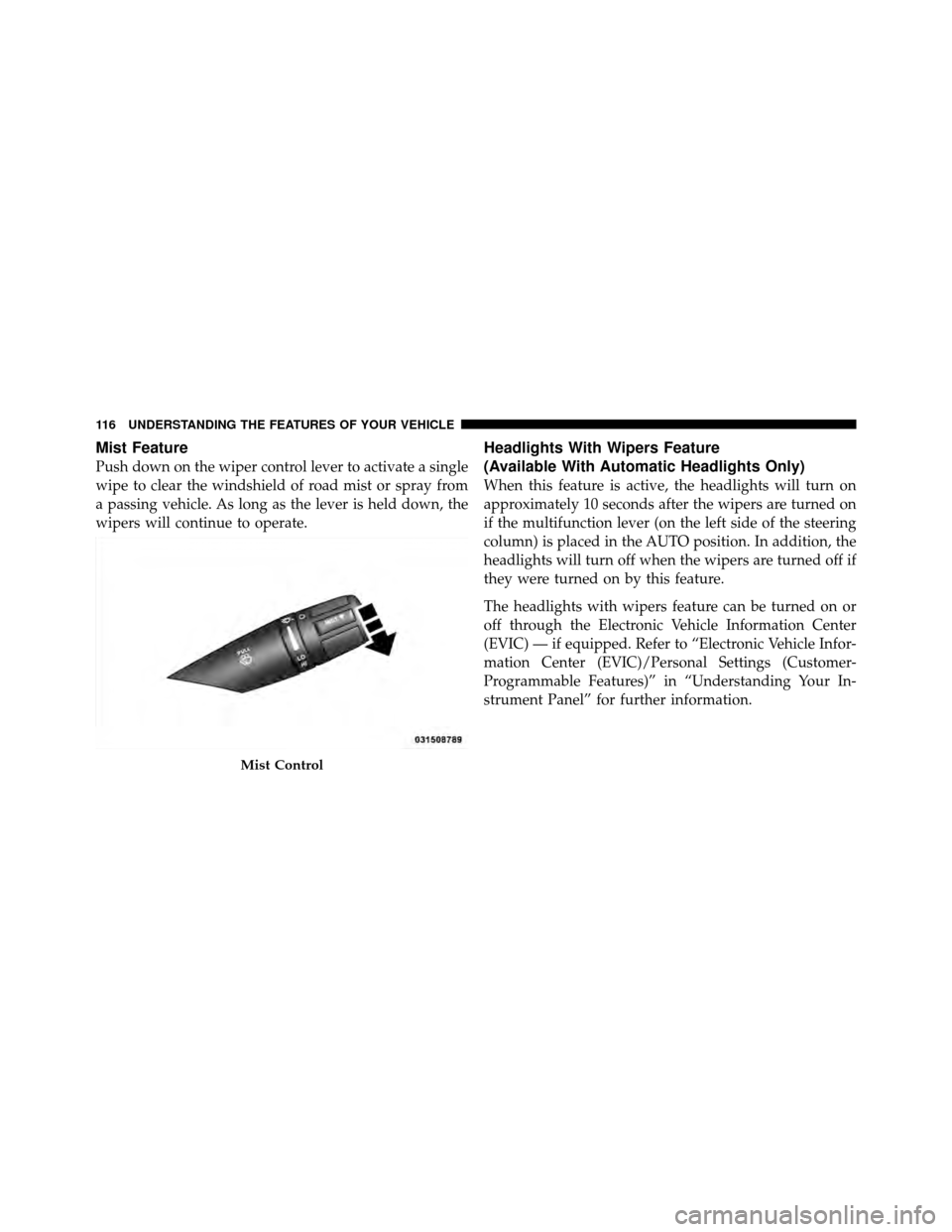
Mist Feature
Push down on the wiper control lever to activate a single
wipe to clear the windshield of road mist or spray from
a passing vehicle. As long as the lever is held down, the
wipers will continue to operate.
Headlights With Wipers Feature
(Available With Automatic Headlights Only)
When this feature is active, the headlights will turn on
approximately 10 seconds after the wipers are turned on
if the multifunction lever (on the left side of the steering
column) is placed in the AUTO position. In addition, the
headlights will turn off when the wipers are turned off if
they were turned on by this feature.
The headlights with wipers feature can be turned on or
off through the Electronic Vehicle Information Center
(EVIC) — if equipped. Refer to “Electronic Vehicle Infor-
mation Center (EVIC)/Personal Settings (Customer-
Programmable Features)” in “Understanding Your In-
strument Panel” for further information.
Mist Control
116 UNDERSTANDING THE FEATURES OF YOUR VEHICLE
Page 122 of 448
On steep hills, a greater speed loss or gain may occur so
it may be preferable to drive without Electronic Speed
Control.
WARNING!
Electronic Speed Control can be dangerous where the
system cannot maintain a constant speed. Your ve-
hicle could go too fast for the conditions, and you
could lose control. An accident could be the result.
Do not use Electronic Speed Control in heavy traffic
or on roads that are winding, icy, snow-covered or
slippery.
GARAGE DOOR OPENER — IF EQUIPPED
HomeLink�replaces up to three remote controls (hand-
held transmitters) that operate devices such as garage
door openers, motorized gates, lighting or home security
systems. The HomeLink� unit operates off your vehicle’s
battery. The HomeLink�
buttons that are located in the headliner
or sun visor designate the three different HomeLink�
channels.
NOTE: HomeLink� is disabled when the Vehicle Secu-
rity Alarm is active.HomeLink� Buttons
3
UNDERSTANDING THE FEATURES OF YOUR VEHICLE 121
Page 123 of 448
WARNING!
•Your motorized door or gate will open and close
while you are training the universal transceiver.
Do not train the transceiver if people, pets or other
objects are in the path of the door or gate. Only use
this transceiver with a garage door opener that has
a “stop and reverse” feature as required by Federal
safety standards. This includes most garage door
opener models manufactured after 1982. Do not
use a garage door opener without these safety
features. Call toll-free 1–800–355–3515 or, on the
Internet at www.HomeLink.com for safety infor-
mation or assistance.
•Vehicle exhaust contains carbon monoxide, a dan-
gerous gas. Do not run your vehicle in the garage
while training the transceiver. Exhaust gas can
cause serious injury or death.
Programming HomeLink�
Before You Begin
If you have not trained any of the HomeLink�buttons,
erase all channels before you begin training.
To do this, press and hold the two outside buttons for up
to 20 seconds until the red indicator flashes.
It is recommended that a new battery be placed in the
handheld transmitter of the device that is being copied to
HomeLink� for more efficient training and accurate
transmission of the radio-frequency signal.
Your vehicle should be parked outside of the garage
when programming.
Begin Programming
1. Turn the ignition switch to the ON/RUN position.
2. Hold the battery side of the handheld transmitter
away from the HomeLink� button you wish to program.
122 UNDERSTANDING THE FEATURES OF YOUR VEHICLE