Page 198 of 538
WARNING!
•Never leave children in a vehicle with the key in
the ignition switch (or with the ignition in the
Accessory or Run position, for vehicles equipped
with Keyless Go™). Occupants, particularly unat-
tended children, can become entrapped by the
power sunroof while operating the power sunroof
switch. Such entrapment may result in serious
injury or death.
•In an accident, there is a greater risk of being
thrown from a vehicle with an open sunroof. You
could also be seriously injured or killed. Always
fasten your seat belt properly and make sure all
passengers are also properly secured.(Continued)
WARNING! (Continued)
•Do not allow small children to operate the sun-
roof. Never allow your fingers, other body parts, or
any object, to project through the sunroof opening.
Injury may result.
Opening Sunroof — Express
Press the switch rearward and release, and the sunroof
will open automatically from any position. The sunroof
will open fully and then stop automatically. This is called
“Express Open”. During Express Open operation, any
movement of the sunroof switch will stop the sunroof.
Closing Sunroof — Express
Press the switch forward and release, and the sunroof
will close automatically from any position. The sunroof
will close fully and stop automatically. This is called
“Express Close”. During Express Close operation, any
movement of the sunroof switch will stop the sunroof.
3
UNDERSTANDING THE FEATURES OF YOUR VEHICLE 197
Page 210 of 538
UNDERSTANDING YOUR INSTRUMENT PANEL
CONTENTS
�Instrument Panel Features ............... 213
� Instrument Cluster — Base ............... 214
� Instrument Cluster — Premium ........... 215
� Instrument Cluster Descriptions ........... 216
� Electronic Vehicle Information Center (EVIC)
— If Equipped ........................ 230
▫ Electronic Vehicle Information Center (EVIC)
Displays ........................... 232
▫ Oil Change Required .................. 236
▫ Trip Functions ...................... 236 ▫
Keyless Go Display — If Equipped ........ 240
▫ Automatic All Wheel Drive (AWD) Displays
— If Equipped ...................... 241
▫ Driver-Selectable Surround Sound (DSS)
– If Equipped ....................... 242
▫ Compass Display .................... 242
▫ Navigation — If Equipped .............. 244
▫ Personal Settings (Customer-Programmable
Features) .......................... 245
� Setting The Analog Clock ................ 251
4
Page 236 of 538

•Channel # Trained
•Clearing Channels
•Channels Cleared
•Did Not Train
•Left Front Low Pressure (with a single chime). Refer to
information on “Tire Pressure” and “Tire Pressure
Monitor” under “Starting And Operating.”
•Left Rear Low Pressure (with a single chime). Refer to
information on “Tire Pressure” and “Tire Pressure
Monitor” under “Starting And Operating.”
•Right Front Low Pressure (with a single chime). Refer
to information on “Tire Pressure” and “Tire Pressure
Monitor” under “Starting And Operating.”
•Right Rear Low Pressure (with a single chime). Refer
to information on “Tire Pressure” and “Tire Pressure
Monitor” under “Starting And Operating.”
•Check TPM System (with a single chime). Refer to
information on “Tire Pressure Monitor” under “Start-
ing And Operating.”
•Check Gascap (refer to “Adding Fuel” in “Starting
And Operating”)
•Service Park Assist System (with a single chime)
•Turn To Run (refer to “Remote Starting System” in
“Things To Know Before Starting Your Vehicle”)
•Key Fob Battery Low
•Service Keyless System
•Wrong Key
•Push Button or Insert Key/Turn To Run (refer to
“Remote Starting System” in “Things To Know Before
Starting Your Vehicle”)
•Oil Change Required (with a single chime)
4
UNDERSTANDING YOUR INSTRUMENT PANEL 235
Page 241 of 538
Keyless Go Display — If Equipped
When the ENGINE START/STOP button is pressed to
change ignition switch positions, the Keyless Go icon
momentarily appears in the EVIC display showing the
new ignition switch position.The round symbol in the middle rotates to point at the
new ignition switch position. If desired, the ignition
switch position graphic can be set to be constantly visible
by pressing the EVIC MENU button until the display
appears.
Refer to “Keyless Go” in “Starting And Operating” for
more information.
NOTE:
Under certain conditions, the display may be
superseded by another display of higher priority. But
when the ignition switch position is changed, the display
always re-appears.
Keyless Go Display
240 UNDERSTANDING YOUR INSTRUMENT PANEL
Page 247 of 538
“Lock Doors Automatically at 15 mph (24 km/h)”
When ON is selected, all doors will lock automatically
when the vehicle reaches a speed of 15 mph (24 km/h).
To make your selection, press and release the FUNC-
TION SELECT button until “ON” or “OFF” appears.
“Unlock Doors Automatically on Exit”
When ON is selected, all doors will unlock when the
vehicle is stopped and the transmission is in the PARK or
NEUTRAL position and the driver’s door is opened. To
make your selection, press and release the FUNCTION
SELECT button until “ON” or “OFF” appears.
“Remote Key Unlock”
WhenDriver Door 1st Press is selected, only the driver’s
door will unlock on the first press of the Remote Keyless
Entry (RKE) transmitter UNLOCK button. When Driver
Door 1st Press is selected, you must press the RKE
transmitter UNLOCK button twice to unlock the passen-
ger’s doors. When All Doors 1st Press is selected, all of the doors will unlock on the first press of the RKE
transmitter UNLOCK button. To make your selection,
press and release the FUNCTION SELECT button until
“Driver Door 1st Press” or “All Doors 1st Press” appears.
NOTE:
If the vehicle is equipped with Passive Entry
and the EVIC is programmed to Unlock All Doors 1st
Press, all doors will unlock no matter which Passive
Entry equipped door handle is grasped. If Driver Door
1st Press is programmed, only the driver ’s door will
unlock when the driver ’s door is grasped. With Passive
Entry, if Driver Door 1st Press is programmed touching
the handle more than once will only result in the driver ’s
door opening. You have to touch a passenger Passive
Entry equipped door handle to unlock all doors passively
when Driver ’s Door Only is programmed in the EVIC.
246 UNDERSTANDING YOUR INSTRUMENT PANEL
Page 252 of 538
“Passive Entry” — If Equipped
The Passive Entry system is an enhancement to the
vehicle’s Remote Keyless Entry (RKE) system. When ON
is selected, this feature allows you to lock and unlock the
vehicle’s door(s) without having to press the RKE trans-
mitter lock or unlock buttons. To make your selection,
press and release the FUNCTION SELECT button until
“ON” or “OFF” appears. Refer to “Door Locks/Passive
Entry — If Equipped” in “Things To Know Before
Starting Your Vehicle” for further information.
SETTING THE ANALOG CLOCK
To set the analog clock at the top center of the instrument
panel, press and hold the button until the setting is
correct.Analog Clock
4
UNDERSTANDING YOUR INSTRUMENT PANEL 251
Page 306 of 538
STARTING AND OPERATING
CONTENTS
�Starting Procedures .................... 309
▫ Automatic Transmission ............... 309
▫ Keyless Go™ ....................... 310
▫ Normal Starting ..................... 311
▫ Extreme Cold Weather (Below �20°F Or
�29°C) ............................ 312
▫ If Engine Fails To Start ................ 312
▫ After Starting ....................... 314
� Engine Block Heater — If Equipped ........ 314�
Automatic Transmission ................. 314
▫ General Information .................. 315
▫ Key Ignition Park Interlock ............. 317
▫ Brake/Transmission Shift Interlock System . . 317
▫ Brake/Transmission Interlock Manual
Override .......................... 318
▫ Four-Speed Automatic Transmission
– If Equipped ....................... 319
▫ Gear Ranges ........................ 319
5
Page 311 of 538
Do notpress the accelerator. Use the Fob with Integrated
Key to briefly turn the ignition switch to the START
position and release it as soon as the starter engages. The
starter motor will continue to run, and it will disengage
automatically when the engine is running. If the engine
fails to start, the starter will disengage automatically in
10 seconds. If this occurs, turn the ignition switch to the
LOCK position, wait 10 to 15 seconds, then repeat the
“Normal Starting” procedure.
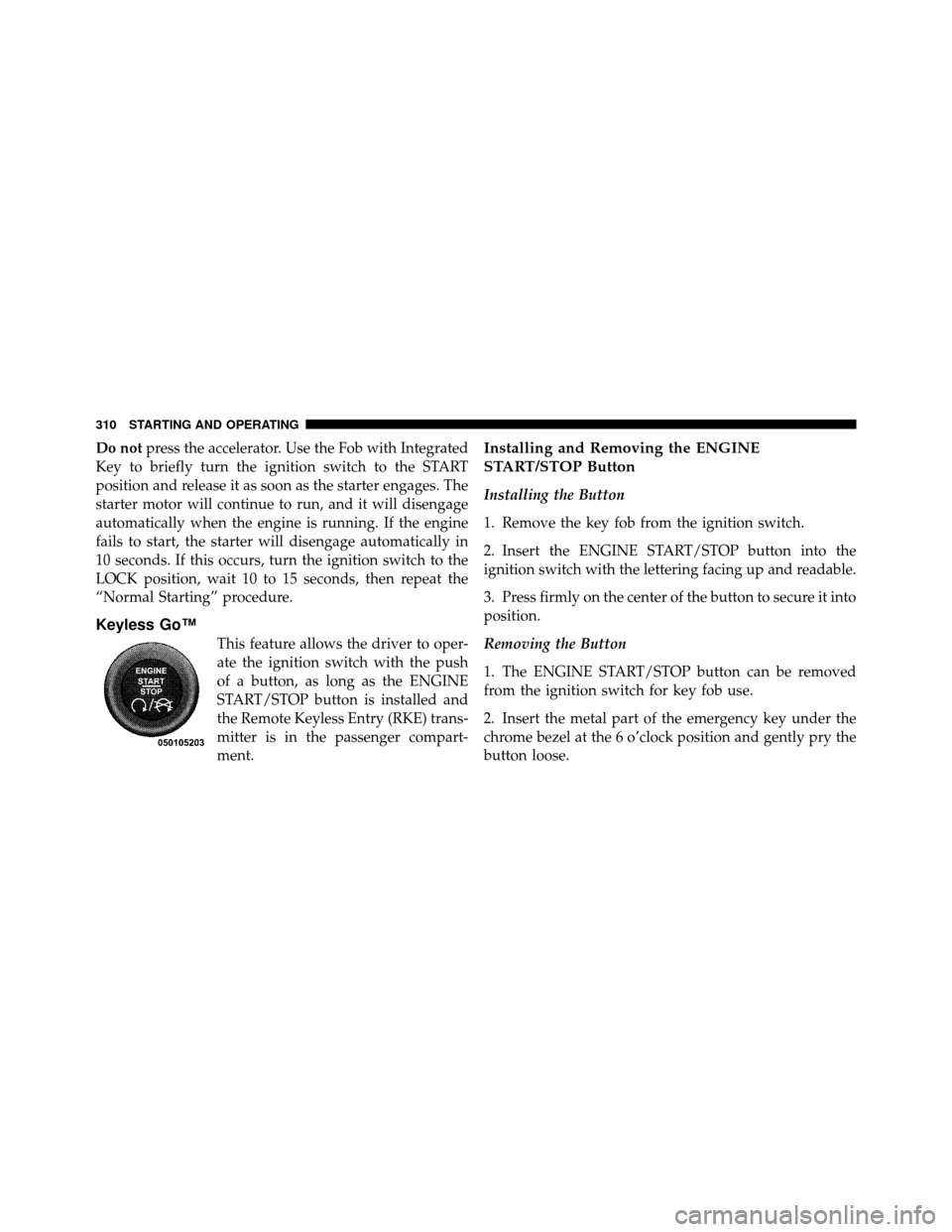
Keyless Go™
This feature allows the driver to oper-
ate the ignition switch with the push
of a button, as long as the ENGINE
START/STOP button is installed and
the Remote Keyless Entry (RKE) trans-
mitter is in the passenger compart-
ment.
Installing and Removing the ENGINE
START/STOP Button
Installing the Button
1. Remove the key fob from the ignition switch.
2. Insert the ENGINE START/STOP button into the
ignition switch with the lettering facing up and readable.
3. Press firmly on the center of the button to secure it into
position.
Removing the Button
1. The ENGINE START/STOP button can be removed
from the ignition switch for key fob use.
2. Insert the metal part of the emergency key under the
chrome bezel at the 6 o’clock position and gently pry the
button loose.
310 STARTING AND OPERATING