Page 233 of 538
Electronic Vehicle Information Center (EVIC)
Displays
When the appropriate conditions exist, the EVIC displays
the following messages:
•Turn Signal On (with a continuous warning chime if
the vehicle is driven more than 1 mile [1.6 km] with
either turn signal on)
•Left Front Turn Signal Light Out (with a single chime)
•Left Rear Turn Signal Light Out (with a single chime)
•Right Front Turn Signal Light Out (with a single
chime)
•Right Rear Turn Signal Light Out (with a single chime)
•Memory #1/#2 Profile Set
•Memory #1/#2 Profile Recall
•Memory System Disabled – Vehicle Not In PARK (with
a single chime)
•Memory System Disabled – Seat Belt Buckled (with a
single chime)
•Personal Settings Not Available – Vehicle Not in PARK
•Left/Right Front Door Ajar (one or more, with a single
chime if speed is above 1 mph [1.6 km/h])
•Left/Right Rear Door Ajar (one or more, with a single
chime if speed is above 1 mph [1.6 km/h])
•Door(s) Ajar (with a single chime if vehicle is in
motion)
•Trunk Ajar (with a single chime)
•Low Washer Fluid (with a single chime)
•ECO – Fuel Saver Indicator
232 UNDERSTANDING YOUR INSTRUMENT PANEL
Page 236 of 538

•Channel # Trained
•Clearing Channels
•Channels Cleared
•Did Not Train
•Left Front Low Pressure (with a single chime). Refer to
information on “Tire Pressure” and “Tire Pressure
Monitor” under “Starting And Operating.”
•Left Rear Low Pressure (with a single chime). Refer to
information on “Tire Pressure” and “Tire Pressure
Monitor” under “Starting And Operating.”
•Right Front Low Pressure (with a single chime). Refer
to information on “Tire Pressure” and “Tire Pressure
Monitor” under “Starting And Operating.”
•Right Rear Low Pressure (with a single chime). Refer
to information on “Tire Pressure” and “Tire Pressure
Monitor” under “Starting And Operating.”
•Check TPM System (with a single chime). Refer to
information on “Tire Pressure Monitor” under “Start-
ing And Operating.”
•Check Gascap (refer to “Adding Fuel” in “Starting
And Operating”)
•Service Park Assist System (with a single chime)
•Turn To Run (refer to “Remote Starting System” in
“Things To Know Before Starting Your Vehicle”)
•Key Fob Battery Low
•Service Keyless System
•Wrong Key
•Push Button or Insert Key/Turn To Run (refer to
“Remote Starting System” in “Things To Know Before
Starting Your Vehicle”)
•Oil Change Required (with a single chime)
4
UNDERSTANDING YOUR INSTRUMENT PANEL 235
Page 237 of 538
Oil Change Required
Your vehicle is equipped with an engine oil change
indicator system. The “Oil Change Required” message
will flash in the EVIC display for approximately 10 sec-
onds after a single chime has sounded to indicate the next
scheduled oil change interval. The engine oil change
indicator system is duty cycle based, which means the
engine oil change interval may fluctuate dependent upon
your personal driving style.
Unless reset, this message will continue to display each
time you turn the ignition switch to the RUN position. To
turn off the message temporarily, press and release the
MENU button. To reset the oil change indicator system
(after performing the scheduled maintenance) perform
the following procedure:
1. Place the ignition switch in the RUN position (Do not
start the engine).2. Fully depress the accelerator pedal slowly three times
within 10 seconds.
3. Place the ignition in the OFF position.
NOTE:
If the indicator message illuminates when you
start the vehicle, the oil change indicator system did not
reset. If necessary, repeat this procedure.
Trip Functions
Press and release the MENU button until one of the
following Trip Functions displays in the EVIC:
•Average Fuel Economy / Fuel Saver Mode
•Distance To Empty
•Trip A
•Trip B
•Elapsed Time
236 UNDERSTANDING YOUR INSTRUMENT PANEL
Page 238 of 538
•Display Units of Measure in
Press the SCROLL button to cycle through all the Trip
Computer functions.
The Trip Functions mode displays the following informa-
tion.
•Average Fuel Economy / Fuel Saver Mode — If
Equipped
Shows the average fuel economy since the last reset.
When the fuel economy is reset, the display will read
“RESET” or show dashes for two seconds. Then, the
history information will be erased, and the averaging will
continue from the last fuel average reading before the
reset.
The FUEL SAVER MODE message will display above the
average fuel economy in the EVIC display. This message will appear whenever MDS (if equipped) allows the
engine to operate on four cylinders, or if you are driving
in a fuel efficient manner.
Fuel Saver Mode — On
4
UNDERSTANDING YOUR INSTRUMENT PANEL 237
Page 239 of 538
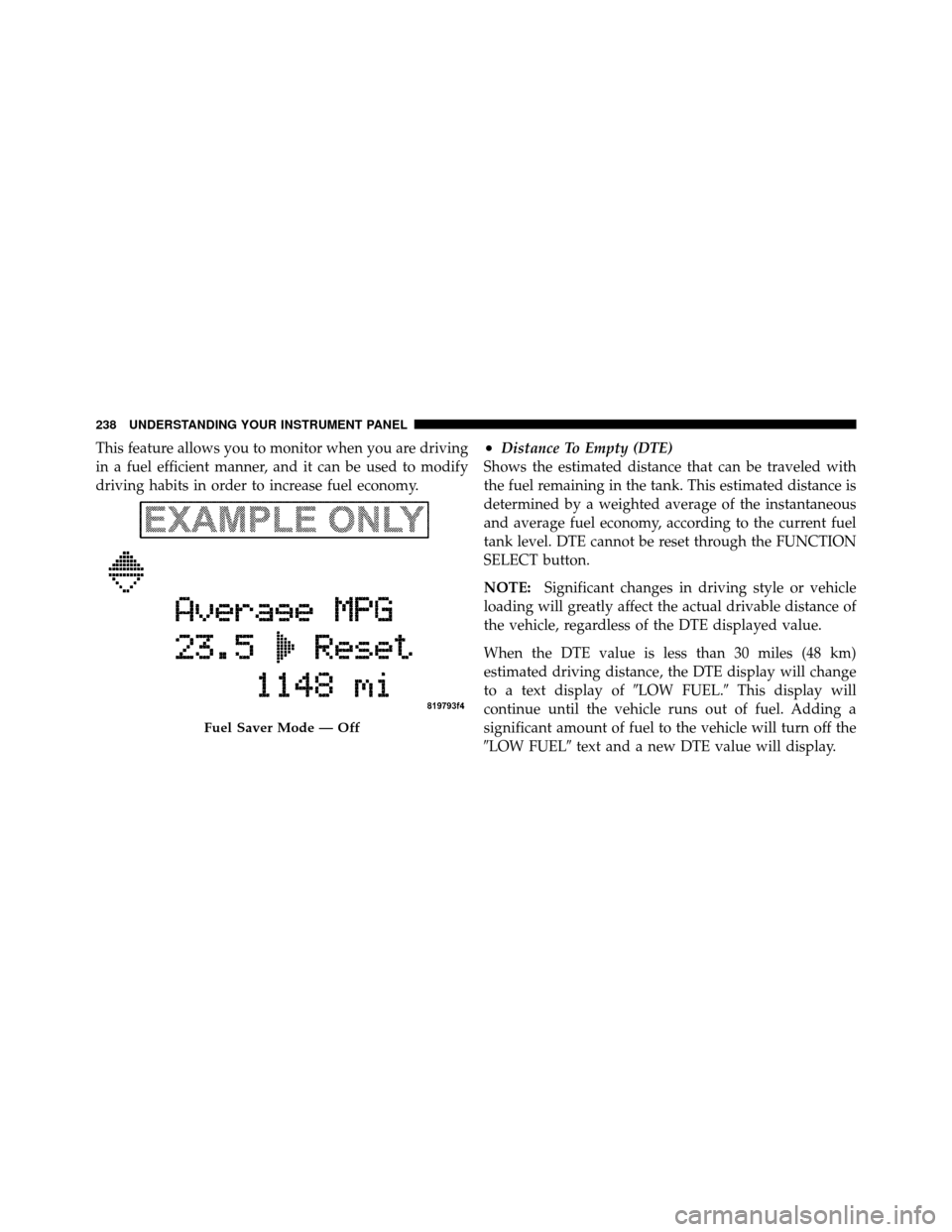
This feature allows you to monitor when you are driving
in a fuel efficient manner, and it can be used to modify
driving habits in order to increase fuel economy.•Distance To Empty (DTE)
Shows the estimated distance that can be traveled with
the fuel remaining in the tank. This estimated distance is
determined by a weighted average of the instantaneous
and average fuel economy, according to the current fuel
tank level. DTE cannot be reset through the FUNCTION
SELECT button.
NOTE: Significant changes in driving style or vehicle
loading will greatly affect the actual drivable distance of
the vehicle, regardless of the DTE displayed value.
When the DTE value is less than 30 miles (48 km)
estimated driving distance, the DTE display will change
to a text display of �LOW FUEL.�This display will
continue until the vehicle runs out of fuel. Adding a
significant amount of fuel to the vehicle will turn off the
�LOW FUEL� text and a new DTE value will display.
Fuel Saver Mode — Off
238 UNDERSTANDING YOUR INSTRUMENT PANEL
Page 295 of 538
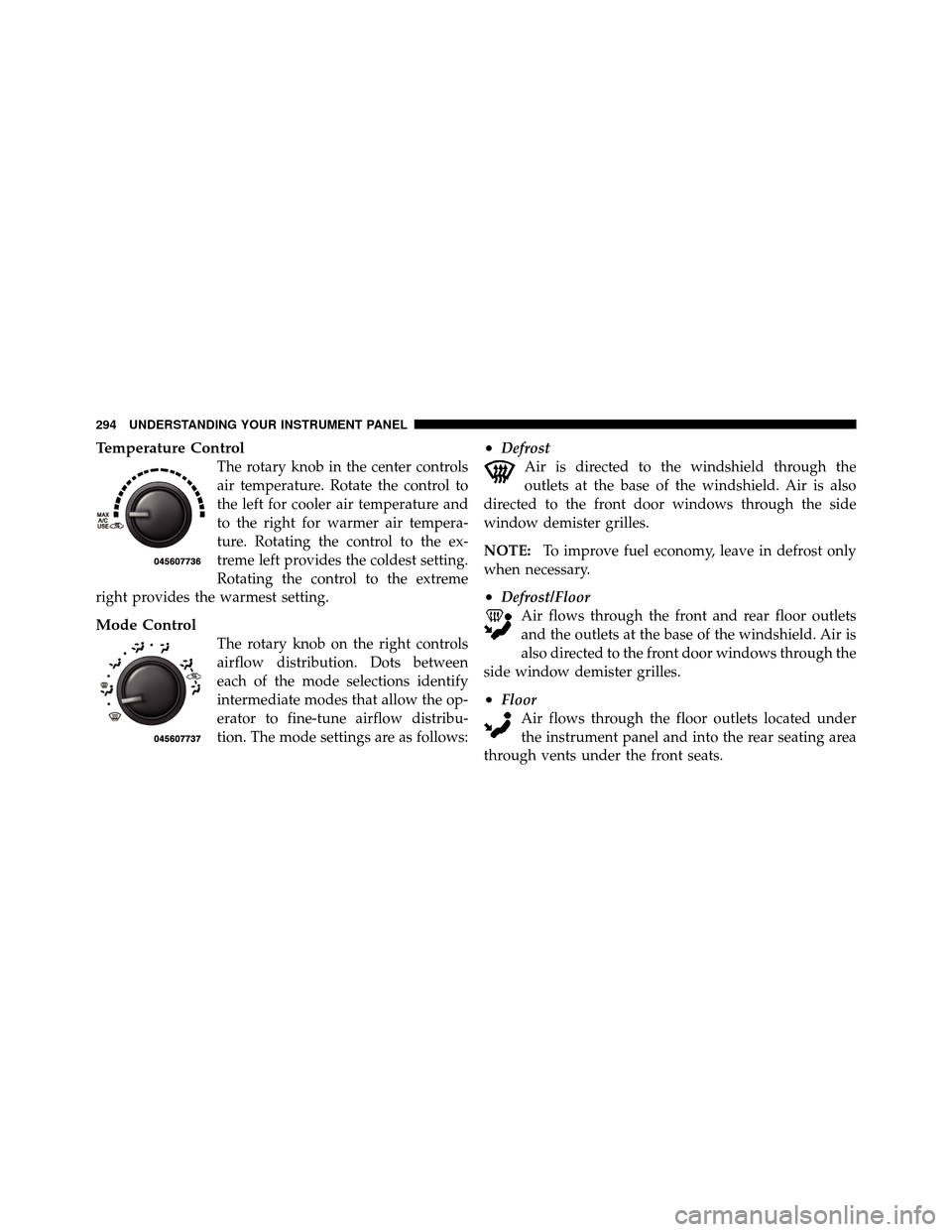
Temperature Control
The rotary knob in the center controls
air temperature. Rotate the control to
the left for cooler air temperature and
to the right for warmer air tempera-
ture. Rotating the control to the ex-
treme left provides the coldest setting.
Rotating the control to the extreme
right provides the warmest setting.
Mode Control
The rotary knob on the right controls
airflow distribution. Dots between
each of the mode selections identify
intermediate modes that allow the op-
erator to fine-tune airflow distribu-
tion. The mode settings are as follows:
•Defrost Air is directed to the windshield through the
outlets at the base of the windshield. Air is also
directed to the front door windows through the side
window demister grilles.
NOTE: To improve fuel economy, leave in defrost only
when necessary.
•Defrost/Floor Air flows through the front and rear floor outlets
and the outlets at the base of the windshield. Air is
also directed to the front door windows through the
side window demister grilles.
•Floor Air flows through the floor outlets located under
the instrument panel and into the rear seating area
through vents under the front seats.
294 UNDERSTANDING YOUR INSTRUMENT PANEL
Page 308 of 538
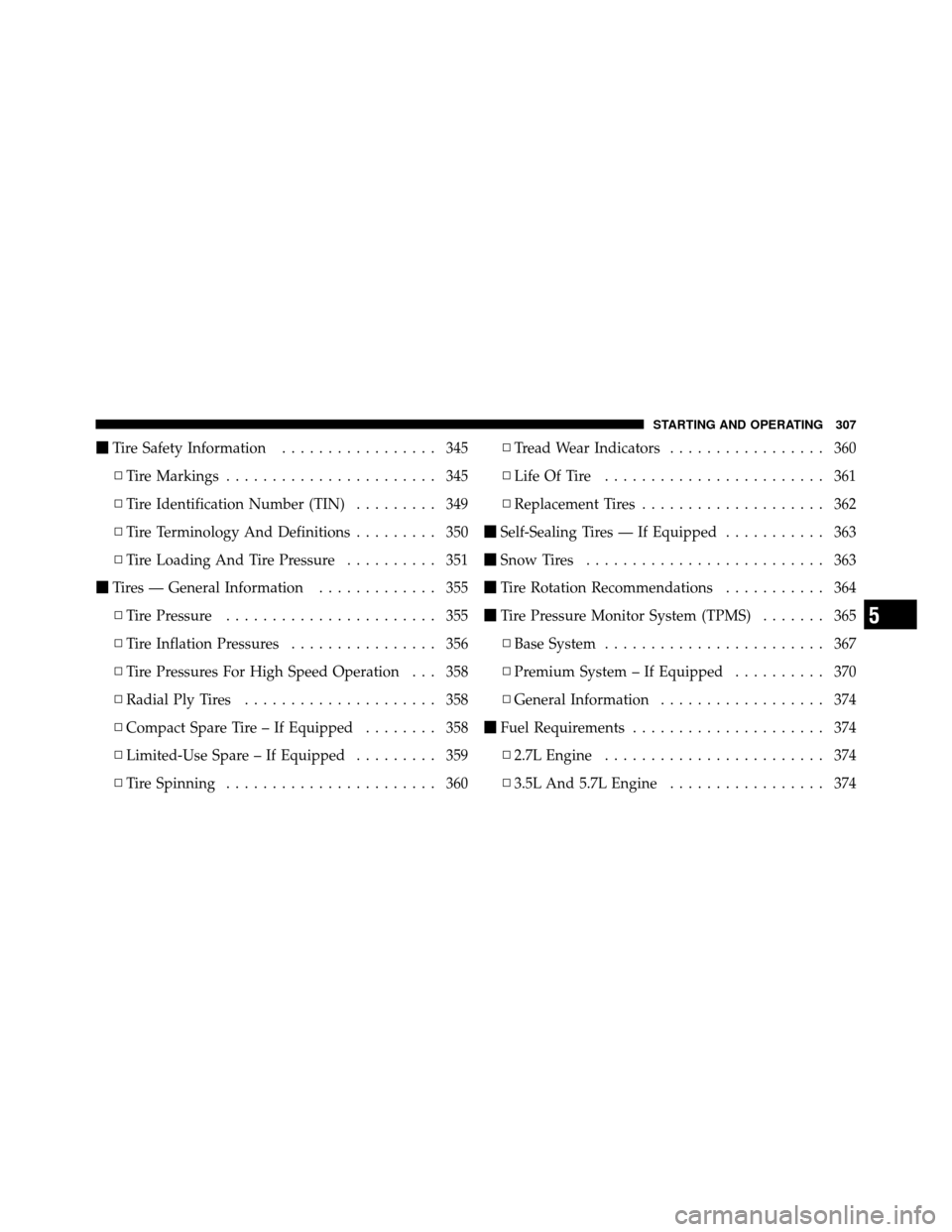
�Tire Safety Information ................. 345
▫ Tire Markings ....................... 345
▫ Tire Identification Number (TIN) ......... 349
▫ Tire Terminology And Definitions ......... 350
▫ Tire Loading And Tire Pressure .......... 351
� Tires — General Information ............. 355
▫ Tire Pressure ....................... 355
▫ Tire Inflation Pressures ................ 356
▫ Tire Pressures For High Speed Operation . . . 358
▫ Radial Ply Tires ..................... 358
▫ Compact Spare Tire – If Equipped ........ 358
▫ Limited-Use Spare – If Equipped ......... 359
▫ Tire Spinning ....................... 360 ▫
Tread Wear Indicators ................. 360
▫ Life Of Tire ........................ 361
▫ Replacement Tires .................... 362
� Self-Sealing Tires — If Equipped ........... 363
� Snow Tires .......................... 363
� Tire Rotation Recommendations ........... 364
� Tire Pressure Monitor System (TPMS) ....... 365
▫ Base System ........................ 367
▫ Premium System – If Equipped .......... 370
▫ General Information .................. 374
� Fuel Requirements ..................... 374
▫ 2.7L Engine ........................ 374
▫ 3.5L And 5.7L Engine ................. 374
5
STARTING AND OPERATING 307
Page 309 of 538
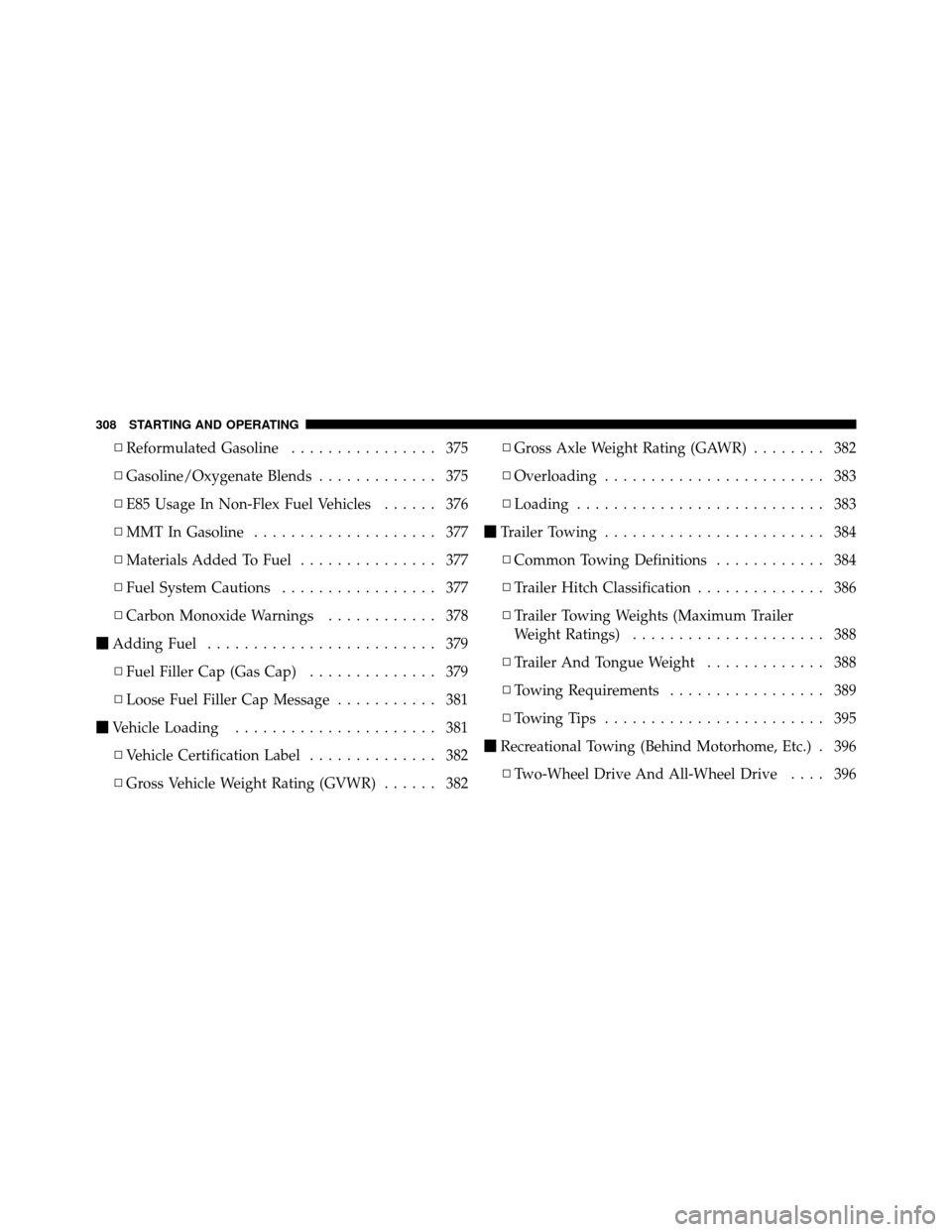
▫Reformulated Gasoline ................ 375
▫ Gasoline/Oxygenate Blends ............. 375
▫ E85 Usage In Non-Flex Fuel Vehicles ...... 376
▫ MMT In Gasoline .................... 377
▫ Materials Added To Fuel ............... 377
▫ Fuel System Cautions ................. 377
▫ Carbon Monoxide Warnings ............ 378
� Adding Fuel ......................... 379
▫ Fuel Filler Cap (Gas Cap) .............. 379
▫ Loose Fuel Filler Cap Message ........... 381
� Vehicle Loading ...................... 381
▫ Vehicle Certification Label .............. 382
▫ Gross Vehicle Weight Rating (GVWR) ...... 382▫
Gross Axle Weight Rating (GAWR) ........ 382
▫ Overloading ........................ 383
▫ Loading ........................... 383
� Trailer Towing ........................ 384
▫ Common Towing Definitions ............ 384
▫ Trailer Hitch Classification .............. 386
▫ Trailer Towing Weights (Maximum Trailer
Weight Ratings) ..................... 388
▫ Trailer And Tongue Weight ............. 388
▫ Towing Requirements ................. 389
▫ Towing Tips ........................ 395
� Recreational Towing (Behind Motorhome, Etc.) . 396
▫ Two-Wheel Drive And All-Wheel Drive .... 396
308 STARTING AND OPERATING
