Page 254 of 608
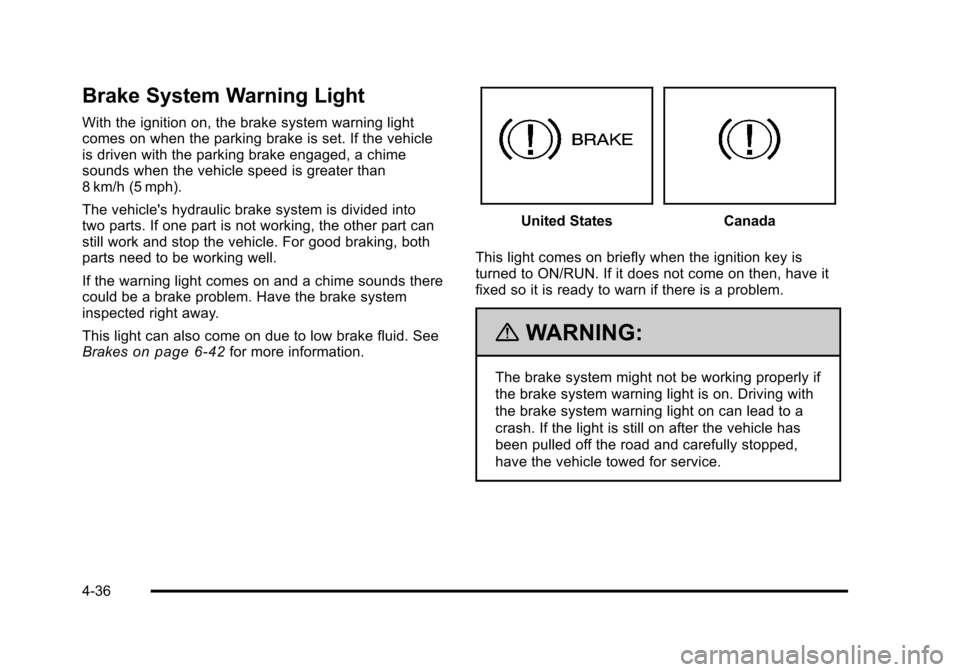
Brake System Warning Light
With the ignition on, the brake system warning light
comes on when the parking brake is set. If the vehicle
is driven with the parking brake engaged, a chime
sounds when the vehicle speed is greater than
8 km/h (5 mph).
The vehicle's hydraulic brake system is divided into
two parts. If one part is not working, the other part can
still work and stop the vehicle. For good braking, both
parts need to be working well.
If the warning light comes on and a chime sounds there
could be a brake problem. Have the brake system
inspected right away.
This light can also come on due to low brake fluid. See
Brakes
on page 6‑42for more information.
United StatesCanada
This light comes on briefly when the ignition key is
turned to ON/RUN. If it does not come on then, have it
fixed so it is ready to warn if there is a problem.
{WARNING:
The brake system might not be working properly if
the brake system warning light is on. Driving with
the brake system warning light on can lead to a
crash. If the light is still on after the vehicle has
been pulled off the road and carefully stopped,
have the vehicle towed for service.
4-36
Page 255 of 608
If the light comes on while driving, pull off the road and
stop carefully. The pedal might be harder to push or
might go closer to the floor. It can take longer to stop.
If the light is still on, have the vehicle towed for service.
SeeTowing Your Vehicle on page 5‑40.
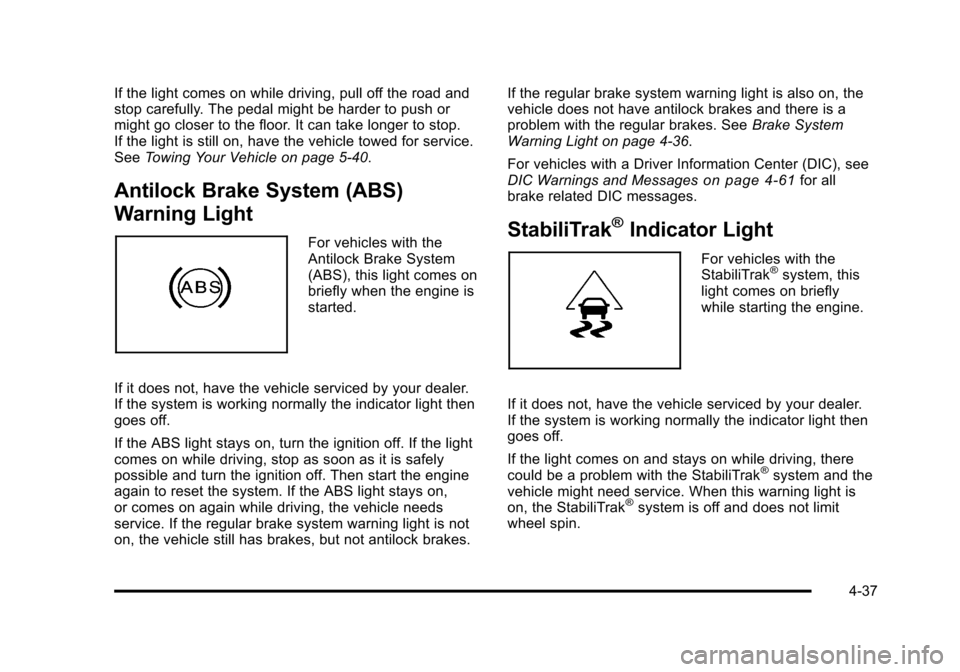
Antilock Brake System (ABS)
Warning Light
For vehicles with the
Antilock Brake System
(ABS), this light comes on
briefly when the engine is
started.
If it does not, have the vehicle serviced by your dealer.
If the system is working normally the indicator light then
goes off.
If the ABS light stays on, turn the ignition off. If the light
comes on while driving, stop as soon as it is safely
possible and turn the ignition off. Then start the engine
again to reset the system. If the ABS light stays on,
or comes on again while driving, the vehicle needs
service. If the regular brake system warning light is not
on, the vehicle still has brakes, but not antilock brakes. If the regular brake system warning light is also on, the
vehicle does not have antilock brakes and there is a
problem with the regular brakes. See
Brake System
Warning Light on page 4‑36.
For vehicles with a Driver Information Center (DIC), see
DIC Warnings and Messages
on page 4‑61for all
brake related DIC messages.
StabiliTrak®Indicator Light
For vehicles with the
StabiliTrak®system, this
light comes on briefly
while starting the engine.
If it does not, have the vehicle serviced by your dealer.
If the system is working normally the indicator light then
goes off.
If the light comes on and stays on while driving, there
could be a problem with the StabiliTrak
®system and the
vehicle might need service. When this warning light is
on, the StabiliTrak
®system is off and does not limit
wheel spin.
4-37
Page 257 of 608
When the Light is On Steady
This indicates that one or more of the tires is
significantly underinflated.
A tire pressure message in the Driver Information
Center (DIC), can accompany the light. SeeDriver
Information Center (DIC)
on page 4‑47for more
information. Stop and check the tires as soon as it is
safe to do so. If underinflated, inflate to the proper
pressure. See Inflation - Tire Pressure
on page 6‑72for more information.
When the Light Flashes First and Then is
On Steady
This indicates that there may be a problem with the
Tire Pressure Monitor System. The light flashes for
about a minute and stays on steady for the remainder
of the ignition cycle. This sequence repeats with every
ignition cycle. See Tire Pressure Monitor Operation
on
page 6‑74for more information.
Malfunction Indicator Lamp
Check Engine Light
A computer system called OBD II (On-Board
Diagnostics-Second Generation) monitors operation
of the fuel, ignition, and emission control systems.
It ensures that emissions are at acceptable levels for
the life of the vehicle, helping to produce a cleaner
environment.
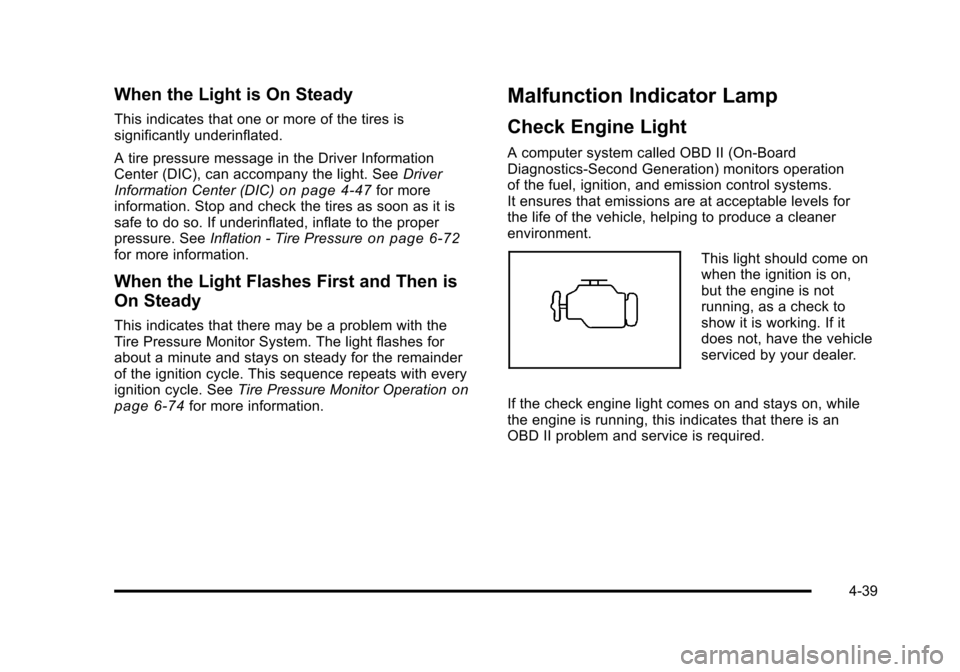
This light should come on
when the ignition is on,
but the engine is not
running, as a check to
show it is working. If it
does not, have the vehicle
serviced by your dealer.
If the check engine light comes on and stays on, while
the engine is running, this indicates that there is an
OBD II problem and service is required.
4-39
Page 260 of 608
Emissions Inspection and Maintenance
Programs
Some state/provincial and local governments may have
programs to inspect the on-vehicle emission control
equipment For the inspection, the emission system test
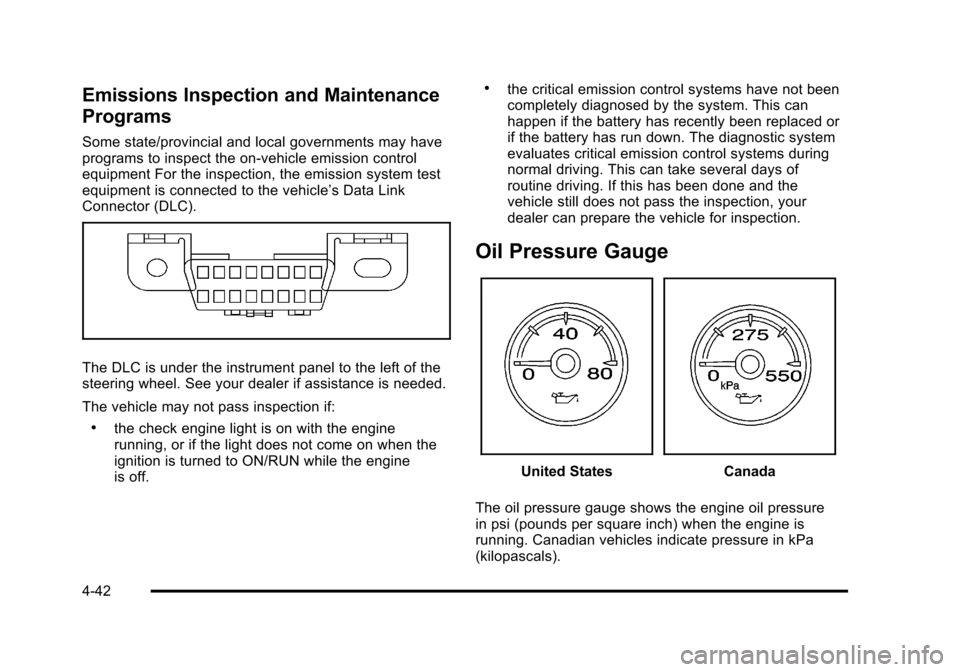
equipment is connected to the vehicle’s Data Link
Connector (DLC).
The DLC is under the instrument panel to the left of the
steering wheel. See your dealer if assistance is needed.
The vehicle may not pass inspection if:
.the check engine light is on with the engine
running, or if the light does not come on when the
ignition is turned to ON/RUN while the engine
is off.
.the critical emission control systems have not been
completely diagnosed by the system. This can
happen if the battery has recently been replaced or
if the battery has run down. The diagnostic system
evaluates critical emission control systems during
normal driving. This can take several days of
routine driving. If this has been done and the
vehicle still does not pass the inspection, your
dealer can prepare the vehicle for inspection.
Oil Pressure Gauge
United StatesCanada
The oil pressure gauge shows the engine oil pressure
in psi (pounds per square inch) when the engine is
running. Canadian vehicles indicate pressure in kPa
(kilopascals).
4-42
Page 263 of 608
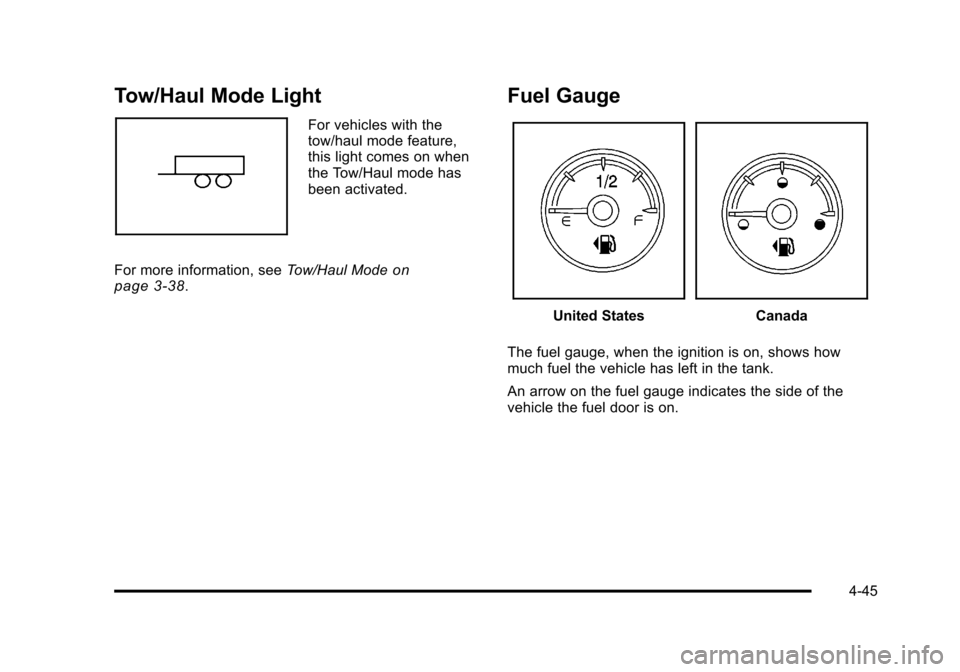
Tow/Haul Mode Light
For vehicles with the
tow/haul mode feature,
this light comes on when
the Tow/Haul mode has
been activated.
For more information, see Tow/Haul Mode
on
page 3‑38.
Fuel Gauge
United StatesCanada
The fuel gauge, when the ignition is on, shows how
much fuel the vehicle has left in the tank.
An arrow on the fuel gauge indicates the side of the
vehicle the fuel door is on.
4-45
Page 264 of 608
The gauge first indicates empty before the vehicle is out
of fuel, and the vehicle's fuel tank should be filled soon.
When the fuel tank is low, the FUEL LEVEL LOW
message appears in the Driver Information Center
(DIC). SeeDIC Warnings and Messages
on page 4‑61for more information.
Here are some situations owners may experience with
the fuel gauge. None of these indicate a problem with
the fuel gauge.
.At the gas station, the fuel pump shuts off before
the gauge reads full.
.It takes a little more or less fuel to fill up than the
fuel gauge indicated. For example, the gauge may
have indicated the tank was half full, but it actually
took a little more or less than half the tank's
capacity to fill the tank.
.The gauge goes back to empty when the ignition is
turned off.
For vehicles with a Two-mode Hybrid, see the
Two-mode Hybrid manual for more information.
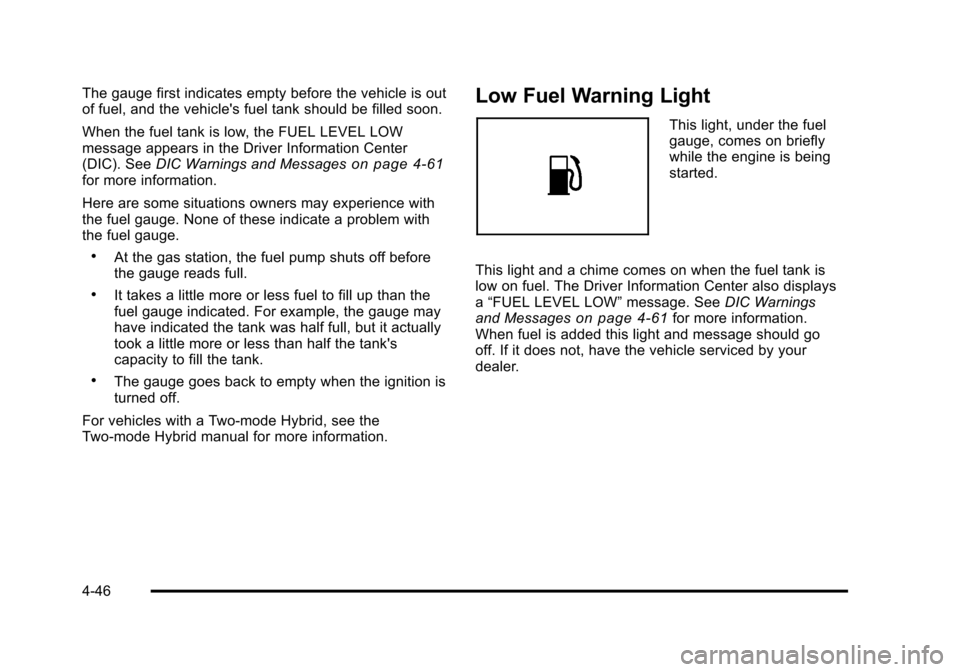
Low Fuel Warning Light
This light, under the fuel
gauge, comes on briefly
while the engine is being
started.
This light and a chime comes on when the fuel tank is
low on fuel. The Driver Information Center also displays
a “FUEL LEVEL LOW” message. SeeDIC Warnings
and Messages
on page 4‑61for more information.
When fuel is added this light and message should go
off. If it does not, have the vehicle serviced by your
dealer.
4-46
Page 265 of 608

Driver Information Center (DIC)
Your vehicle has a Driver Information Center (DIC).
The DIC displays information about your vehicle. It also
displays warning messages if a system problem is
detected.
All messages will appear in the DIC display located
below the tachometer in the instrument panel cluster.
The DIC comes on when the ignition is on. After a short
delay, the DIC will display the information that was last
displayed before the engine was turned off.
If your vehicle has DIC buttons, see“DIC Operation and
Displays (With DIC Buttons)” later in this section and
DIC Vehicle Customization (With DIC Buttons)
on
page 4‑71for the displays available.
If your vehicle does not have DIC buttons, see “DIC
Operation and Displays (Without DIC Buttons)” later in
this section for the displays available.
DIC Operation and Displays (With
DIC Buttons)
If your vehicle has DIC buttons, the information below
explains the operation of this system.
The DIC has different displays which can be accessed
by pressing the DIC buttons located on the instrument
panel, next to the steering wheel.
The DIC displays trip, fuel, and vehicle system
information, and warning messages if a system problem
is detected.
The DIC also allows some features to be customized.
See DIC Vehicle Customization (With DIC Buttons)
on
page 4‑71for more information.
If the vehicle has DIC buttons, you can also use the trip
odometer reset stem to view some of the DIC displays.
See “Trip Odometer Reset Stem Menu Items” later in
this section.
4-47
Page 267 of 608

Trip Odometer
Press the trip/fuel button until TRIP displays. This
display shows the current distance traveled in either
miles (mi) or kilometers (km) since the last reset for the
trip odometer. Pressing the trip odometer reset stem will
also display the trip odometer.
The trip odometer can be reset to zero by pressing the
set/reset button while the trip odometer is displayed.
You can also reset the trip odometer while it is
displayed by pressing and holding the trip odometer
reset stem.
The trip odometer has a feature called the retro-active
reset. This can be used to set the trip odometer to the
number of miles (kilometers) driven since the ignition
was last turned on. This can be used if the trip
odometer is not reset at the beginning of the trip.
To use the retro-active reset feature, press and hold
the set/reset button for at least four seconds. The trip
odometer will display the number of miles (mi) or
kilometers (km) driven since the ignition was last turned
on and the vehicle was moving. Once the vehicle
begins moving, the trip odometer will accumulate
mileage. For example, if the vehicle was driven
5 miles (8 km) before it is started again, and then the
retro-active reset feature is activated, the display will
show 5 miles (8 km). As the vehicle begins moving, the
display will then increase to 5.1 miles (8.2 km), 5.2 miles
(8.4 km), etc.
Fuel Range
Press the trip/fuel button until FUEL RANGE displays.
This display shows the approximate number of
remaining miles (mi) or kilometers (km) the vehicle can
be driven without refueling. The display will show LOW
if the fuel level is low.
The fuel range estimate is based on an average of the
vehicle's fuel economy over recent driving history and
the amount of fuel remaining in the fuel tank. This
estimate will change if driving conditions change. For
example, if driving in traffic and making frequent stops,
this display may read one number, but if the vehicle is
driven on a freeway, the number may change even
though the same amount of fuel is in the fuel tank. This
is because different driving conditions produce different
fuel economies. Generally, freeway driving produces
better fuel economy than city driving. Fuel range cannot
be reset.
Average Economy
Press the trip/fuel button until AVG ECONOMY
displays. This display shows the approximate average
miles per gallon (mpg) or liters per 100 kilometers
(L/100 km). This number is calculated based on the
number of mpg (L/100 km) recorded since the last time
this menu item was reset. To reset AVG ECONOMY,
press and hold the set/reset button.
4-49